I know this topic has been covered before but I just cannot figure it out. I have a fairly substantial but basic Blocs website and I am not an expert in classes etc. Is there a way (or a bloc to purchase) which would allow one image to change to another on hover?
I know there is a complex way to do this (although I cannot get it to work) and there are ways to add text to the image etc, but I need a simple way to do this task. Can anyone help?
Unfortunately this is a basic thing that you could not create in blocs unless you pay for an external bric or have the knowledge to do it. There are a few brics you can purchase but I don’t see in the preview that allow you to replace an image by another. Just text.
I suggest you to do it manually, you could use custom interactions or just basic classes. If you give me some time I could create a basic project for you
You can inspect how it’s made. The clases applied and you will understand how it’s supposed to work so you can replicate when you want.
Basically there is a container with 2 stacked images (same size), when you hover the front image (lower in the layer tree) it sets the opacity to 0 showing the bottom image. When you roll out, it’s back to 1 covering the back image
May I suggest a more creative remix? Transparency with a double zoom, in and out, applied to the two images. I also added the blur on the fading image, I like it but you can remove it
I can’t seem to get this to work on my website. I have tried opening the project you included and copy-paste into my website but it is not doing anything. The images/containers seem to have the classes intact, not sure what I am doing wrong.
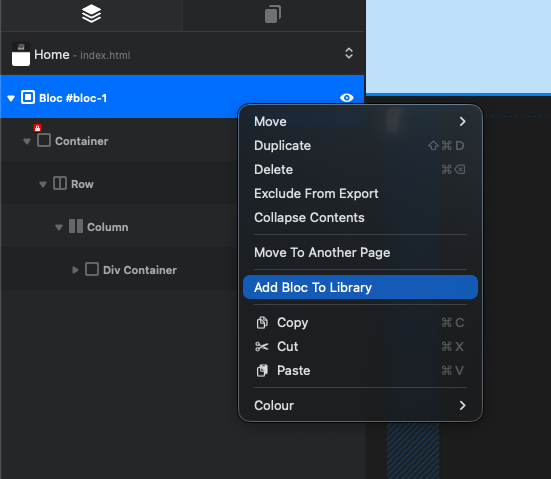
You can create a bloc with this presets and add to your library so you can access from every project and maintain the classes applied. (right click on the bloc and add bloc to library)