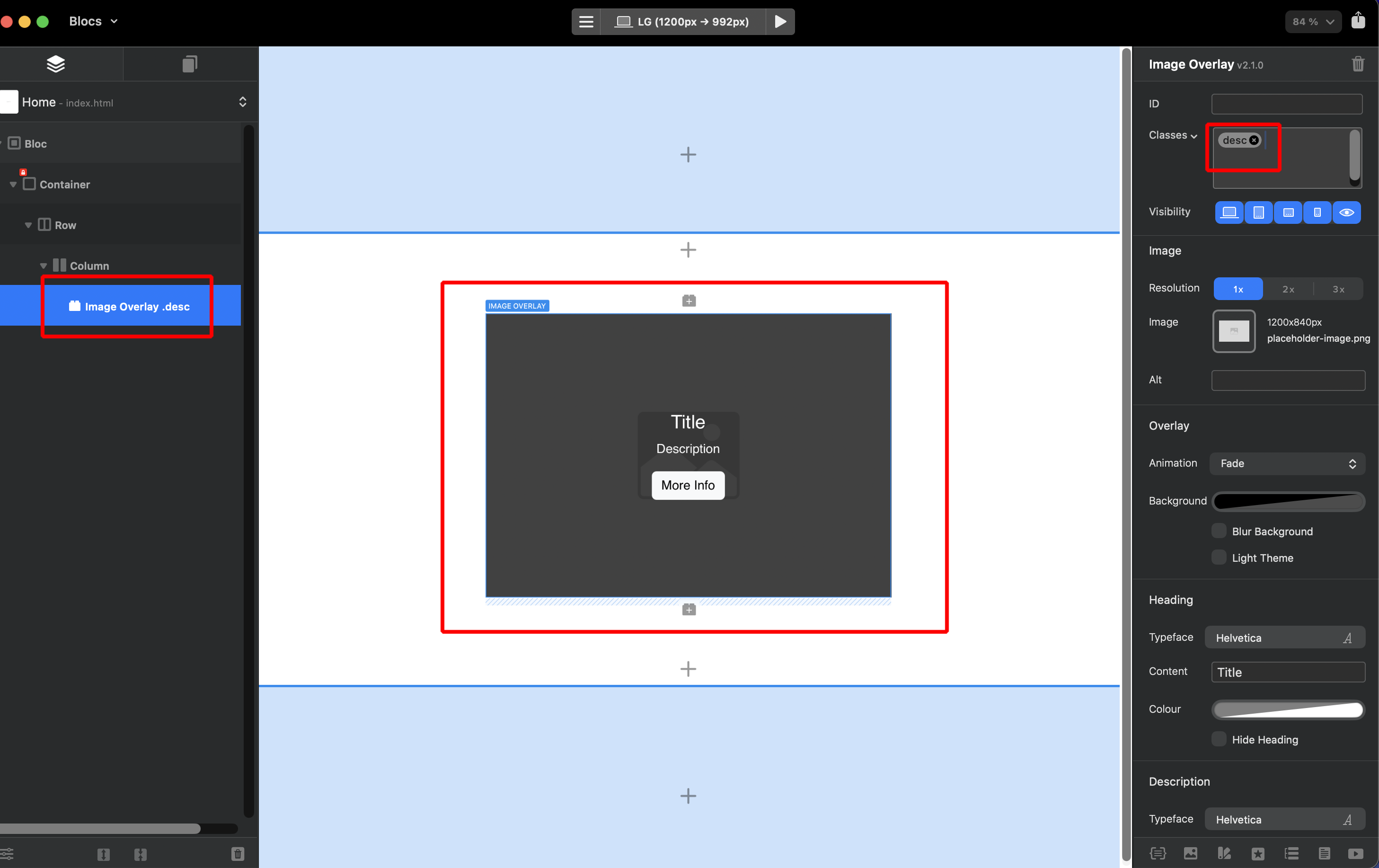
First time using this Bric I purchased a few weeks ago. The only problem I am having so far is with the Description text field. I am using that field to paste in a short Bio for an employee. It works fine on desktop width, but on iPad and iPhone it crops off the top/bottom of the paragraph? Is there a way I can reduce the font size/line spacing for the Description field for smaller screens?
The amount of text in the smaller screens also causes the Button field to vanish as there is no room for it to display.
I was hoping that the content would scale down automatically to fit, but I guess not?