Hi,
I use the Image Overlay Bric. I have set a Global Font and Font Color. When I change the Text Color in the Overlay Bric it doesn’t work. The Global settings overwrite the color. Is there a class that I can use to set it to important ?
And is there a class to style the button ?
thanks a lot
tom
Hey Tom,
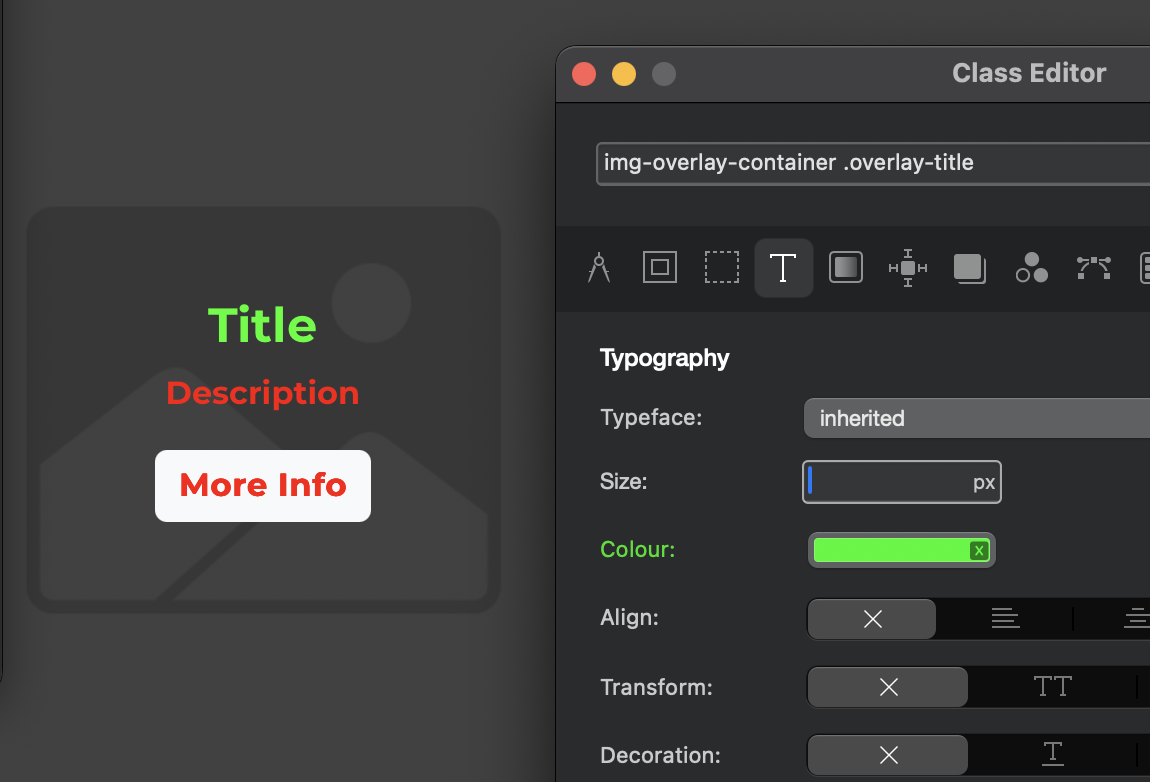
Yes you can use a class to adjust the text colour directly.
Please excuse the colour choices
Use the class .img-overlay-container .overlay-title to adjust the title text style.
.img-overlay-container .overlay-title
And use .img-overlay-container .overlay-desc to adjust the description text.
.img-overlay-container .overlay-desc
I hope this helps.
Hi @Norm
Wonderfull Colour
Works perfect. Thank you. But is there a way to style the button also ?