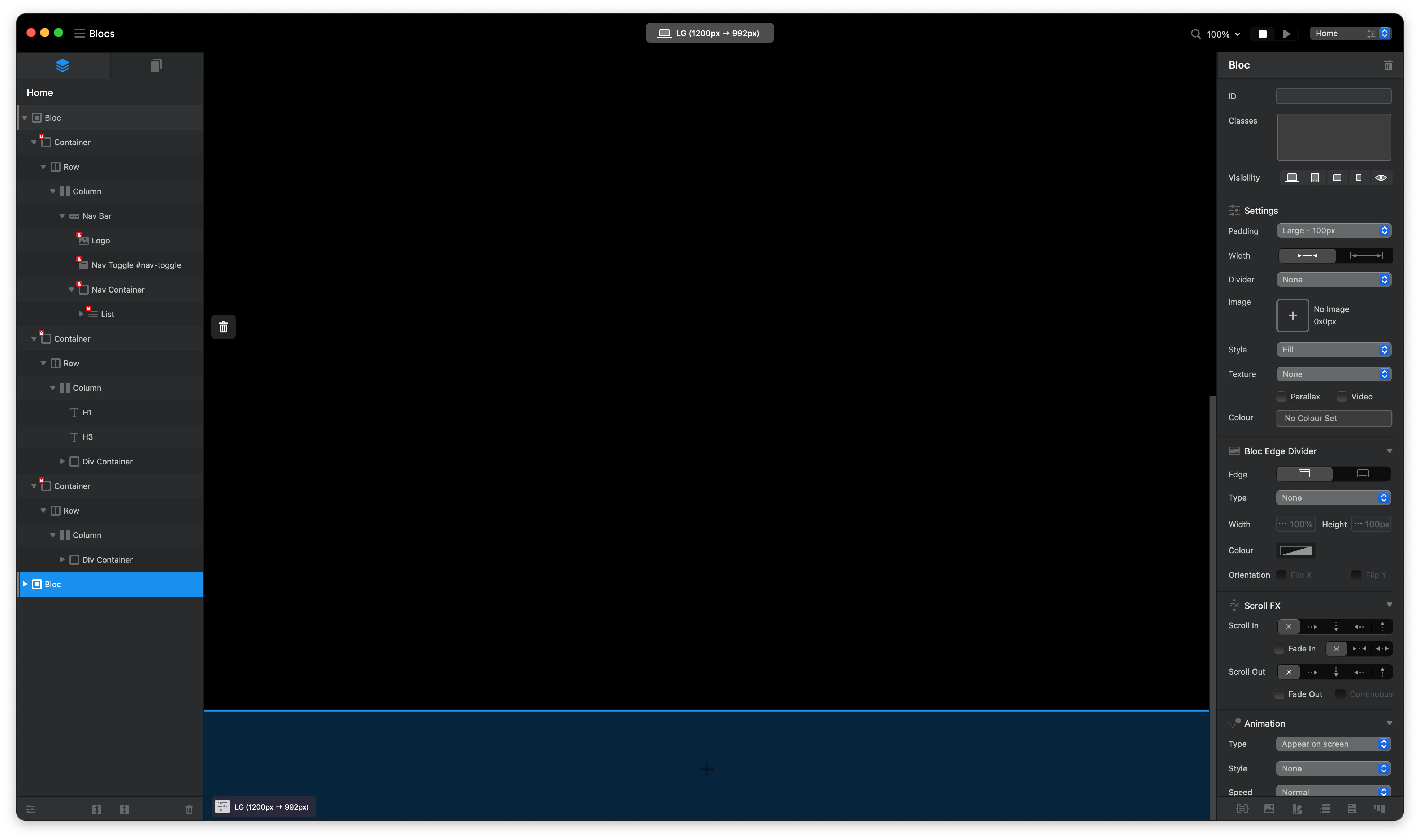
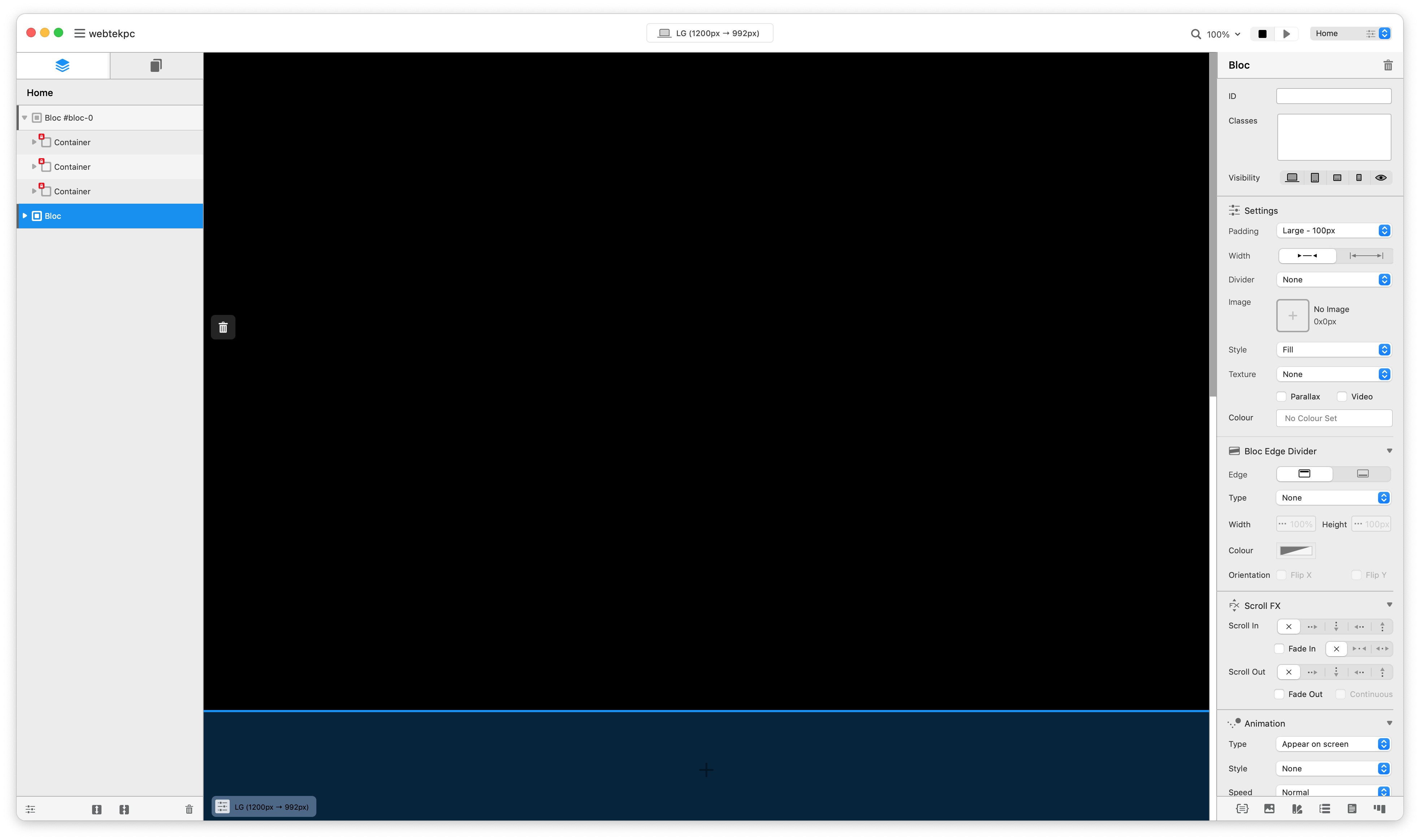
I’m working in a Black theme for a website, and I didn’t experience this before, (my own website is with black background) in V2 / V3, but now I go to project settings, change the color of background to black, and the text color to white, but it is difficult to work as I don’t see canvas, or div, or whatever.
But I couldn’t work in white and then change colors to black as is difficult…
It’s not a bug and it was like this since I can remember. I’m also working on a new website in dark theme, and it’s impossible to see the columns unless I set the black color to something brighter. So, temporary, instead of #000000, I will be using #111111 or something like this.
You could also toggle wireframe mode on and off, this would disable all colours while you create and you can easily toggle them back on, these also have keyboard shortcuts.
Thank you between @Eldar help and @Norm help I think I could work “more or less” nicely in my project. But if possible what you can implement if possible, is when you select dark background colors automatically or manually change the color of the edges from the color is now to a blue or white lines. Just my input.
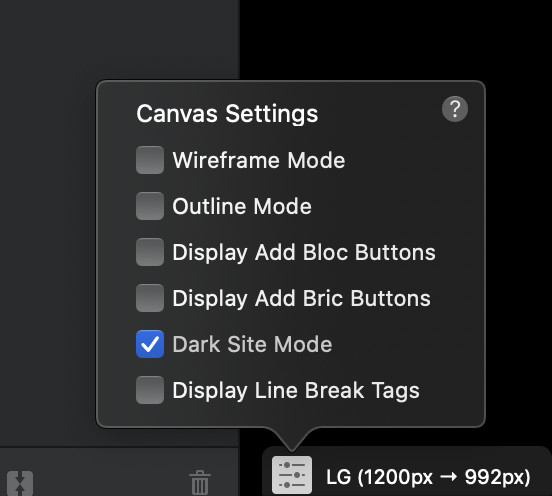
hey @Norm , I have a website I have a lot of work on, and its in a white back ground (as had the issues from this thread) and I change sections to black - so with this tick box bow, If i change the background to BLACK in the middle of the project and tick this box you have created in the new Beta, this will work as normal - basically, it will be safe in the middle of the project?
This checkbox inverts the colour of the + symbols so they can be seen on dark backgrounds, that is all right now. It has no effect on the actual styling of the site, just the Blocs insert UI.
Many years ago I bought a new Ford Escort that had a horrible squeaking sound caused by the seatbelt rubbing on the side of the seats when driven. I reported this to Ford as a fault, however they replied by saying it was standard and they all did this…
Imagine what Blocs would be like if Norm had worked at Ford.