I have created a site in blocs which consists of two pages: Home and Projects.
When I had completed the Home page I created a duplicate of the page to use for Projects.
The issue is that when I update my background image on the Projects page it makes a global change on both the Home and the Projects page… am I missing something. I have looked at the Blocs Master videos and can’t find a solution.
It looks like you have placed the content in the Global Area. Make sure that the page-specific content stays between two blue lines in the dynamic area.
Have you come across this issue where the hamburger menu is stacking the type with no line space? Any ideas on a quick fix most welcome, I’ve tried applying a class to the toggle menu but this doesn’t seem to work, thanks.
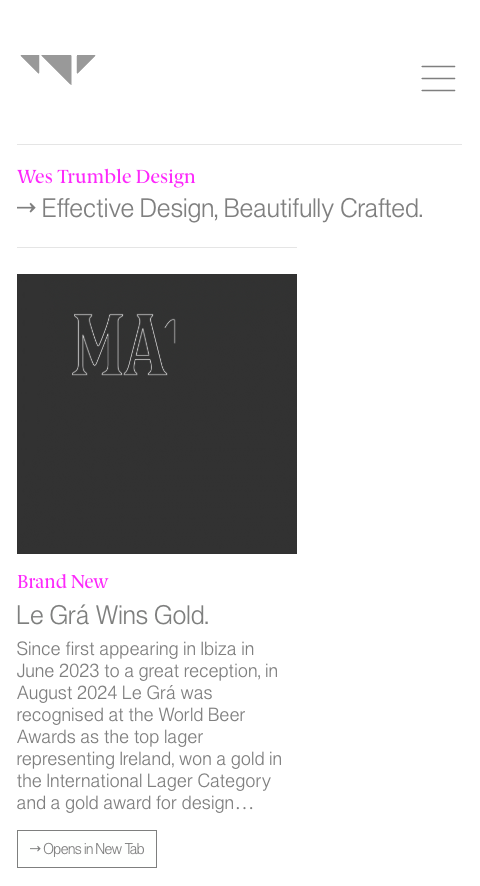
Having an issue with mobile preview when the site goes live. In the blocs app it appears full width. In preview mode it appears full width. However, when I upload the site the content is forced left and not going full width. I have amended the width of type, image, dividers to fill the viewport at 100% but still no joy. Any suggestions welcome, thanks.
I took a look at the project, and the simple fix for the issue you are having is setting the right Column Width settings for all breakpoints. So, go to mobile and make sure to add 12 to Column Width for both columns you have there. Then make sure that the other breakpoints are also correct (4 for the first column and 8 for the second).