Hi,
I’m experiencing an issue with section alignment in BLOCKS.
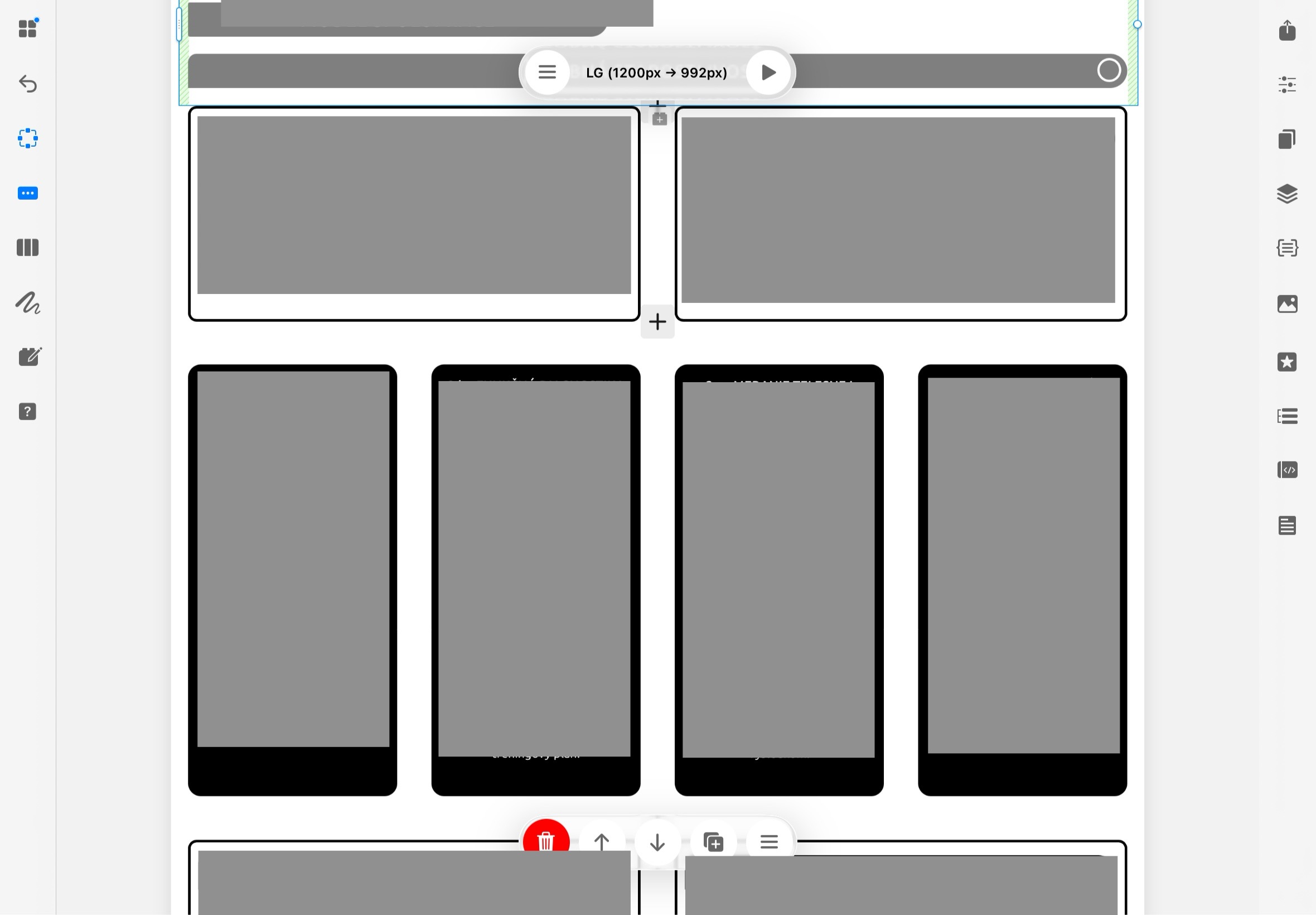
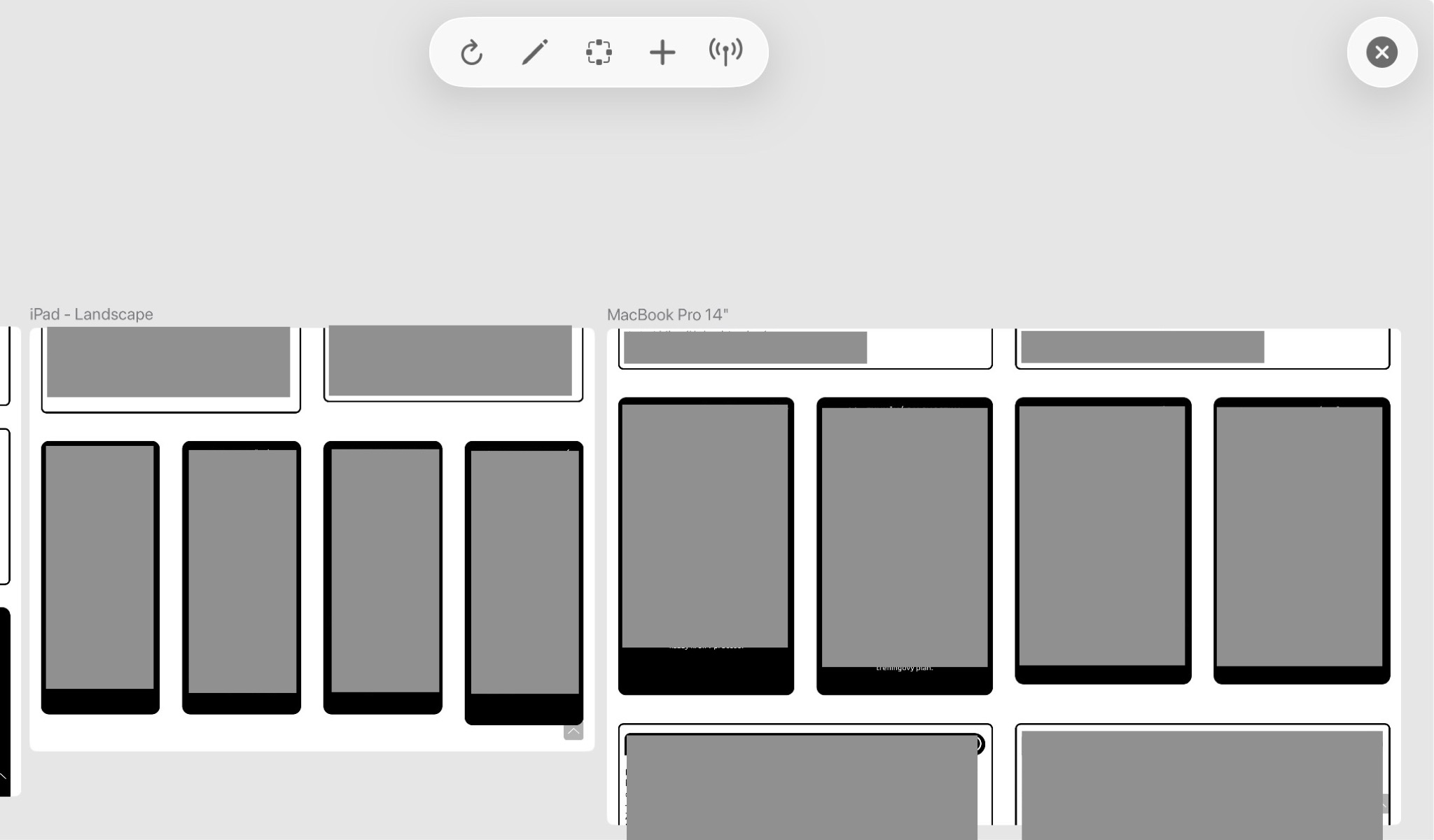
In the editor, the margins and alignment of specific sections appear correct and evenly aligned. However, once I switch to “Preview”, the layout shifts and the sections are no longer aligned as they are in the editor.
So basically, the design looks correct in the editor, but the spacing/margins change in preview mode.
Has anyone experienced inconsistencies between the editor view and preview rendering?
Is there a setting that affects section margins, padding, or responsive behavior differently in preview mode?
I’ve attached screenshots showing:
– how it looks in the editor
– how it looks in preview
Thanks in advance.