Hey everyone, as I mentioned yesterday, we added a secret feature to Blocs for Mac 6.4, which was released last week.
This handy new feature lets you share custom classes using only urls. There are no files, no uploads, no downloads, just simple URL links that you can share anywhere, social media, email, here on the forum.
We call these Magic Classes and we are pretty sure they are going to be very helpful for beginners leaning Blocs and also very popular with the entire community, as sharing them just got unbelievably easy.
Try A Magic Class
If you are using Blocs for Mac 6.4, your version of Blocs already supports Magic Classes. Make sure you have a project open in Blocs 6.4 and click any of the links below:
If you want to create your own Magic Classes, just update to Blocs for Mac 6.4.1, which is now available.
Magic Class Forum Category
Helen and I have discussed the possibility of creating a dedicated forum category for Magic Classes, a place for everyone to share and find them, what do you think?
It is very useful and I am thinking if it can be used for remote assistance, I saw that it is not possible to overwrite the class if it already exists, it would be useful to be able to allow it (with a check: do nothing (the current one) / merge / replace, to overwrite and implement the class from the outside.
This is great and could be enhanced on the blocs store as a list of custom classes from Eldar and other contributors to quickly add special effects, like hover states, nav bar animation, roll over images etc
Just my opinion, but then we’d also need a way to undo it—an “Undo” option in the class settings.
Let’s say I choose a “Magic Class” and I don’t like it or it has side effects. If all of this can be done with a single click, how do I revert to the previous state?
Changes made in the Class Editor currently have no “Undo” option.
So I have to know what I’m changing in order to reset it. Otherwise, I’ll ruin my projects with a single click.

 Helens Gradient Background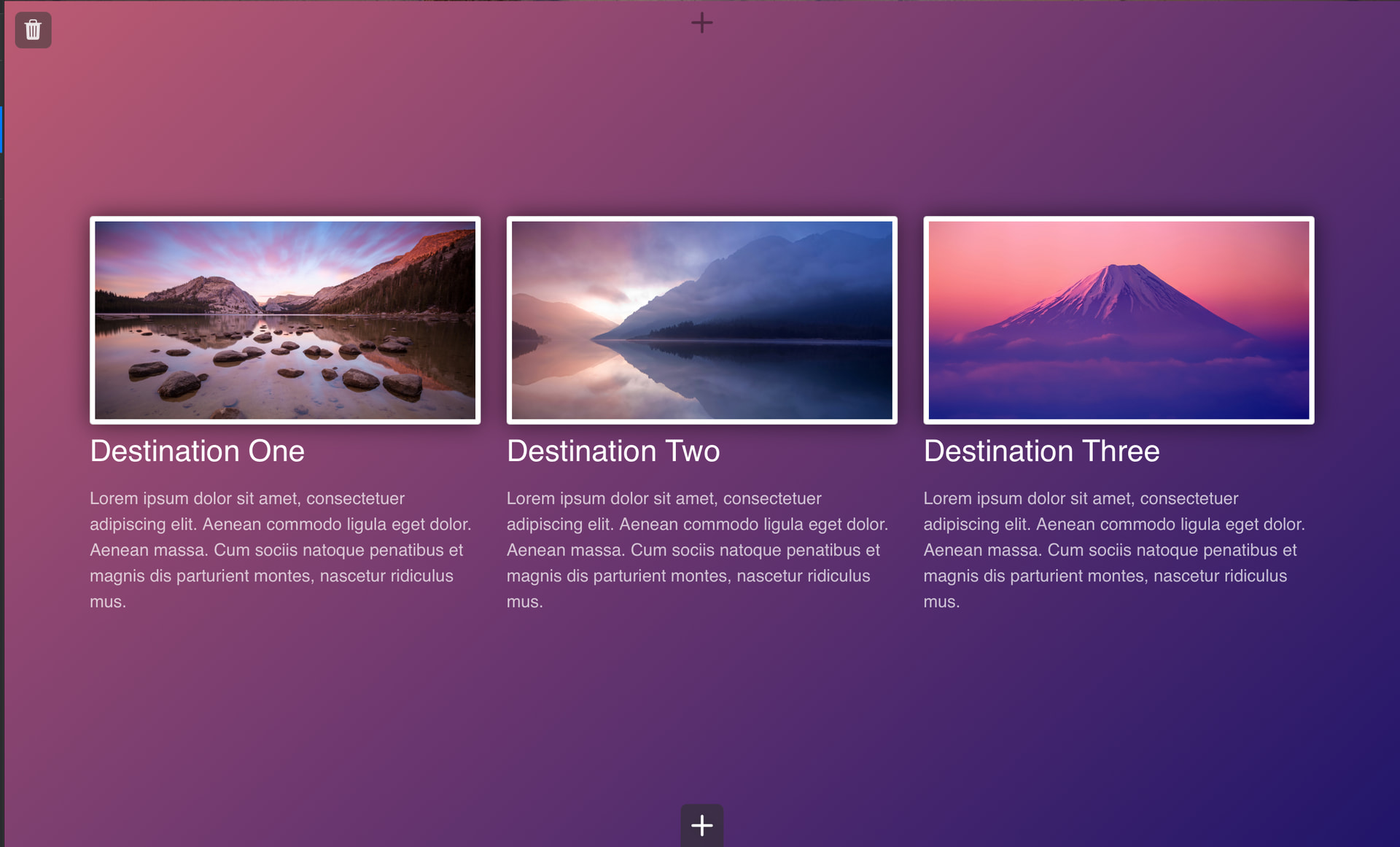
 Norms Glass Card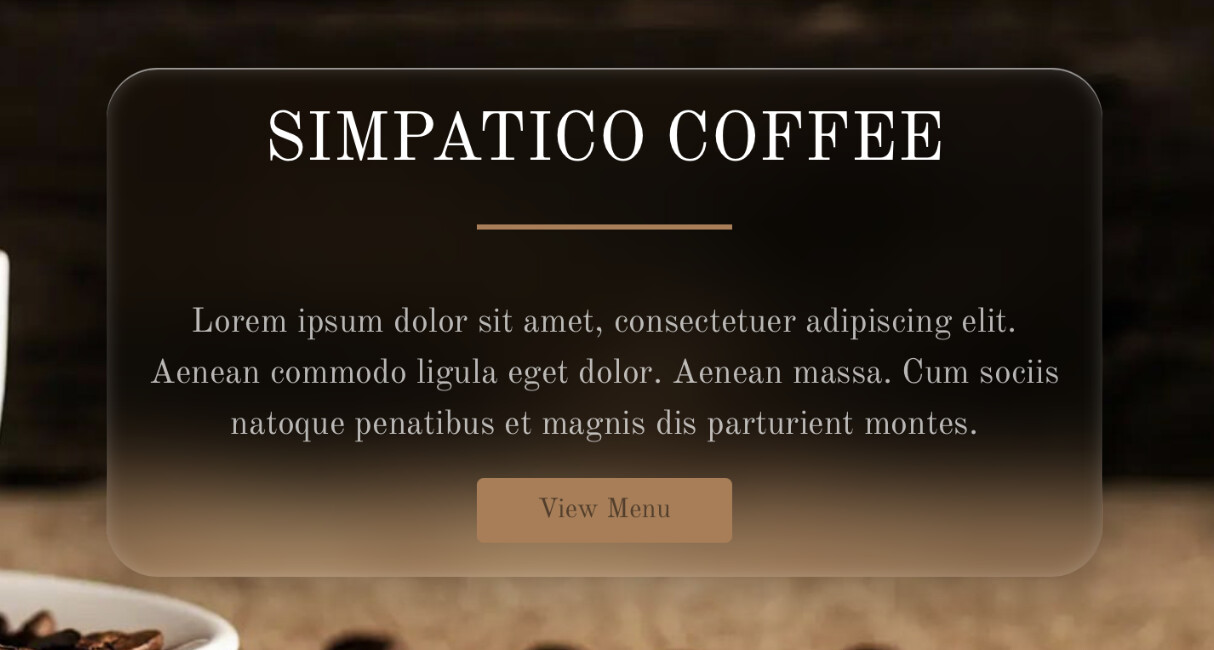
 Evolve Gradient Text