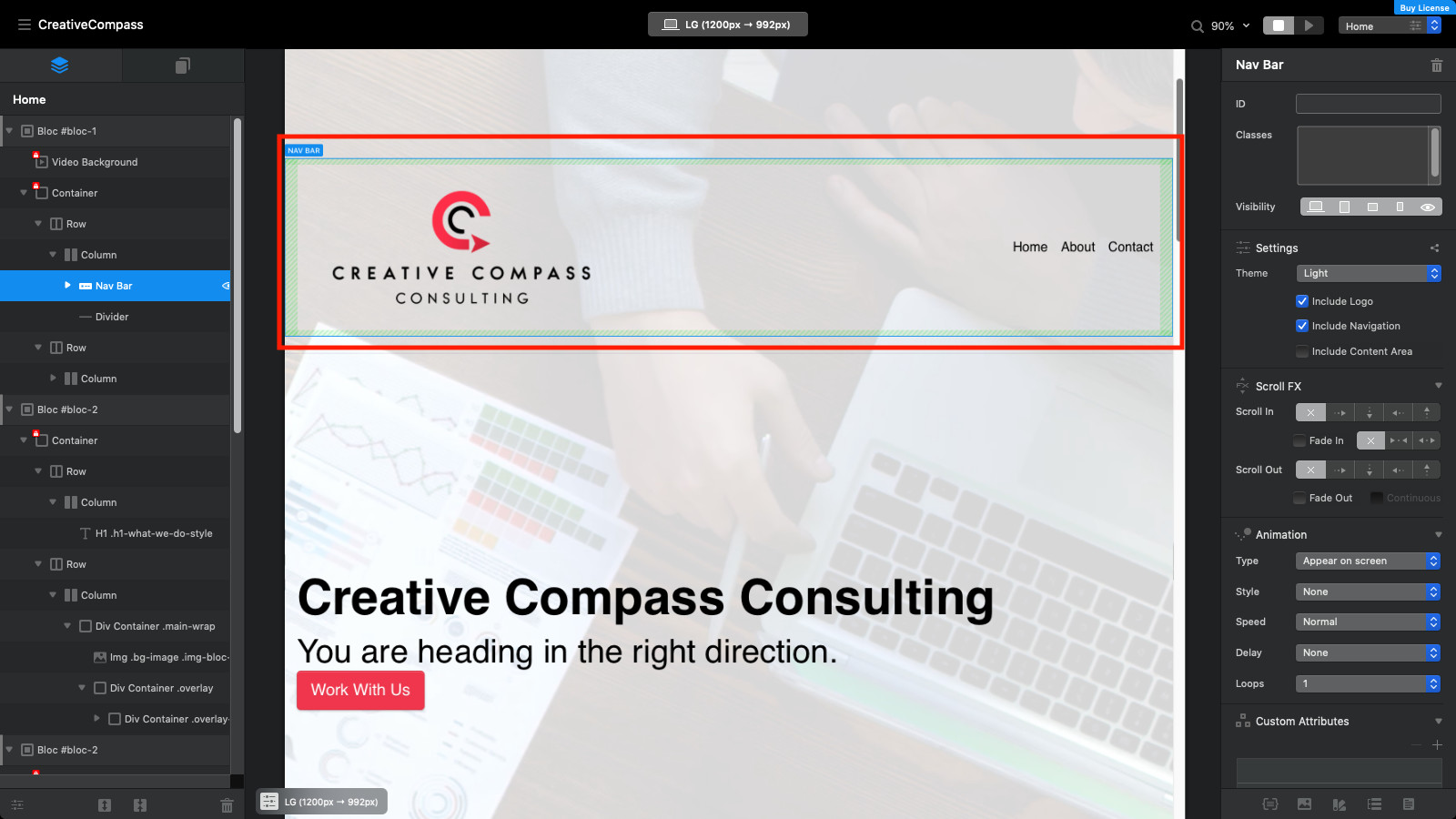
Hello, pretty new to blocs. I am curious to know how to control where different rows and columns are placed within a bloc. I currently have a nav bar and divider highlighted that I want to place towards the top of the screen, but I am not sure how moving aspects of blocs works in general. Would I need something like a div container? Thank you.
From where you have it highlighted in the left column, you can usually (I sometimes have trouble) drag up and down in the list to reposition. Full Blocs can also be rearranged.
Just a heads up. Your navigation seems to be in the dynamic rather than global area for all pages of the site. If this is deliberate - ignore me!
1 Like
The top of the page is GLOBAL AREA (what’s here will be on all pages). Read this: https://help.blocsapp.com/knowledge-base/global-areas/
Here’s the basic user info: https://help.blocsapp.com
1 Like
If you want to simply move a bloc, bric etc… try CMD + OPTION + UP/DOWN . If you want to get an easier hold on selecting rows and columns to e.g., turn on the outline mode using the settings button in the bottom left corner of the edit area.
1 Like