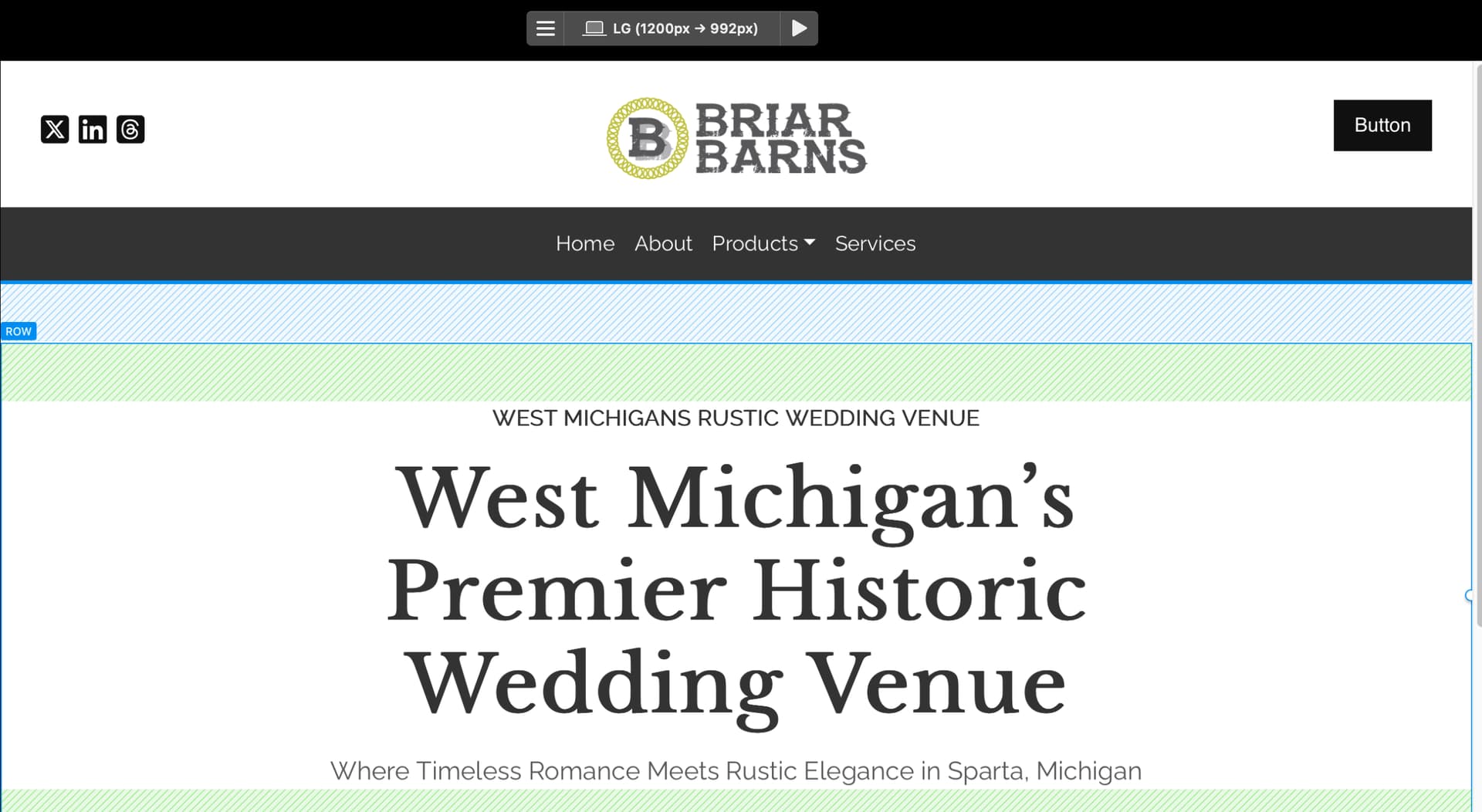
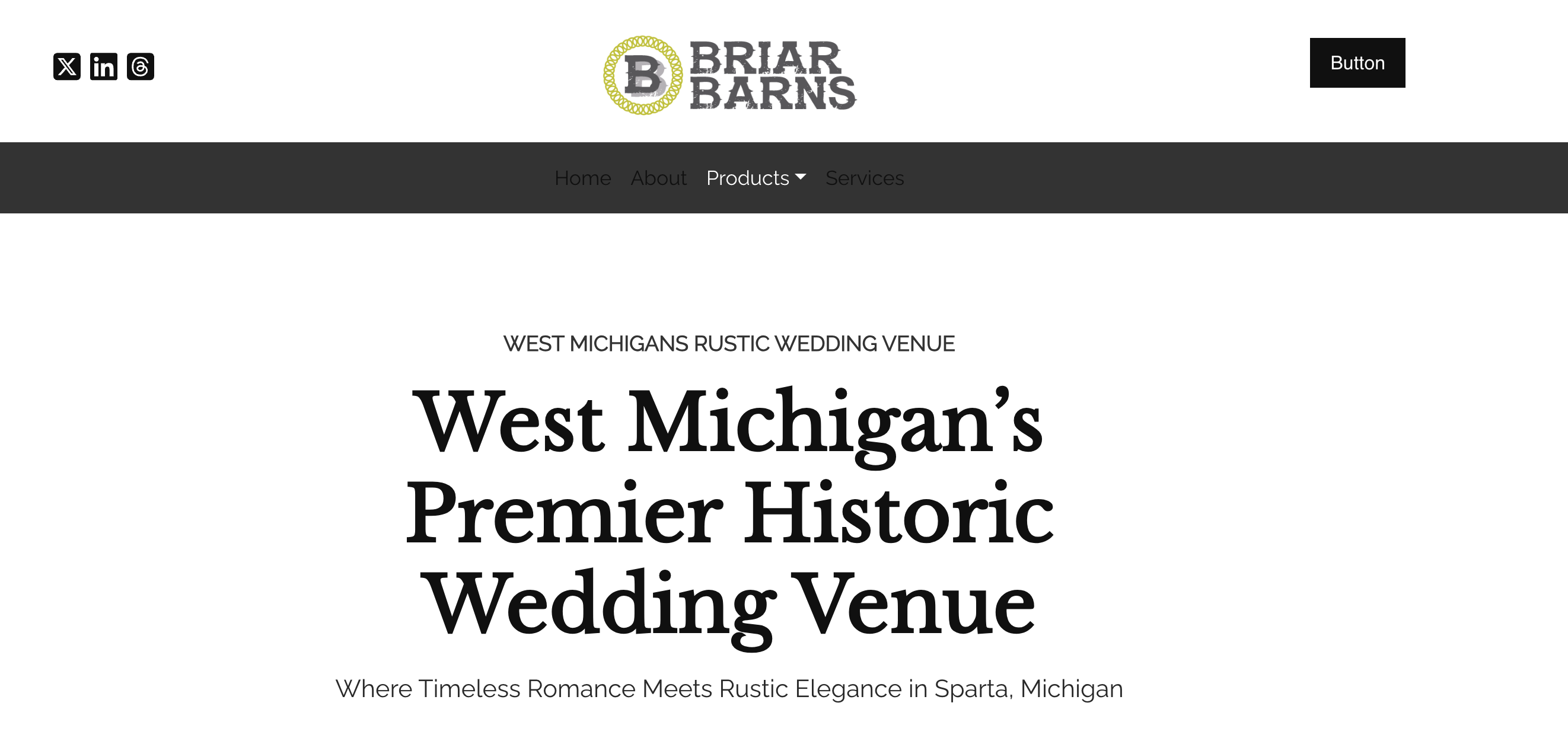
I’m editing the (.navbar-nav li a) class while using the Minimalist 2.7 template. All my nav items appear to change to my desired text color in the editor but when I preview or publish only the dropdown nav item is the color I chose. @Eldar am I doing something wrong?
Hi Arlen,
I would be happy to check what’s wrong here if you could share the project file with me (privately). Get in touch via the Blocs Master support page at Priority Support - Blocs Master or by email.
Cheers,
Eldar
Thanks for sending in the project. If it’s okay, I’ll respond here, as it might be a common issue for other users.
The issue you’re encountering is due to the active link class being applied to the three links you’ve mentioned. All three links are currently linked to the home page. To address this, you can search for the “navbar-nav li a.mini-active” class in the Class Manager. This class is specifically designed for navbar links that are active. By default, it’s set to a dark color, as the navbar block uses the light scheme by default. To change the color of the active page links, simply open the “navbar-nav li a.mini-active” class and modify the color you prefer.
Cheers,
Eldar
2 Likes
Thank you Eldar for the super fast response, this is a brand new project so I haven’t done anything in the menu manager yet. Modifing that class did the trick 
1 Like
Yes, that’s normal behavior. If you do not want the apply the active links class style, you can also open the project settings, and delete the active link class.
Cheers,
Eldar
1 Like