I’m categorizing products for a commercial site, and the list of groups makes no sense at all as it developed.
I see no one has answered this?
I am using Blocs 6, and looking at the documentation , says there is a small “A-Z” at the bottom so you can alphabetize the assets, but there isn’t one?
Not in Blocs 6.1.6, so Norm, I give up!
How does one alphabetize assets in the Asset Manager in Blocs 6?
Rich the Weather Guy
This type of filtering is currently not a feature of Blocs 6. But it is on our roadmap for Blocs 6 
That portion of the Blocs docs is still not updated, we are working our way through the Blocs Knowledge Base. However, so much improved in Blocs 6, it’s a big task refreshing all posts that have changed.
I’ll be sure to get the Asset Manager Post modernized soon.
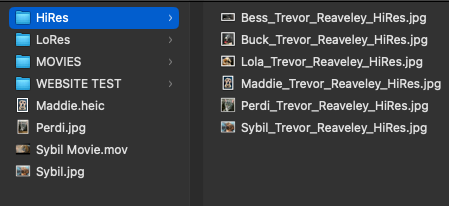
I see you have the option of thumbnail sizes, but would it also be an idea to have a Mac Finder like option of small thumbnail and the file name to the right?
1 Like
Thanks Norm.
I am not especially pleased with ALL the new Asset Manager brings.
I used to be able to size it to help keep it open when I am updating sites, and I use two monitors. Yeah, I know you can hide the list part, maybe I need to get used to doing that.
Also, by mistake I opened the editing window…took me 20 minutes to figure out how to close it!
Finally, something I dislike a lot, let me see if I can explain:
In Blocs 5 when I was changing an image I would click on the old image, find the new one, and click on that. If I was using that same image in another area, once again, I could click on the blank image square and then click on the image I wanted to use, even if it was the same image I just used elsewhere.
Fast forward to Blocs 6:
I click on an image to use, then scroll down the page and here is a place I want to use the same image, I click on the image space, but I CAN NOT click on the image I just used? It seems to be “selected” already, and clicking on it does nothing. Instead, I have to click on another image nearby, and then go back to the image I wanted to use in the first place, and then I am allowed to choose it by clicking on it.
I hope that make s sense…it is very annoying…
I DO like all of the organizational features, by I am new at using B6, so we will see. I DO wish I could re order my assets A-Z from the top down rather than the reverse which is what it is showing.
Thanks for reading…
Rich the Weather Guy
That’s interesting, when I select an image that has no image asset assigned, the selection is reset (no selection in Asset Manager). It sounds like your selection is not being refreshed in the Asset Manager when selecting an placeholder image.
I also testing Blocs backgrounds incase I missed those but they also reset.
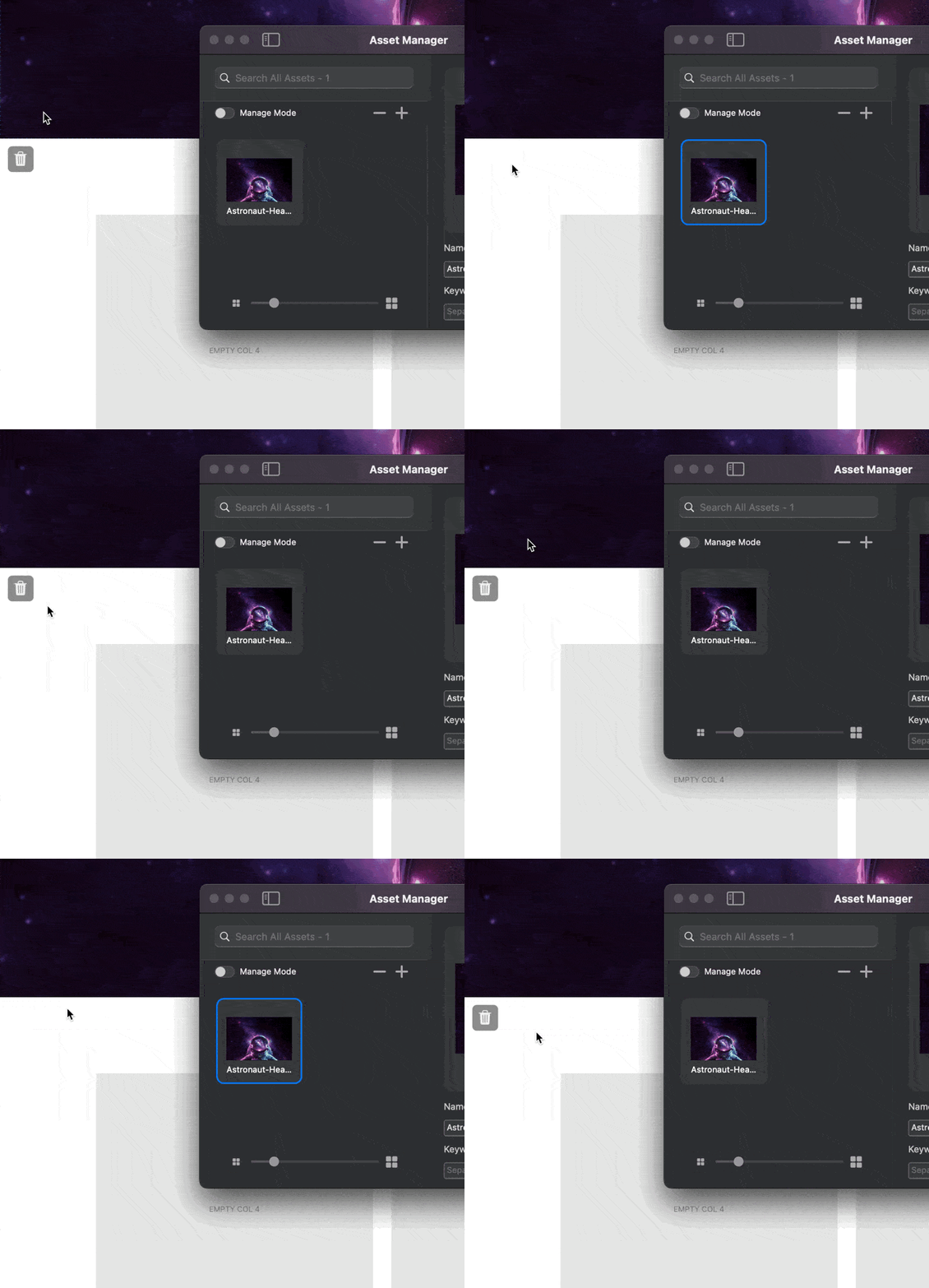
Are you consistently seeing this issue, maybe its a specific use case.
Yes, constantly.
Would be able to share a screen recording? So I can see exactly what is being selected?
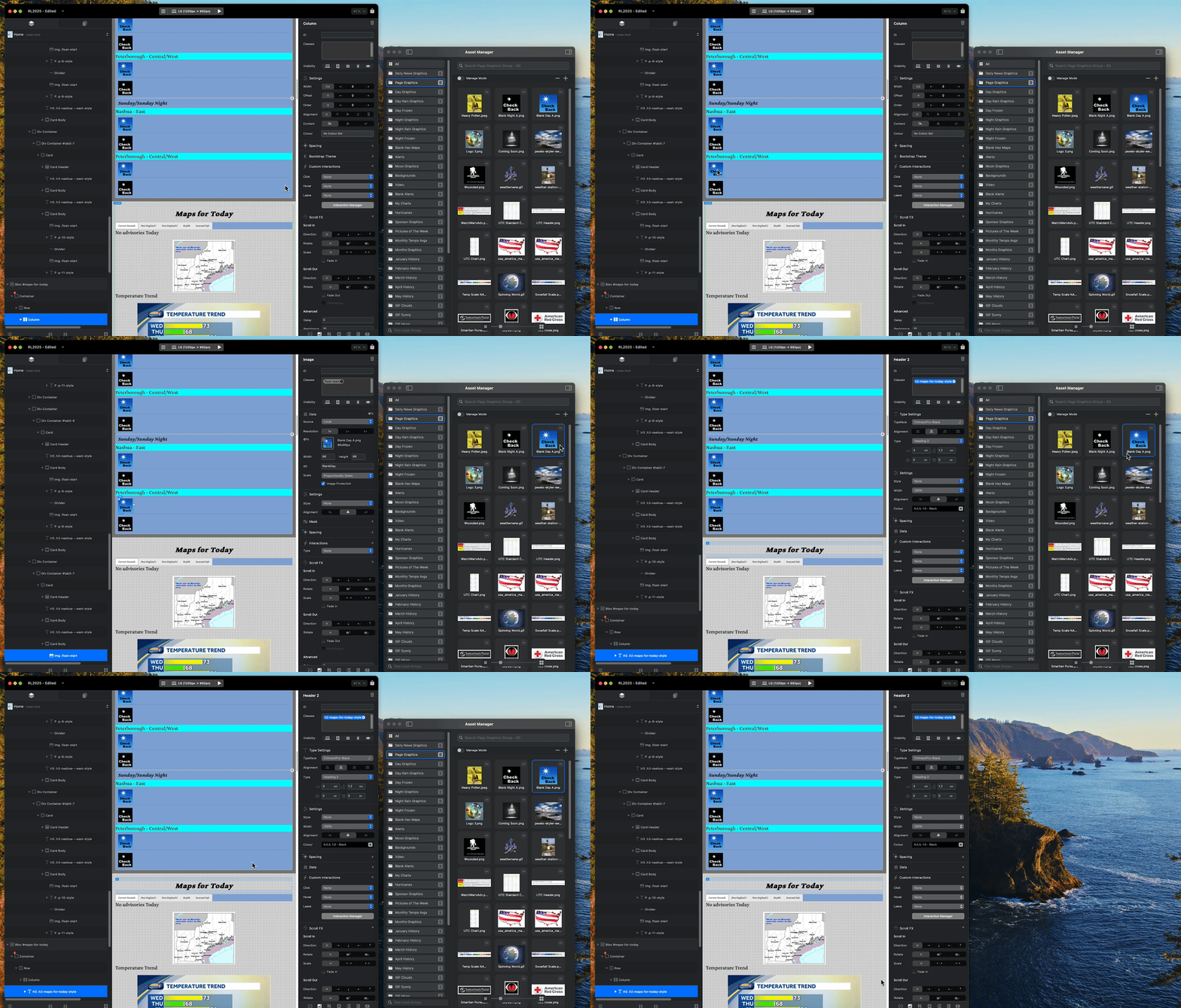
Does this help?
Rich the Weather Guy
Are you selecting text(Maps for Today) in that video? Text Brics don’t support applying a background image that way, they never have (Not intentionally anyway).
Nope. Those are all images…
Rich the Weather Guy
You select the text Bric, you may not be clicking on the actual text but the text Bric is filling the horizontal space and is center aligned.
Check the layer tree (in your gif), you can see it’s a text Bric that is selected when you try and assign the image.
I think you may want to assign the image to the Bloc background. If you select the actual Bloc you can do that.
Will play around with this Norm.
Now I had the exact same set up when my site was in B5, and I never had this issue…FYI?
Rich the Weather Guy
1 Like
I’ll be able to reinstate the function, it’s kind of a side effect. You can set the background image of a Bloc if the currently selected item doesn’t support background images. 
Thank you.
Much appreciated…
Rich the Weather Guy
1 Like
Looking at your video as norm said you are clicking on a H2 text area and I tried this on Blocs 4 (on an older Mac) and get the same as your video.
If I click on an image bric or image I get it working as expected and never known any different…not sure if Blocs 5 acted different, but I would say Blocs 6 is acting as I would expect it too.
Try clicking on other images and you should see it work as per expected - I hope ! lol and the bric and add the image to back ground if you need that.
Good luck 
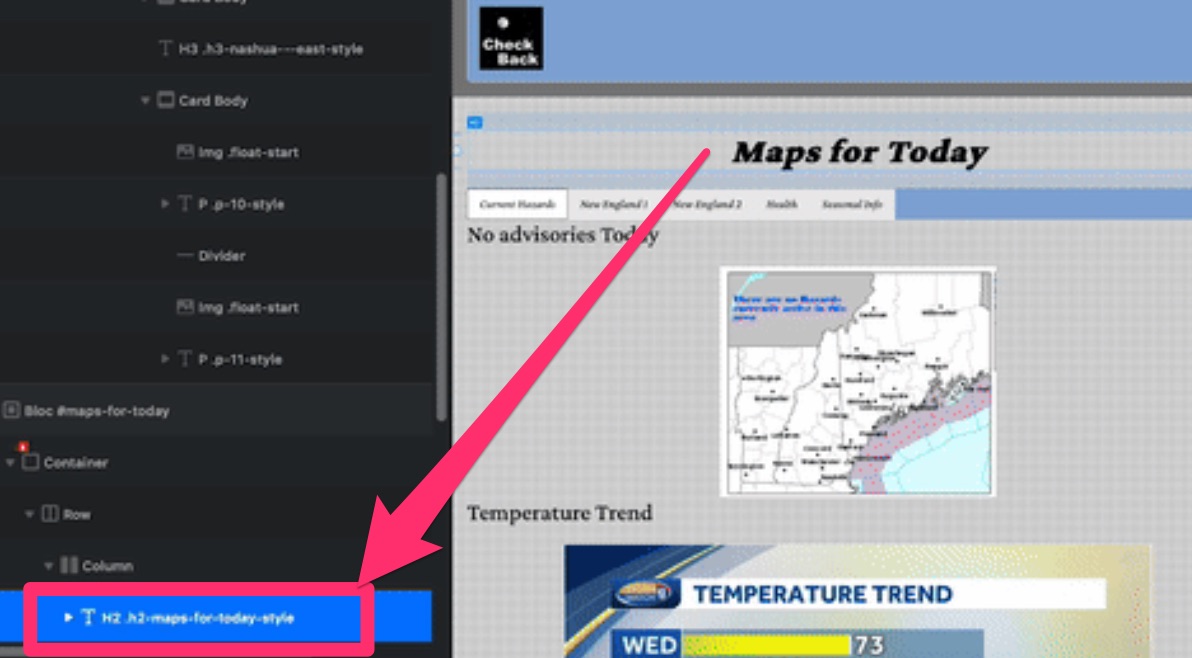
Worked in B5—exact same set up in B6…
Rich the Weather Guy
Yeah, I couldn’t check Blocs 5 as moved away from it now. Just 4 and 6 on machines.
What are you expecting to happen when you click on the text?
Sounds more like a bug introduced in 5 and fixed in 6 if i’m understanding correctly.
Adie:
I am not clicking on “text” I am clicking on an image at the beginning of the line of text.
I expect when I click on that image to change it the asset manager will “release” instead of remaining on the “selected” image.
The way it works now, when I click on that image, it is now selected in the asset manager. So let’s say I want to use that same image in another location. When I click on that next image, the asset manager is locked into the previous selection, rather than clearing it. So I have to click on another image, then go back to the image I wanted to use in the first place.
This is the same set up I had in Blocs 5/Blocs4/Blocs 3, an image at the beginning of a text string, and the asset manager “let go” of any selected graphic, unlike B6.
Rich the Weather Guy