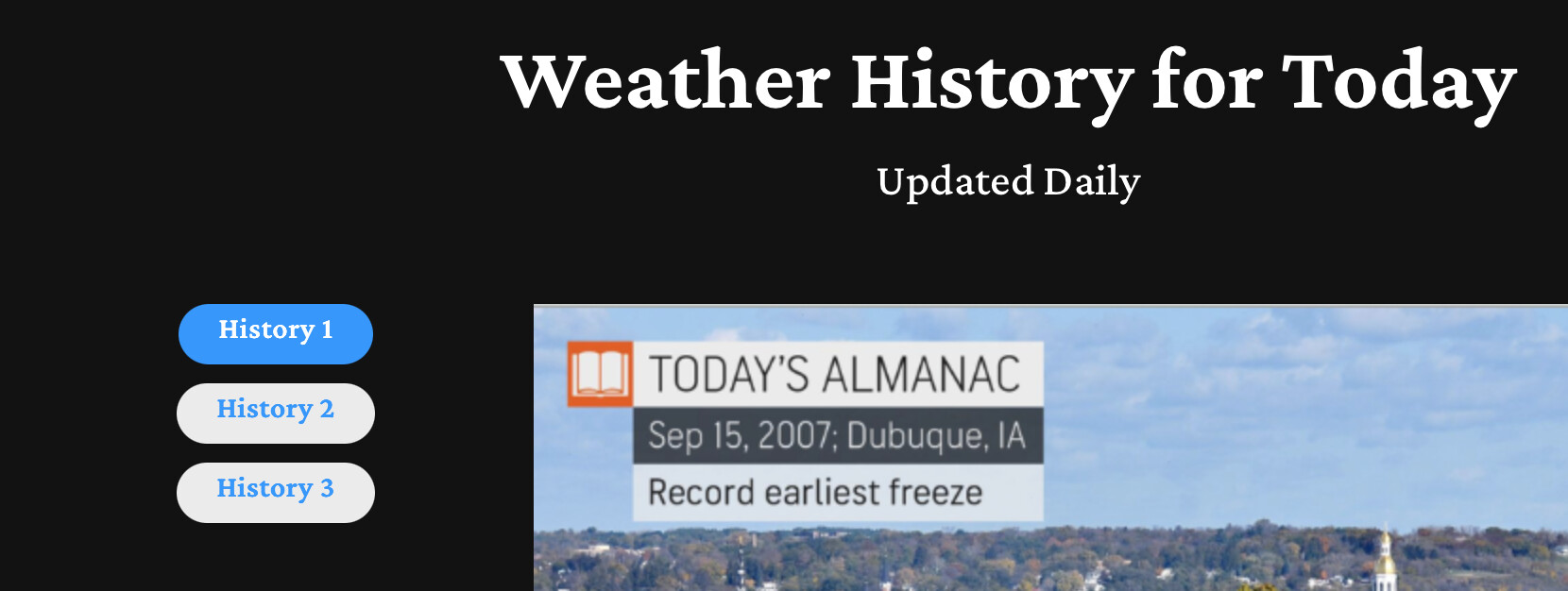
One of the hallmarks (if you will) of TAP was the way it was designed.
Each DIV was a separate item, identified by a naming structure. For ex. 2-4 is for TAP 2 div 4.
Changing content daily in each div is easy, and adding a new div when needed was just as easy, as was subtracting a div. Or simply leaving a blank div that I could “turn on” and add a menu link when needed was not an issue because it does not show on the page.
I hope this is the case with your creation? Perhaps you can explain how the link between the menu item and the item to load is accomplished? (I hope I explained that adequately?)
In TAP I can have my menu on the top or side. I think your video shows this is possible.
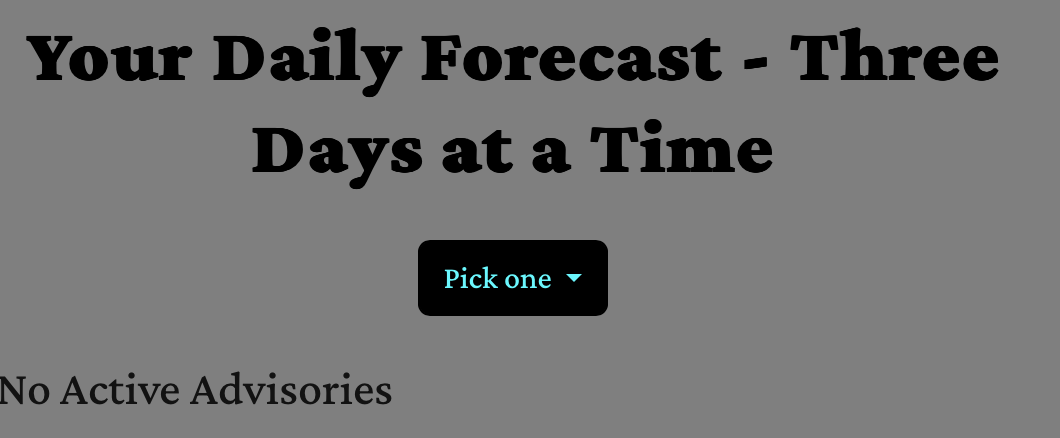
Finally, when the break point becomes small TAP would switch, all by itself, to a drop down menu style. “Pick One” is the default header, but you can change that. I see in your video there is a check box to turn on this feature. Is that how it works in Signal Tab?
Good questions, and yes — that is how Signal Tab works.
The content is not stored inside the tab bar. Each section stays where you build it on the page, as an ordinary Blocs element. You give it an ID, then pick that ID in the tab bar. That is the whole connection.
Because the link is by name and not by position, you can move things around the page afterwards and nothing breaks.
Changing content is just editing that element as usual. Adding one means giving the new section an ID and picking it. Removing one is a single setting.
You can also keep a spare: leave a tab with no ID and it simply does not appear on the published page. Pick an ID the day you want it, and it is live.
Yes, both. One setting switches the bar between horizontal and vertical.
Yes, it switches on its own. It is not a checkbox though, it is a menu with three choices: a dropdown, tabs stacked under each other, or two columns. The dropdown is the default, and you set the width where it flips over.
Signal Tab handles it a little differently from TAP: the dropdown button shows the tab that is currently open rather than a fixed “Pick One” heading, so a visitor always sees where they are. There is a good deal more under the hood as well, but that is easier to show than to describe.
But I think tomorrow I’ll release an update, which improves the loadings, and it will also get a new feature, the animation of the content.