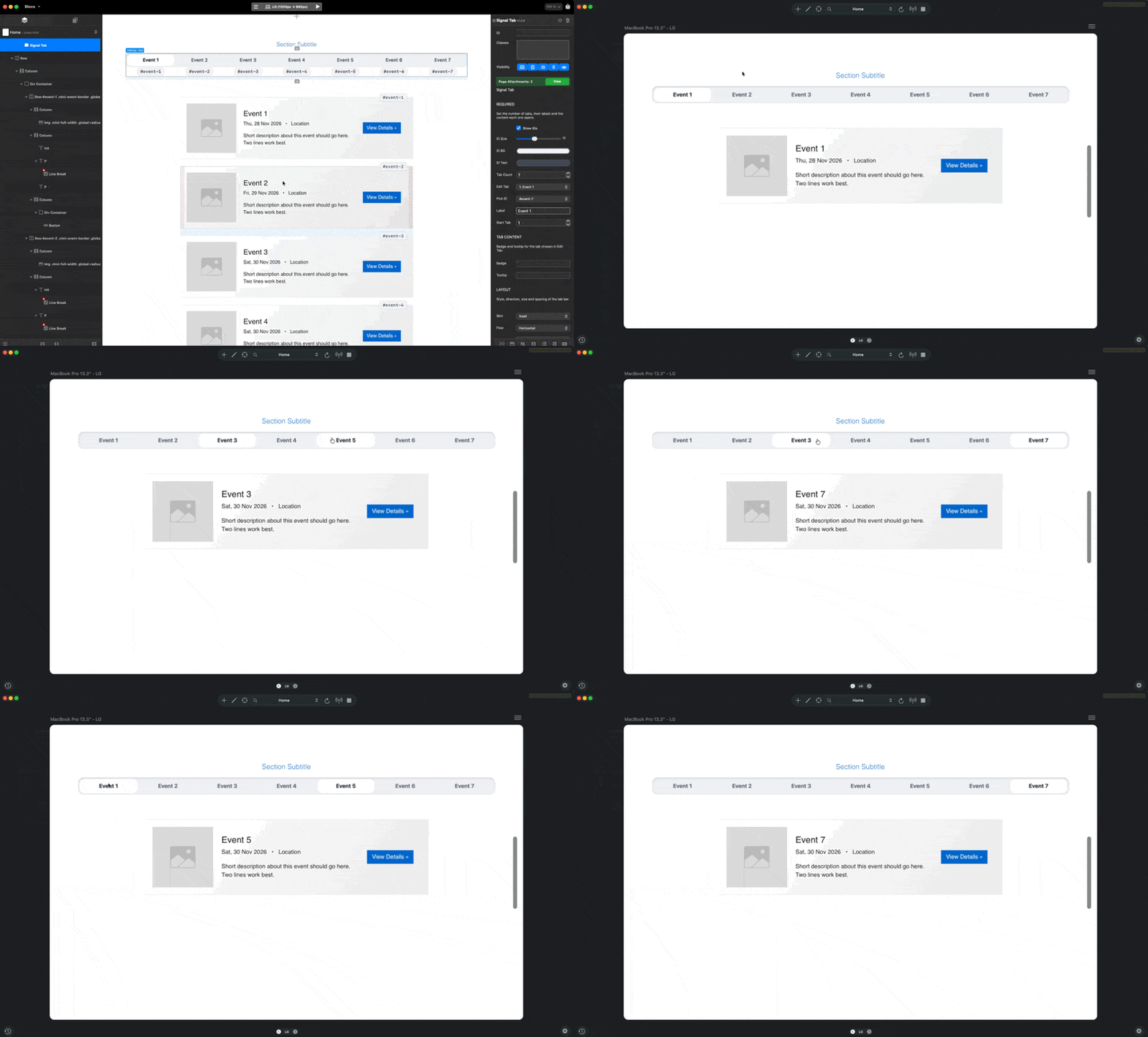
Just released Signal Tab, a tab bar bric for Blocs.
It shows several sections of your page in the same spot, one at a time. Your content never moves into the bric, it stays exactly where you built it as normal Blocs elements. You give each section an ID, point a tab at it, and the bar handles the showing and hiding. Since the pairing is by ID rather than by position, you can move things around the page later without breaking anything.
There are five looks to choose from: a panel that slides along a toned bar, a simple underline, a floating pill, plain text, or a dropdown that replaces the bar at every screen width. Tabs can run horizontally or vertically, up to 40 of them. The look only sets the shape, the colours live in their own fields, so switching looks never wipes your palette. Each tab can carry its own label, icon, badge and tooltip.
When the screen gets narrow the bar can turn into a dropdown, stack the tabs under each other, or lay them out in two columns, at a width you set yourself. The colours stay the same, only the arrangement changes.
Looks like the new TA is here, I see that you could set ID to columns (Tab anything only worked for entire blocs) and this is great. I also support, rows, images or any element?
It looks very customizable, can you edit the transition or you have to animate each element and that animation will apply later?
Thank you @Eldar , I tried to cover and put in every function, so that its use would be as simple as possible, but it would contain as good features as possible.
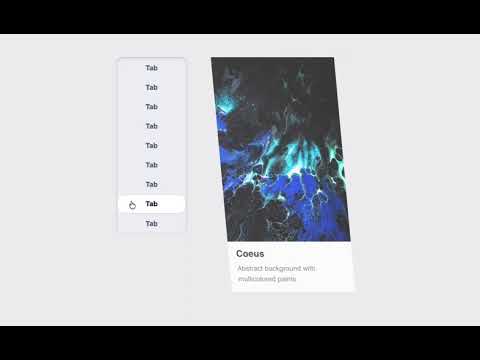
In the next update (soon), the content can also be given an animation, of course only optional, here are a few samples from it. The time, the direction, and even more things will also be able to be adjusted.


 Your Brics are some of the best available.