Hello Blocs Brics Fans,
A proper carousel Bric has been one of the most requested things on this forum for as long as we’ve been reading it. VeLora is the answer, and it’s the biggest Bric we’ve ever built.
The idea is simple  . Every slide is an empty container. Drop in a heading, an image, a button, a form, or a whole nested layout. The sidebar decides how it moves. No Swiper config, no GSAP timeline, no code.
What that gets you on a live site:
-
A full screen hero that plays like a title sequence
-
A gallery or product range where images fill the slide, cropped or contained
-
Testimonials and case studies as cards, with the inactive ones shrunk and dimmed
-
Images arriving one after another as the visitor scrolls to the carousel, and leaving again as they scroll past
-
A heading split into words, characters or lines and staggered in
Building that by hand in Swiper and GSAP is days of work. VeLora does it from the Blocs sidebar  .
.
What’s in the box:
-
4 modes: Content Slider, Image Gallery, Card Carousel and Full Screen Hero. Gallery fills each slide with the image. Card adds radius, shadow, inactive scale and opacity. Hero locks to the viewport.
-
7 transitions: Slide, Fade, Cube, Coverflow, Flip, Cards, and GSAP Custom, which animates the content inside each slide instead of the slide itself.
-
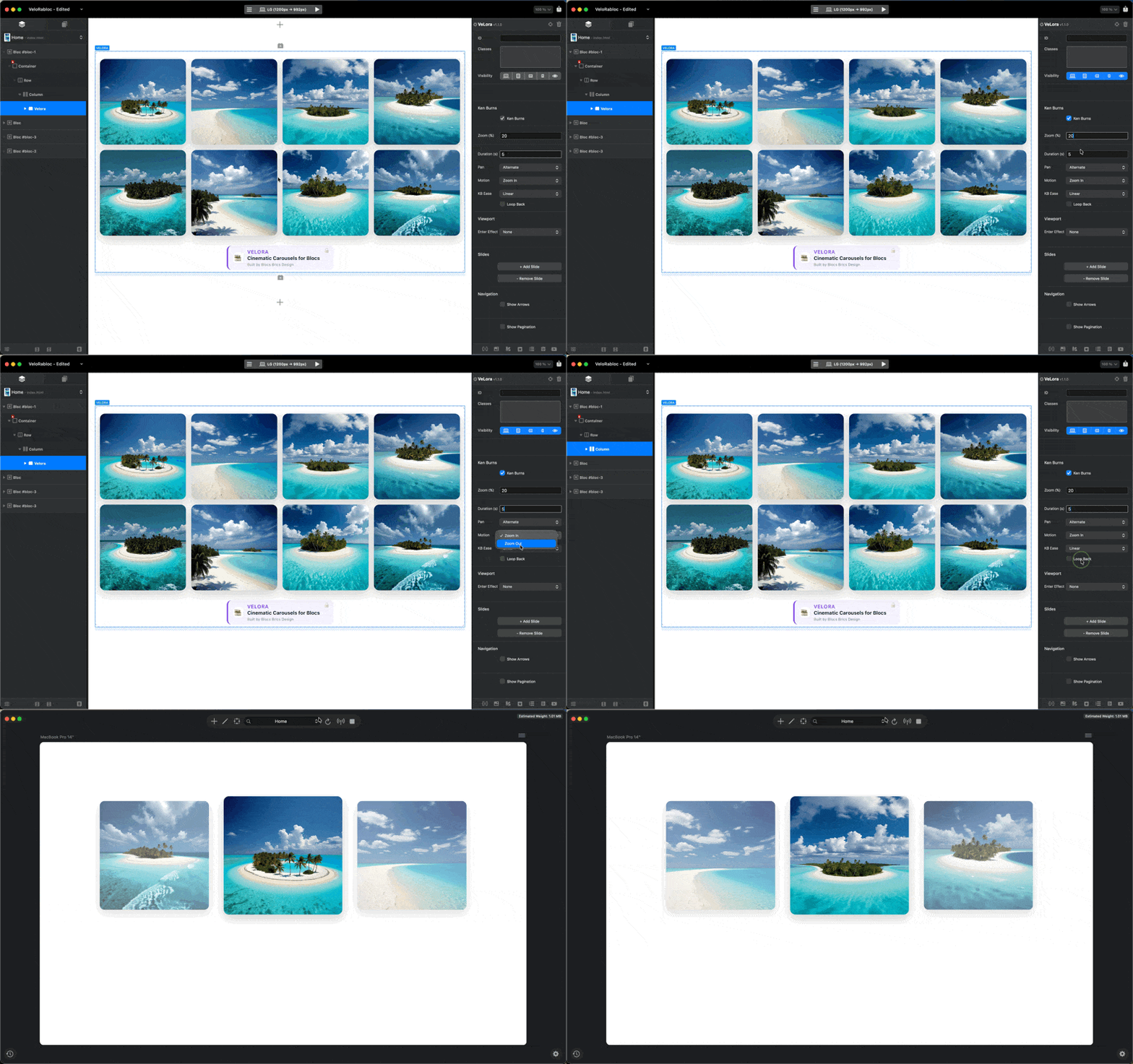
Three layers of motion, tuned separately: the slide moving, the content inside it moving, and the carousel arriving on screen. Each has its own duration, ease and distance.
-
6 one click content animations, or build your own: 6 targets (down to words, characters or lines) by 9 motions in and 9 out.
-
Viewport layer: enter and exit effects, per slide with a stagger or as one block.
-
6 arrow styles including your own SVG, 4 pagination types, autoplay with its own progress bar, keyboard and mousewheel, and separate slides per view for mobile, tablet and desktop.
-
84 settings in 12 sidebar sections. Each section only shows what applies to your setup.
The dropdowns and switches alone multiply out to more than 50.000 combinations  . Realistically you’ll change five or six things and it’ll look considered. The depth is there when you want it.
It respects Reduce Motion automatically, works on Bootstrap 4 and 5, bundles Swiper and GSAP so nothing loads from a CDN, and runs on any static host. Add unlimited independent carousels per page.
Launch offer, limited time
VeLora is $49. For launch it is $35, one time, lifetime use, no subscription. Free updates through the Blocs updater, and support from the person who built it.
And get MarkMe for FREE 
MarkMe is bundled in, FREE, for the same $35. It’s a second Bric that puts the European Commission’s  official AI content labels on an image, a video or a whole carousel.
Three official labels, four official colour variations, six placements, optional text beside the icon, and screen reader text that follows the label you pick. It’s drawn into the page as inline SVG, so there’s no script, no image file and no request to anyone’s server. The icons are voluntary and don’t make a site AI Act compliant on their own, but if you’re opening a page with a generated hero image, this is how you say so. MarkMe is a $15 Bric and it isn’t sold on its own, so the launch bundle is the only way to get it  .
.
The launch price can end without notice. If you’ve been waiting for this Bric, this is the moment.
Documentation & Download
We strongly suggest you to read full the manual prior purchasing. You will be blown away of the endless possibilities it has! Read the VeLora Manual  here.
here.
You can get VeLora from the Blocs Store : Get VeLora
 ,
, very useful.
 .
.