NEW RELEASE: Offcanvas Helper v2 🚀

Hi Rich,

Yeah it seems something changed with the icons. I will need to update all the bric icons. It is only cosmetic though.

I dont know why that happens with the brics, I haven’t had that issue on my end with the trial of 6. Something with the migration maybe?

So you just needed to remove the bric, and then re-add it for it to be found correctly in Blocs?

1 Like

@WeatherguyNH and @SENEK have you guys had any issues with the Offcanvas Blocs, or it was just the Bric?

I will try this as well


Rich the Weather Guy

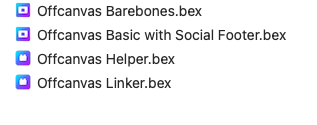
I went and deleted my installation of “Off Canvas” items, of which, I could find these two


Off3

Quit Blocs, re-launched the app, reinstalled these


Off4

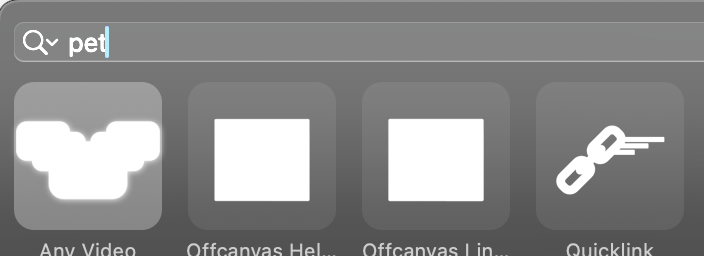
Opened a project, and once again, could only find these by searching


Clicked on OFH and it did install the bric.

Rich the Weather Guy

Off3

@norm will have to take a look here. I am sure he has copies of these, if he doesn’t I will send him some.

1 Like

I see you pushed an update.
After installing that, all of these bric do appear in the insert extension menu.
However, they look like this


CleanShot 2025-01-12 at 17.34.16

Screenshot 2025-01-12 at 5.33.55 PM

Any

Rich the Weather Guy

No I haven’t updated them yet.

exactly the unique one which was problematic was OFFCANVAS HELPER
it said “installed” but no folder at all
from extension manager: delete and reinstall after
no problem after this action
right now I can use it

to resume
from my side @PeteSharp only cosmetic
everything looks to work perfectly :+1:

but as @WeatherguyNH

BRICS:
icons don’t appear but works perfectly

BLOCS:
icons OK and works perfectly

hope it can help


1 Like

Thank you @senek

1 Like

Hi Pete. With blocs 6 and off canvas helper I could not get this tutorial working. I started a fresh project and it did not work. So you know.

I also had reinstall everything.

Hi @BAM

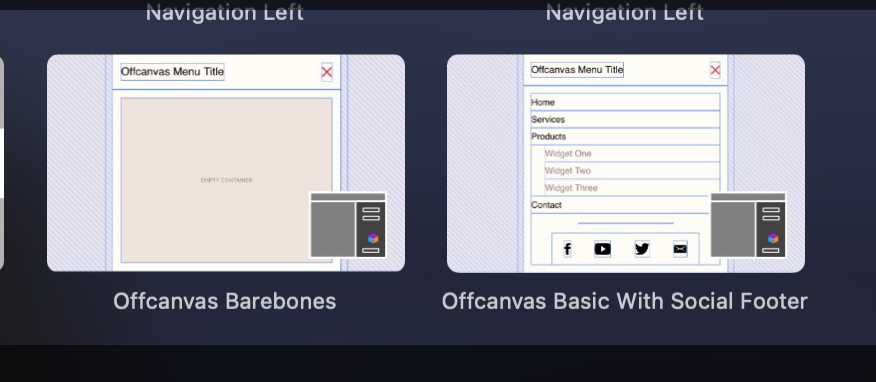
If you are using Offcanvas Helper 2, there were some changes to allow for multiple Offcanvas’ in a project. So we included a bric called Offcanvas Linker, that allows you to link any offcanvas to any link or element. This made it way more flexible,

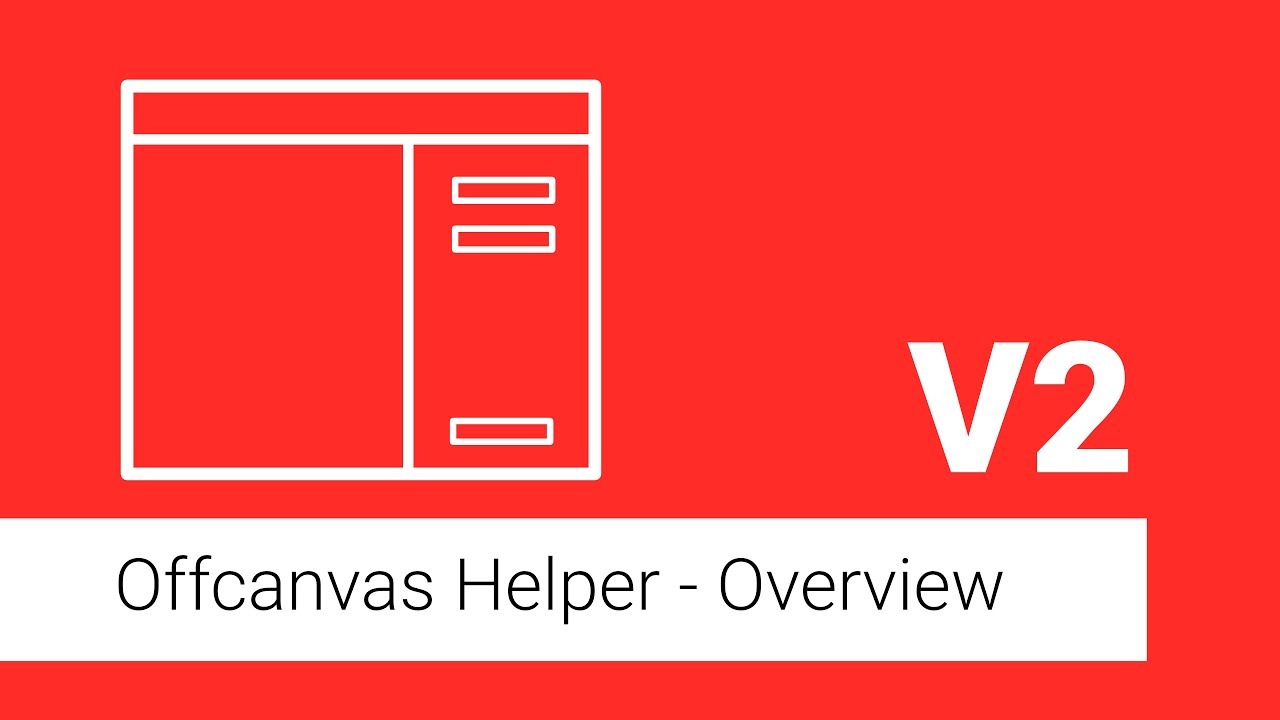
The OH2 overview video covers it.

2 Likes

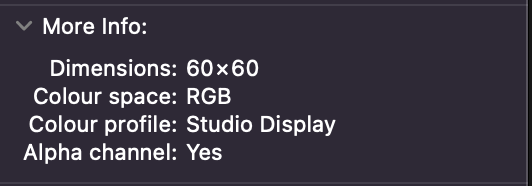
@PeteSharp Because Blocs 6 now supports dark and light theming within the Bric Bar you will need to make sure your custom Bric icons are exported with a transparent background (alpha channel) within the RGB colour space.

Blocs now applies a colour tint to icons to set their colour to match the UI.

This is the export options for the built in custom Brics that come with Blocs.

CleanShot 2025-01-14 at 09.46.32@2x

I export the icons from Photoshop as optimised for web. I’m not sure which app you use for your Bric icons but its likely a design change or an export change will be required.

1 Like

Thanks Pete. Will get into it again.:+1:

Thanks Norm.

They were all .png’ with transparencies, it should have had a RGB colour space. I’ll double check something didn’t change. I was using Affintiy Designer.