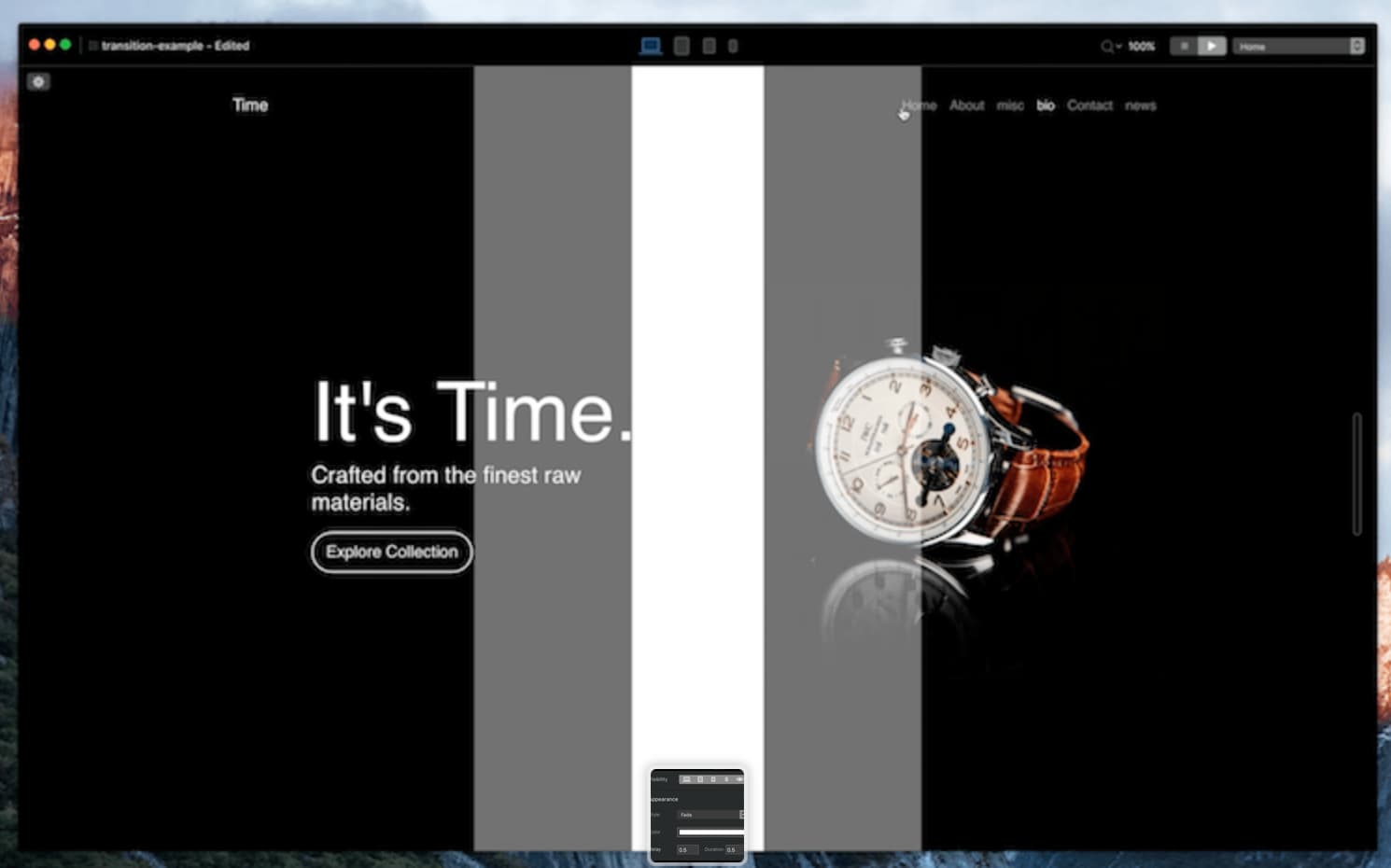
I own the bric: Page Transition
great one but always feel that I am limited on the way to use it…
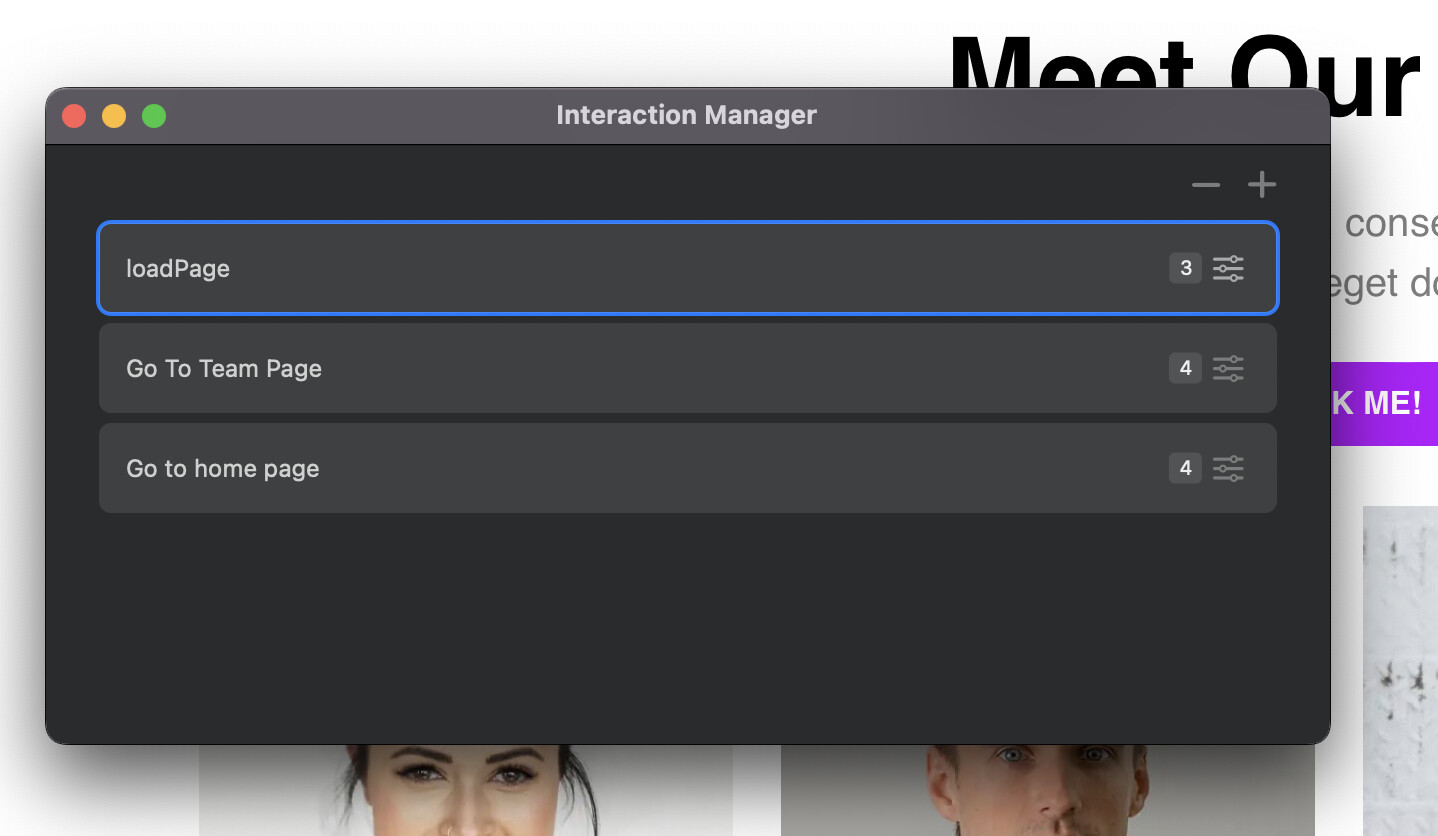
Since v6 PLUS proposes interaction manager
I guess it is possible to manage “more complex” page transitions
but unfortunately I don’t know well about it
my idea is on custom interaction:
a/ click on an element (to go to another page)
b/ then each element (brics used on the first page) fade out before to go to this another page
do I need to create a class, add it on all elements of the first page
this class: act as fade out
There was a custom bric called page transition that could you achieve that, but it was a paid one bric and as far as I know its was supported up to bootstrap 4.
The bric works perfectly fine in Blocs 6. Well it does on the 3 projects I have made live.
It works well and as it should.
I personally think it’s perfect as it is. I use this instead of pre-loaders at times and it’s a nice effect for moving to page to page. Making it more complex to me is a distraction from the website and has pointless delivery?..just my view!
@SENEK
I tend to put it in the global footer so the page transitions work same across all pages, but if you want something different through pages then simply add the bric to each page independently and create the transition you want for that page.
The bric has various options, play around til you get what you need.
1/ I OWN the bric: page transition I bought it and I used it regularly (I wrote it on my first message)
it is great BUT it doesn’t allow me to make what I would like to do…
I would like to go one step further
2/ I know how to use it
it is not a problem of how to use it or what to do with it from one page or all pages…
the point is that the version 6 of BLOCS allows us to manage more complex animation…
making UI/UX smoother
for example:
for me it is not “natural” to see the images already appeared when the transition is on the way
the transition is like with an opacity of 50%
there is not transitions THEN images appear
here what I mean, click on the “about me” and “playground” at the bottom of the page
the transition appears BEFORE the images appear
not at same time with little opacity
this is what I am thinking which is smooth
by the way this can be done with HYPE but I don’t want to
so my question is to know how to make it with interaction manager
I cannot find an exhaustive explanation of all the options of the custom interaction/manager @Normif there is a page which explains ALL the interactions I will be happy to try by myself
Great effect on that website, not something you see often, but again - on a large website, not something I would want to see every time I am going through out, but unique all the same.
Again - I am still baffled into the thinking of what your after? - seems to me the bric is 100% fine in how its operating…but the only thing with what we have that this is offering is an effect as its leaving I guess…but seeing effects as its leaving and loading would make my head explode on a website and make me instantly turn off.
I guess the idea of the page transition bric, is to mask the loading of the page and then open curtains for the reveal…but making the reveal see through, then your giving away on stage before the curtains are open!
You said its not natural for the way its working, but I am thinking is it’s not natural to give away the reveal before it’s in place…? If you are giving it opacity and then saying it’s not natural to see this - then the BIG question is : What would you like to see through the opacity instead??? - something has to be there? surely not the old page, as that would just look terrible seeing the old page and the new page much clearer? - simply do not add opacity is the answer?
Like I said, I think the only difference in what you are seeing is the effect as the page leaves like a mirror image of it and then as it hits the new page it it reverses what its just done. A bit like completing a transition in powerpoint/keynote?
But you might be thinking way ahead of my thinking then if @Norm understands the full request then fingers crossed it can be delivered…I think!
Hi @SENEK This page explains all the interactions. This post has more detail about the interaction manager and you will be able to view a number of videos on interactions here. I hope this helps!
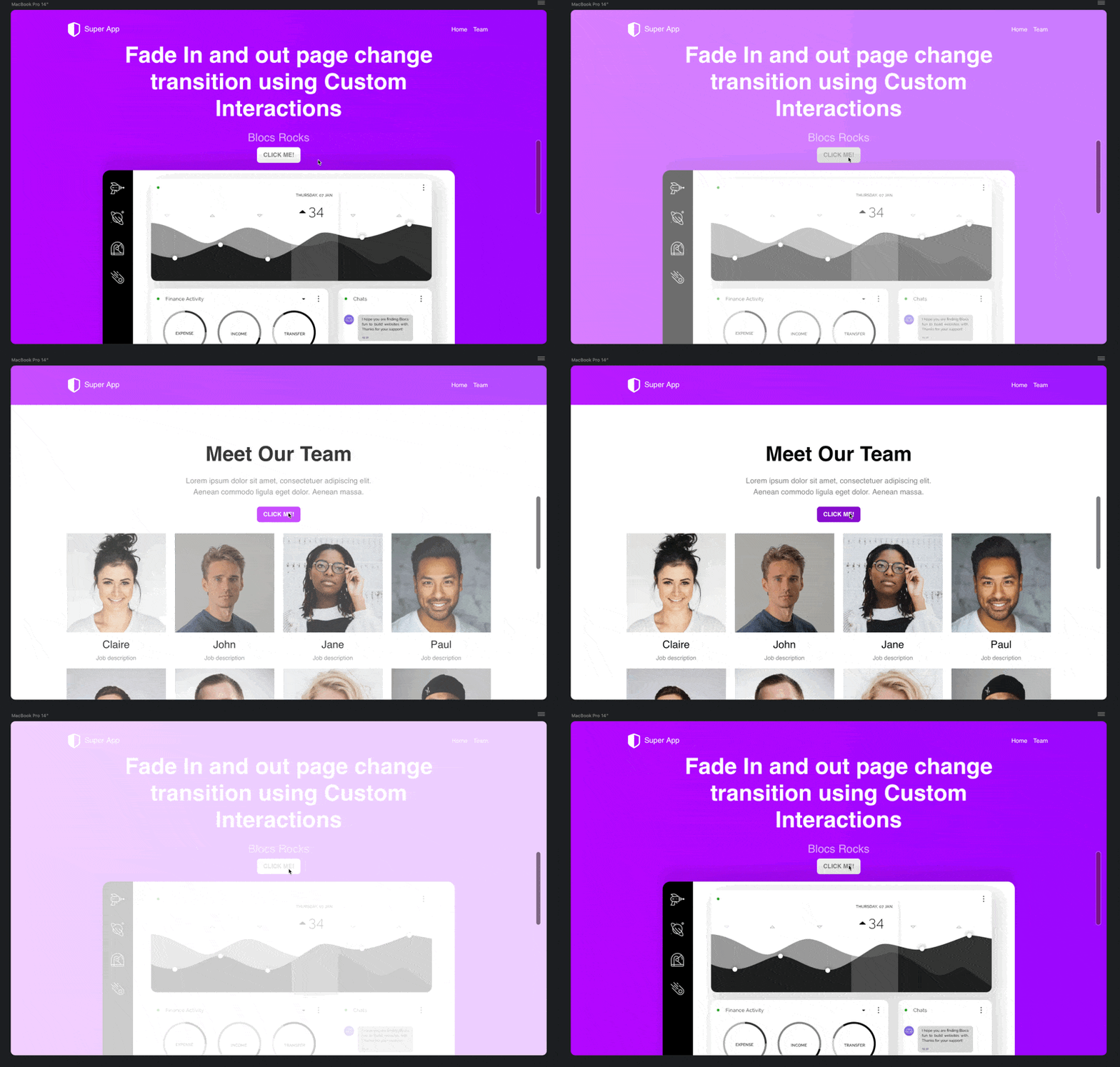
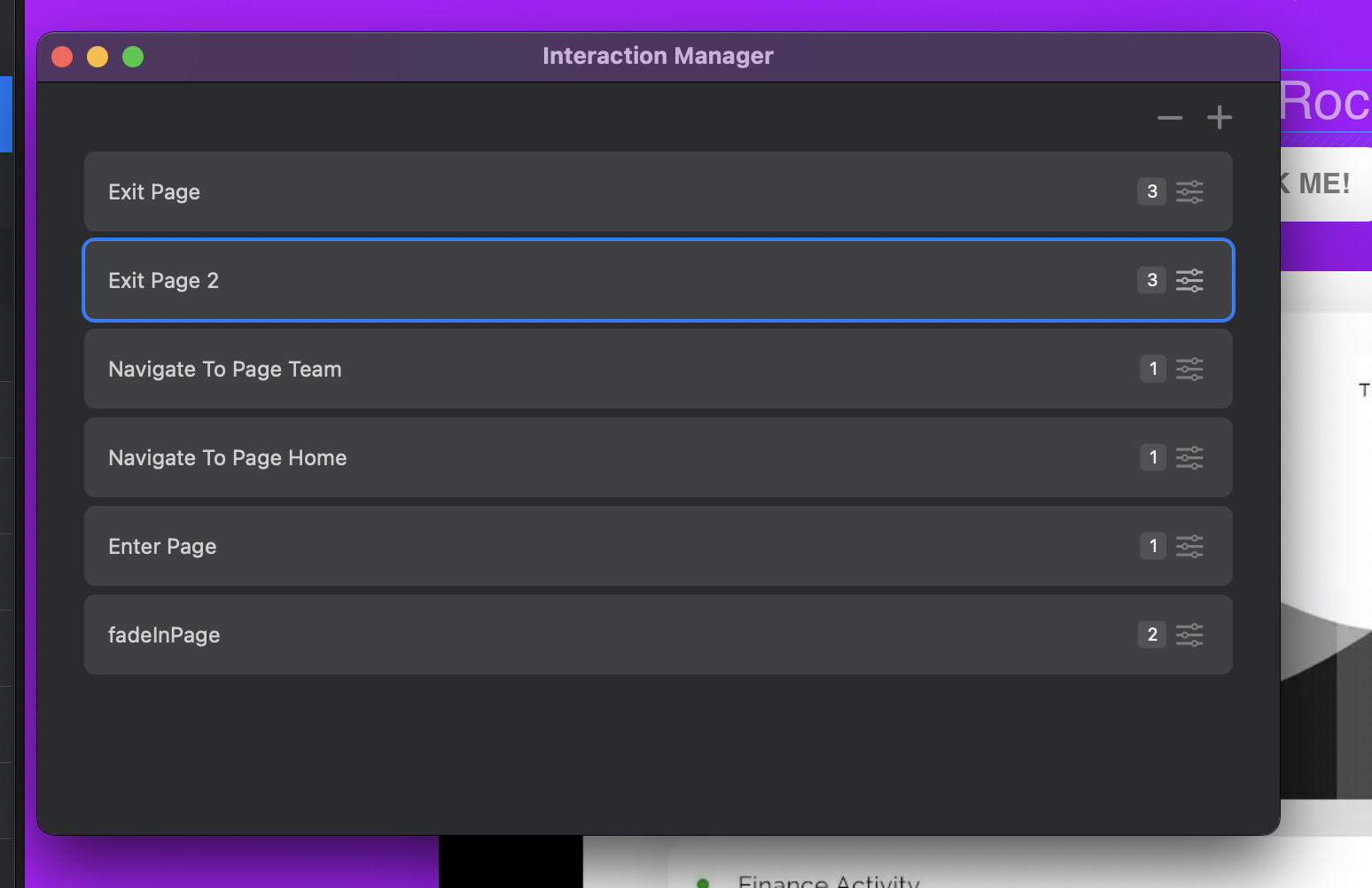
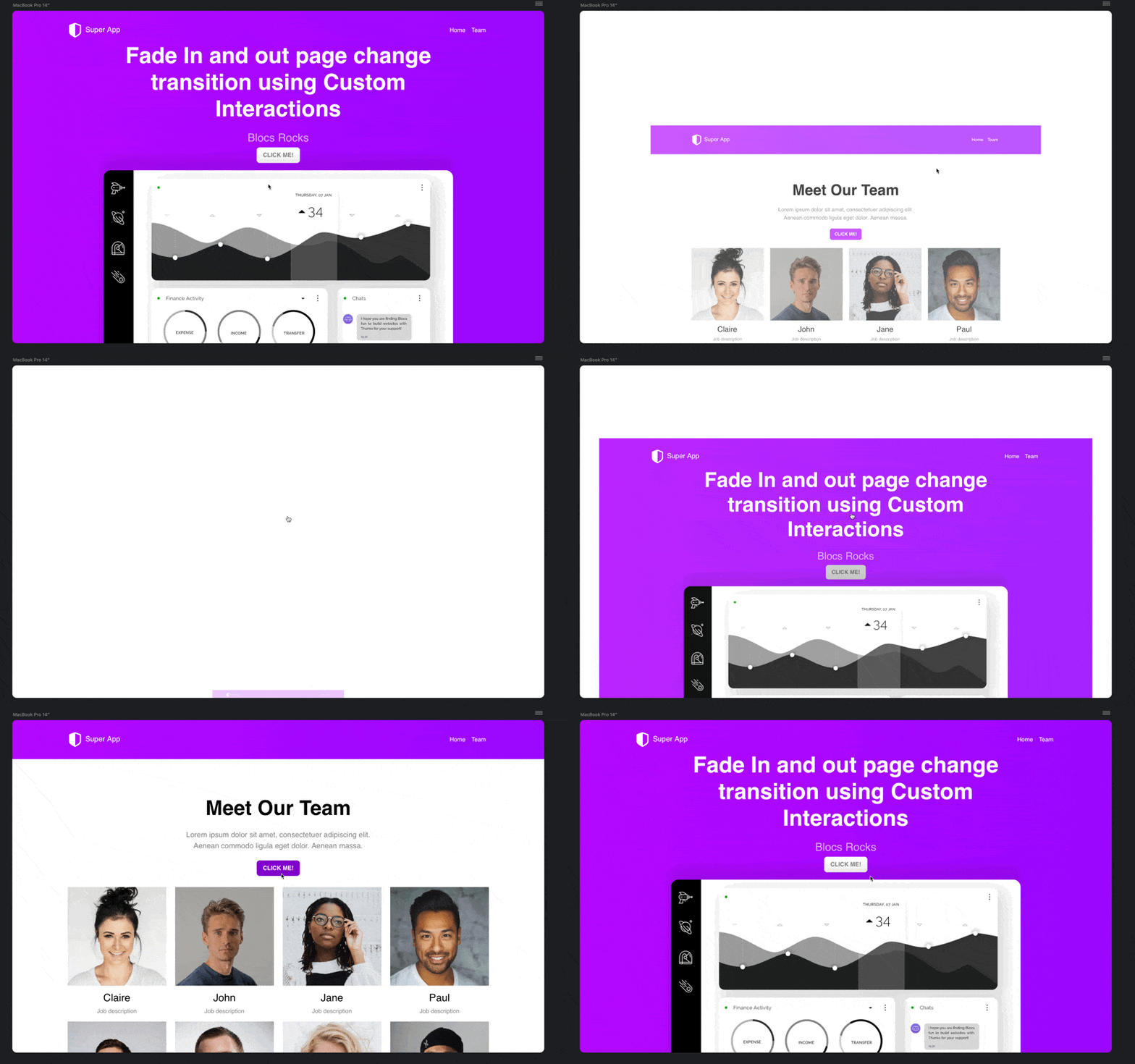
I then created some custom interactions for the button clicks to trigger the fade out of the page.
The only downside at the moment is this requires a few interactions to link between pages. With inline delay timers and variables this could reduce the number of custom interactions needed, both in the works for Custom Interactions.
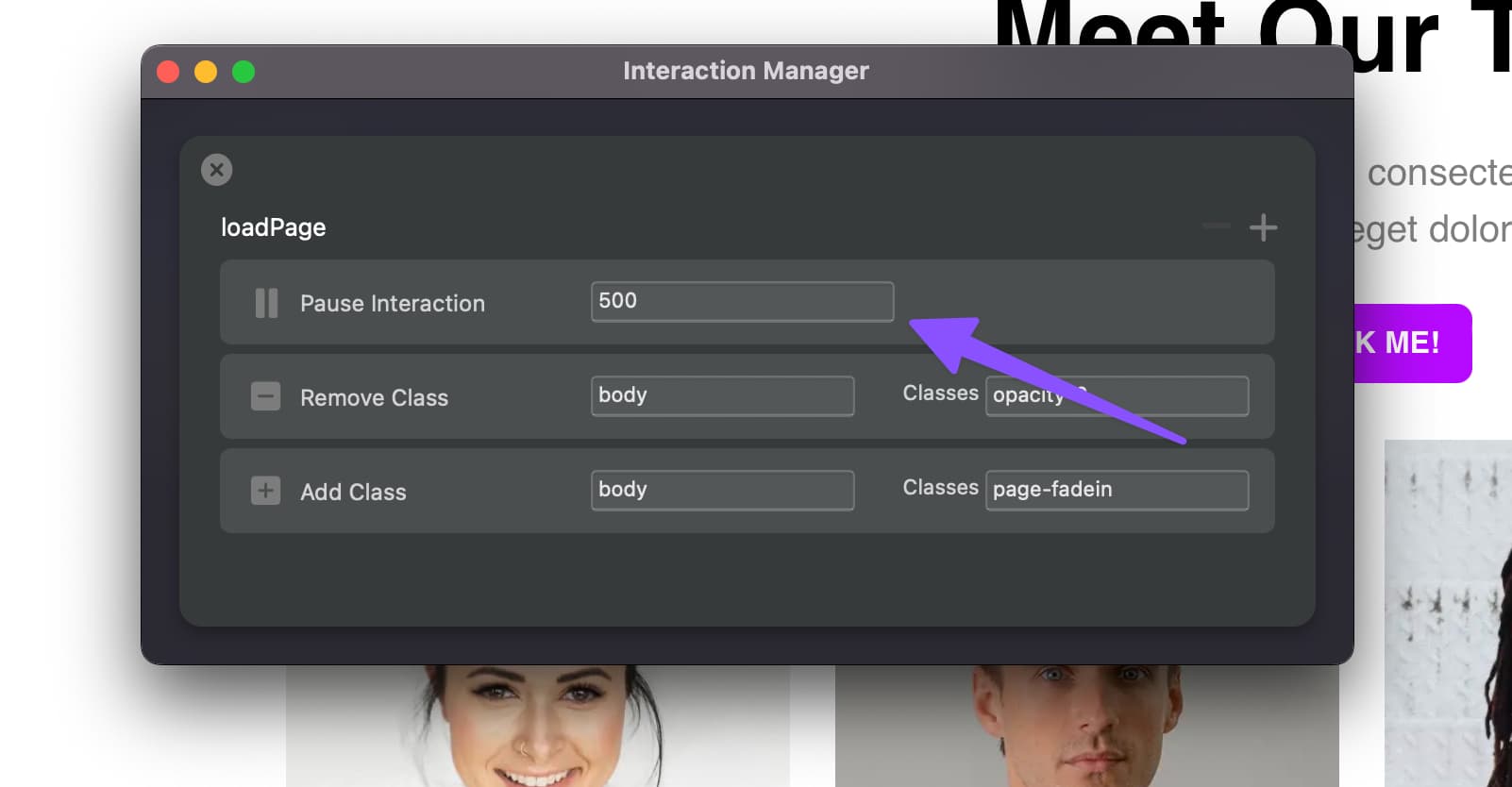
Just a quick update on this thread to say that Blocs for Mac 6.1 will include 2 new Custom Interaction rules (Stop Interaction and Pause Interaction). The pause interaction rule has helped to reduce the number of interactions required to add custom fade in and out transitions.
With the new pause interaction rule, it’s now possible to create a single interaction that can be used on every page to create the fade in.