Hi everyone, is it possible to have more than the leading settings between paragraphs?
Thanks in advance all.
1 Like
With leading setting you mean the margin options on the settings panel?
You can of course create a custom class to give any margin to a paragraph. Biggest advantage would be the responsiveness, since you can apply different margins at each breakpoint.
1 Like
Hi @pumpkin, thanks for the reply.
What I was wondering is if there’s an easy way to do something like I’m doing in this post, but something automatic rather than putting a double-return in to space the paragraphs out.
InDesign and Illustrator have something called ‘space before’ or ‘space after’ to put extra space in between paragraphs while keeping the line spacing intact.
1 Like
By (Bootstrap) default paragraph text has
margin-top: 0;
margin-bottom: 1rem;
In the class editor add a class (technically a tag) called p
and adjust to suit. This is then site wide.
(Basically as @pumpkin mentioned, but you can use the paragraph tag)
2 Likes
Thanks @PeteSharp, that’s great, I’ll give that a go tomorrow - while also incorporating the new Easy Burger into the menu 
1 Like
Nope, sorry, can’t get that to work - me doing something stupid!
If you have a look at the screenshot, it’s adding the bottom margin to the text box, not between paragraphs. Any thoughts what I may be doing wrong?
PS: I added a large amount just to show what was happening.
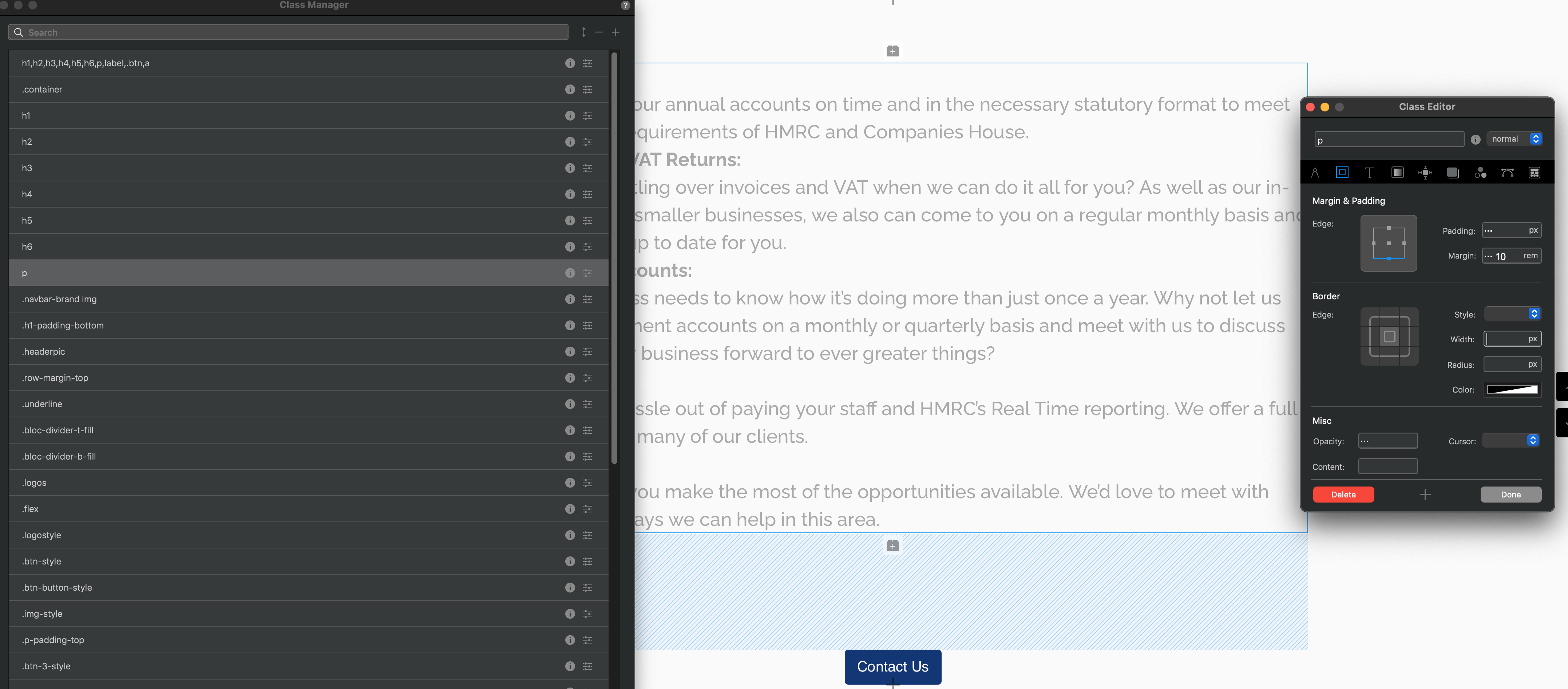
Oh right, I understand more about what you are meaning now. Thats because all that text is wrapped within one set of p tags.
OK, cheers, so short of having each paragraph in a text box, there’s not really a way to do this?
Such a simple thing!! I can’t think of any other programme I use where you can’t set a paragraph spacing.
Thanks for looking anyway.
You could use the Writer Mode, right click on the text and select Edit in Writer Mode. (I can’t recall if this is a Blocs Plus feature or not).
Because its all in one paragraph tag, it doesn’t know where your paragraph ends and the next one starts. You can made some adjustments to the br tag, but I think that gets fiddly.
1 Like
Thanks again,
Normally I’d say that’s a good way of doing it (the writer mode), but as virtually the whole site is going to be editable by Volt, then it’s not really an option. I would have thought something could be added to a ‘hard-return’ so Blocs knows it’s the end of a paragraph.
I’ll look into (fumble around) br tag and see what sort of a mess I can make of things.
Thanks again, have a good evening over there.
Jannis (@Jannis) would be the best to check with, for a possible solution within Volt.
2 Likes
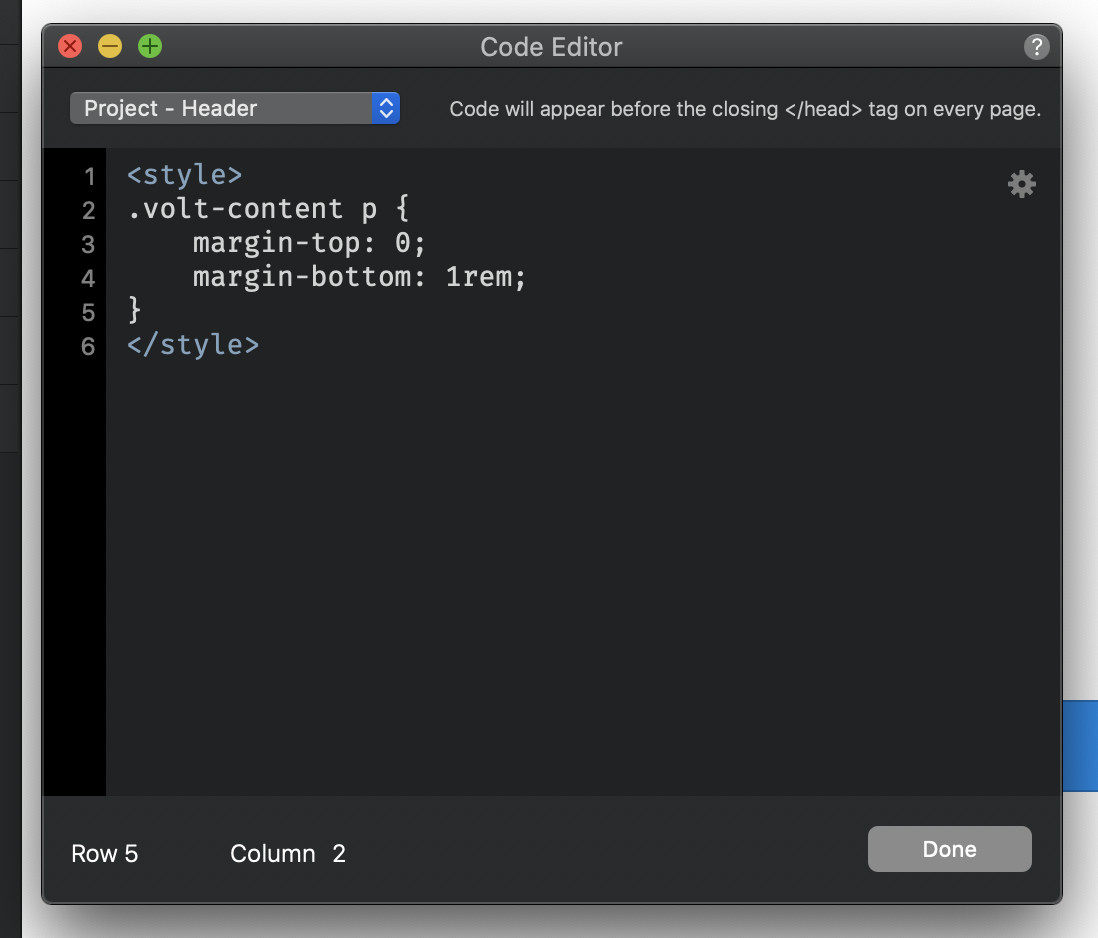
I would add a global CSS style for the paragraph p tag in that case.
If it should be only for Volt content, you can also use following CSS to adjust this:
.volt-content p {
    margin-top: 0;
    margin-bottom: 1rem;
}
1 Like
Thanks @Jannis, but wouldn’t this do the same as @PeteSharp suggested, and put the margin at the base of the whole run of text and not between the paragraphs in the text box? As in my screenshot a few posts back.
If Volt does it’s text boxes with paragraph tags between paragraphs, rather than br, then I can see how it could work. Or am I talking rubbish here?
However, once I have the photography for the site, it will be going live and I’ll have a chance to try in properly early next week.
Thanks for that.
When you hit the enter key inside a Volt Content area, a new paragraph tag is added. With this more than one paragraphs are inside a Volt Content area.
2 Likes
Excellent! That’s what I wanted to hear😃.
Thanks very much