I searched this forum for mentions of “drop cap” and “dropcap” and I can’t find anything relevant, so I am sorry I’m bothering you with this.
I have a big paragraph bric with lots of text. Actually it’s the first chapter of a book.
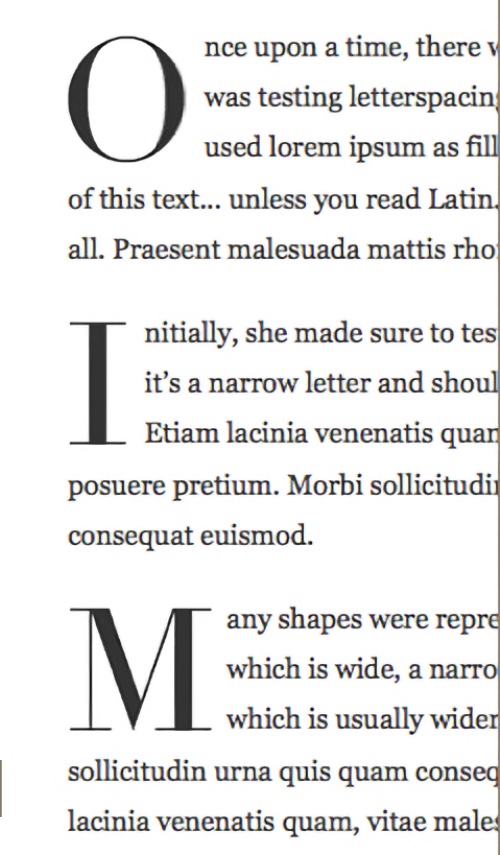
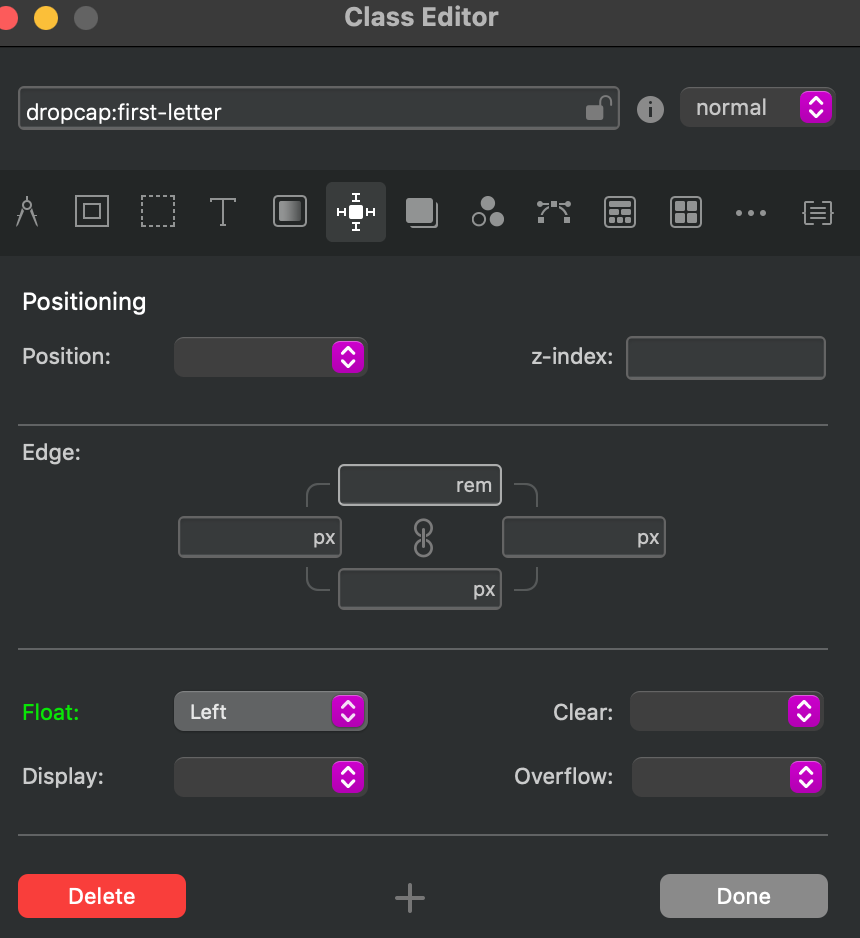
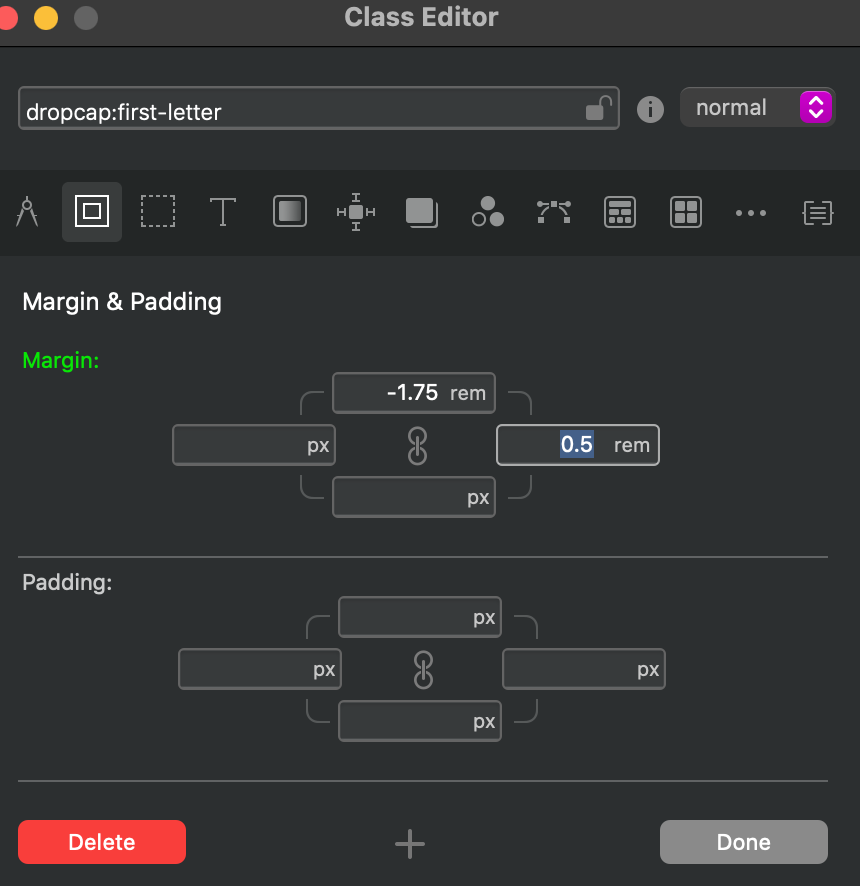
What I am trying to achieve is have the first letter of each paragraph in the paragraph bric to be a drop cap. I have also searched for drop caps online, and there are several ways to get it via CSS, but when I copied the css code in the Code Editor and tried to invoke the class on a Span-Wrapped letter, the class doesn’t even show as available.
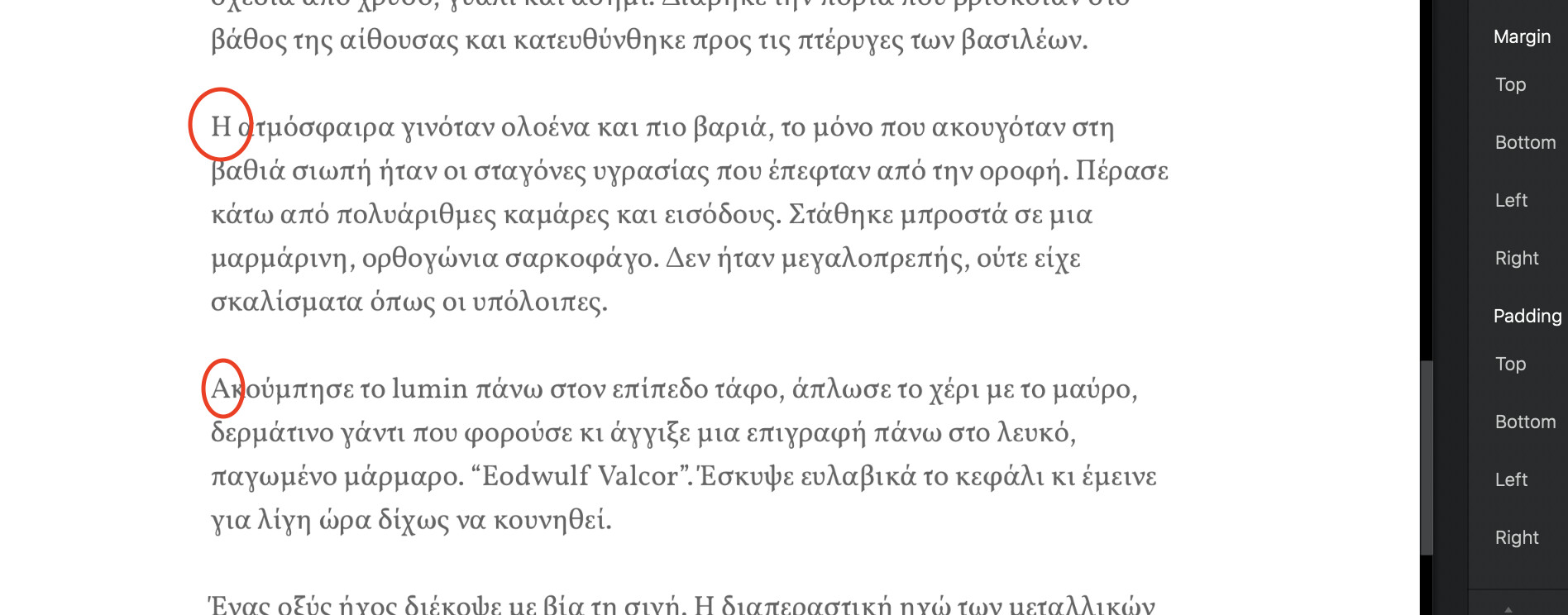
In any case, to avoid confusion: I would like to create drop caps in a big body of text (circled letters in the screenshot).
where ALL first letters are each one in its own span, then apply this formatting to the span. It would involve both enlarging the font, but also format the area around it