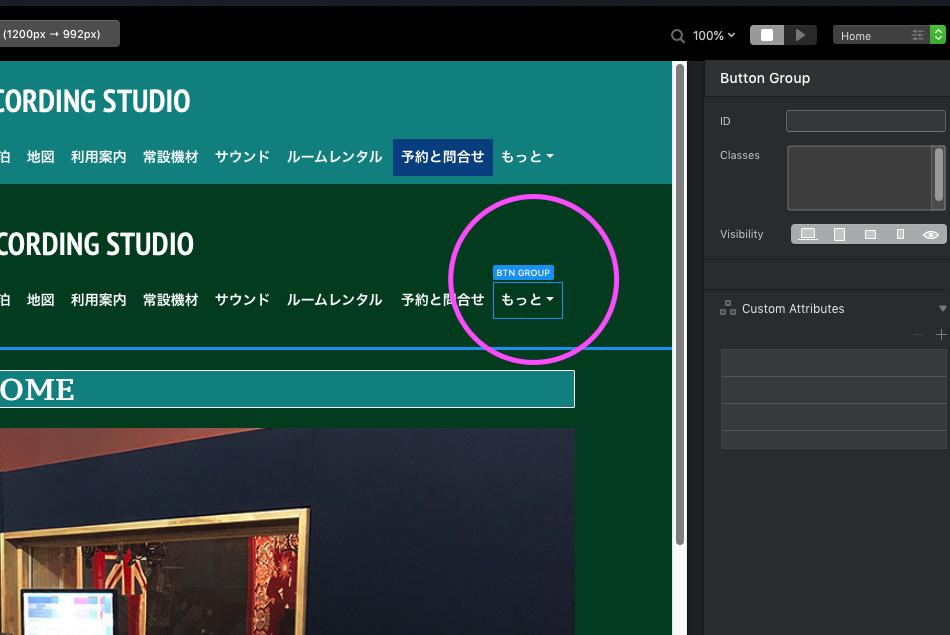
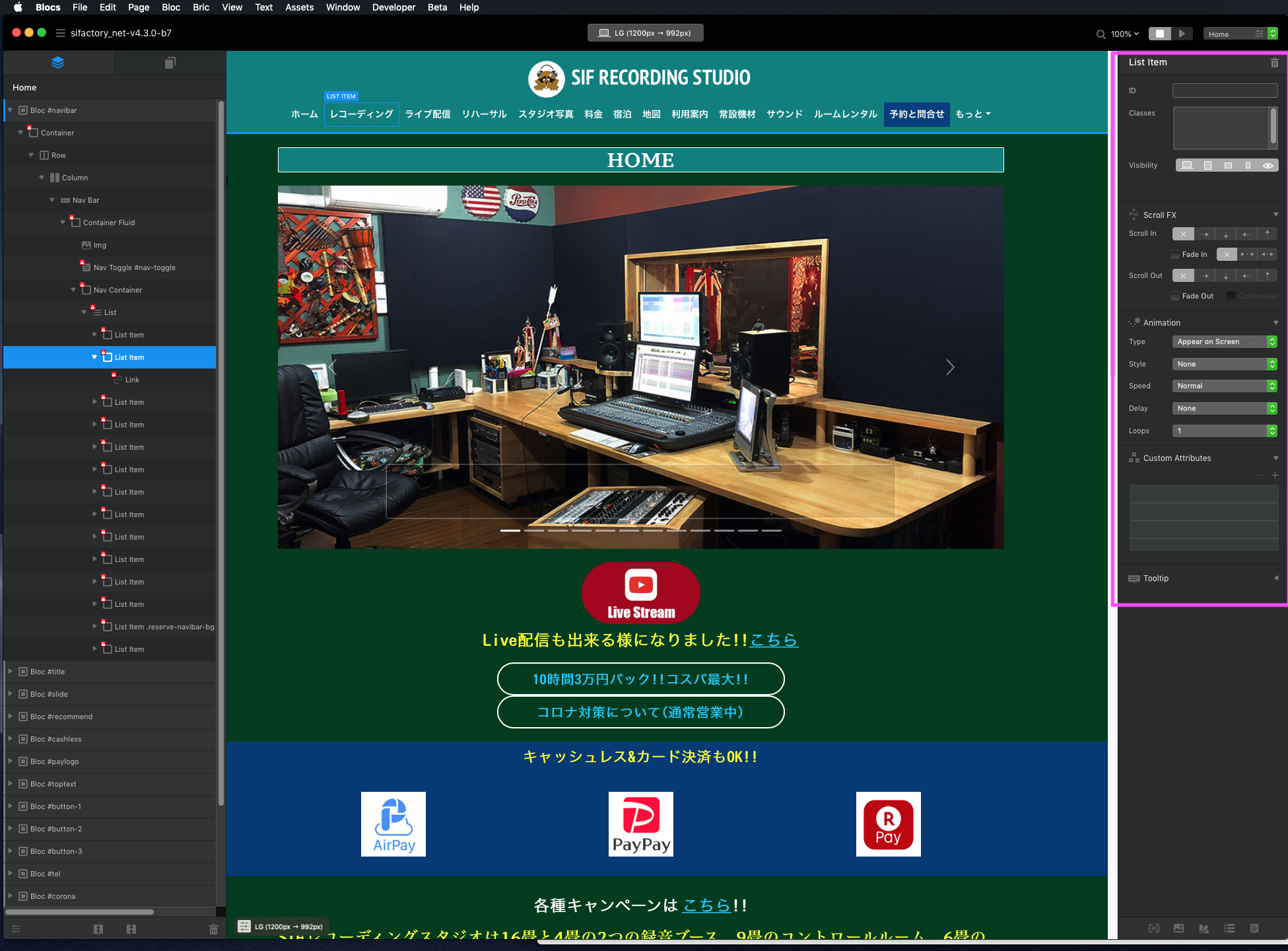
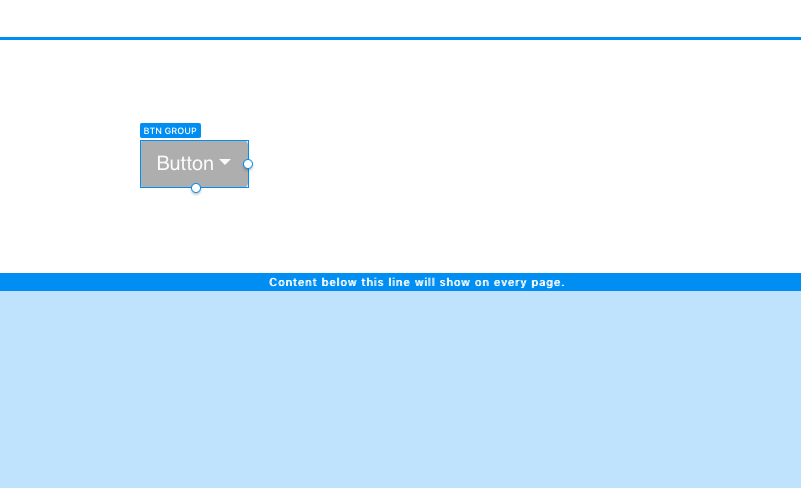
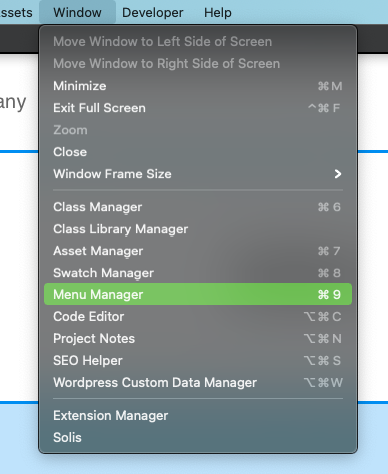
Even though I created it myself in the past, I forgot how to create a button group under the navigation system and I can not create it, is there any explanation somewhere?
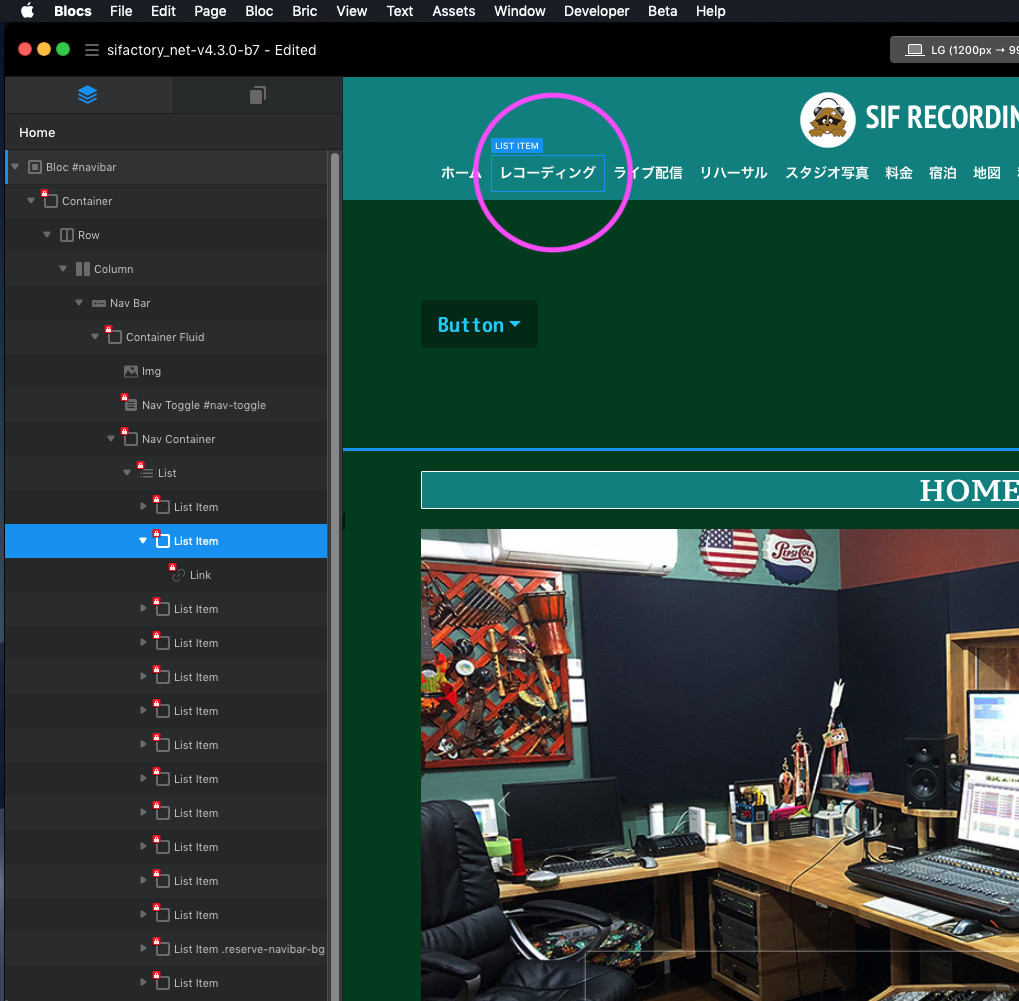
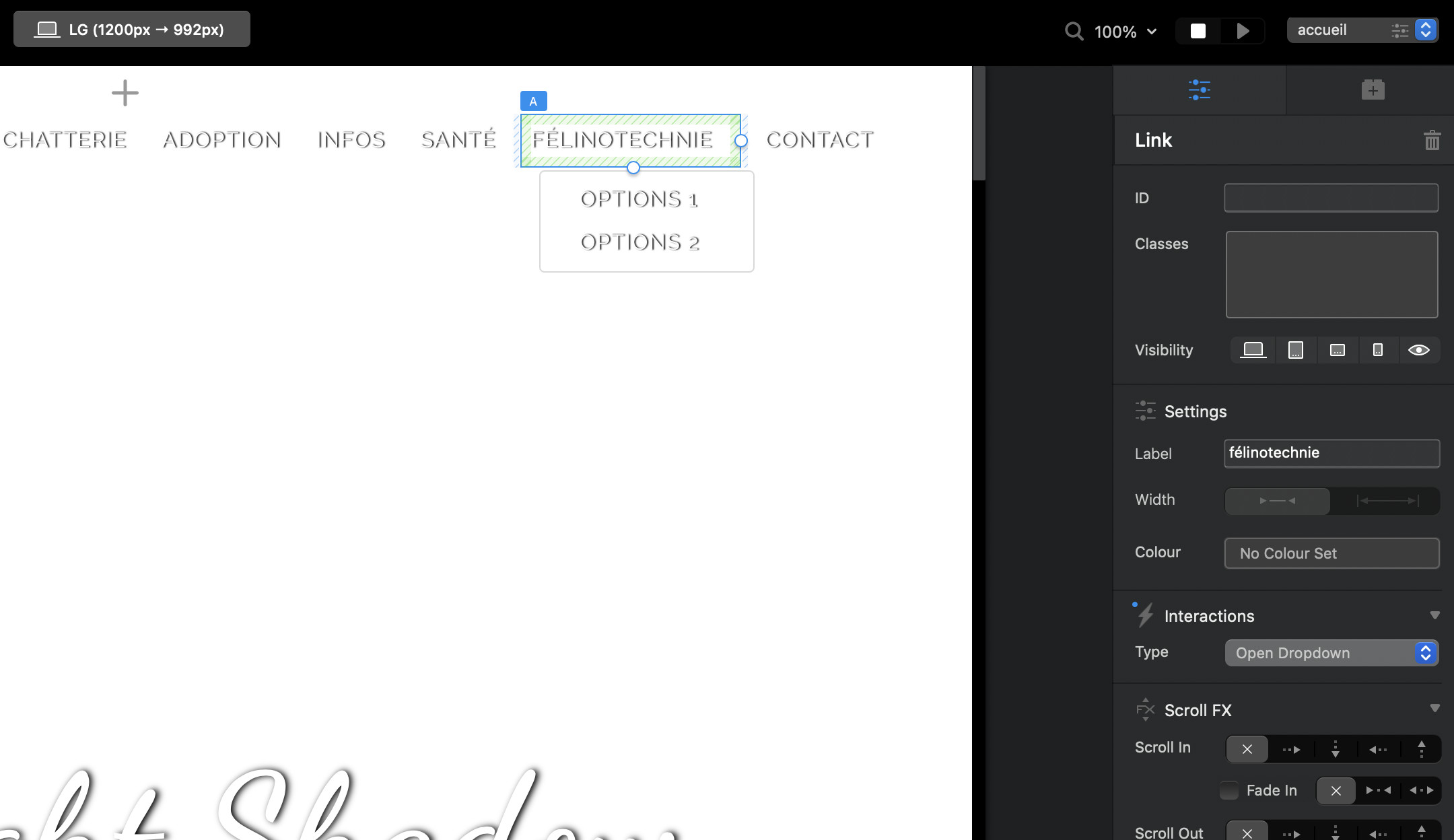
I have attached an image from the beginning and asked about how to create a button group under the link text.
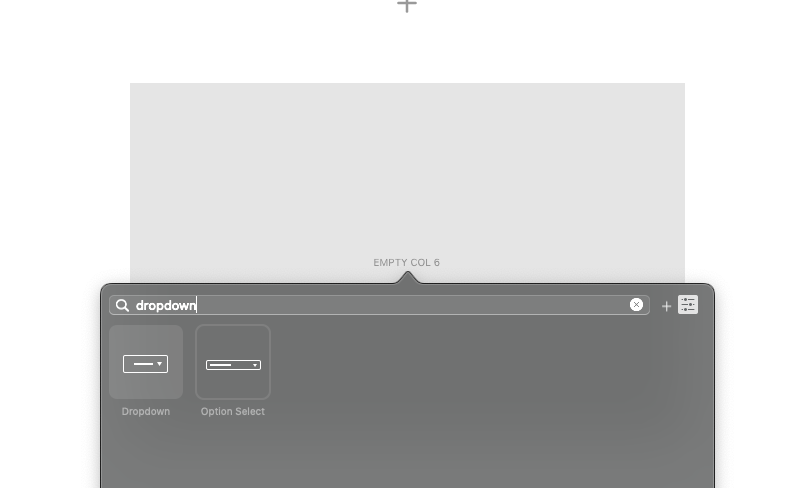
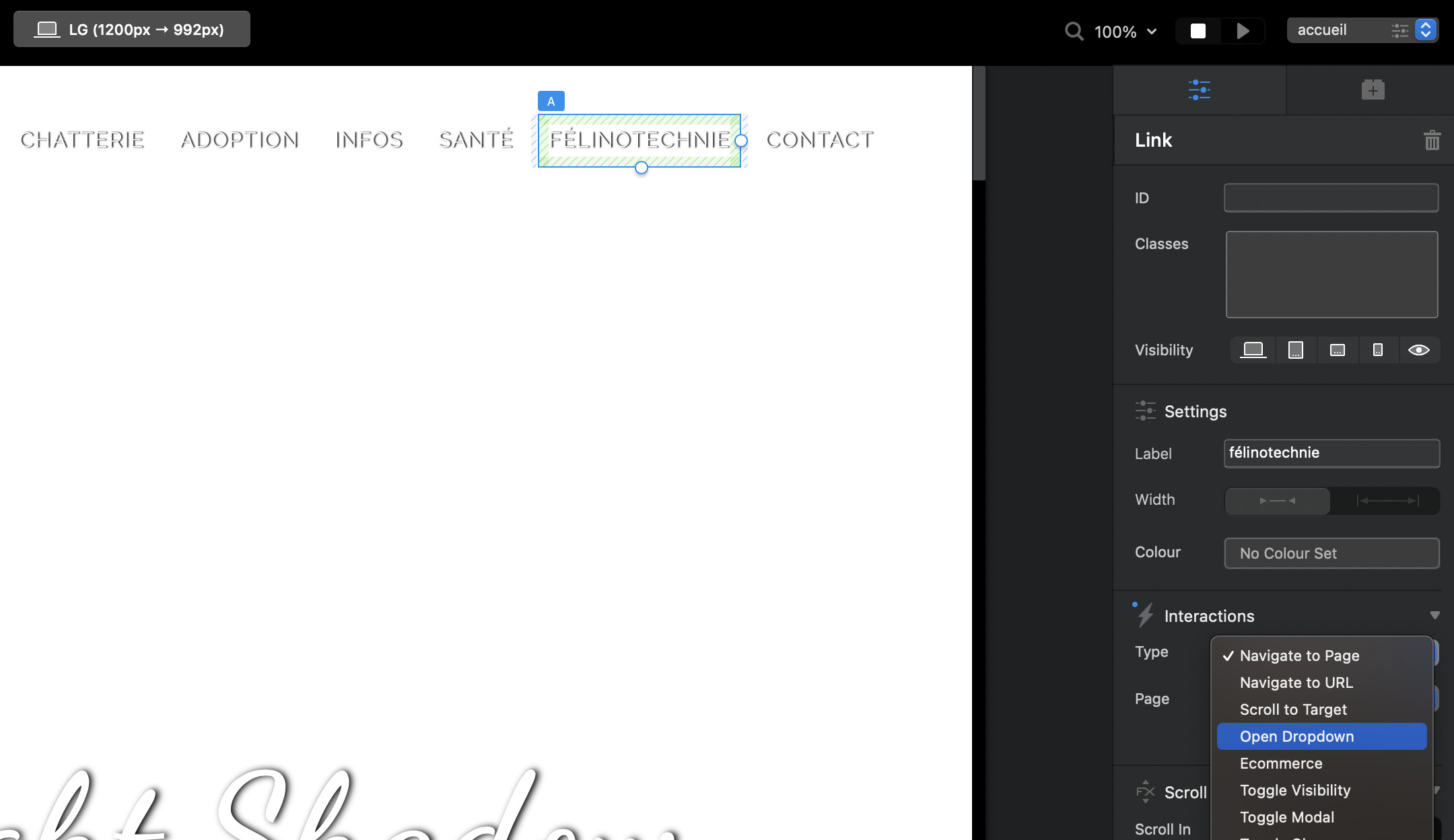
On the other hand, even if the explanation of the dropdown does not make sense, it is pointed out that “it is a dropdown”, so I am asking “where to set the dropdown?”
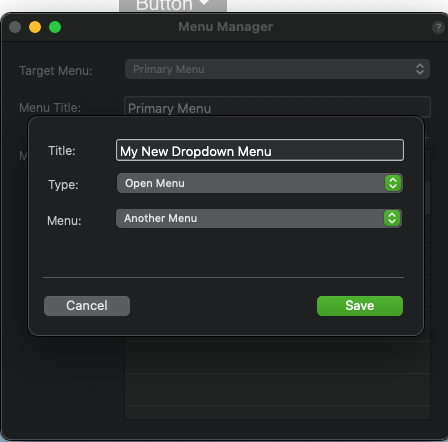
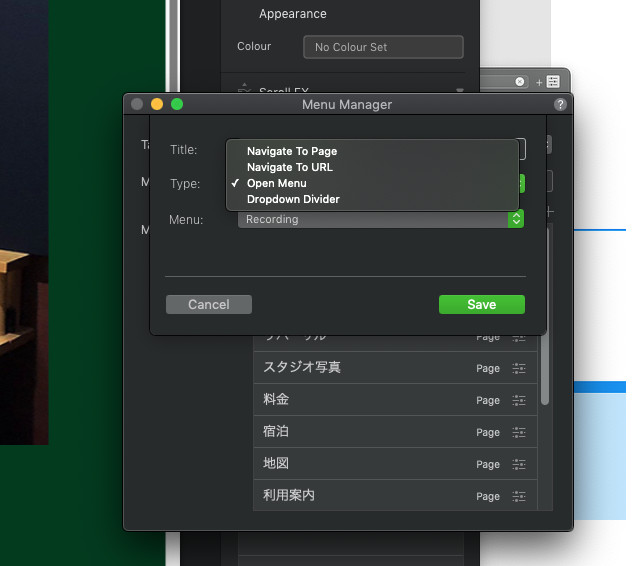
I found this setting, but it’s a terrible interface, why it’s so esoteric, the button group itself was created, but I couldn’t erase it, the terrible delay, the app itself couldn’t keep up with the operation, it didn’t follow I’ve never seen an app like this, it’s a product, it should be drastically reviewed, or my project is broken, but I didn’t break it, there is a mechanism that breaks I think it doesn’t have the quality as a product.
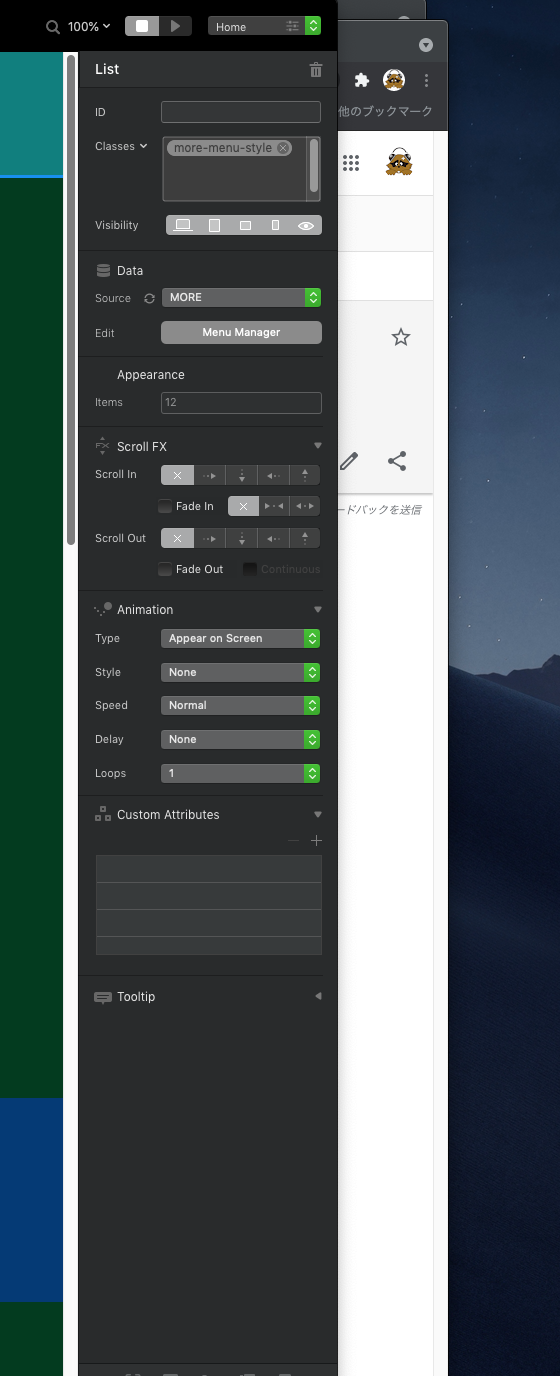
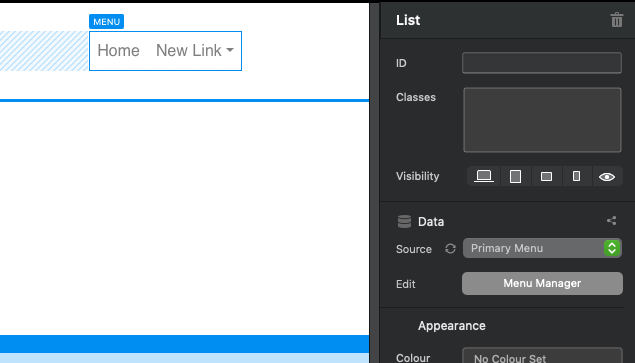
IMO its rather straight forward. It makes something complex rather easy. Of course you do not have to use the Menu Manager, you can set it to none, and edit the menu directly on the canvas.
It appears you have been using Blocs for a lot longer than me, although you are struggling with how Blocs works, I would suggest doing Eldar’s course if you can. Or if you are unhappy with Blocs find a solution (another App) that works better for you.
If you want to remove an item from the menu manager, select it and then the - button.
I am not sure if it is a language barrier?, but if you are not wanting to listen to people trying to help you, I will leave you to it.
Of course I would like to migrate if there is a comfortable app, but who will migrate what I have made so far, if you can migrate to another app, please do so, I will pay a fee and “no coding” I bought this product under the catch phrase, but I’ve told Norm many times from the past that there are too many bugs, I’ve put up with a lot of bugs and used it until now, but some features have been added If something goes wrong, fix it again, repeat this all year round, this is very tiring, when it comes to this drop, isn’t it so easy if you can insert a button group with a right click? Don’t you look at right-clicking ?, For menu manager settings, why not separate the dropdown settings themselves from creating their contents ?, why mix them ?, the interface of this app like this I can’t feel that it’s kind to people
I also would recommend the courses from @Eldar - this will show all the basics. Everything has a learning curve, and I will hold my hand up and admit I still get stuck from time to time.
You will see from Eldar’s menu videos he is a fan of changing the menu source to NONE and not primary menu, since learning this i have found all menus to be so much easier and flexible.
I still get confused at times - but once I realise what I have done! its just me having a 2 minute brain freeze!
The drop down you are talking about is one of the easiest parts of Blocs menu.
A quick way I experiment and test a feature is close down your project - and practice this on a fresh new one, just make up some quick 10 second pages call it Home, About, Shop, and then open dropdown on the stop and create 2 or 3 pages in shop.
BOOM! - easy!..then bring that practice over to your actual website.
There’s a bunch of free videos form @Eldar on YouTube. To get you started with the menu, spend at least 5 minutes of your time and watch this:
Concerning the dropdown-button… @PeteSharp Pete explained it already. And if I remember correctly I saw on you other post that you used the current beta. Seriously, if you don’t want to encounter bugs and problems, DO NOT USE A BETA VERSION OF ANY SOFTWARE FOR PRODUCTION.