I have document that includes titles, sub-titles, bullet points, and bold fonts. I have exported (converted) it to an .htm file.
I made a bloc. Add some text. Right Click to open the Code Widget. Copy the html/css. Paste it into the Code Widget. Save the page. I test it in preview in Blocs, Safari and Chrome. Yeah it works!
Export the Blocs to a folder. Upload it to the server. Open the website. Click on the link leading to the Code Widget and receive a 404 error.
All I want to do is not go through Blocs making all those formatted changes. What can I do do? Is there a work around?
I thought I read somewhere the following code cannot be in the Code Widget. Not sure if that is correct.
Ideally the Blocs Writer mode would be extended to allow pasting in markup / markdown etc to speed up something like this and not just be for specific text brics - managing / adding a lot of content as it stands right now, is really slow.
But back to your question, stick with just the content.
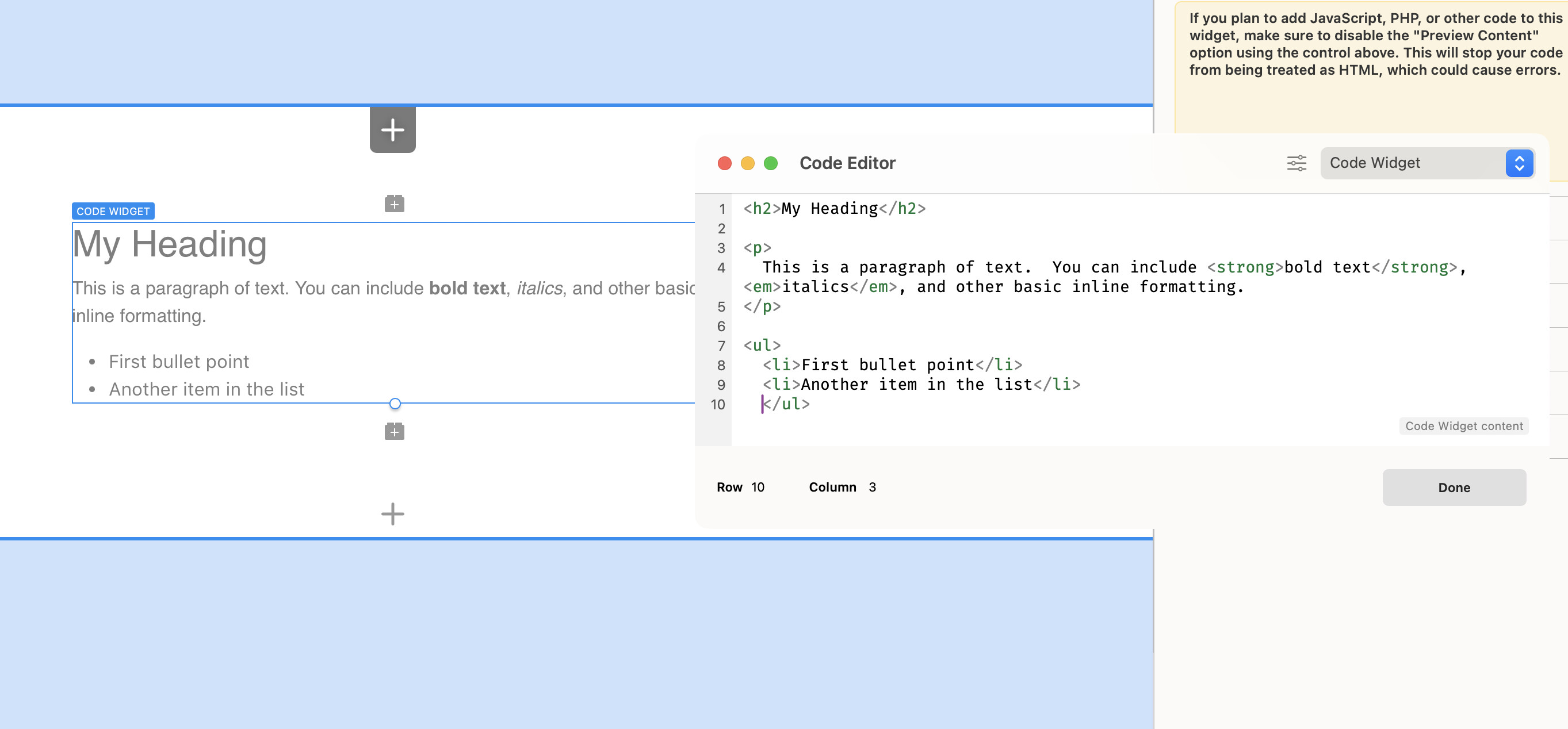
For example….
<h2>My Heading</h2>

<p>
  This is a paragraph of text.  You can include <strong>bold text</strong>, <em>italics</em>, and other basic inline formatting.
</p>

<ul>
  <li>First bullet point</li>
  <li>Another item in the list</li>
</ul>
Hey Pete,
It’s so kind of you to respond and give your expert advice.
If it is okay with you I would like to send the formatted md & html to your email.
Hi Team,
That’s correct, you just need to copy what comes after the body and before closing the body. A practice that has worked well for me is to separate the CSS and/or JS and add it to the project page, and with that you shouldn’t have any problems.
Just a quickie. I know I could put this js in the “JS” section of the code editor, but I just tried to put some JS inside script tags in the code widget body, just to keep this little snippet together. It’s all good apart from it borks on “<“ + “>” chars inside the script tags.
It wasn’t having it with this as it includes “<“ :
if (distance <= 0) {
But was fine with this in the end avoiding those chars.
if (Math.max(distance, 0) === 0) {
Is this a known limitation, bug, expected behaviour?
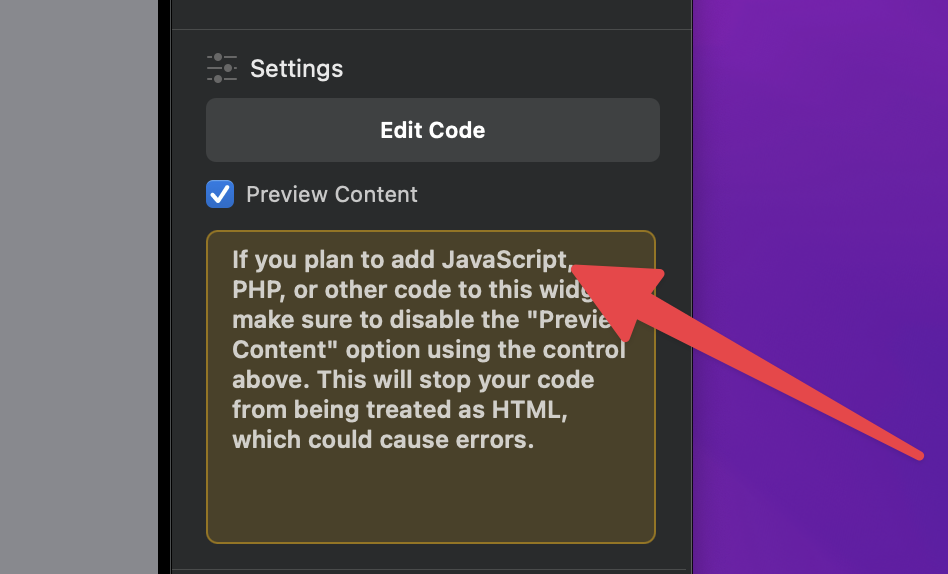
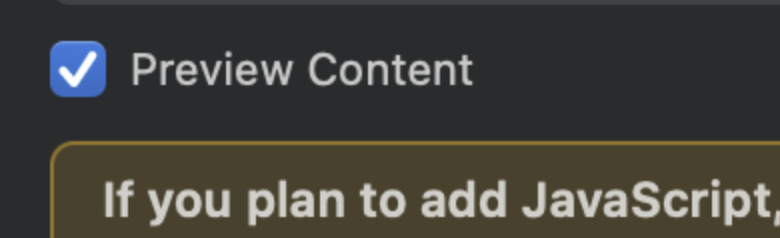
The Code Widget has two options available, by default it’s intended for html only which is displayed on the design canvas. If you are placing executable code such as PHP or JS, switch off Preview Content.
This stops the code being inserted into the canvas and being rendering by the WKWebkit engine, which will, by default, escape the code to HTML.
There is a notice in the inspector side bar under the edit code button.