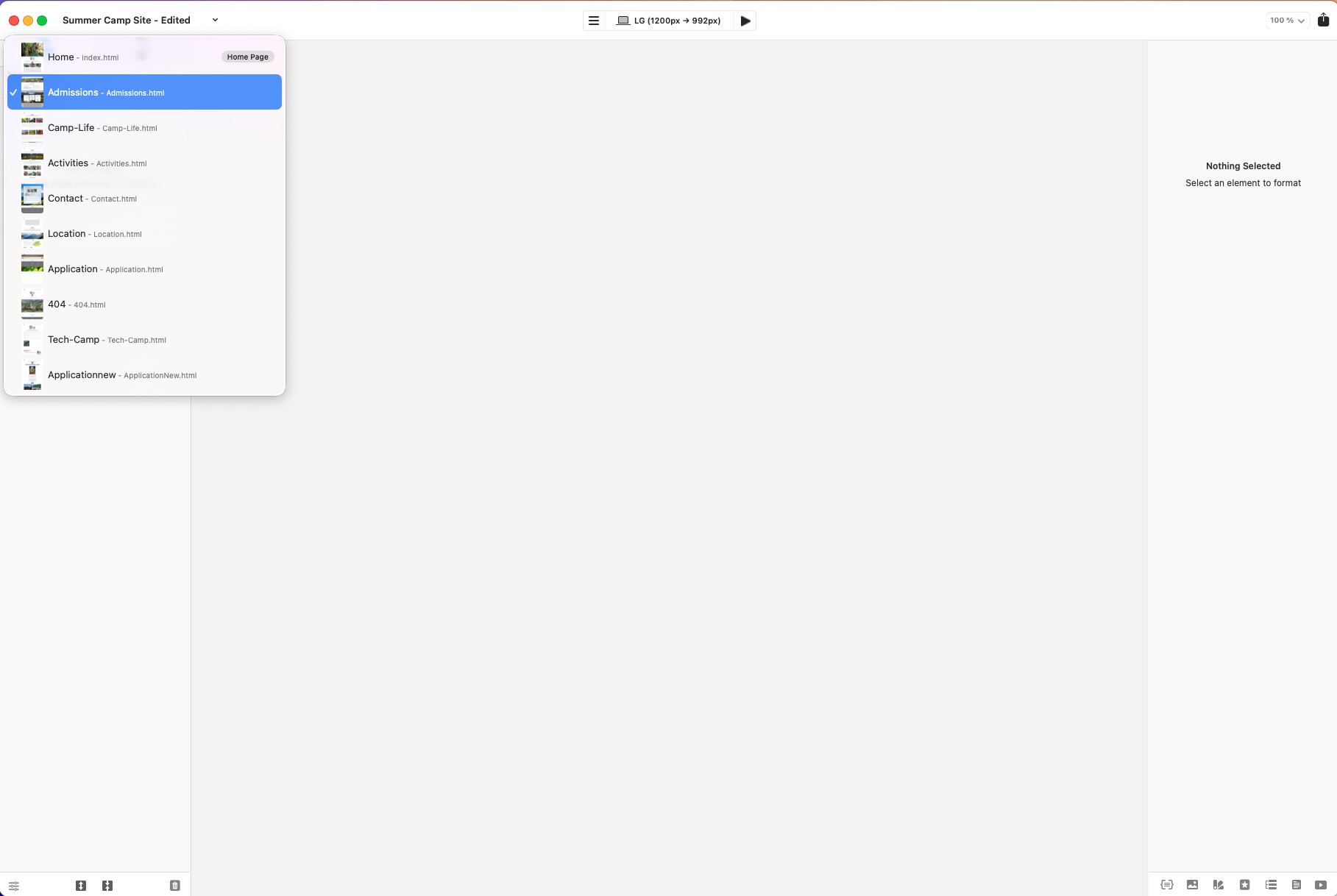
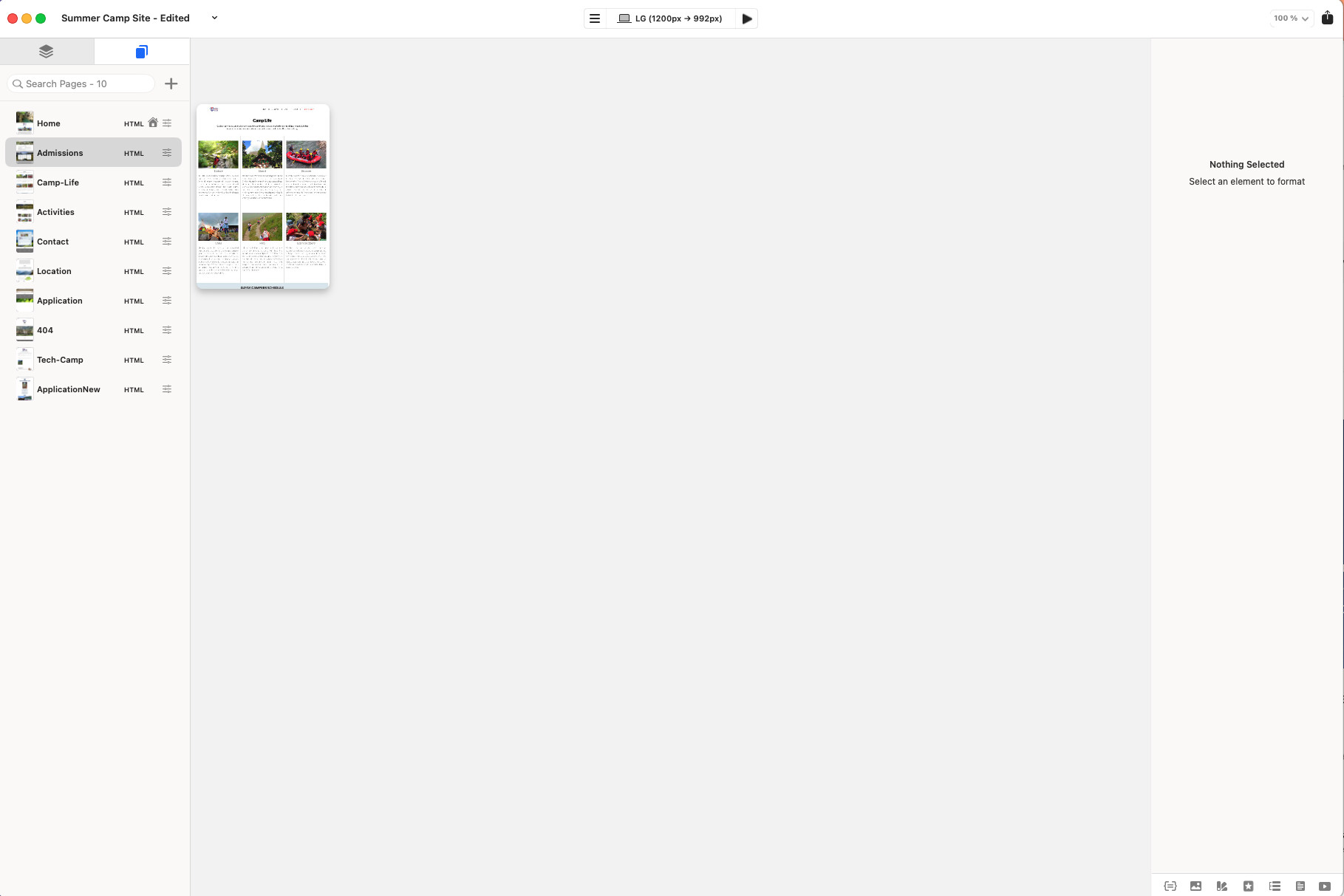
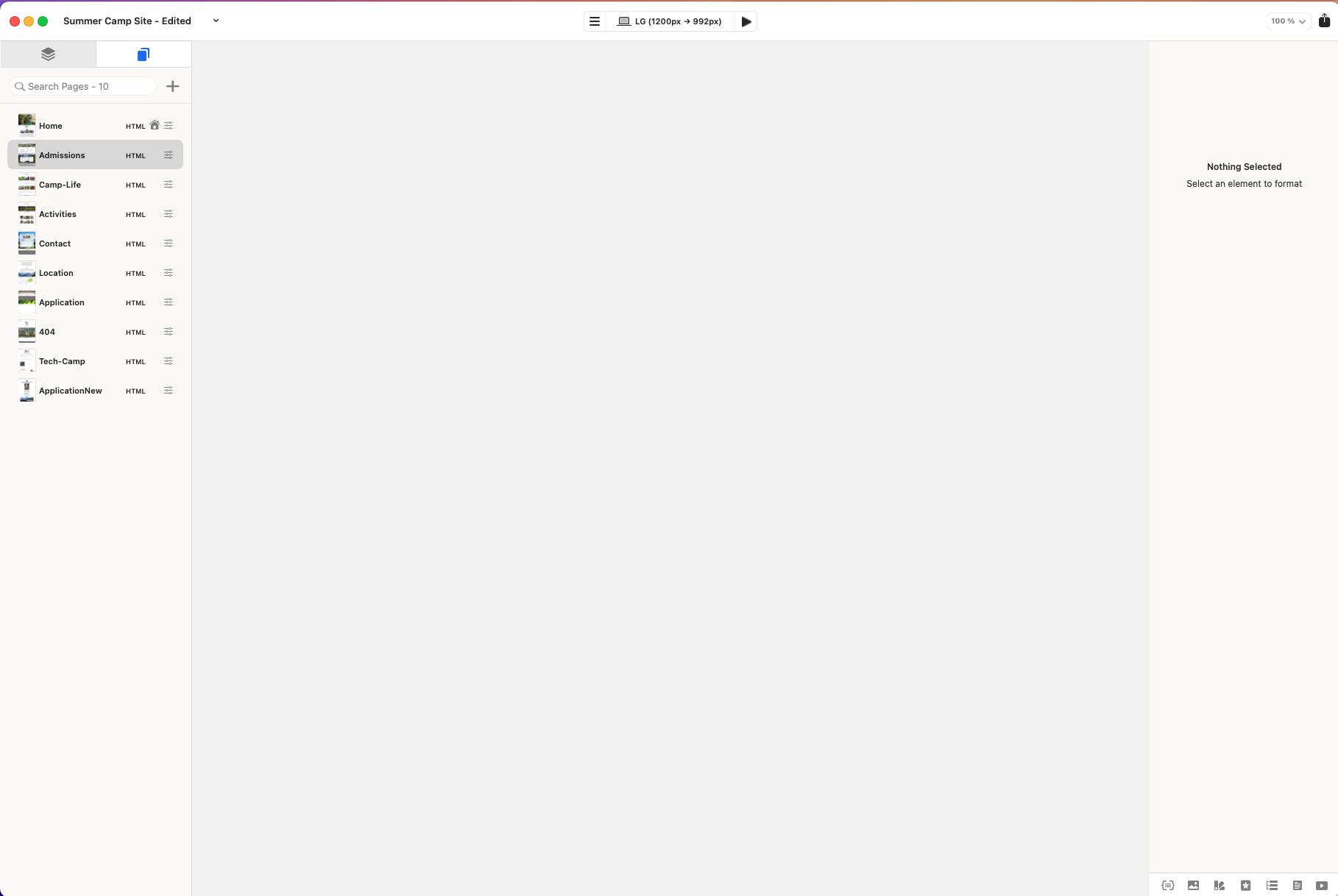
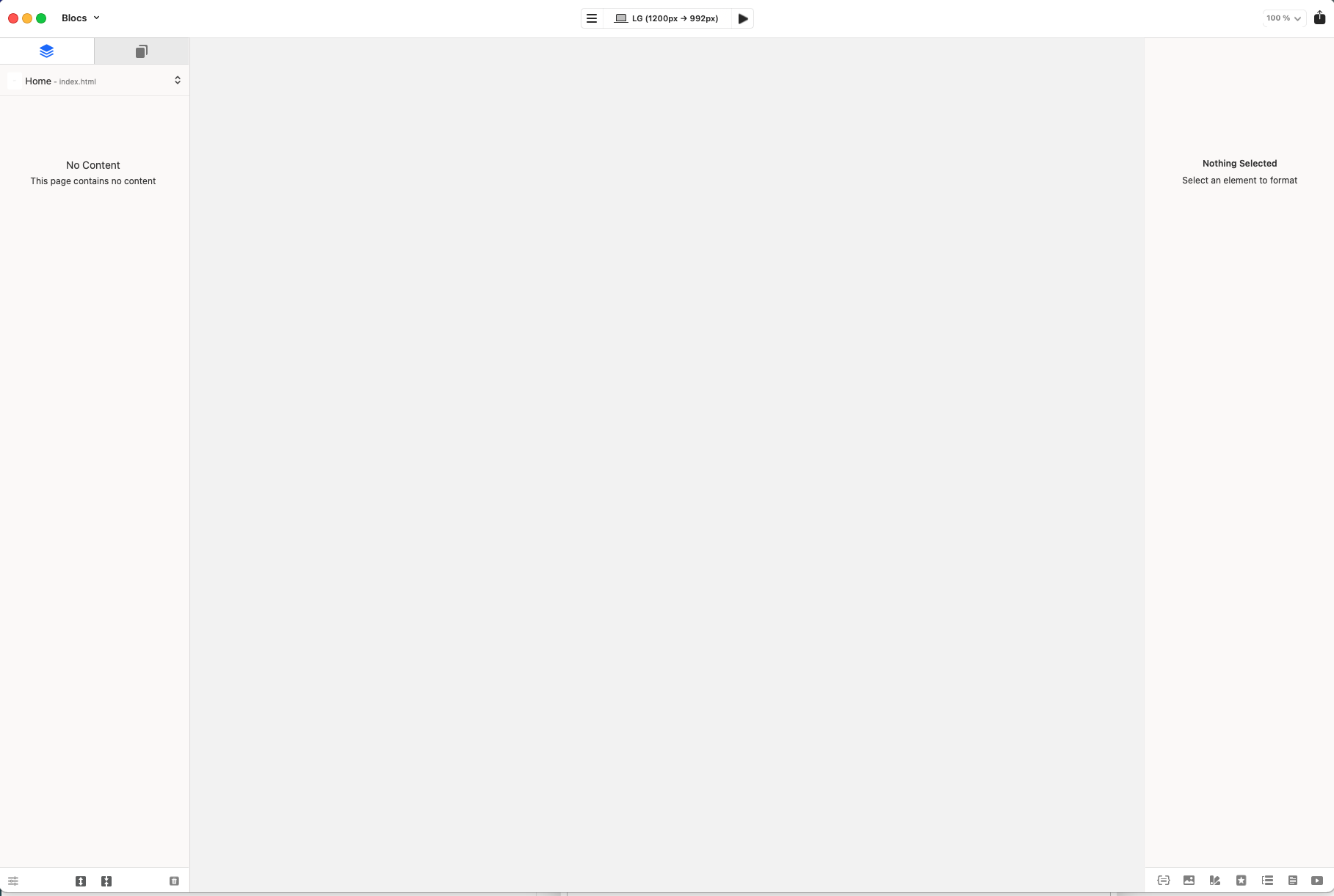
I open any of my projects but the are pages loading but they stay blank. I see the pages on the left column but they don’t display in the right. Any setting that I am missing? Everything worked fine before. See attached screenshots
When did this issue start?
Are these Blocs 6 projects?
Do you have backups?
Thank you Norm, it started about 1 week ago. I have backups but all the projects have the same issue. They are Blocs 6 projects and they worked perfectly fine. I really hope you can find what is wrong, it seems to be more a display the elements issue… because the site is fine. If I get the URL of a page, I can see it in a browser.
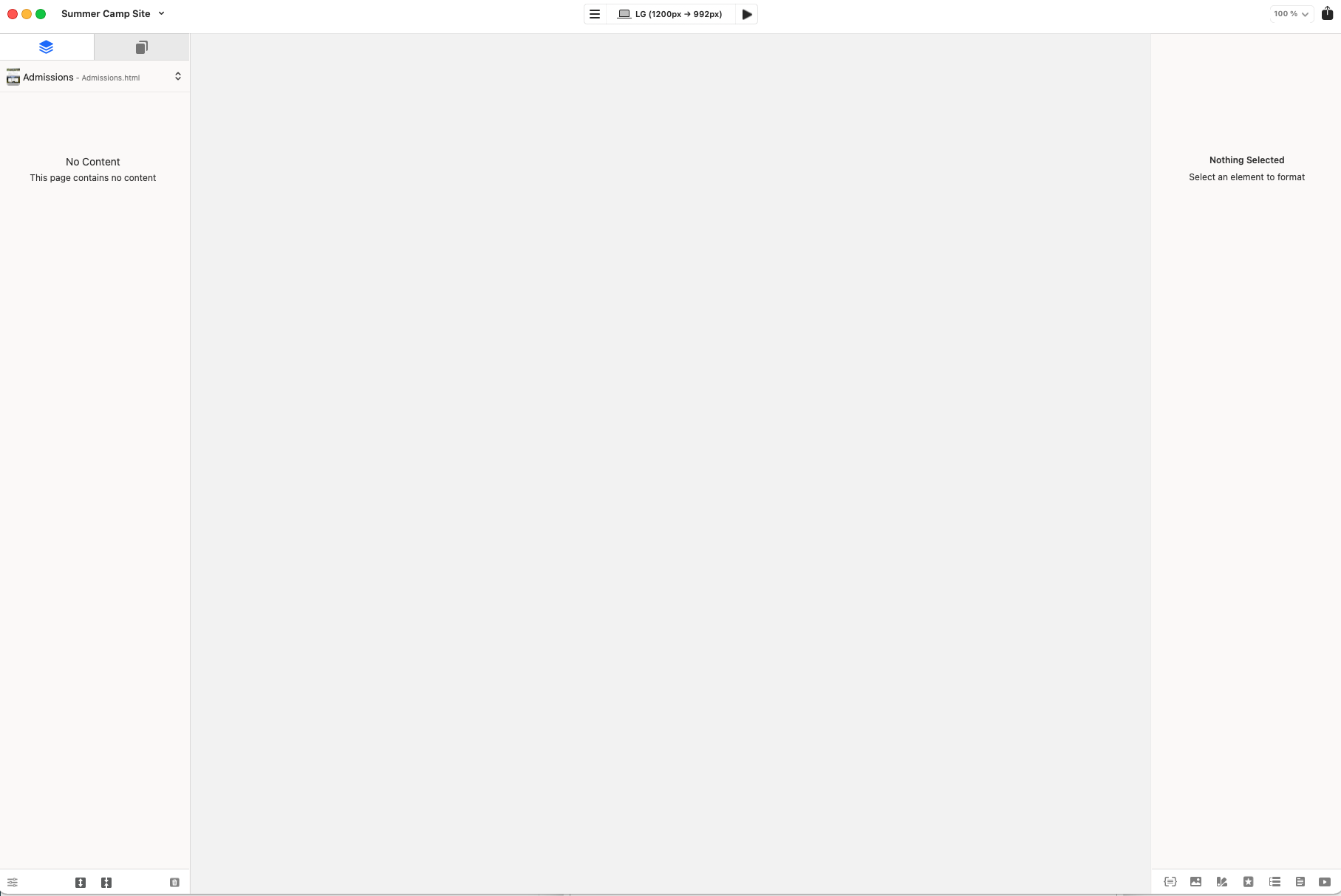
Just if it helps… every time I open a project, the page is blank and no pages loaded. The second time I open the same project, the pages are loaded but not displayed. The second time I see first a black background in the window before it changes to white as in the first time, I open it shows a white blank page and stays white.. See screeshots.
If you press preview what happens?
Preview will not work. —It works now. I started on Safe Mode and it worked. So i started closing all my startup applications and finally made it work. It was one of these applications that was not letting Blocs work properly. I have still not detected which one, but I am happy that it works now. Thank you so much for your help. I love my Blocs app… will always be so happy for what it does and so easy to work with. Bravo!!!
3 Likes
Let me know if you find the app that is causing this it’s handy for others to know.