I’m not a web developer, and I’m coming from RapidWeaver Elements as I need to create a six-page website again. I’m hoping Blocs will be a bit easier, though I haven’t spent much time with either app over the past few years. I have a few questions.
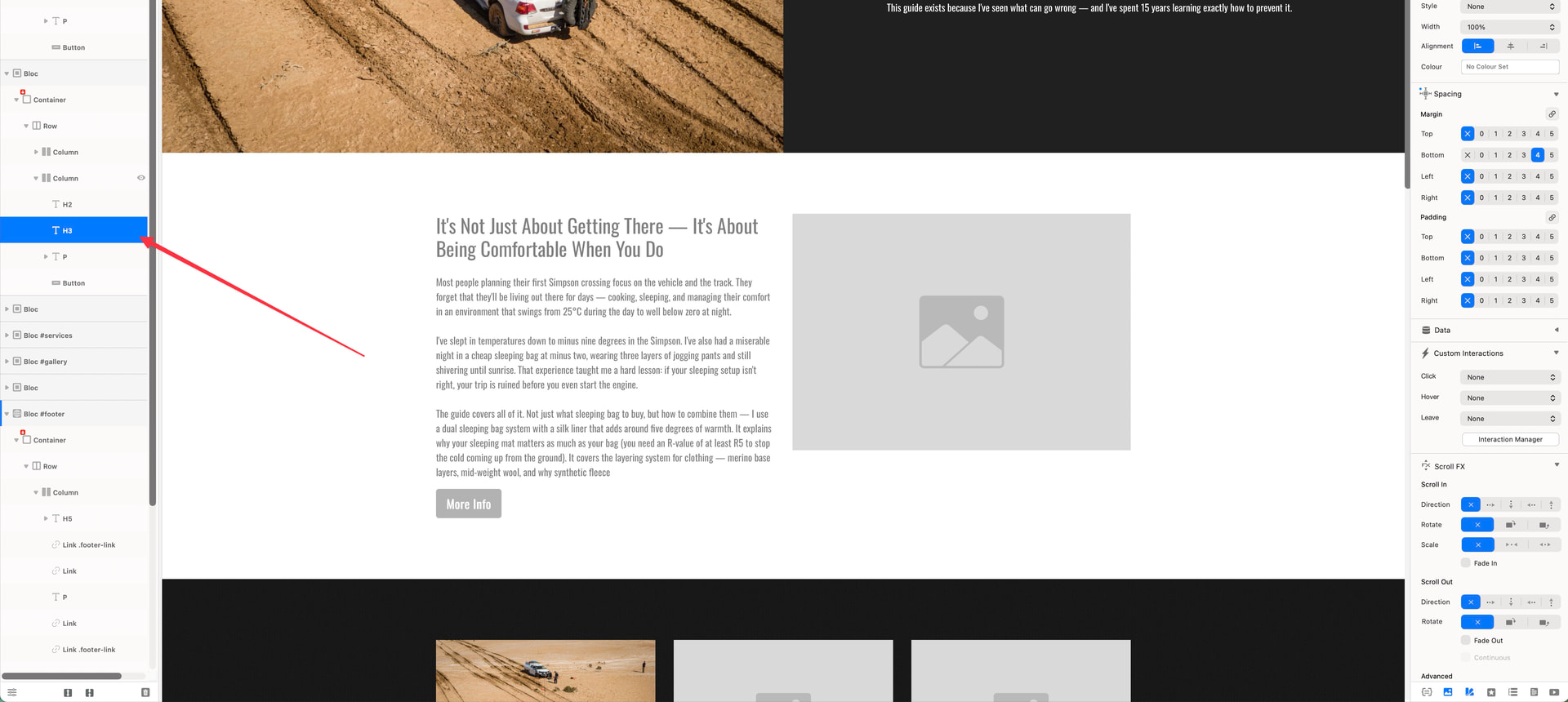
First, it seems there’s no way to undo the last action in Blocs. I can’t seem to undo anything at all. I also find that when I create a new headline or any other element inside what I’d call a bloc, I can’t delete it for instance the H3 headline here. I can disable its visibility, but I can’t delete it outright. Is that correct?
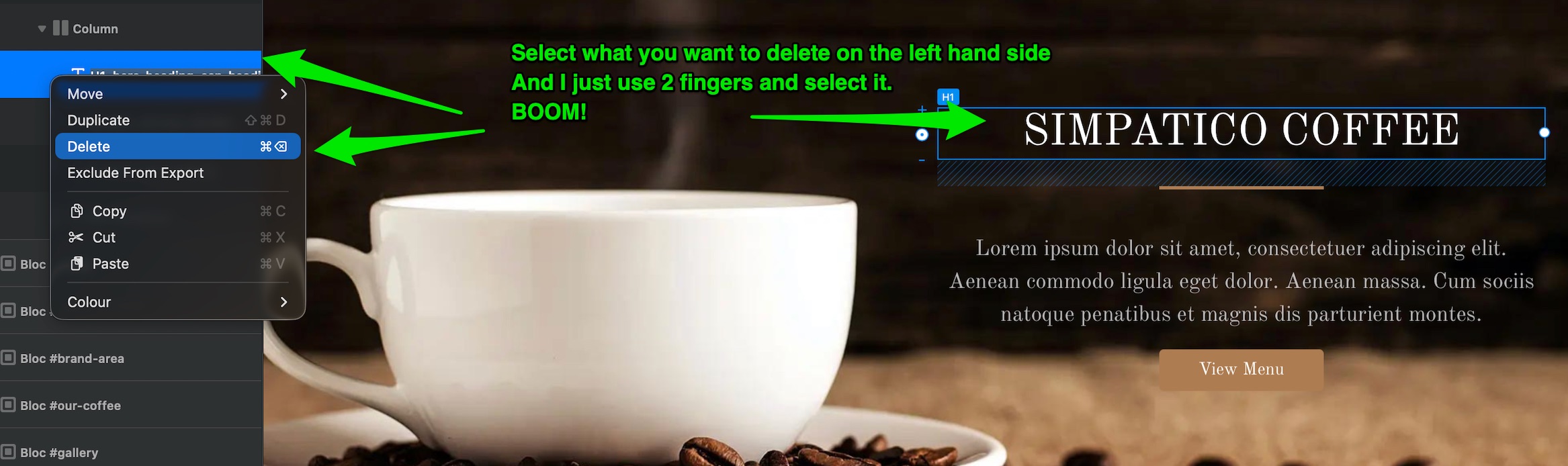
You are 99.9% there ! on the left hand side where you have selected, I just press the trackpad using 2 x fingers (if on a Macbook) and a list of options come up including delete!
Nice and simple….so when working and you want to remove something, just do that.
In terms of a undo, I never really work like that, I just edit or remove as I have said but I believe like anything on a Mac you can use - Command and Z, but I do not like ever use that.
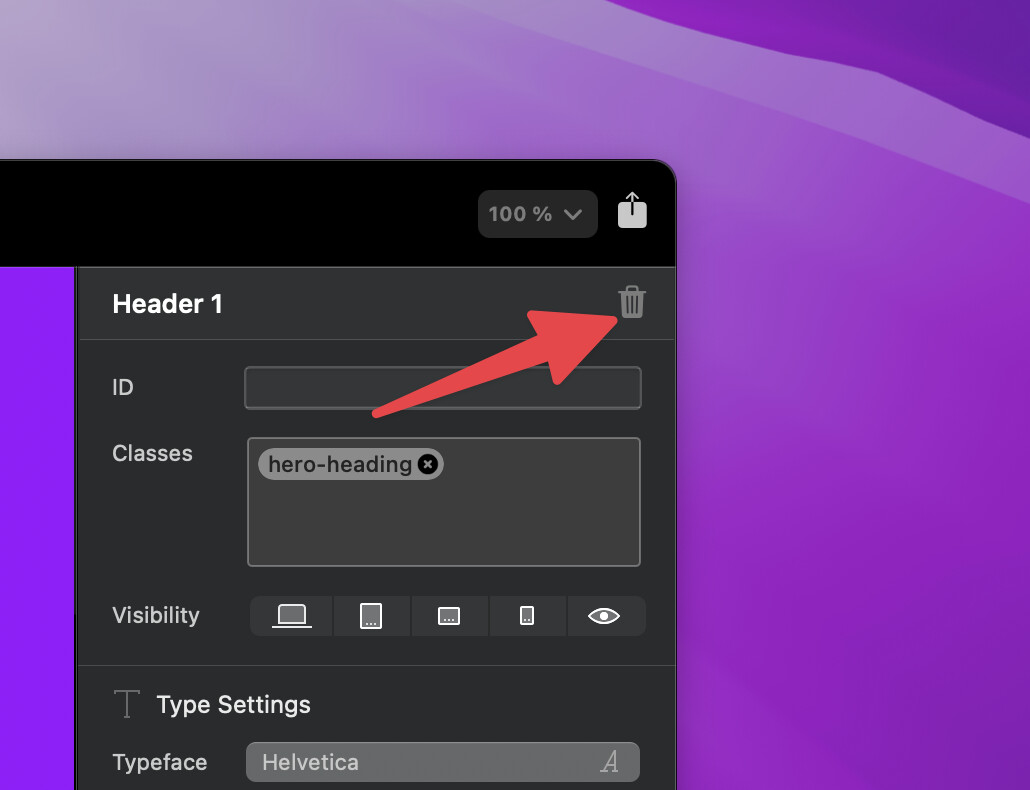
You can delete anything in Blocs - disable is not the right way.
Good luck and fire more questions on here! we will all help.
ps, my answers arent always the correct way ! or the best way….but they are my way!
And if you have done a lot of things and you can’t work out what you have done!!! then you can go to - file - open back up vault - and select the file you want.
Blocs has it all - once you know where things are, you will be amazed how fluid and quick you can work.