Hi.
Is it possible to either reverse the carousel slides to add/duplicate the first slide so if I add a new slide, it comes in first.
You can’t simply duplicate as the tree locks the slides.
Thanks, Andy
Its not ideal, but you can add something like this to you page footer with the slide number
Replace carouselID with the ID of your carousel
Replace 1 with the slide you want to start with. Starts with 0, so slide 2 is 1 
<script>
$('#carouselID').carousel(1);
</script>
1 Like
Thanks @PeteSharp, but wouldn’t that only work once?
Not a big problem tho.
Sorry, I just re-read what you wrote lol
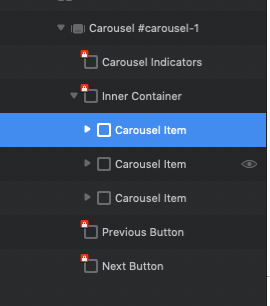
You can re-order the slide items in the layer tree.
Drag a “Carousel Item” to a new order. (these are not locked)
Got it. Can they be duplicated? I’ll try tomorrow (here in UK). Hope you’re all safe down there.
Just been refreshing my knowledge by watching your carousel vertical indicator vid! Great help as usual
Yes, select the Carousel Item, and I just use Command D to duplicate.
1 Like
Seems to copy the slide into the same container. I’ll simply do manually.
Am I completely missing what you are wanting to do here?
It should duplicate the slide…
Hi. Sorry if I’m not being as clear as I could be.
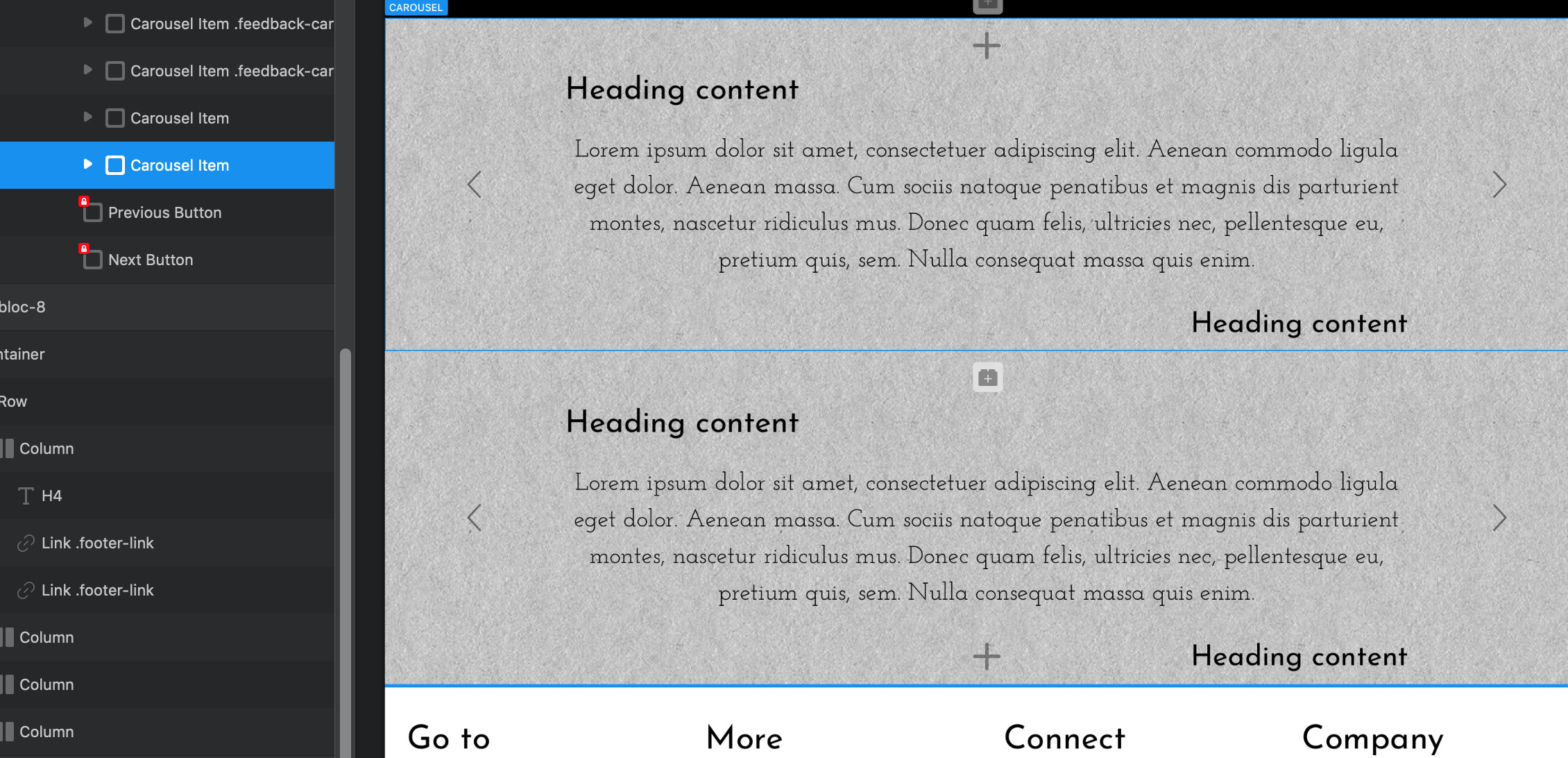
When I duplicate the carousel item and move it in the tree, it still shows in the same order. I assumed they are created with a position set within the code, not set by manually dragging each slide.
On preview, they appear in the same order; but bear in mind I’m having big issues with Blocs extensions at the mo, (waiting to hear from @Norm).
Also each one seems to be duplicated in the same place as below.
But please don’t waste any time, it’s just me trying to cut a small corner from the workflow for future reference.

Duplicated