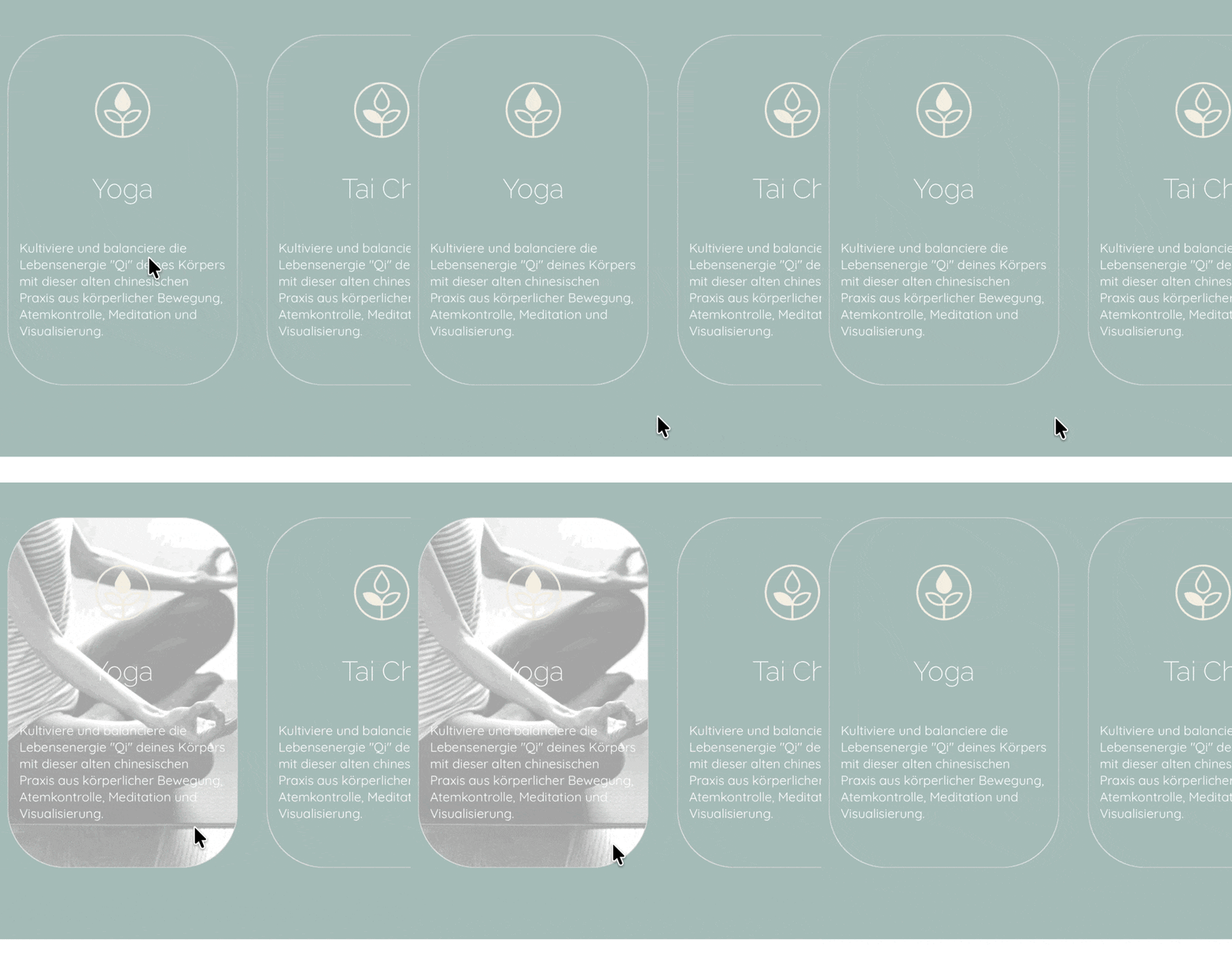
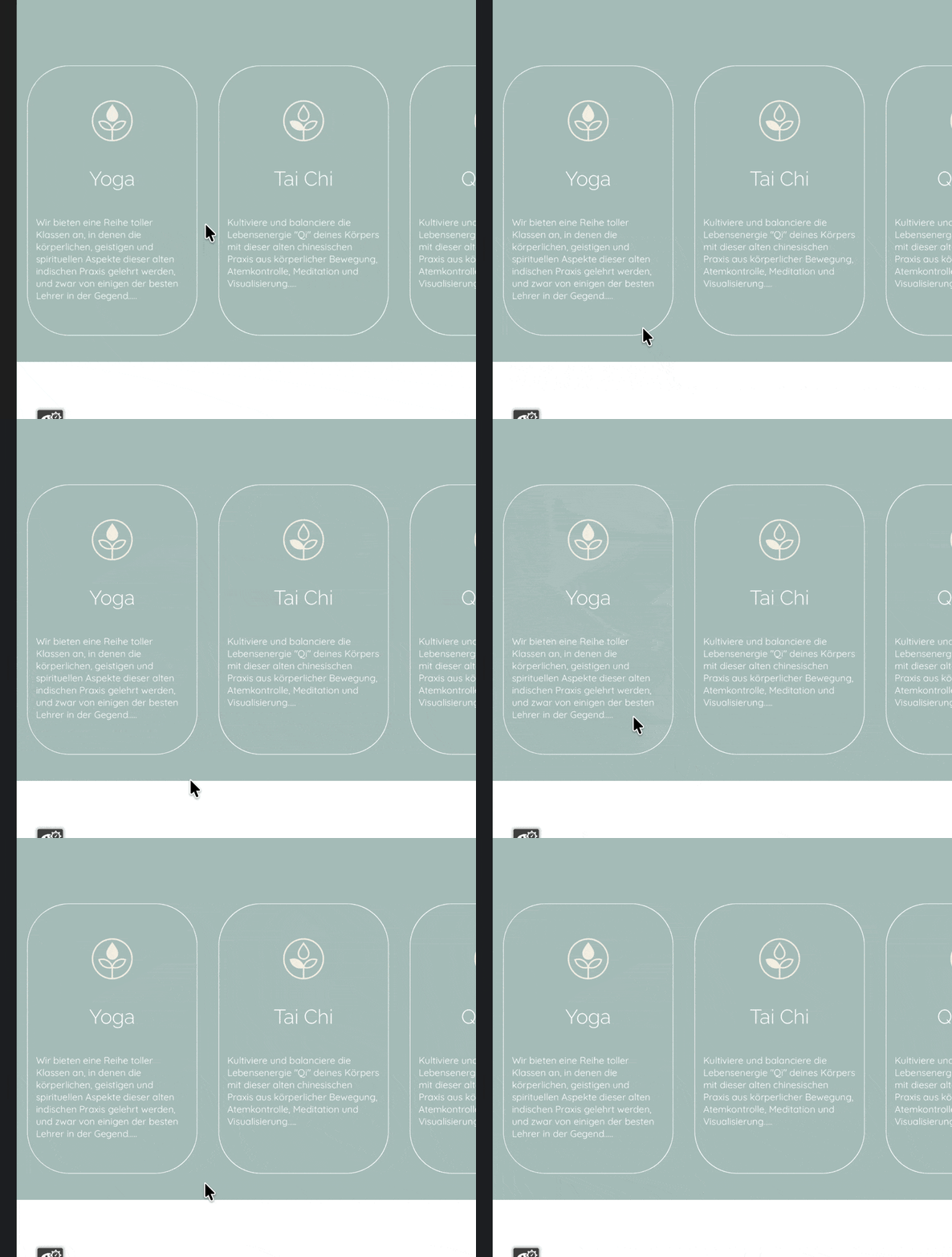
Is there a way to set the hover effect transition speed of this card? I created it with a simple custom class (normal/ colour - hover/image), but find the speed quite jarring; especially since the site is for a yoga studio. There is a ‘Transitions’ section in the custom class menu, but nothing I do there seems to have any effect.
Try To apply the transition over the column, I have a project working like that.
You can also try placing the code manually on the page settings. That will work too
The last I tried, you could not css transition a background-image from none to an image. You will most likely need to transition the opacity from 0 to 1, but that would also hide your inner text.
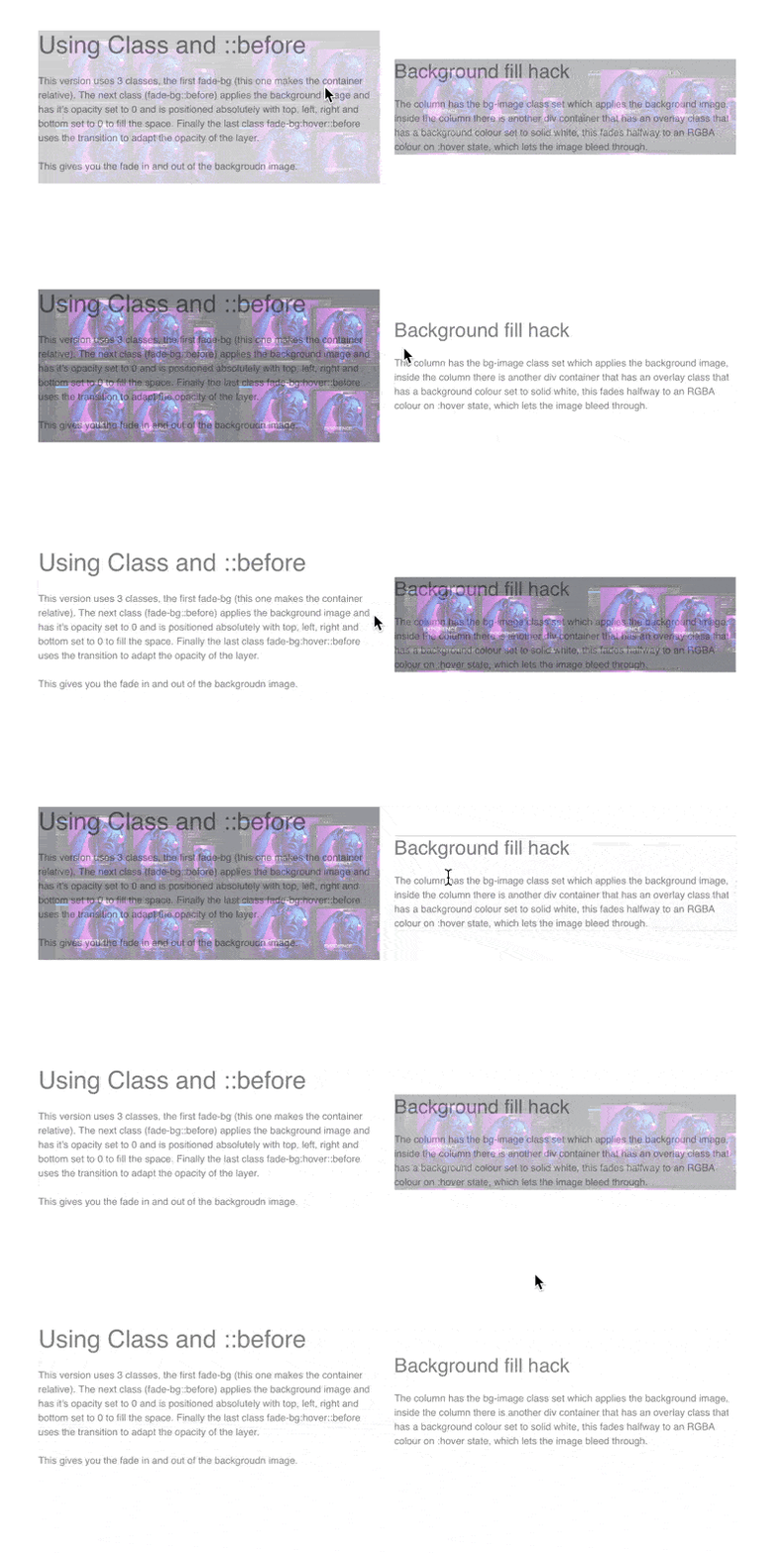
Here is an example project with a few solutions inside, one uses a pseudo ::before class technique and the other a background fill colour hack.
You could likely do this with a custom interaction or the stacked div container as well, a few ways to do this, but the pseudo ::before is probably the most lightweight approach I can think of.