With the new Interaction Manager in Blocs 6, is it possible to show or hide a bloc by scrolling?
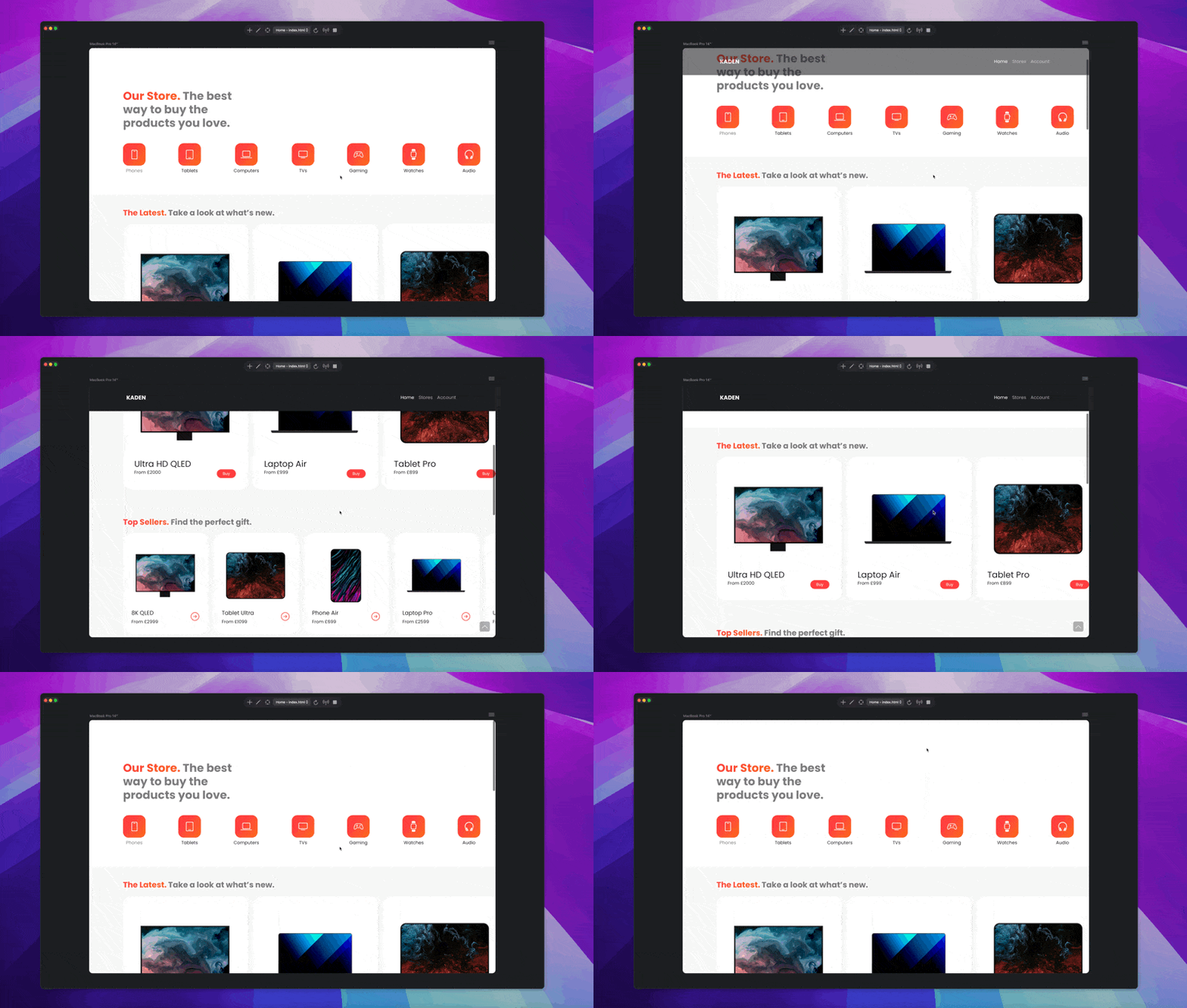
I would like the logo and navigation to appear smoothly when you scroll down a bit and it should disappear again when you scroll to top.
You will probably instead need to use the existing Scroll FX – or – Animation.
@Norm is the Blocs 6 Interaction Manager hooked up to those, or will that be possibly coming? There may be instances where it would be nice to have all 3 features tied together, or do you feel differently in keeping them separated?
It would also be nice to tie in Custom Classes amongst those above 3 features (Scroll FX, Animation, Interaction Manager). Especially now with CSS Transforms & CSS Transitions, basically connect all these features together creating – endless options and possibilities.
Custom Classes – including CSS Transforms & Transitions
Data-Attributes
Code
etc.
My notion is that as nice as they are individually they could really be that much more powerful and beneficial when able to be utilized fully together. Most things are in place it’s just the consideration of how they could all work together seamlessly and what that could offer users.
Maybe something to think about and consider going forward, I think it would offer great potential for users if you could allow these features to work together.
Maybe give it some thought and consideration.
At least I think it would be, anyway I’m sure you get my point.
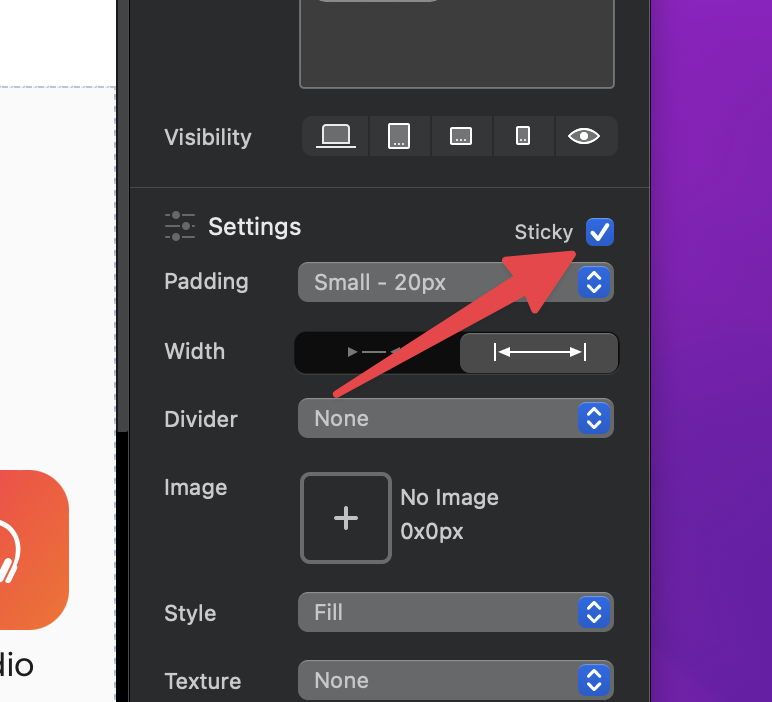
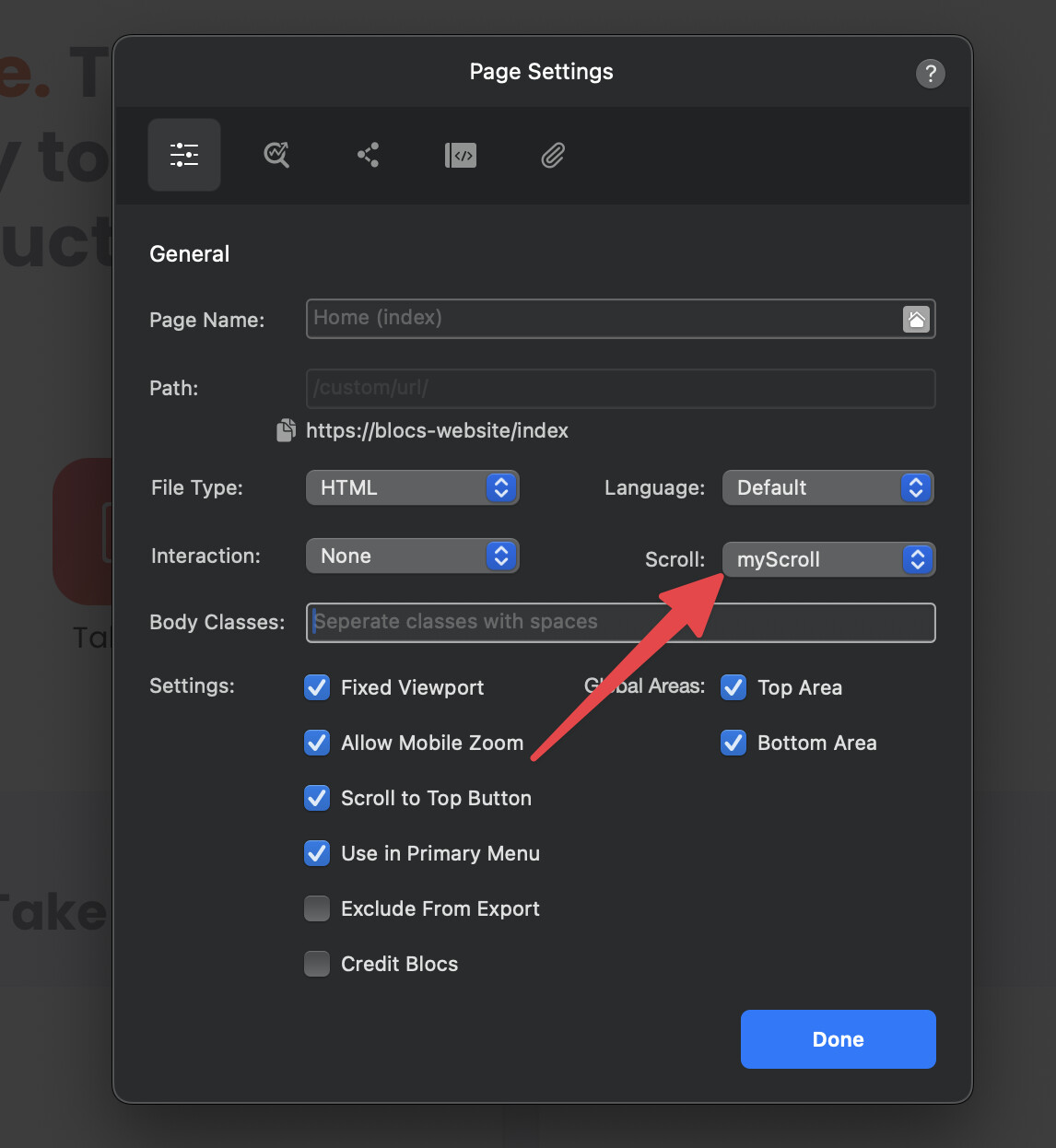
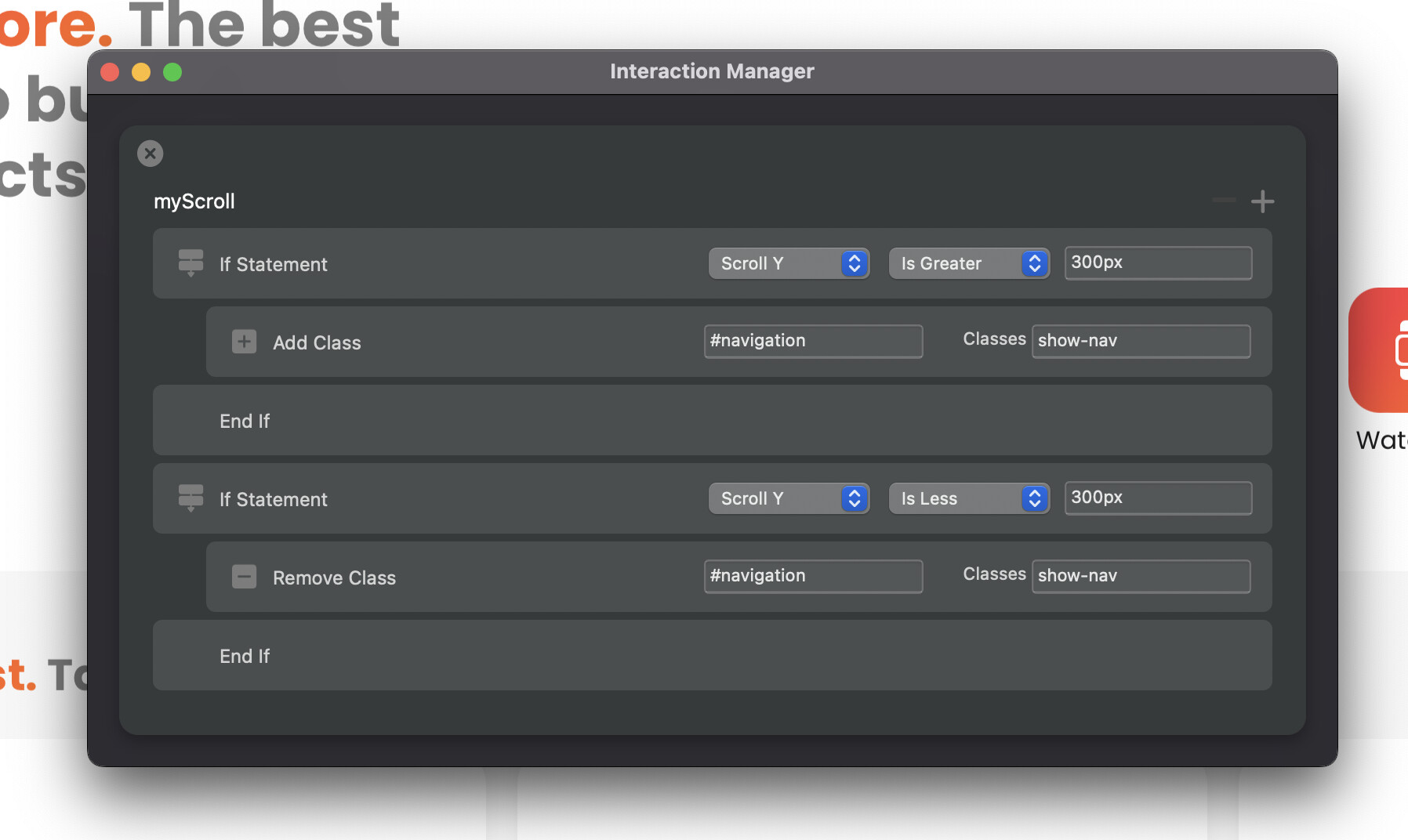
I’ve added a conditional if statement for checking the scroll Y position, you can set greater than or less than and set a pixel value. Inside this you can assign the rules you want to trigger, in my case it’s to add a class to show the navigation.
When the page is scrolled my custom interaction will assign a class show-nav to the element with the id #navigation but only when the scroll Y position is greater than 300px;
I’ll get it tidied up ready for Blocs V6.0.4 release.
So with Blocs V6.0.4, you don’t need JS to do this
In other words how do users handle other elements down the page which can change and not based upon hard coded px ? This gets back to my above notion of it being helpful exposing more in the various features across each other.
What about: if, else, else if, switch case, ternary operator – how complex is this JS Lego gonna become.