Is there a way to add a button to the Smartnav menu @Whittfield ?
You can create a button in a navbar: in the inspector pallet you can include a content area; There you can simply put a button.
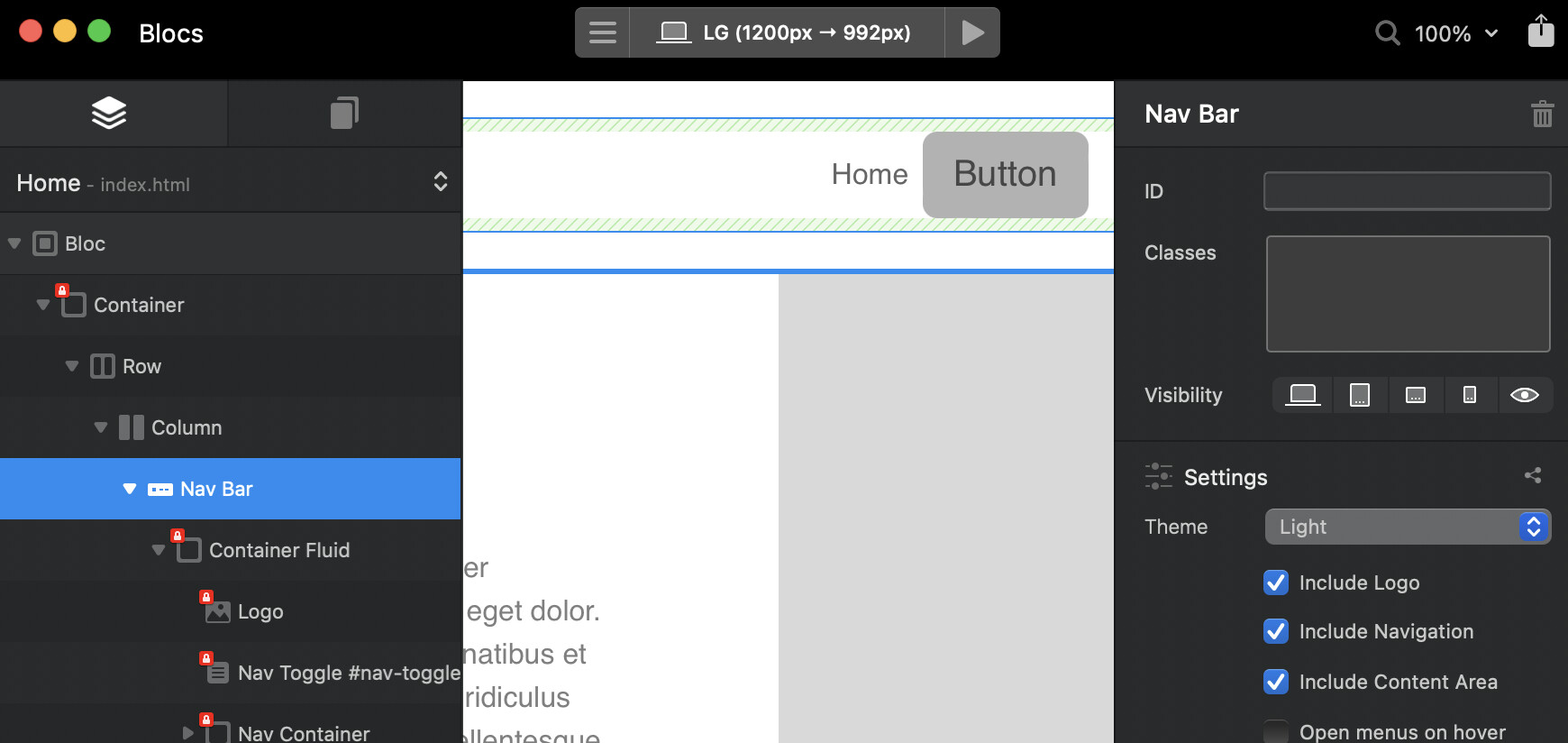
I know how to place a button in the nav bar but once you change it to Smart Nav it don’t work as far as I can tell 
Perhaps it is best to ask to @Whittfield
I just tested it: but it works fine in my case… (I just tested it with a link to another website)
1 Like
How to add a button → I know how to add a button → its not working.
I would suggest some more details, screen shots or something. It really does help people who want to help. Otherwise they can invest a lot of time they wouldn’t need to otherwise.
1 Like