I have a problem that i cannot solve so decided to create this topic (after searching on the forum)
Axioms:
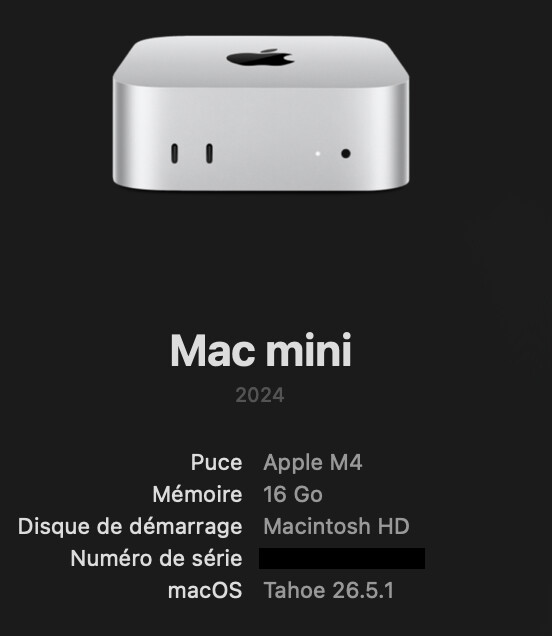
Mac mini M4
fresh installation of last version of blocs plus
a/ trying to open projects done months ago
b/ creating from scratch a new project
c/ using an official template
Problem:
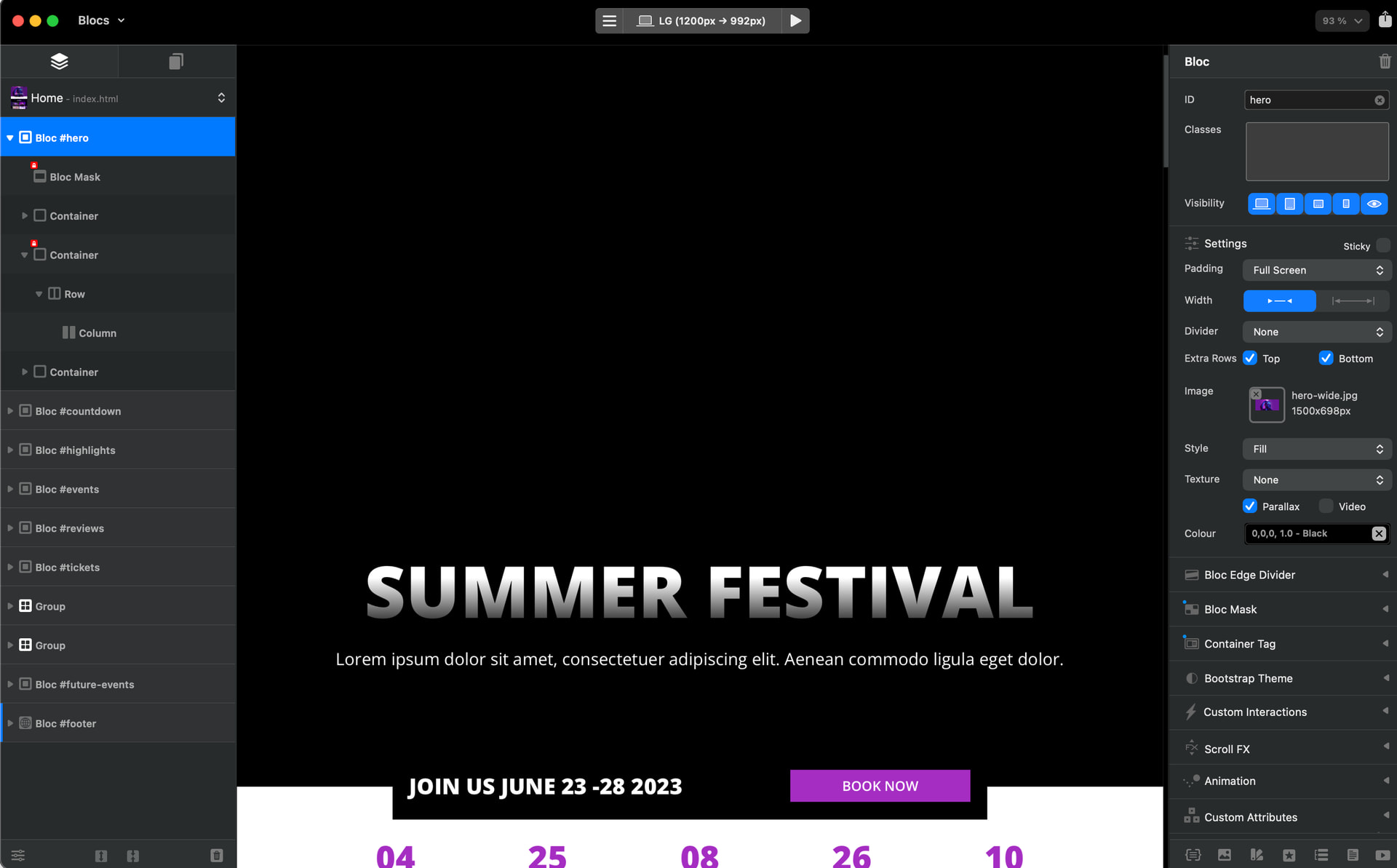
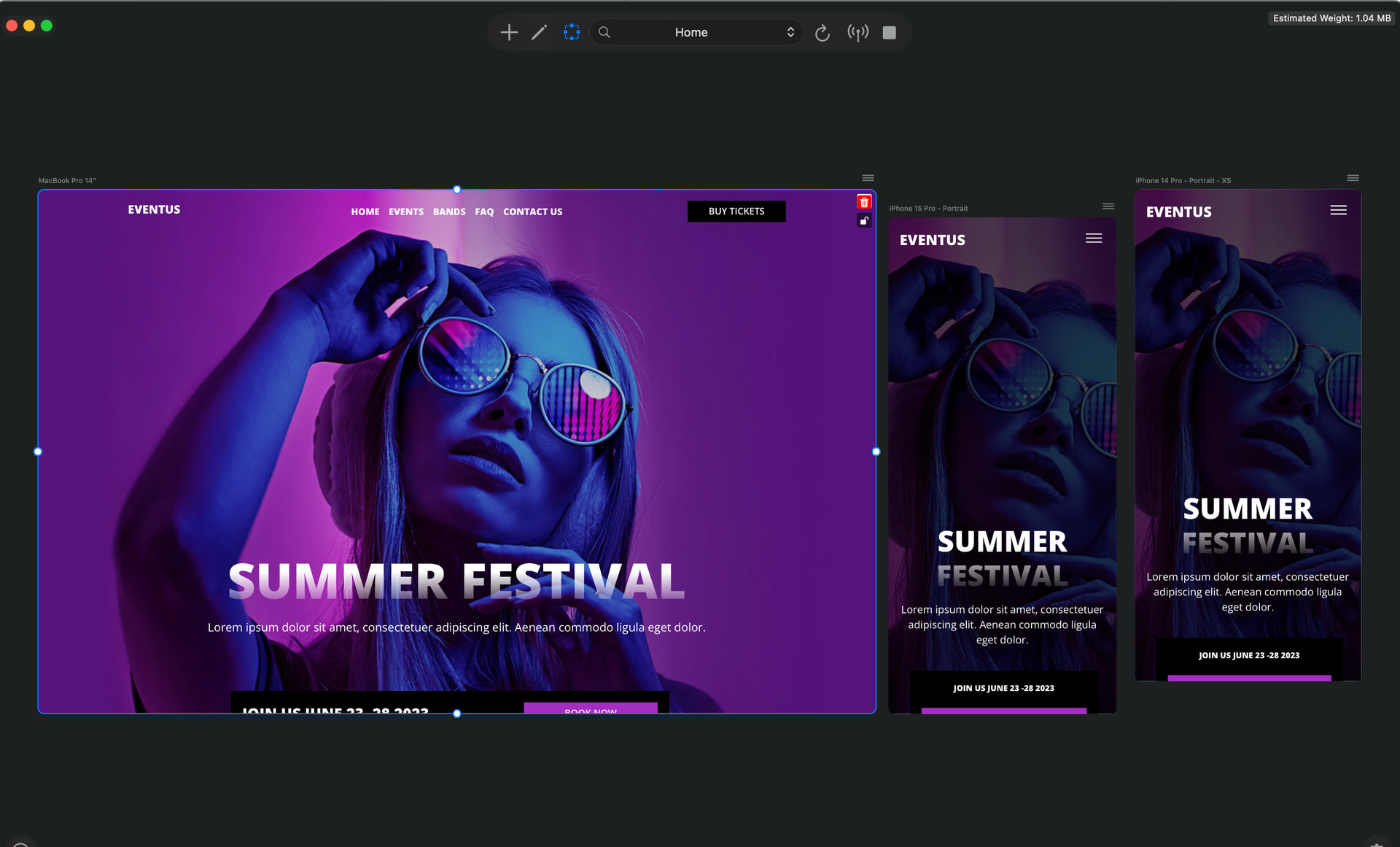
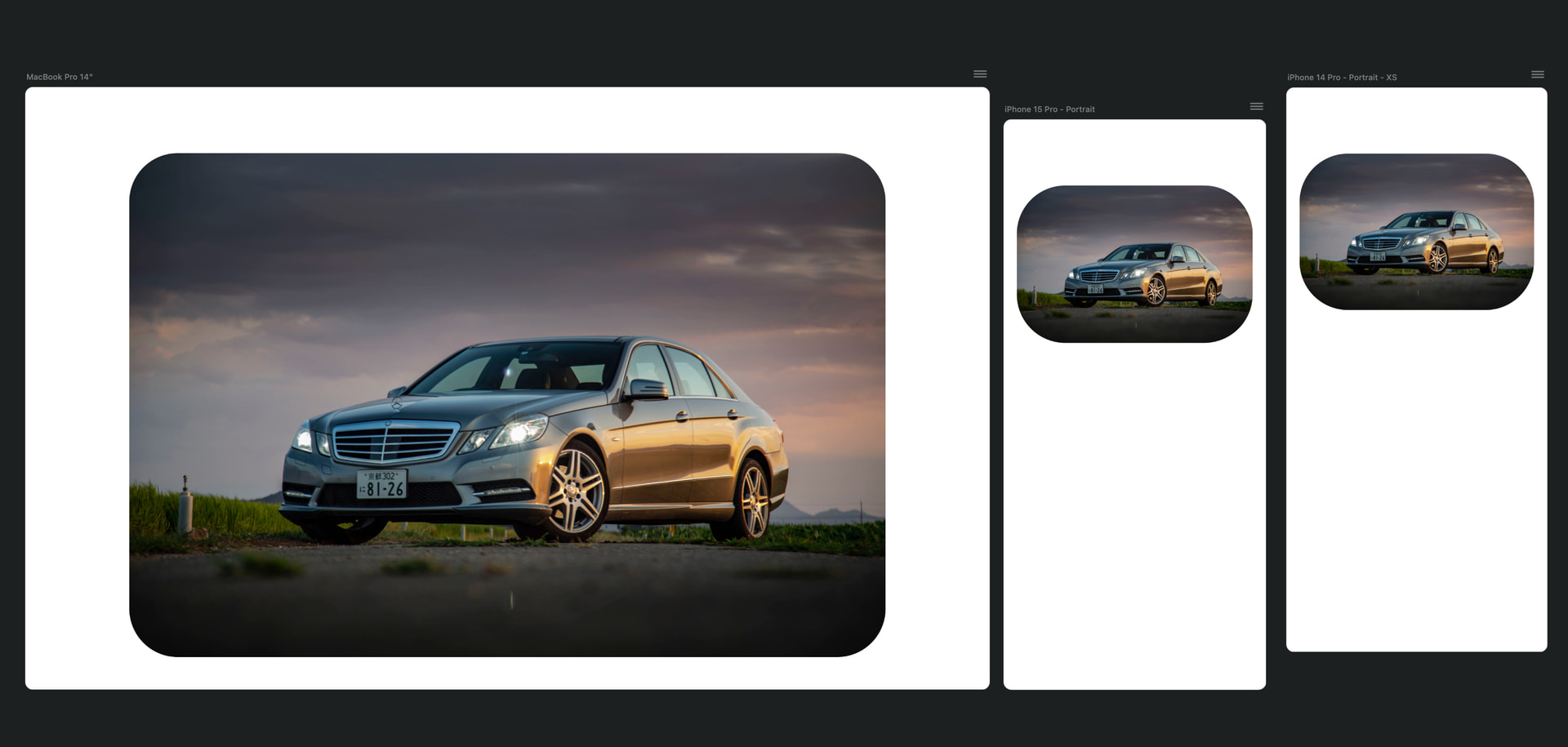
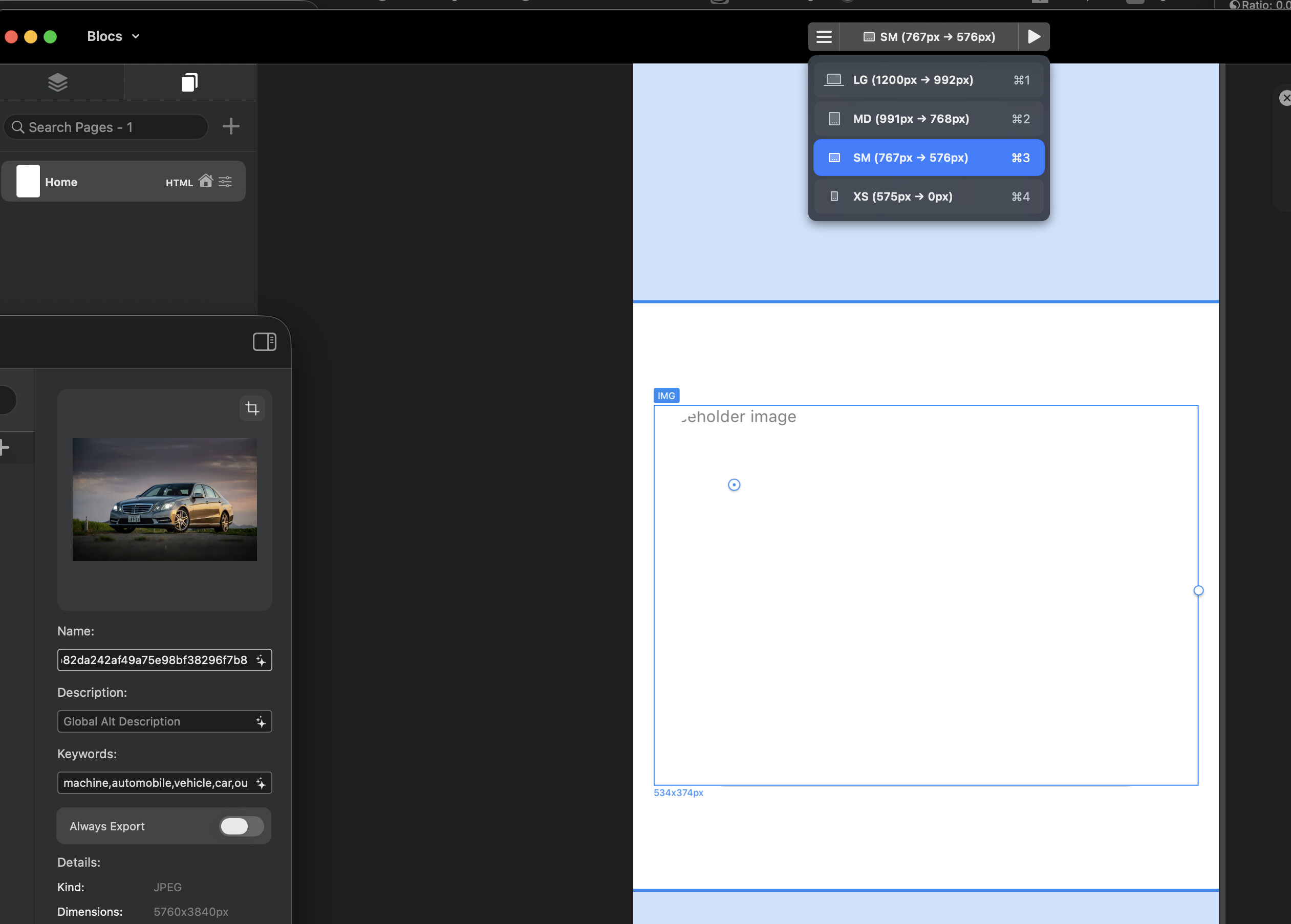
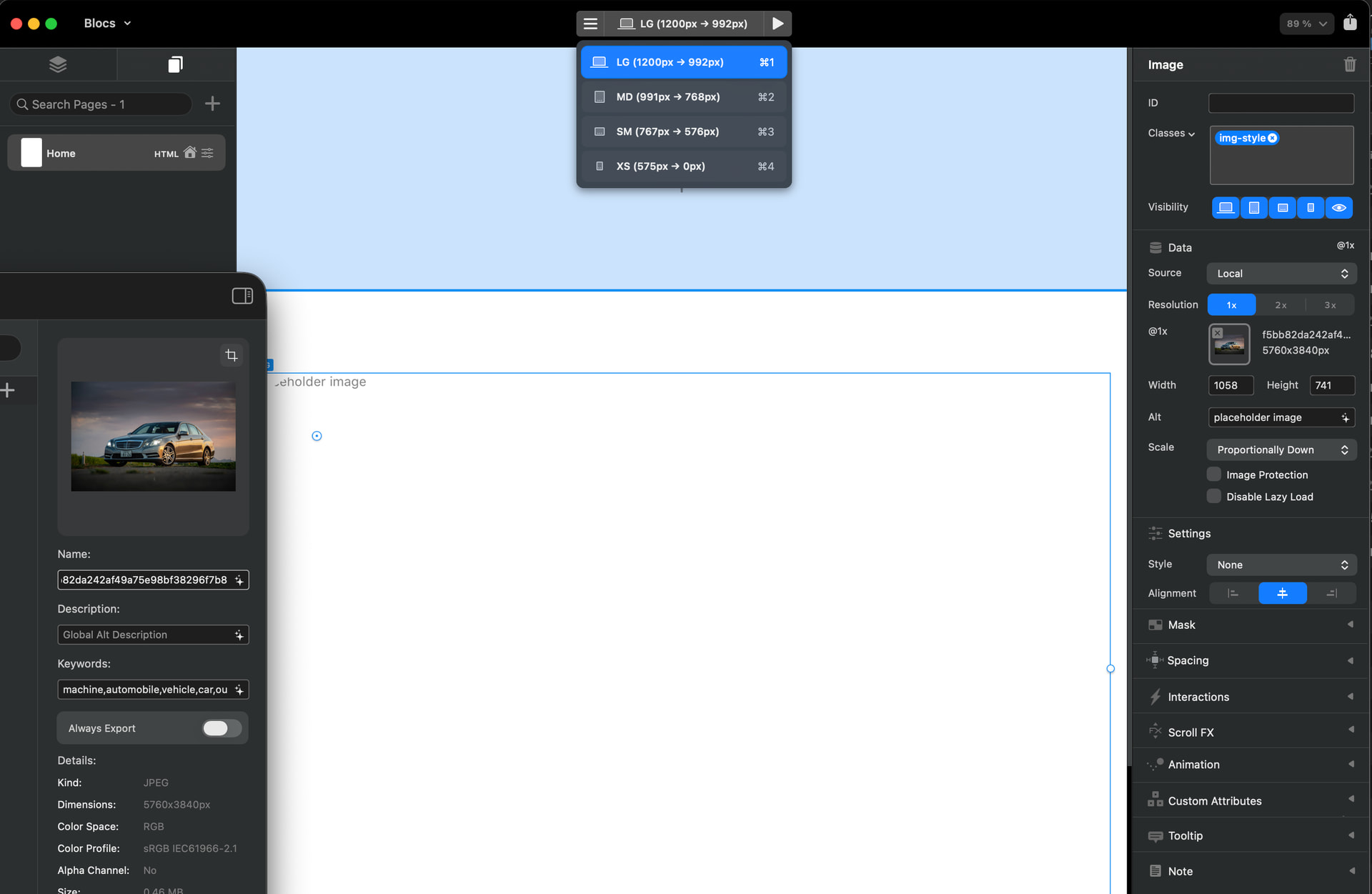
at all projects (a or b or c) the image doesn’t appear on the builder but appear on the data and preview maybe I miss something obvious?
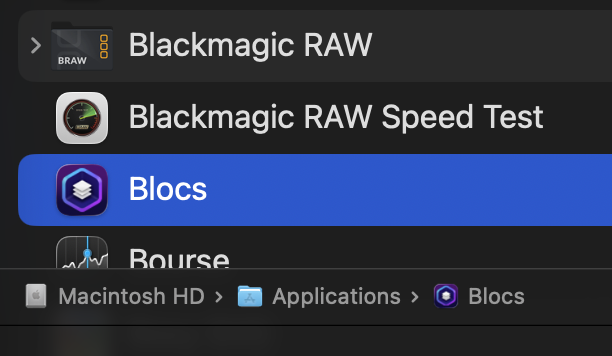
Are you running Blocs from the application folder on your Mac’s main HD?
This typically happens when Blocs is run from an external drive, Blocs needs to be located on the same drive as your Macs application support directory.
Also if you cloned the app (from a backup) it may have been given limited access to your Macs HD.
thx
after reading some others topics it was this point that I digged
but as u can see it is in the Applications folder of Mac HD
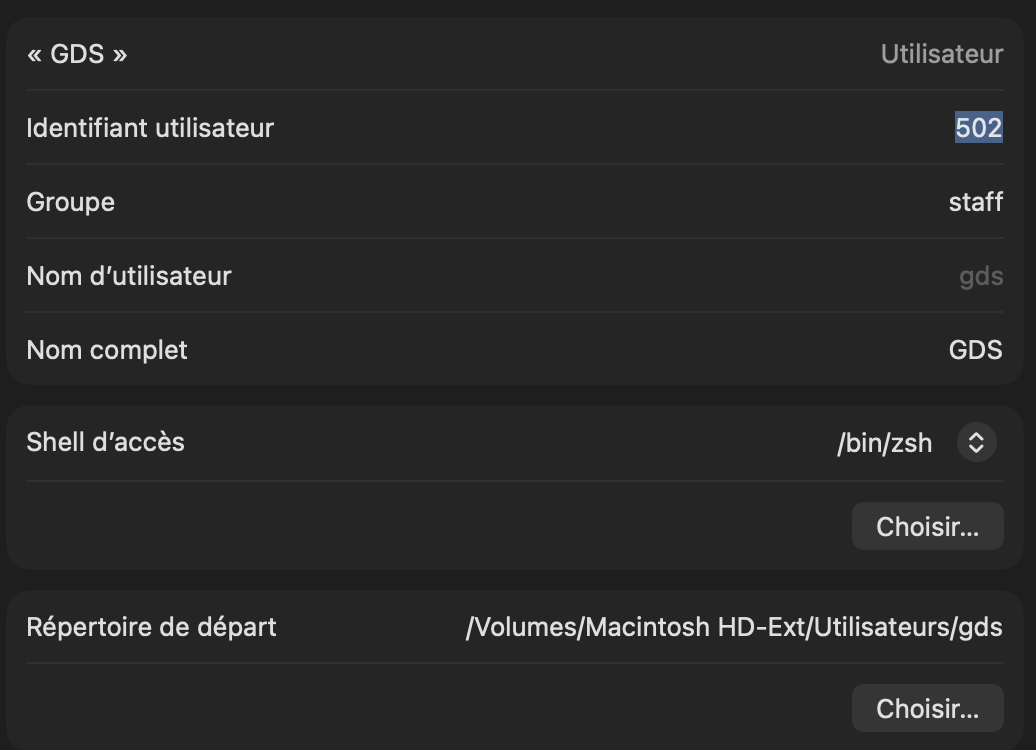
a point important I guess my user folder is based on an external NVMe
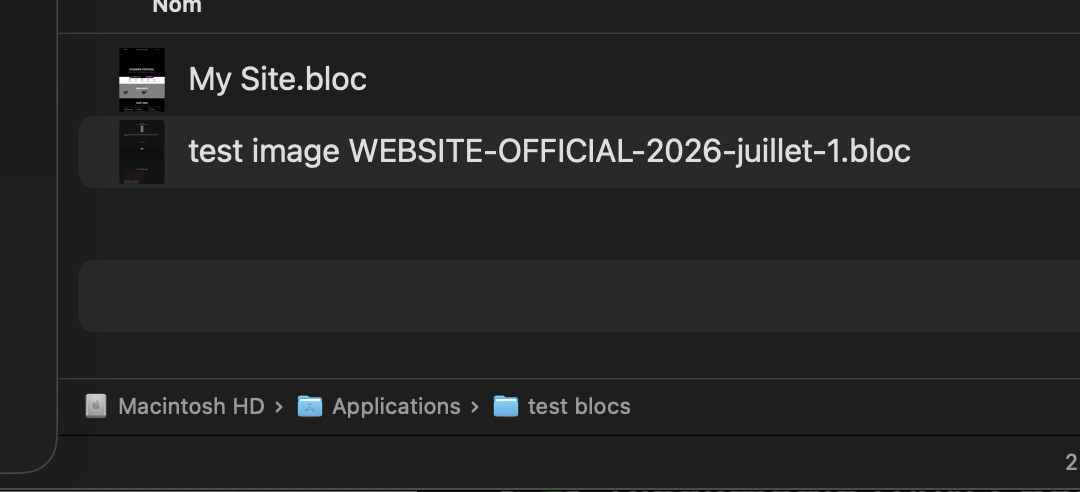
But after trying to save a project on a folder created inside the applications folder (with assets embedded in project) Nothing changed (same behavior)
it was just for a try (creating a folder of “test” in app folder)
btw it was to try to have Applications and all the assets etc etc on the same internal HD of Mac mini
creating a new project, choosing a template included in BLOCS:
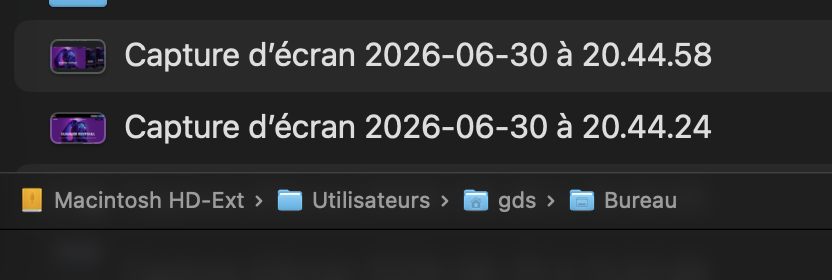
nothing open on the builder but appears on the preview saving this new project on the desktop (meaning user/desktop of the external HD): not working
saving it on the Mac HD/app/test folder: not working
it is fresh installation
new try:
i have different accounts
my main one
where I work on (with applications folder on the internal HD of Mac mini + user folder on the external one)
this is this one which have the problem
and one as “backup”
(never used at all, just to create the main one)
this one has EVERYTHING on the internal HD of the Mac mini (app, and user folder)
this one has no problem at all to work (all images appear as it should be)
According to it:
Is this a problem to have the project recorded on an external HD?
Possibly, when Blocs opens a project from an external drive, it needs to copy all of the resources from it to the local file system (internal drive) in order to show them as they will not display from an external drive due to OS security.
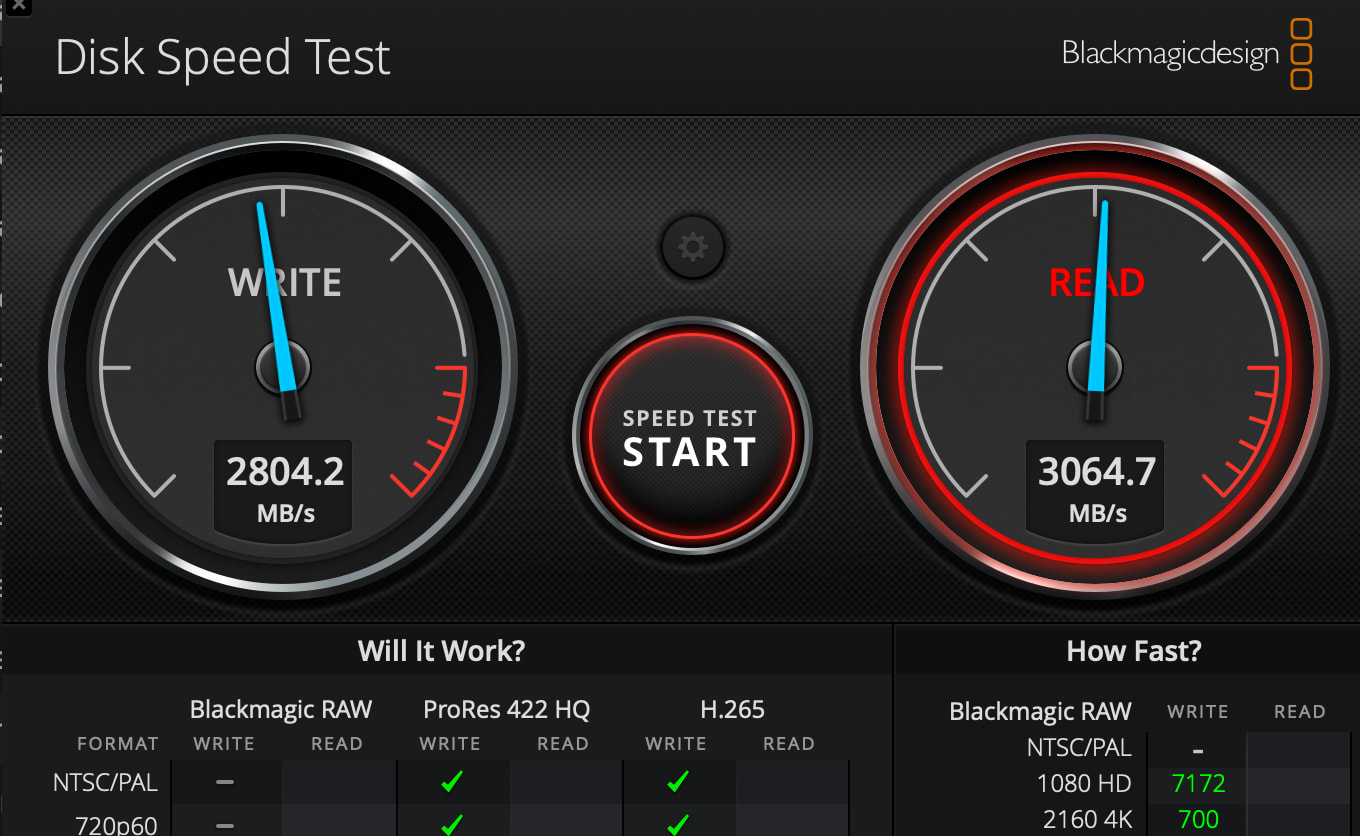
Blocs handles this automatically, however, what can cause issues is drive speed, the images may take a little while to copy and write to your Macs HD space, or there is not enough space on the HD.
Only the canvas is effected by this security measure, you will find the images load in the other parts of the UI and in preview mode.
little feedback to people whom will be in same case as me
so to resume:
Mac mini 256GB (so pretty easily full if you have all documents in different folders internally)
so the idea was to target from a session ALL the HOME (user) to an external NVMe of 4Tb
Problem:
with this system, Blocs didn’t like it at all in the canvas (cf above)
so the easy solution was to keep a session fully on my internal HD (256Gb)
and just to modify the left side of the finder with the link of “download”, “movies”, “music” which target the folders created on the NVMe
NOT THE BEST BUT sometimes the simplest solution is the less inconvenient
Create an ‘Applications’ folder in the root directory of your external drive that contains your ‘Users’ folder. Move the Blocs app from the Applications folder on your hard drive into the external drive’s Application folder and run Blocs from there.
This resolves the file path and permission conflicts between the Mac’s internal storage and external drive and prevents macOS sandboxing restrictions from blocking the asset previews. Now the images show up in the Blocs editor window.
There doesn’t seem to be a problem with the Blocs app being run from the fast external NVMe when your user Library/Application Support folder is on the same drive.
I’ve have a Mac mini too with my home folder on an external drive and I found your post because I was experiencing the same problem. I was really happy when everything suddenly started working properly!
thx @cubasis IT WORKS
and your solution is much cleaner and far better than mine
by the way, I created an “application folder” inside the User of the NVMe days ago for huge programs like Davinci, Affinity suite (to increase free space on internal HD) and never ever thought once that putting BLOCS app there (like others ones) will solve this problem
But just tried and it is perfectly smooth and fine
Images appear on canvas and preview etc etc
Again thx a lot for the tip
Cheers from Kyoto
PS: *by the way, I was tiny bit afraid of limitation of the Mac mini M4 base model (with 2x DELL 32 inches 4K screens),
but after running BLOCS, Affinity suite (for retouching pictures / logos, svg etc), Codex (optimizing CSS) and ChatGPT at same time: I have no lags at all
it is pretty smooth so clearly a great choice at cheap price for our jobs
This is amazing, thank you for sharing your solution.
So to summarise, if you run Blocs from the same HD as your assets, it works. I’m not sure how, as Blocs usually needs to be on the same drive as the application support directory.
When you move your Home folder to an external SSD the user application support directory also gets moved to the external SSD.
The Mac mini M4 (when it first came out) was incredible value at £599 and the base model RAM was good at 16GB. The downside was the storage being only 256GB, and upgrading your storage through Apple as we all know costs an absolute fortune. So manufacturers and YouTubers came up with great solutions.
I bought a Beelink Mate mini Dock with a very fast preinstalled 2TB SSD for $299. If you add 2TB from the Apple Store it currently costs an extra £1,000!!! There’s a YouTuber with a very comprehensive guide to moving your home folder to the external SSD so you don’t run out of space on the small internal one.
Like @SENEK I’ve also created an Application folder on the external drive for huge apps. Not all apps work seamlessly from an external drive, but there are a lot of self contained apps that work perfectly. I create shortcuts to the external apps and put the alias in the internal drive’s Application folder.
Clearly don’t know if it can help but when you move the HOME (user) to an external drive through the users & groups
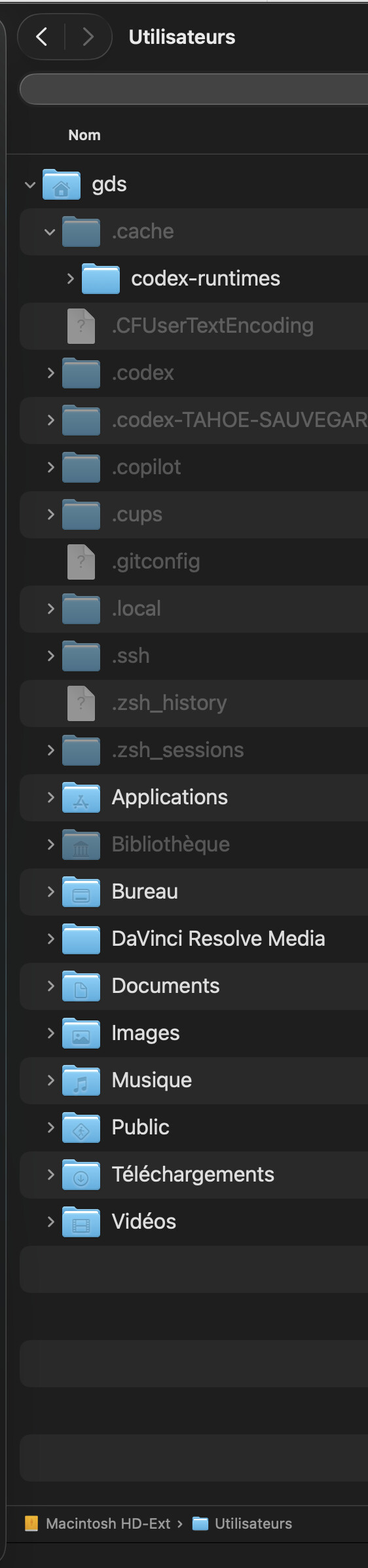
As @cubasis said: MAC OS creates at same time a Library folder (support application etc etc)
PS: in French on the screen “bibliotheque” = library