Hi, I’m testing a brand new app called Spline (https://spline.design). with it we can make very nice 3d elements for web, but I can’t understand how to embed the scene of spline in Blocs.
I can export from spline in different ways, but I would need help from someone to understand how, and how to embed it for example in the homepage of a Blocs project.
thank you very much
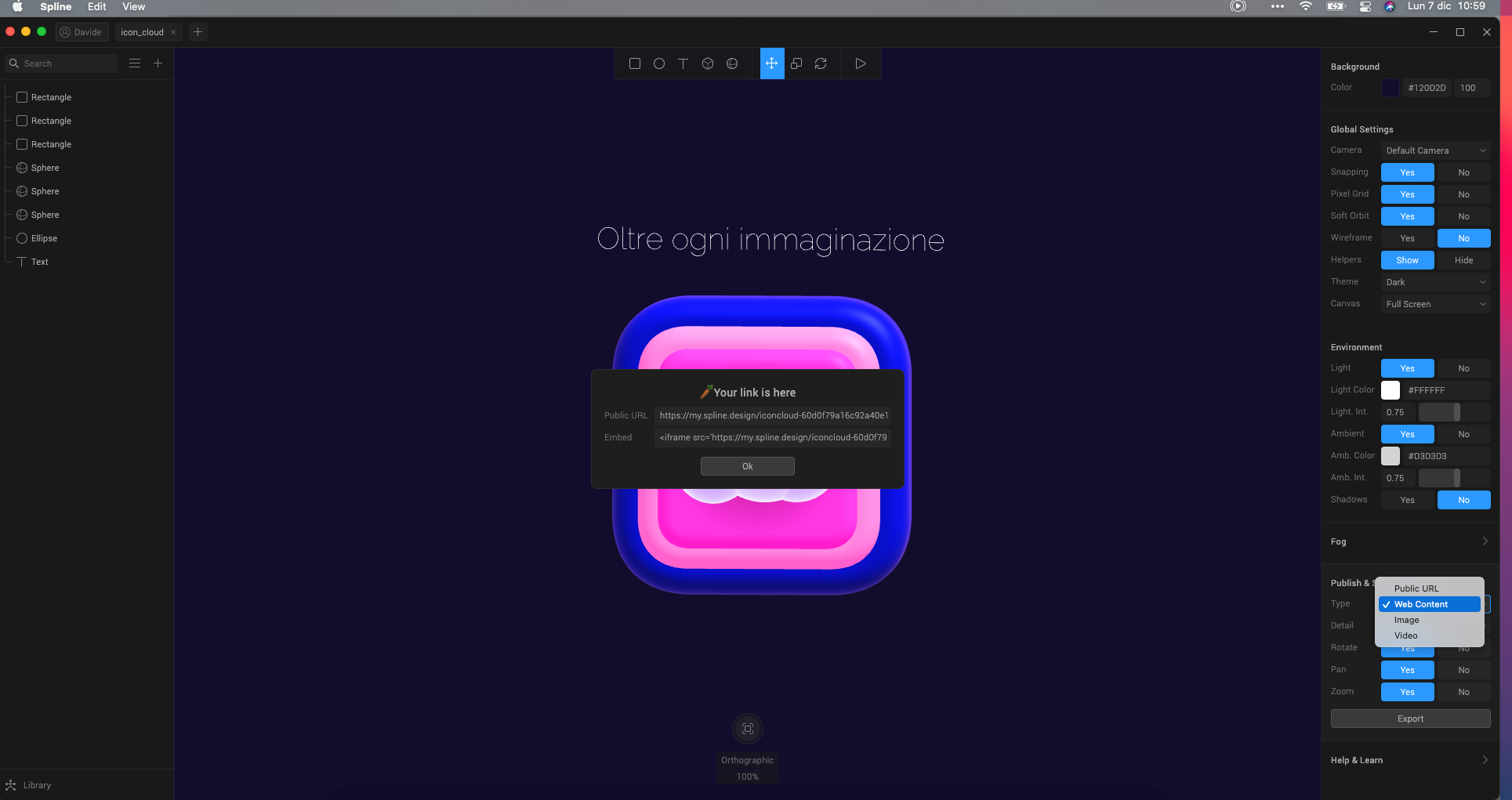
Funny enough, I downloaded this the other day too. I haven’t had a play yet though.
that’s the problem, if I embed the code in the html bric I don’t know how to set the adjustments to make it fit on the screen (full screen as splash screen).
yes it’s quite simple to use and the results are funny and look very nice.
1 Like
it doesn’t work 
iframe src=‘icon_cloud’ frameborder=‘0’></iframe
this is the code it gives me
Hello, so I was able to make it work so you have to follow the next instructions to make it work (this option makes the animation hosted, not using iframes):
1º - In Spline export as Web Content in High Detail:
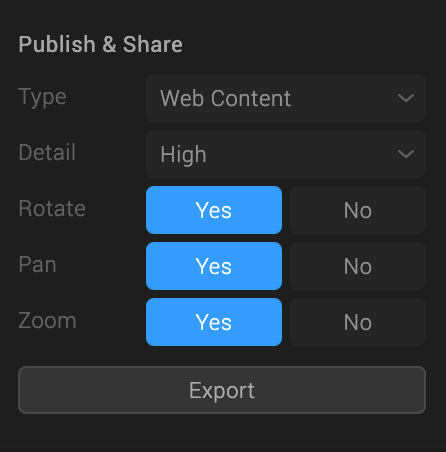
2º - You will find the following folder structure:
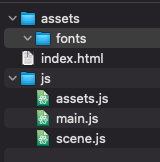
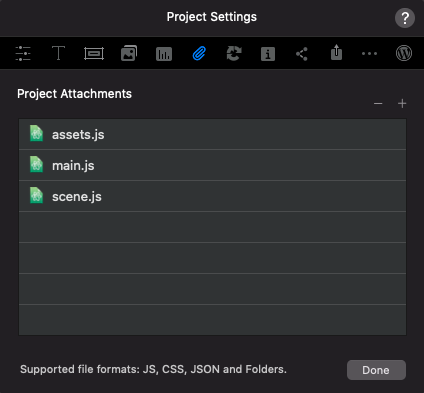
Simply add the 3 files from the js folder and import them to Blocs in project settings:
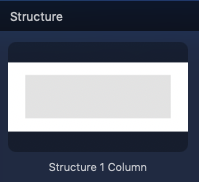
3º Add a “Structure One Column” to the page:
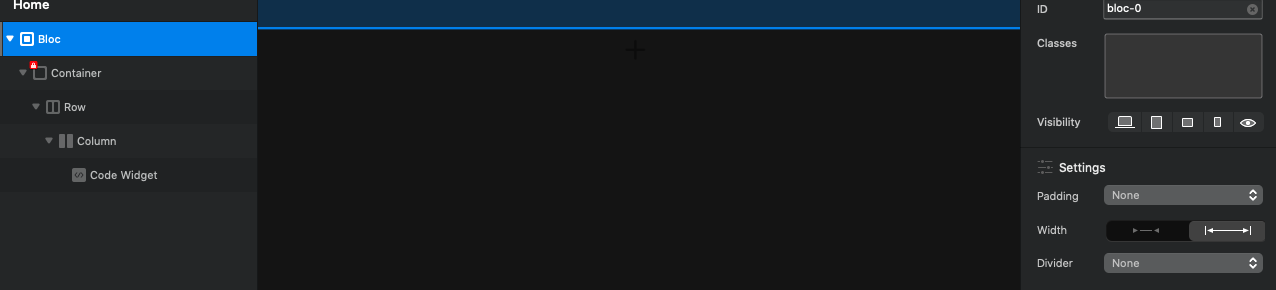
4º - Press (select) The “Bloc” on the left side and on the right side change the options to the following ones:
Padding - None
Width - Full <---->
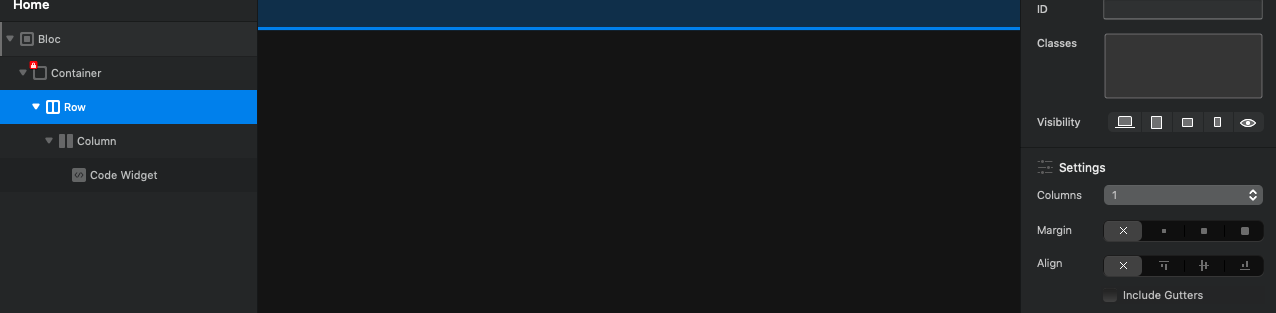
5º - Press (select) the “Row” in the left side and in the right side deselect the option: “Include Gutters”
6º - Add a “html code” bric inside the structure you create in the 1º point:
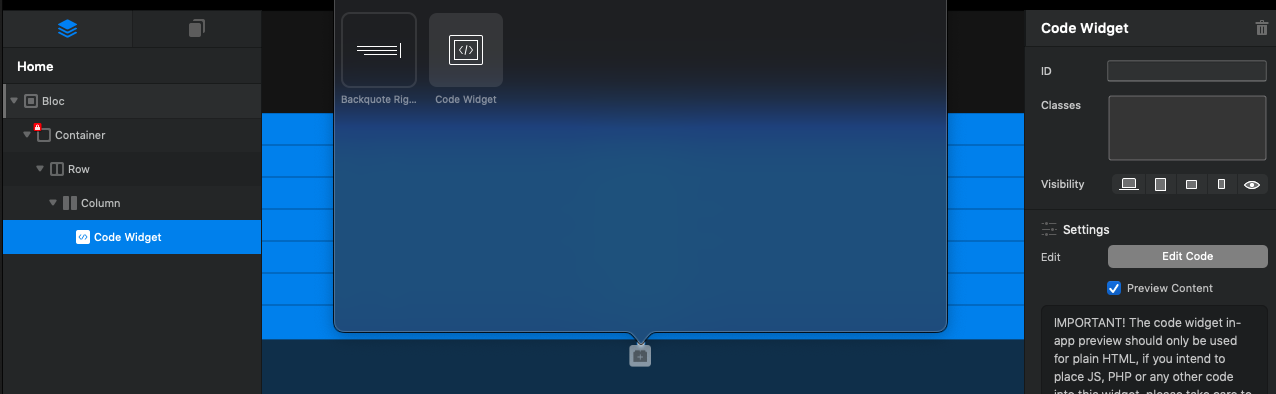
7º - Remove the “Preview Content” in the right panel options:
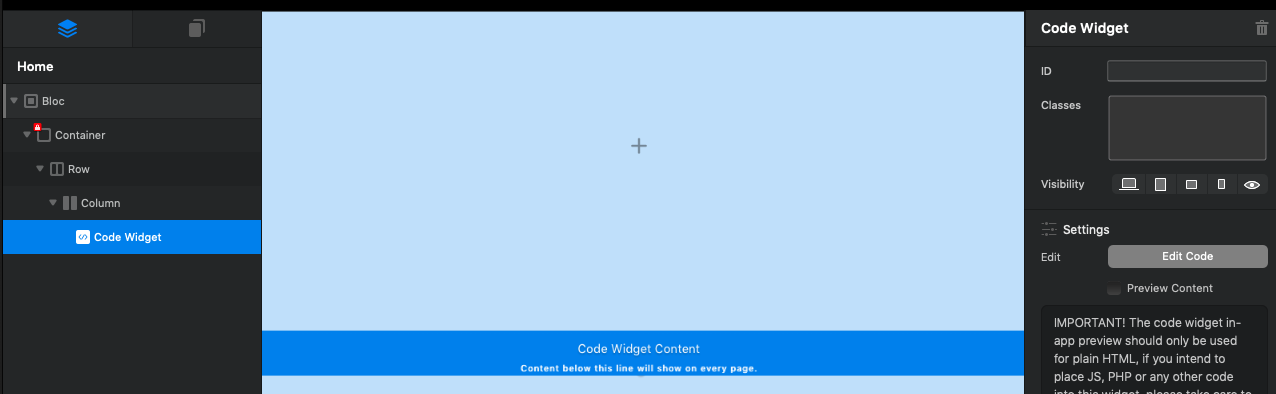
8º - Add the following code inside the “HTML CODE” bric:
<div id="container"><canvas id="canvas3d"></canvas></div>

<style>
body {
	width: 100%;
	height: 100%;
	margin: 0;
	position: fixed;
	background: rgba(18.74999999999999,18.74999999999999,18.74999999999999, 1)
}

canvas {
	width: 100%;
	height: 100%;
	outline: none; }

#container {
	width: 100%;
	height: 100%;
	position: relative;
}

</style>
<script>
// Global namespace (backwards-compatibility)
var SPE = {};
</script>
<script src="https://cdnjs.cloudflare.com/ajax/libs/three.js/r121/three.min.js"></script>
<script src="https://cdnjs.cloudflare.com/ajax/libs/animejs/3.2.1/anime.min.js"></script>
<script src="https://cdn.spline.design/lib/spline.runtime.min.js"></script>
<script src="./js/assets.js"></script>
<script src="./js/scene.js"></script>
<script src="./js/main.js"></script>
And there you have the result:
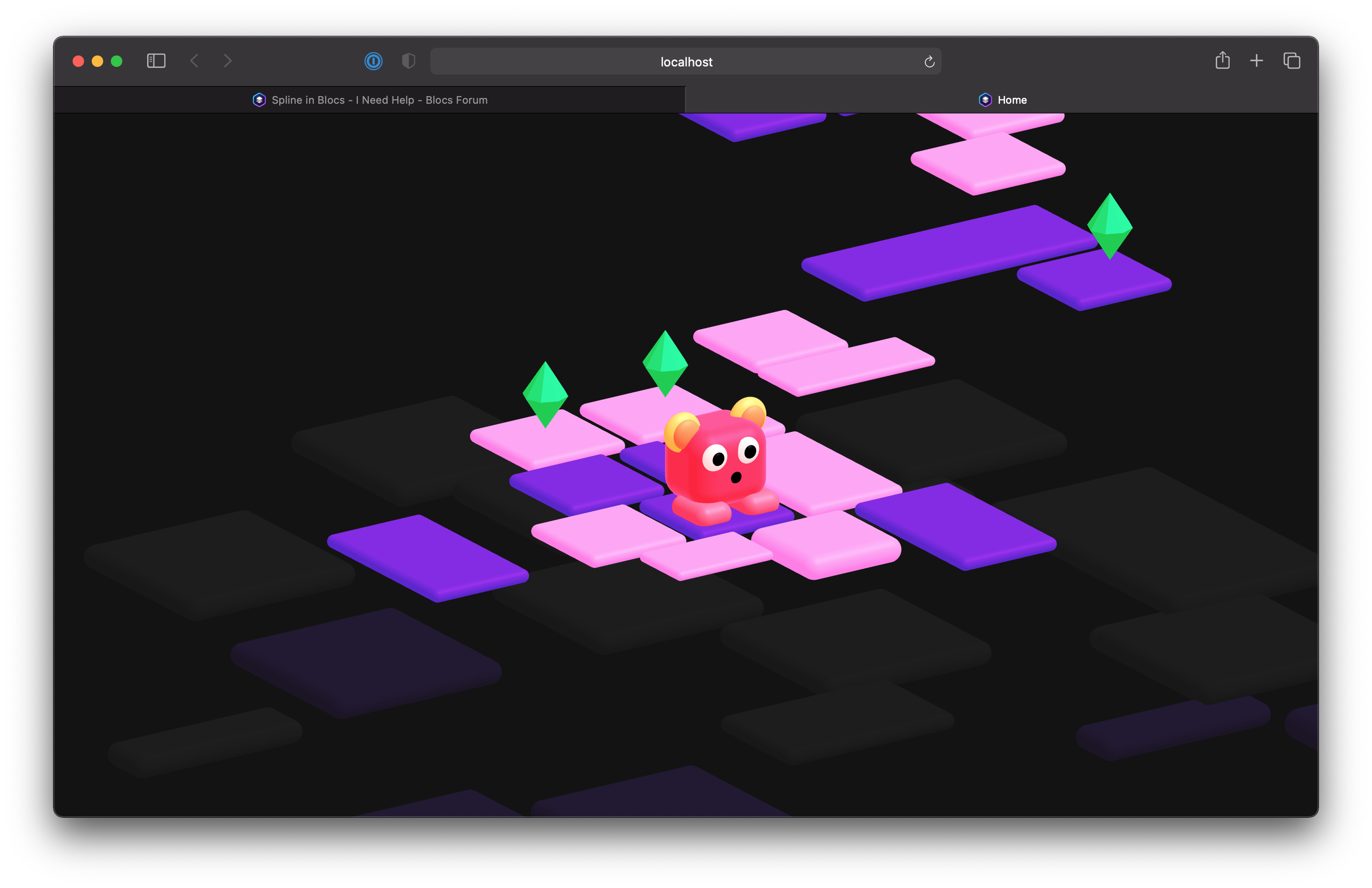
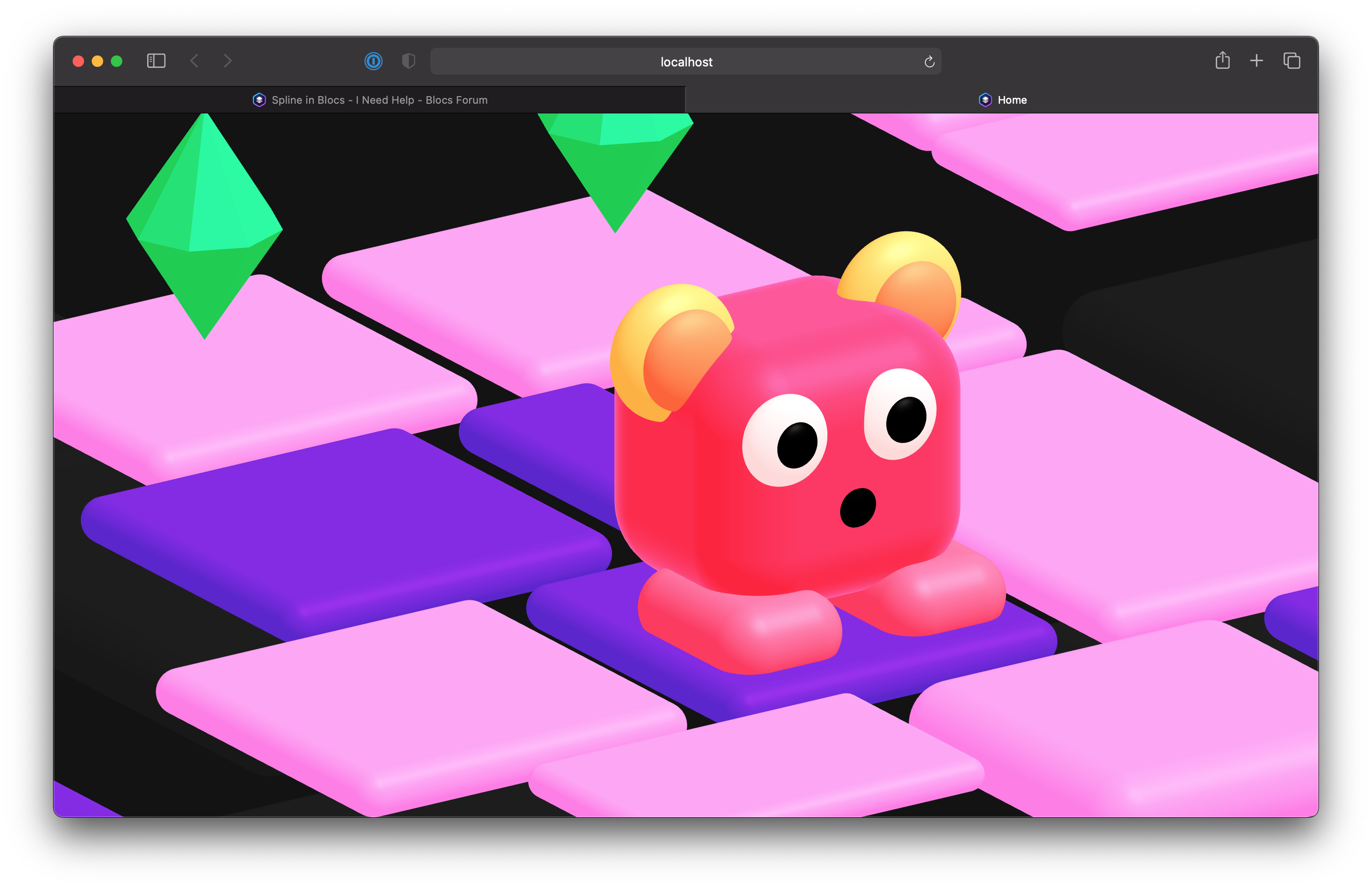
As you see full edge to edge animation…
Hope it helps you…
5 Likes
I’ll try immediately!!! thank you very much @Pealco
1 Like
If your project works with fonts or another things just let us know the folder structure and we will try to help you…
for the moment I’m just testing it.
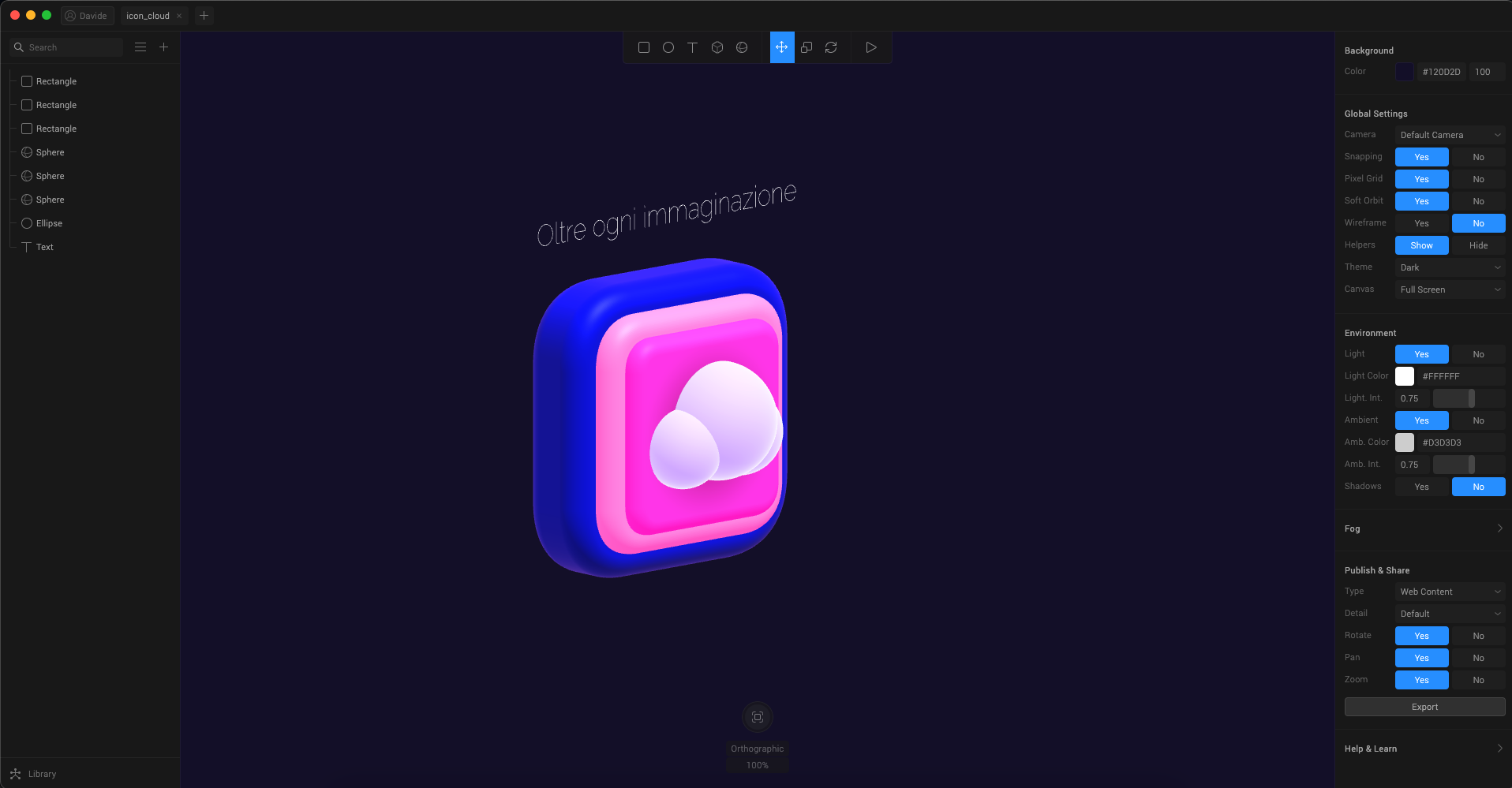
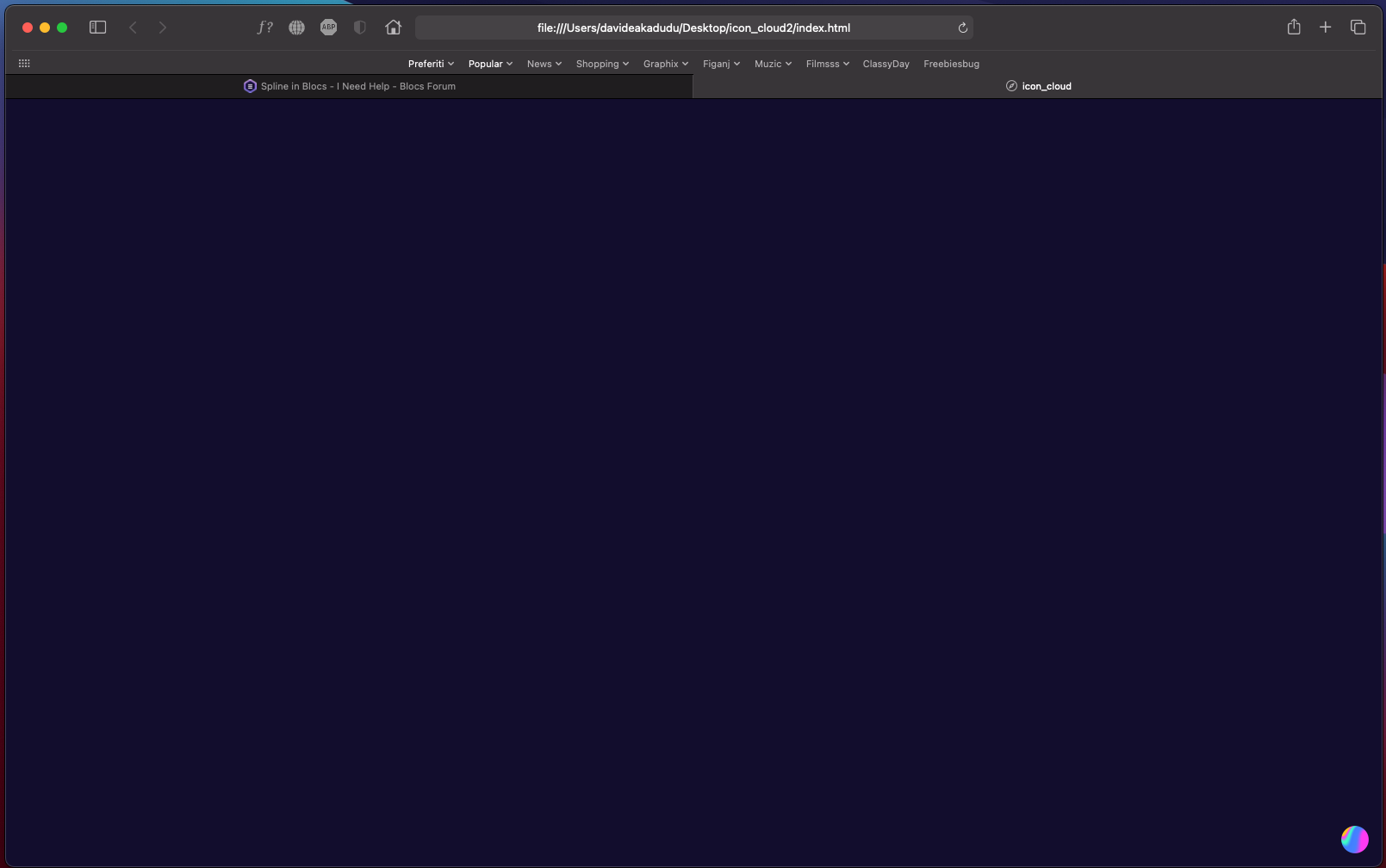
now the problem is that if I export as web content what you can see in the screenshot (which is just a premade example in Spline with a text), it gives me what you see in the second screenshot (nothing),.
1 Like
If you really need to do with iframe do as this:
1º Add a “Structure One Column” to the page:
2º - Press (select) The “Bloc” on the left side and on the right side change the options to the following ones:
Padding - None
Width - Full <---->
3º - Press (select) the “Row” in the left side and in the right side deselect the option: “Include Gutters”
4º - Add a “html code” bric inside the structure you create in the 1º point:
8º - Add the following code inside the “HTML CODE” bric:
<iframe src="https://my.spline.design/iconcloud-60d0f79a16c92a40e102ecc2e5e2eae9/" frameborder="0" allowfullscreen=""></iframe>

<style>
body {
  margin: 0;
}

iframe {
  height:calc(100vh);
  width:calc(100vw);
  box-sizing: border-box;
}
</style>
And there you have the result:
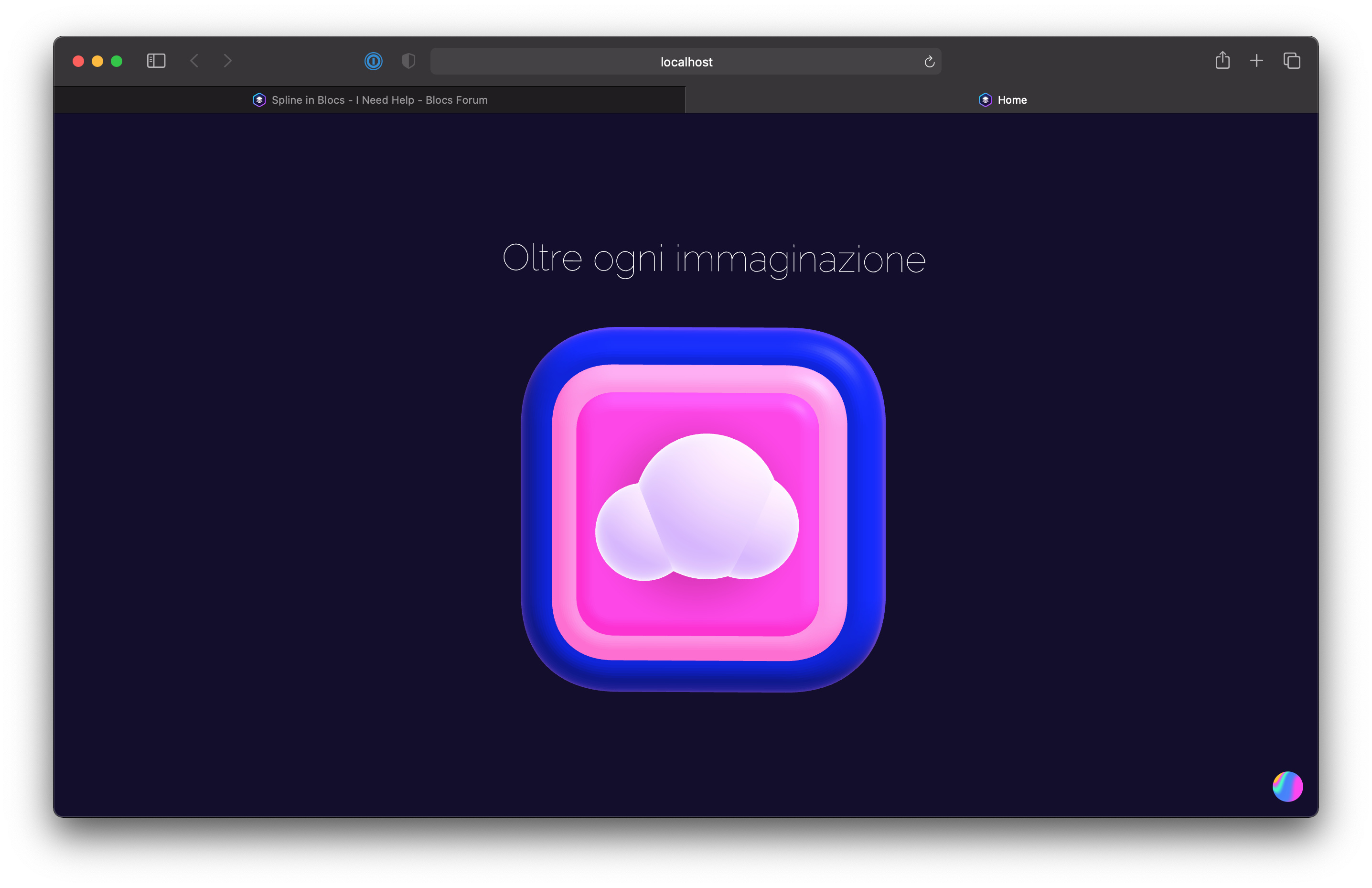

Hope it helps you too…
1 Like
Yes because you use fonts and the fonts when you try to preview in localhost it gives you the error:

So you have only one option, you need to publish the site to preview it, as you can’t change the server of Spline:
So you have two options:
- iframe and I give you one method to achieve full screen in my second post
or
-Publish every time you need to preview…
Hope it helps you…
@Norm  Like you need something else to do?
casey
1 Like
I was very curious too. But I get no verification mail… Waiting for hours now…
Yeah maybe next year 
2 Likes
If you can please, make Solis working with JS…
1 Like
I was waiting about 40 minutes to the link and after that time it went to spam…
Waited for my mail.
But another (nicely) done app built around three.js. Let´s wait a while, if they bring in the authoring stuff.
I just bought Verge3D for Blender, which in my opinion, is the most complete solution now.
it was a pleasure. we have to help each other and if there are new programs, I like to share them with you my Blocs friends 