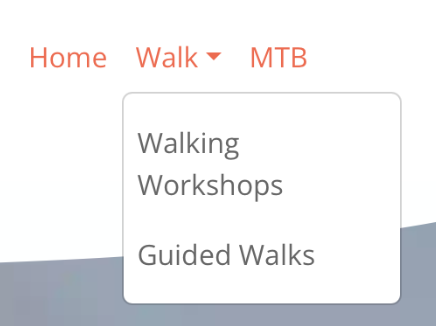
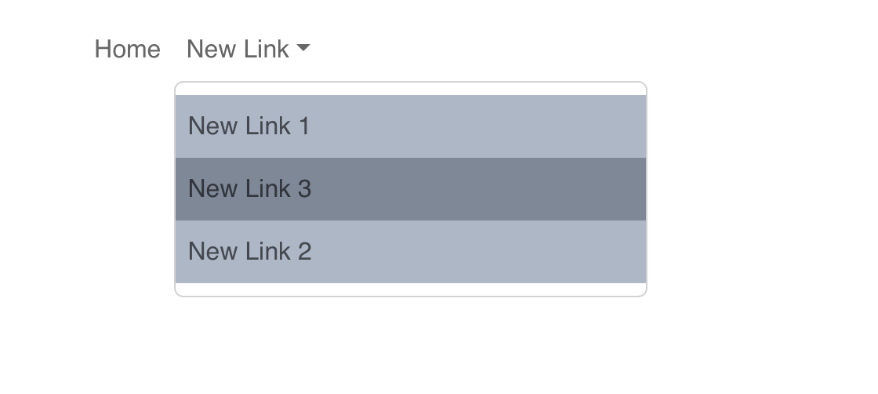
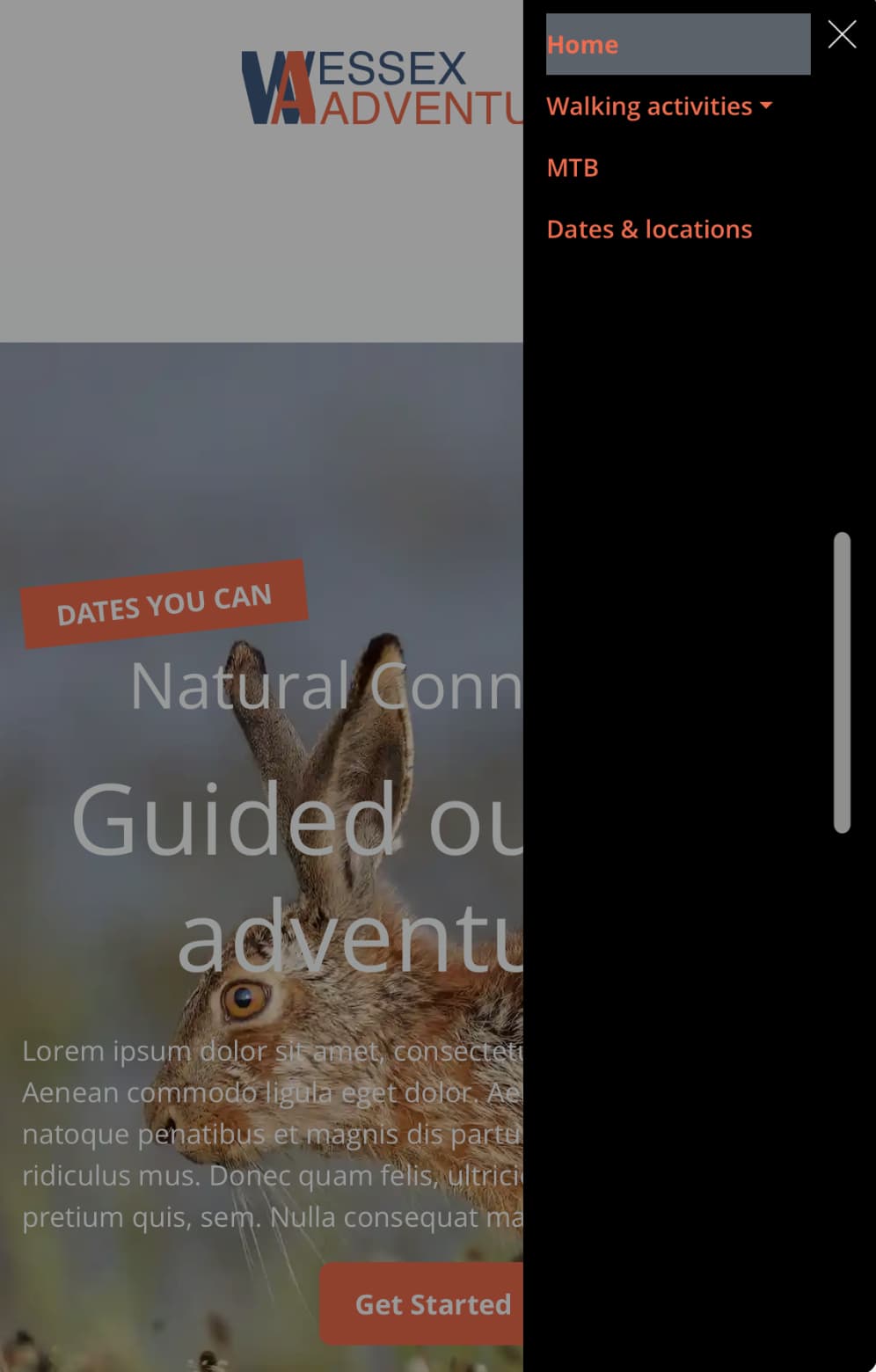
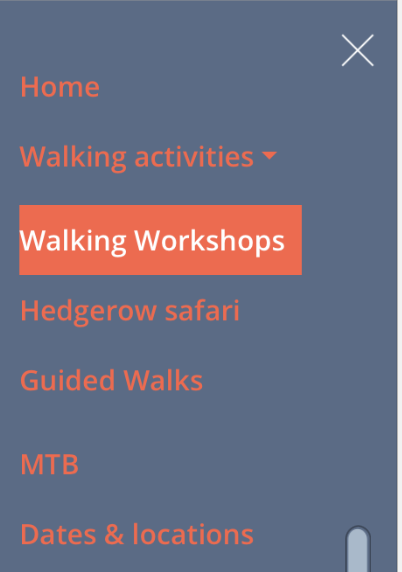
I’m trying to change the style of the navigation bar drop down (sub headings) text/background etc. Where does it pick up the text colour and style from?
I can change the main text with a class but the drop down says it’s ’managed by the menu manager’
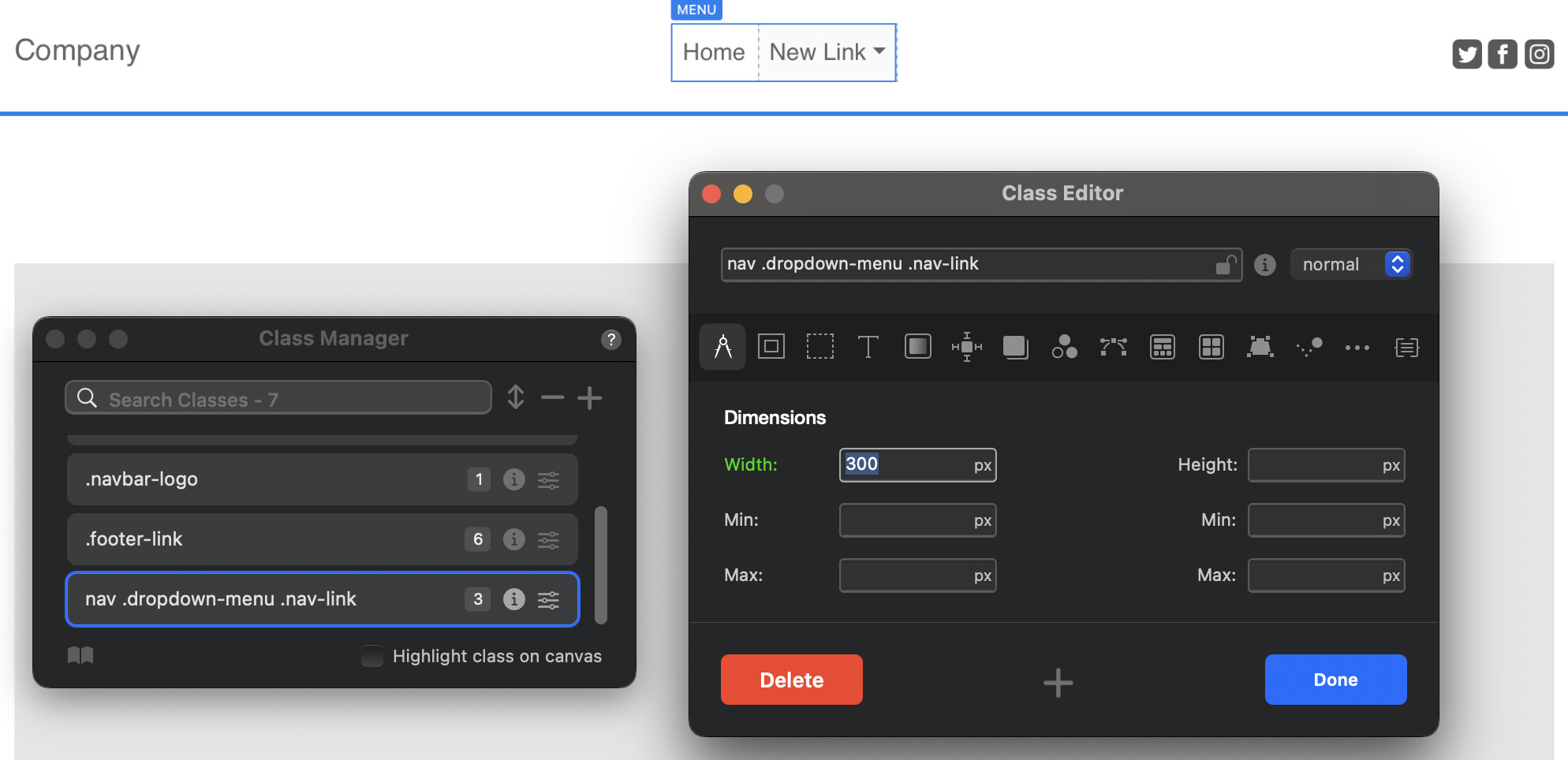
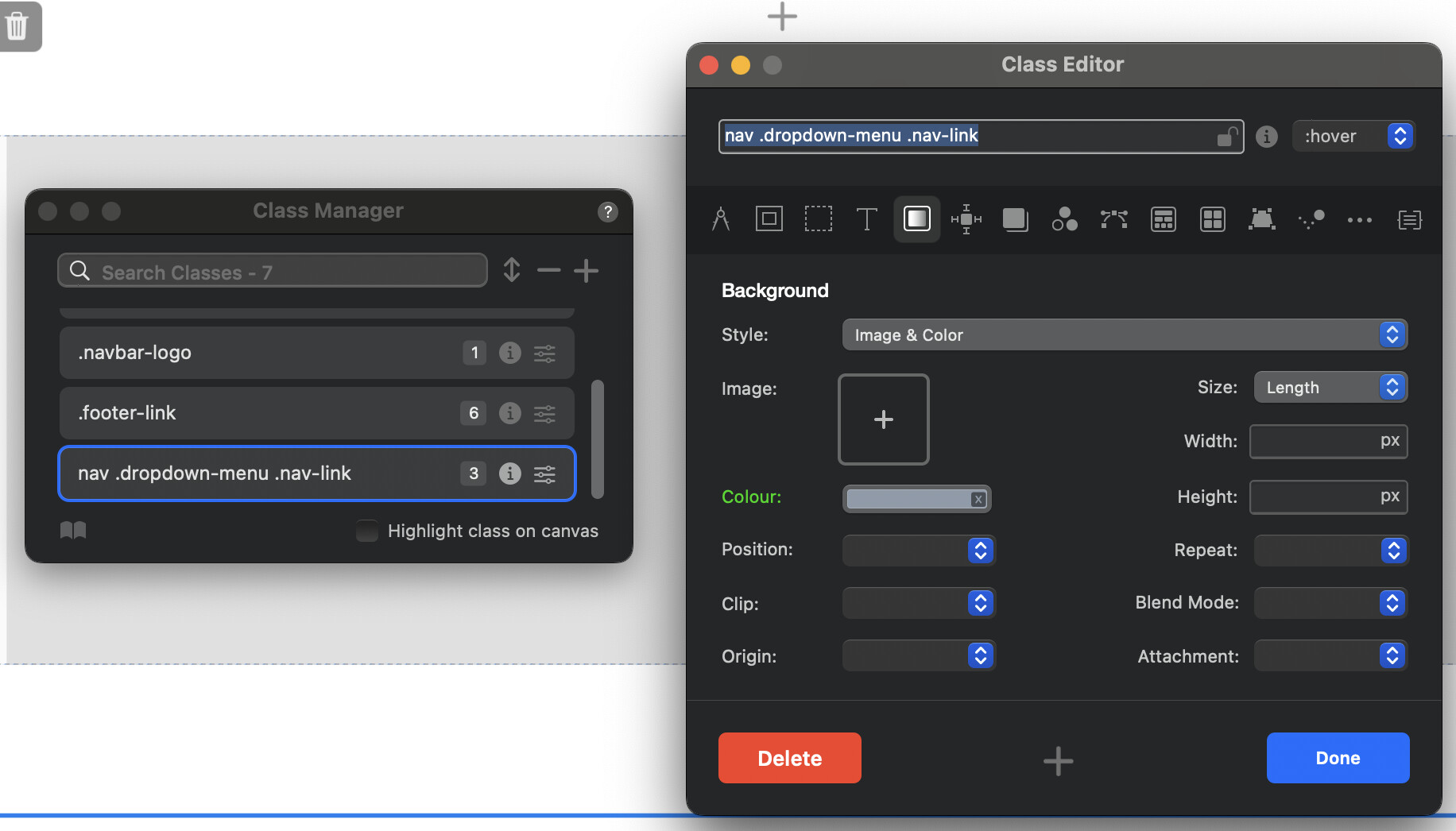
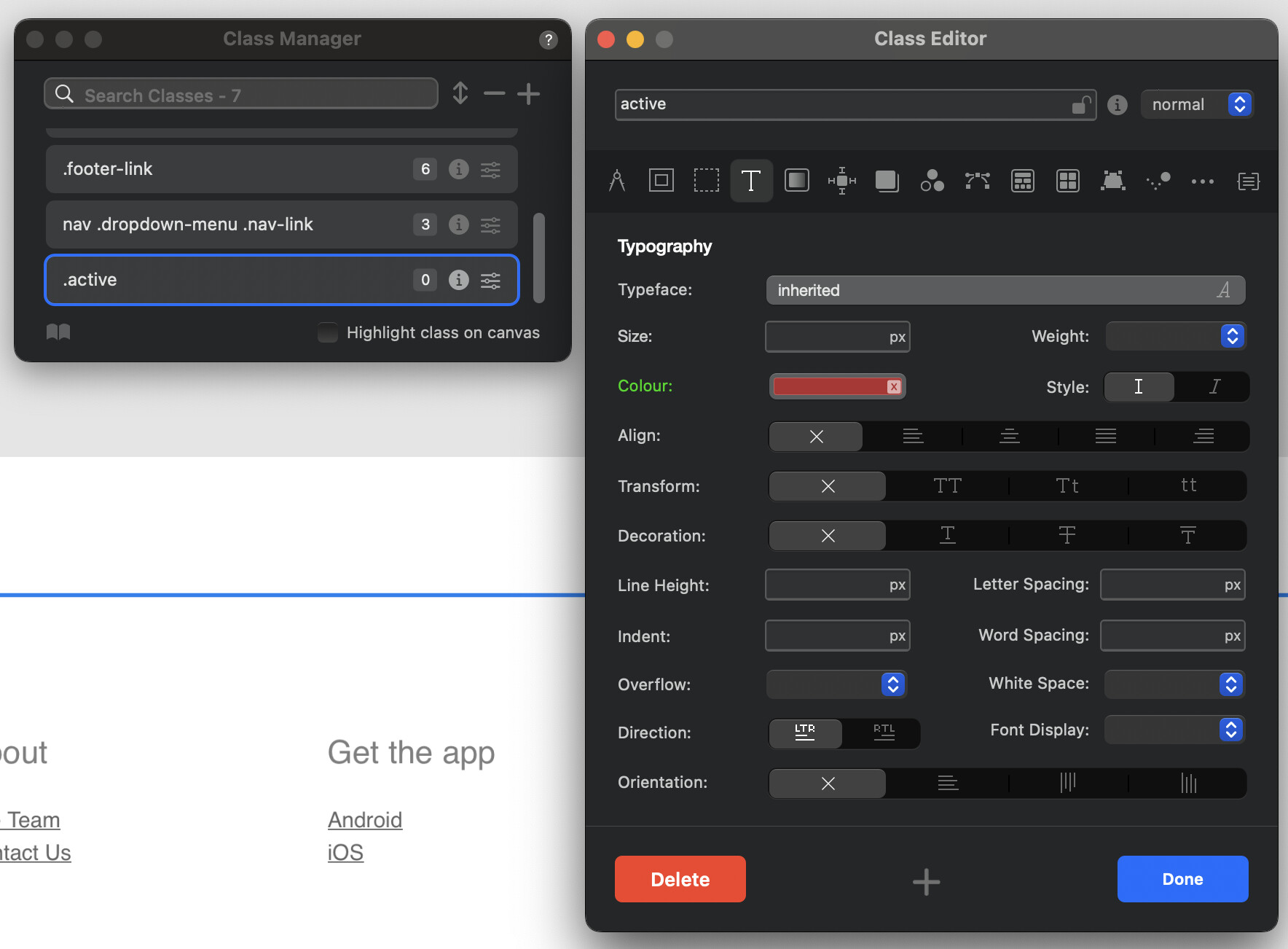
To style the dropdown menu, you can add the “nav .dropdown-menu .nav-link” class to the Class Manager. This will give you the freedom to customize the dropdown menu to your liking.
Here’s some screen shots.
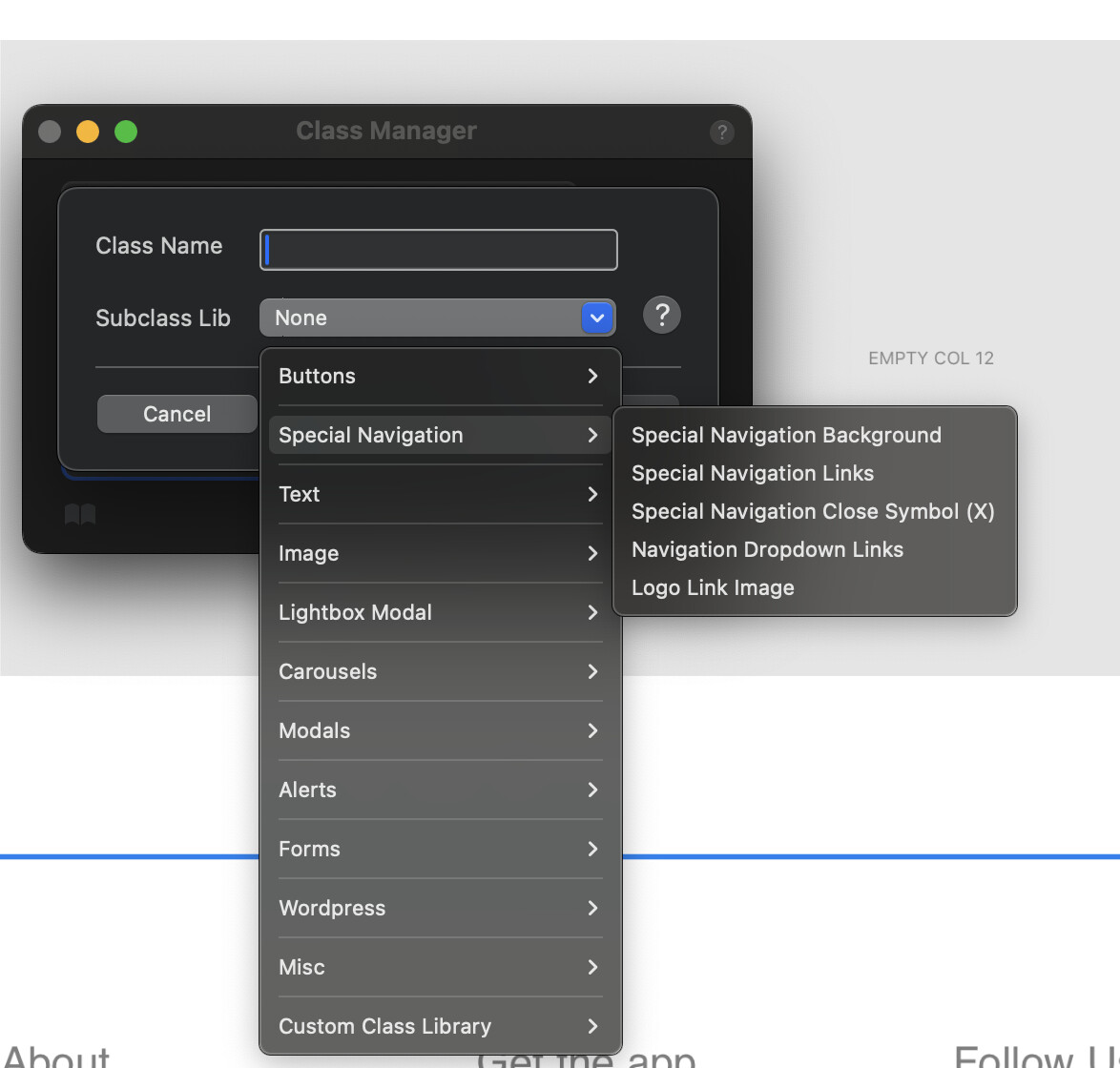
First, open the Class Manager. Then, add the “Navigation Dropdown Links” class. To do this, raise the Class Manager from the lower right corner of Blocs {-}.
To add a class, click the plus sign (+) button and then select “Navigation Dropdown Links” from the flyout menu. Once you’ve done that, the class will be added to your Blocs website project.
Now, double-click the newly added class in the Class Manager and start customizing it. Feel free to add width, background color, and any other styling you like.
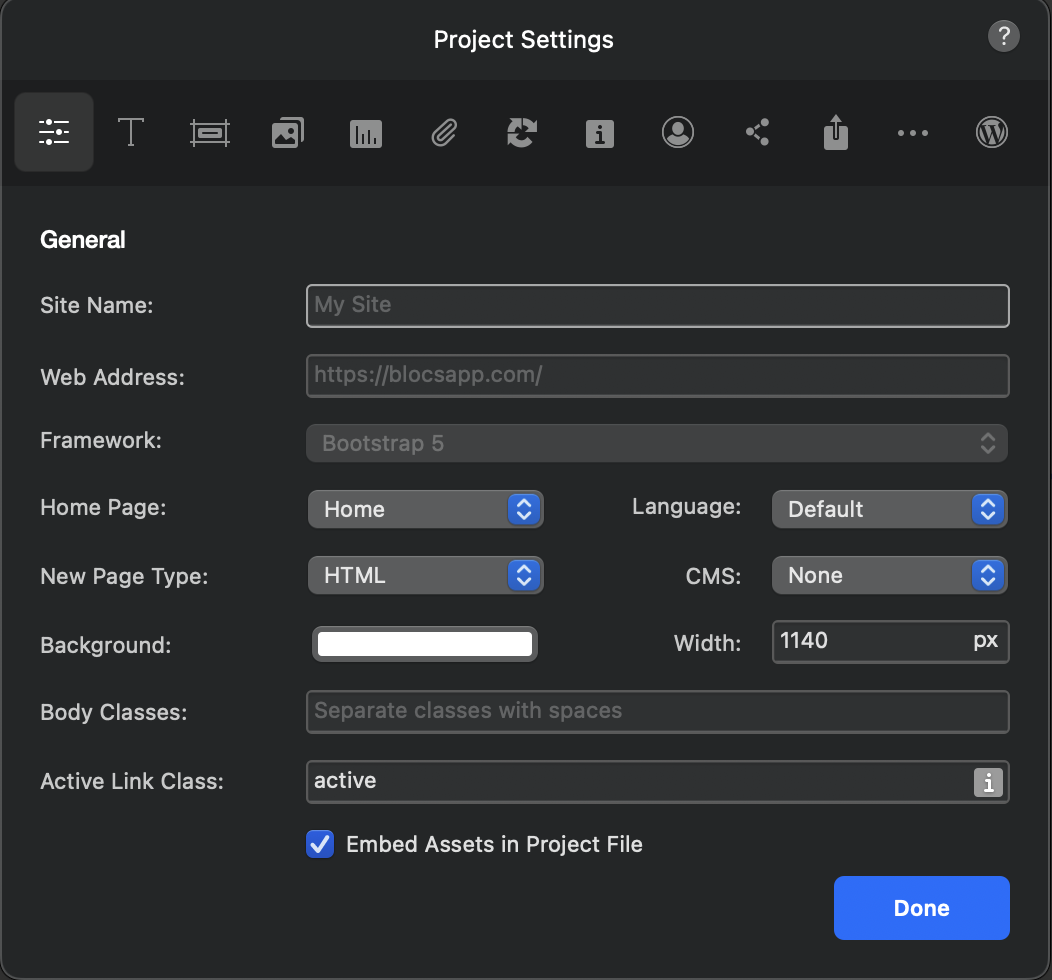
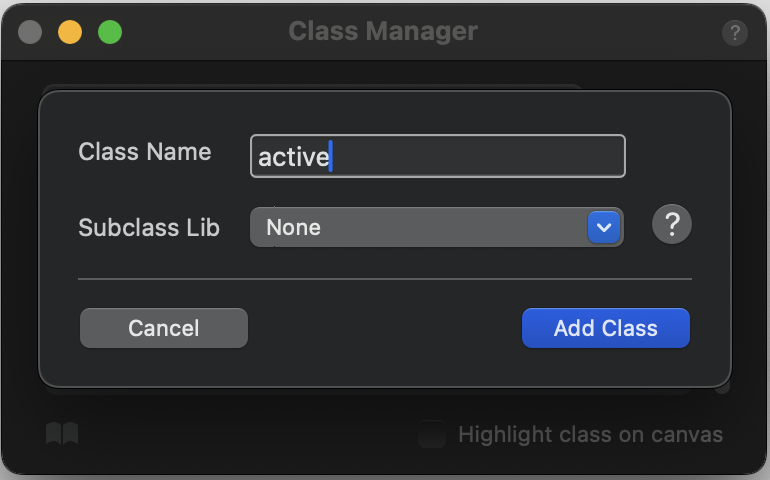
Tip: you can make links in your Navigation Menu pop when they’re active. Just enter an Active Link Class name in the Project Settings, create a class with that name in the Class Manager, and give the text a color for the active state. That color will show up on the link when the page is active.
Thank you. That is fantastic and very helpful - I’m used to Rapidweaver so don’t always know where things are or the way things are done in Blocs. I will have a look at that and see what I can do with my navigation.
Add the “Special Navigation Background” in the same way, it’s in the Special Navigation Menu in the Class Manager and after it is added you’ll find its class “blocsapp-special-menu blocsnav“ in the Class Manager. Hope this helps.