So I like to use the default bootstrap font stack
font-family: system-ui, -apple-system, "Segoe UI", Roboto, "Helvetica Neue",
            Arial, "Noto Sans", "Liberation Sans", sans-serif,
            "Apple Color Emoji", "Segoe UI Emoji", "Segoe UI Symbol",
            "Noto Color Emoji";
The only way I see to so this is delete this default class?
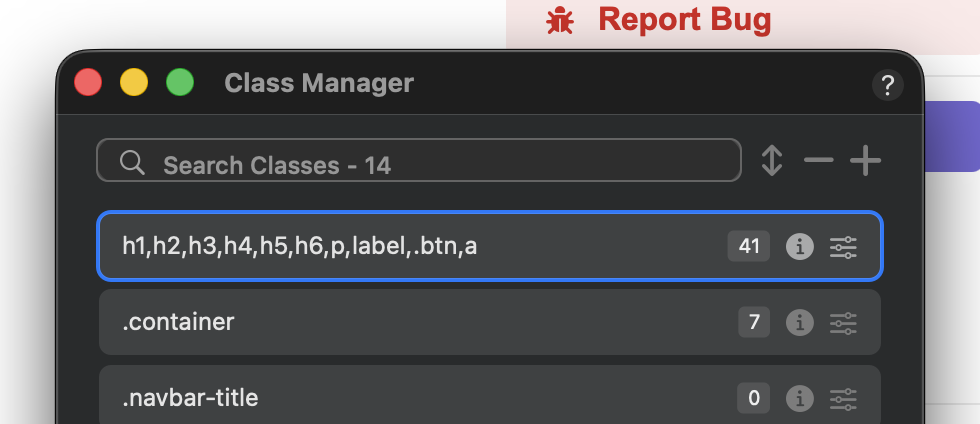
OK great, it works, Kind of. Yes you now get that font stack in preview and publish, but in edit things don’t look right or behave right, like if you add a bold class it just doesn’t.
Can’t quite figure out why?