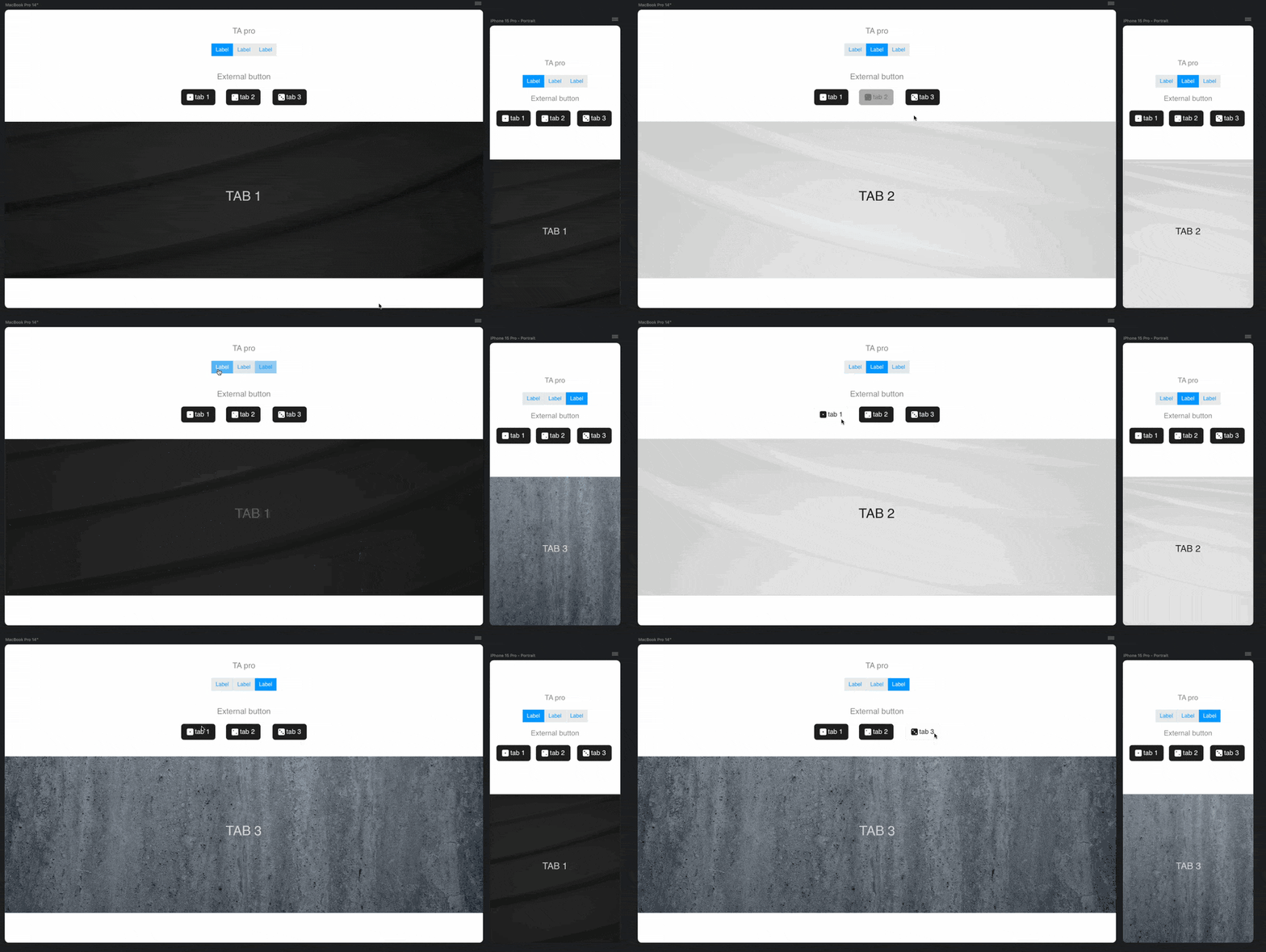
TA working fine in B6 for me. Using buttons to control the slides works too.
The only thing I have noticed and I think it is a blocs issue is that interactions or transitions have some lag. Happens also with the new interactions feature in some test I have tried
The new preview is more intense, if you have big resources loaded into it, it will put more strain on the Mac as it’s displaying it multiple times at once.
Also, if you are on a laptop frame rates may drop due to battery levels.
I never had the pro version - wasn’t never sure what the 2 did different to be fair! and thought releasing the pro version not too far after the original didn’t interest me.
But like Ive said before, I used Bloc tabs instead and used accordion more.
But glad it’s working. I have not tried card designer in Blocs 6 yet - but hope that works on some older projects, if not - will re-design it ! will be fun!
I have the Pro version…but could not recall what the diff was? I think it allowed links to ANYTHING…but not sure on that.
Just happy it is working again, but in my redesign, I will use blocs tabs as well.
If for no other reason, to make AdieJAM happy!
I would welcome ANY tool that gives me the flexibility and ease of TAP.
More simple options are a good thing, and the Interaction Manager does intrigue me.
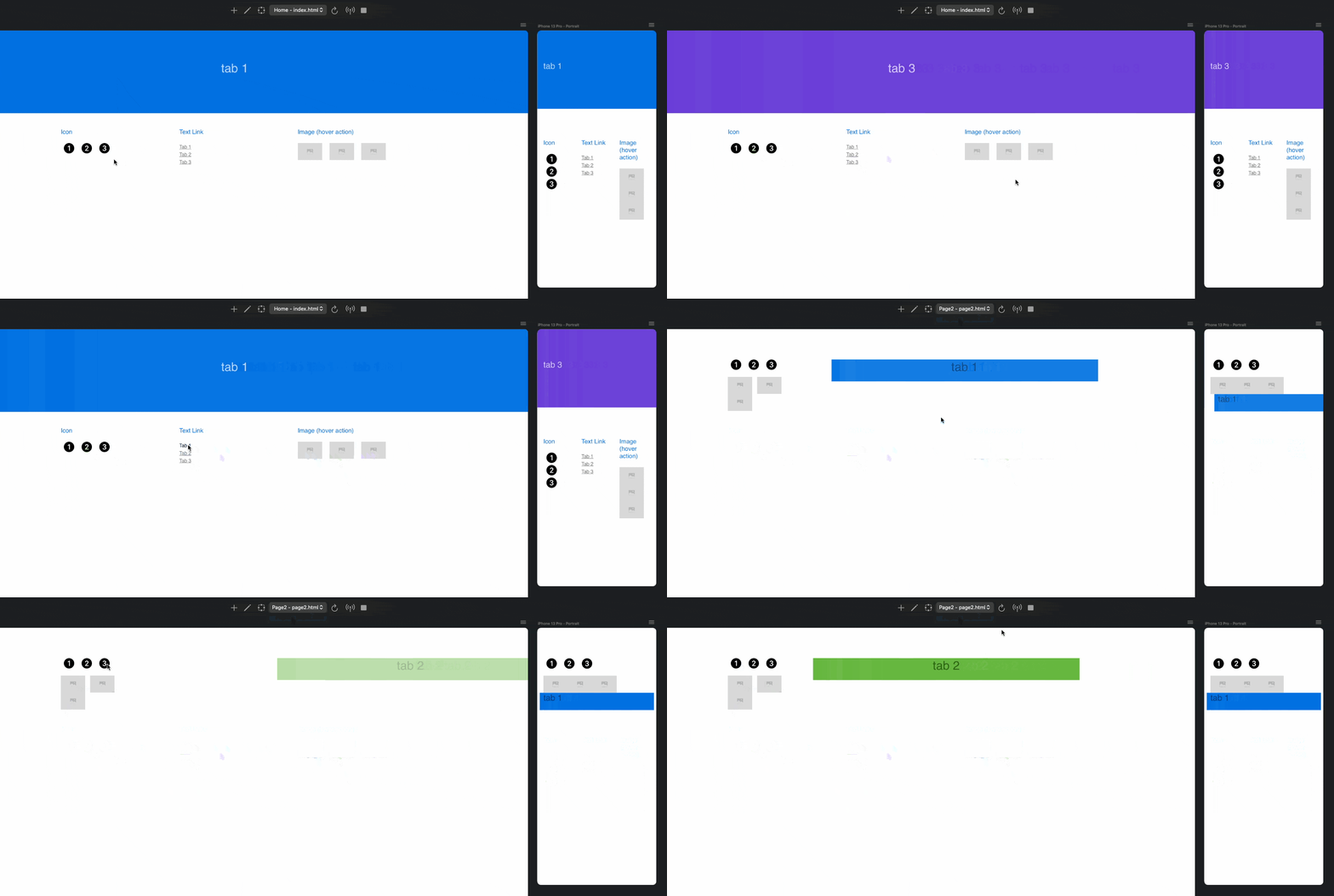
I have tried a simple solution using interactions within B6 and it works amazing. Just changing the visibility of blocs or divs (I never liked tabbed content because it´s limitations).
You can use icons, links or images and style however you want in each breakpoint. You can have images on desktop and a list or dropdown in mobile if you want.
I am going to see if I can achieve a timer with actions and change between slides after some time but I think I found a good TAP alternative without any addons.
This is great…You used the “Interactions” drop down to create this?
Not familiar enough with this tool yet.
Shame we can’t see the set up, would help to understand more about how you created this.
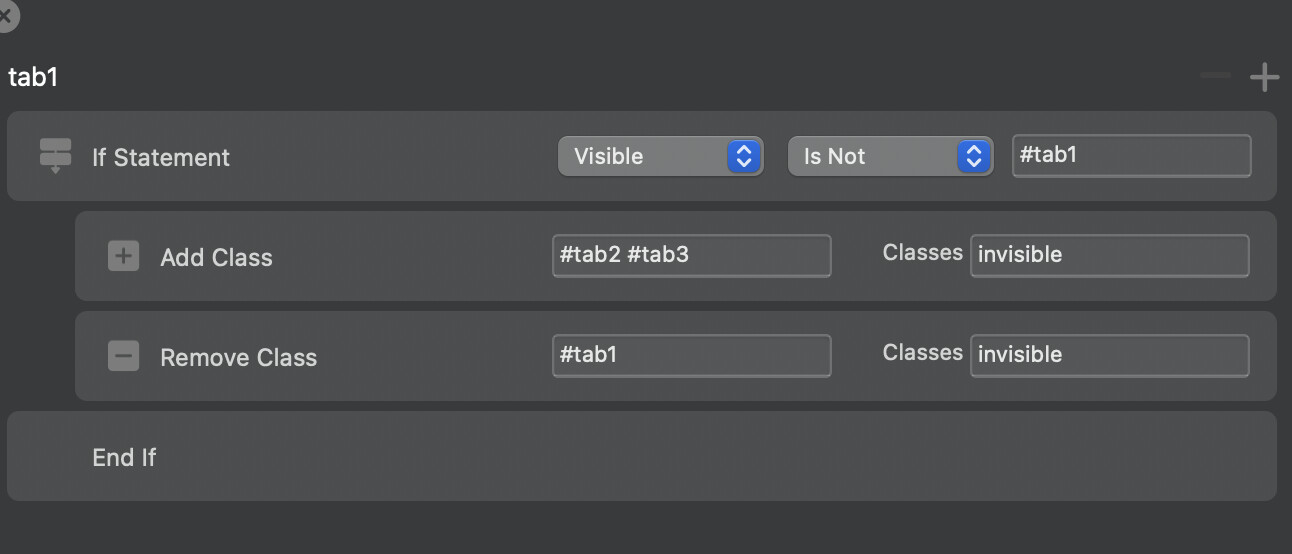
OK…I can see how you set up the tabs (Not completely sure I understand the logic) using the Interaction mgr.
Its very simple: I used interactions to hide or show divs / blocs using a class. If I want to show the first slide, I use an interaction that applies a class which sets display: none to all the “slides” I want to hide, and remove from which I want to show. You can see the interactions and compare them.
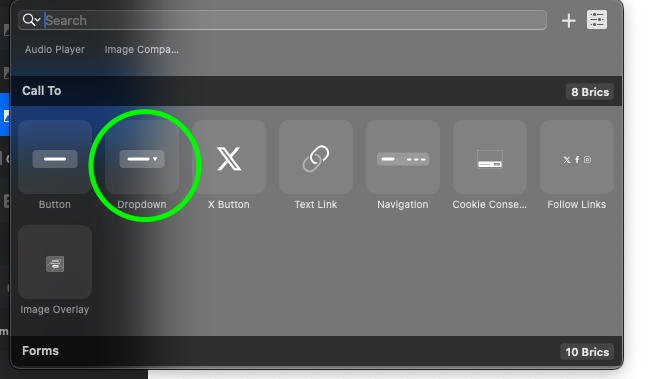
The dropdown is the regular blocs dropdown bric, and you set for each link the interaction you want to achieve
Cool…I will have to play around with interactions sometime soon.
I think this works OK with static info one might want to present, but I add and subtract images at least twice per day, so TAP still makes this whole routine easier to manage.
I guess over time, adding stuff would probably become easier/faster?
Yes, if you add new slides you have to edit every action and add new ones. Maybe you can create 10 actions with 10 slides and remove those which you dont use, so when you have to add more you already have the actions created and you only place the slide and set the ID
Apologies for veering off topic, but @WeatherguyNH! As I mentioned to you last time, I still strongly recommend restructuring your pages for improved SEO and performance! I thoroughly examined your website yesterday and believe that instead of relying on tabs (TAP or built-in tabs), you should revamp the entire structure.
I understand that this may require more time initially, especially if you’re rebuilding it from scratch. However, I think the new year presents an ideal opportunity to undertake such a significant undertaking. It’s a fresh start, a new beginning, and a new website!