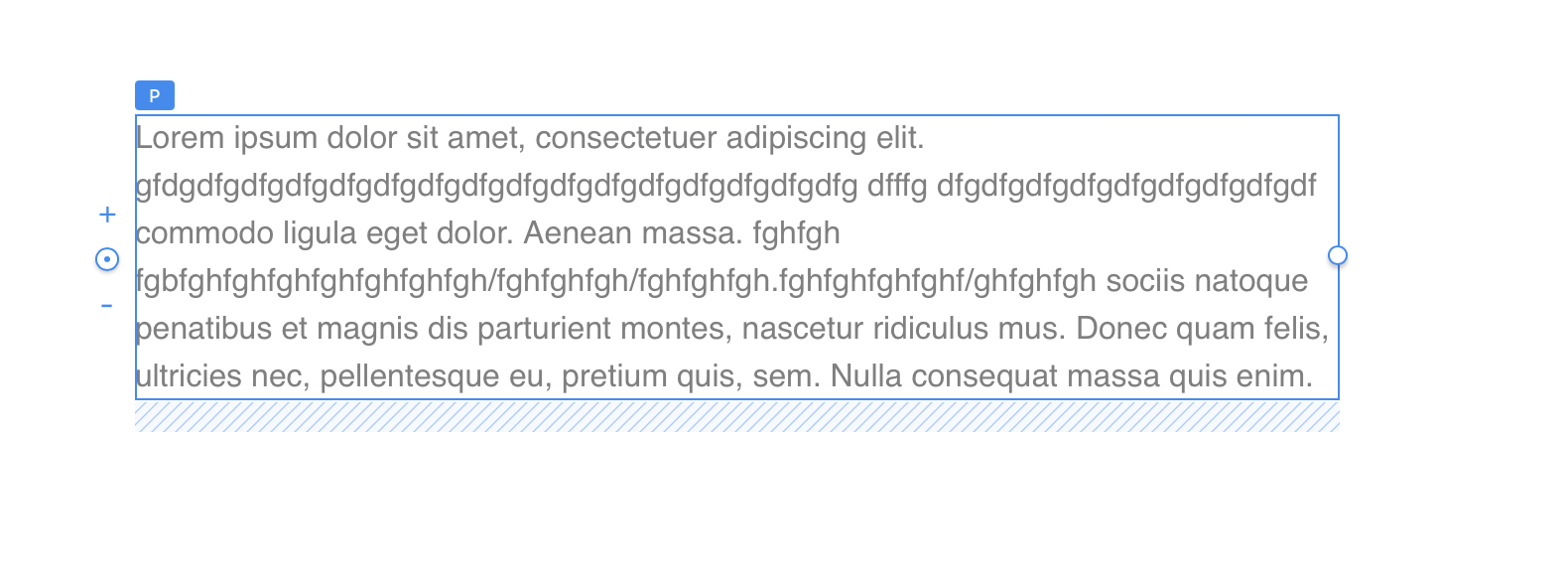
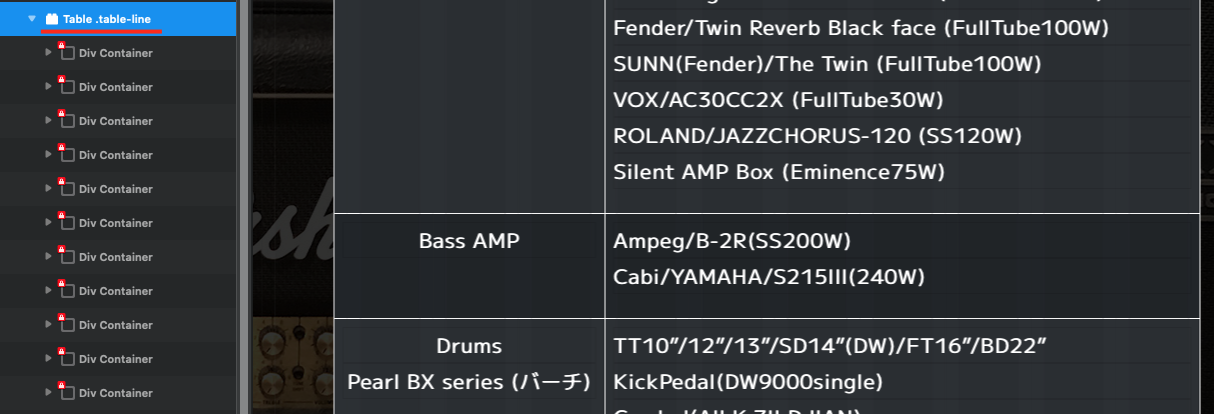
Is this a bug? It’s the same in both 5.20 and 5.21b1. Whether ‘div’ is present or not, the results are the same. The text doesn’t fit within the column, and there are no line breaks in the text.
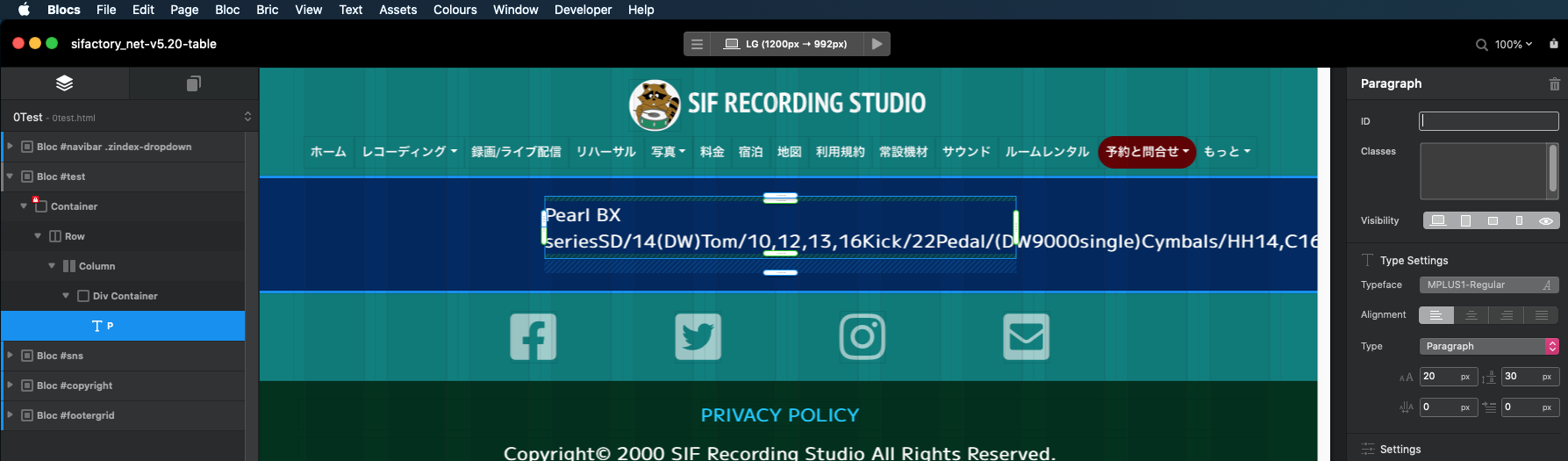

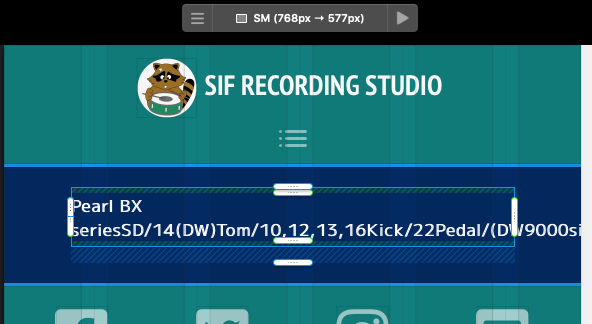
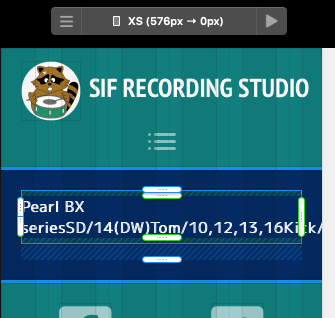
Is this a bug? It’s the same in both 5.20 and 5.21b1. Whether ‘div’ is present or not, the results are the same. The text doesn’t fit within the column, and there are no line breaks in the text.
I’ll give it a try using spaces as separators. Thank you.
If you want to scroll without creating new lines, make the text as long as possible in a single line.
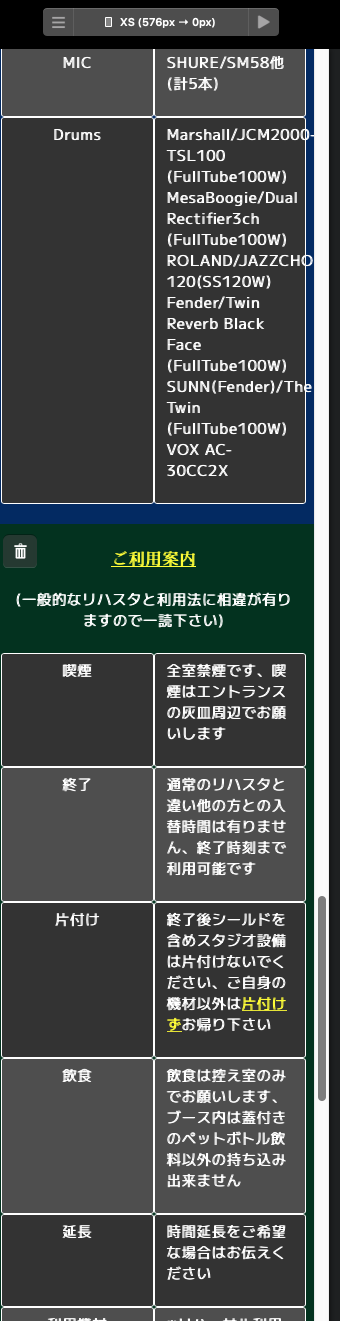
When viewed in ‘XS’ size, if it does not scroll, it will be filled with line breaks, making it difficult to read.
I used to be able to create it like this before, but now I can’t.
Is there a way to create it in the current version?
XS.zip (4.4 MB)
The setting for “Overflow” was not in the text of the custom class but within the position, which I overlooked. I’ll try it right away. There are many aspects of using this custom class that I don’t understand. Where can I find the instructions on how to use it? I’d like to take a look. Will it be understandable for a beginner even if I read it?
I was indeed able to scroll, but the scroll bar appears even in the vertical axis where scrolling is not necessary. Additionally, the text itself overflows and does not fit properly. While some text automatically wraps according to the “column” by inserting spaces, there are areas where there is no change at all. Is there a problem with the text settings?
01.mov.zip (195.4 KB)
Pretty sure I mentioned that to you in the last thread 
There is tons of information online to how these styles work and examples. It really comes down to how much time you want to invest learning.
Mr. PeteSharp, as I have mentioned before, I purchased this app with the idea of being able to create a ‘Mac-like’ web experience with ‘no code.’ Issues such as text overflowing and not being able to create line breaks where intended seem like basic functionalities. Why should I have to learn about these ordinary things? It feels like the conversation has deviated a bit from the initial copy when I made the purchase. Normally, without the need for manual intervention through custom classes, text should automatically wrap if it doesn’t fit. Features like scroll bars should work automatically; that’s what I feel should happen as a basic aspect of an editor app. Custom classes could exist for those who intentionally want to do something specific. I don’t think I’m making any difficult requests. I just want the typed text to be automatically wrapped and fit within the frame – that’s all. Additionally, I believe accurate explanatory documentation for the created app is essential. That’s what makes a product. I’m not asking for a vast manual like an ‘OS documentation.’ I’m not requesting irregular behaviors that would be labeled as ‘custom’ in the first place.
Furthermore, my current issue was not present in past versions. Without any deliberate action, it was automatically breaking lines and scrolling. I would not be satisfied if, despite paying for an upgrade, the functionality is downgraded. There is not even an announcement of changes due to the version upgrade. I have mentioned multiple times, but this is a ‘product,’ not 'freeware.
I apologize if the translation is not satisfactory.
You actually asked to know more in your post above!
Anyway, your paragraph text not wrapping it could be due to something you set, if it suddenly stopped, as the text wraps by default.
I think translation, has been the biggest problem. And that is understandable.
If you add spacing to your text it will help, otherwise it gets treated as a very long string of text.
Example using some of your text.
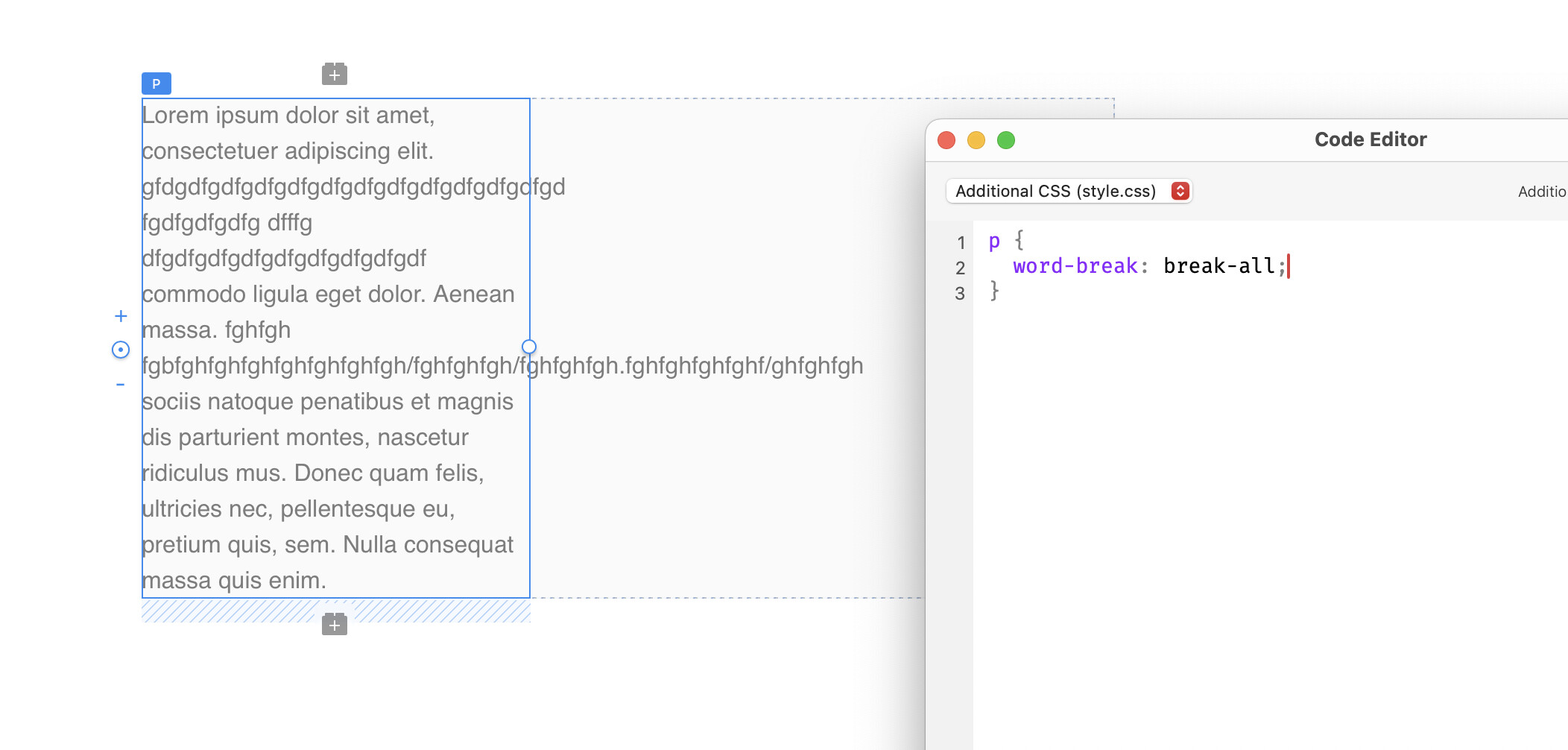
@sifrec if you have exceptionally long words or a string of text, it will overflow its container. This is a default behaviour (nothing to do with Blocs). So by spacing your text correctly you will avoid this.
The CSS for this, is not in the Blocs Class Manager. Blocs is not exhaustive with its options, and sometimes you do need to add something manually. This is the same with any web builder.
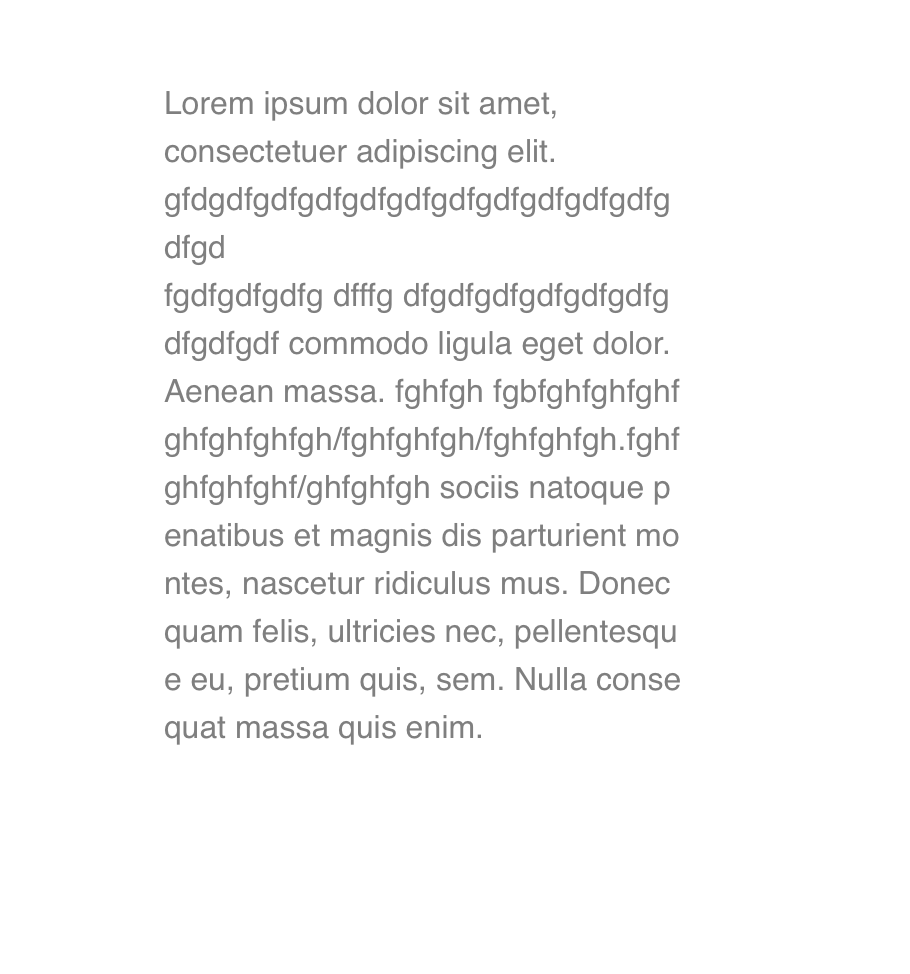
Here is an example.
On preview
I prefer Master 
The issue this time is different from the problems I usually point out with Japanese display. Strangely, the current problem is that the Roman characters are not fitting within the frame.
And when clicked, it fits within the frame, but when released, it overflows again.
06.mov.zip (399.9 KB)
Make sure to include spaces, as mentioned above long text strings behave differently.
Last time to mention this. 
If that solved the problem, I wouldn’t have asked it so many times.
Thank you very much for your various efforts. While I can tolerate configuring within the range possible from the custom class panel, if it becomes necessary to write code for configuration, I consider this a complete bug. This application is intended to be a GUI, and if we ignore that, it will devolve into an editor for enthusiasts. Specificity will be lost, and there will be no point in me paying. At the very least, guaranteeing the past functionality is essential.
Furthermore, when selling, it should be explicitly stated that “This application is not usable for those without knowledge of Bootstrap.” In Japan, this is referred to as “exaggerated advertising.” I am not Chinese, and I believe that “responsibility always accompanies compensation.” I have already conveyed this, but I expect corrections from Mr. “Norm.” Thank you, Mr. Jerry.
I have an issue with everything related to this brick.
I apologize if the translation was inappropriate. Please forgive any mistakes.
There has not been any functionality removed as you claim.
As mentioned to you many times already, the Table bric was never officially released or supported, it was available with a beta release of Blocs once a while ago. So there is no guarantees around issues you may have with it.
And there has since been Table Pro made and released by @Bill. If you have any reservations about purchasing this, you can ask people who have experience using it, such as @WeatherguyNH
I apologize if the translation into Japanese is inappropriate. Please forgive any mistakes.