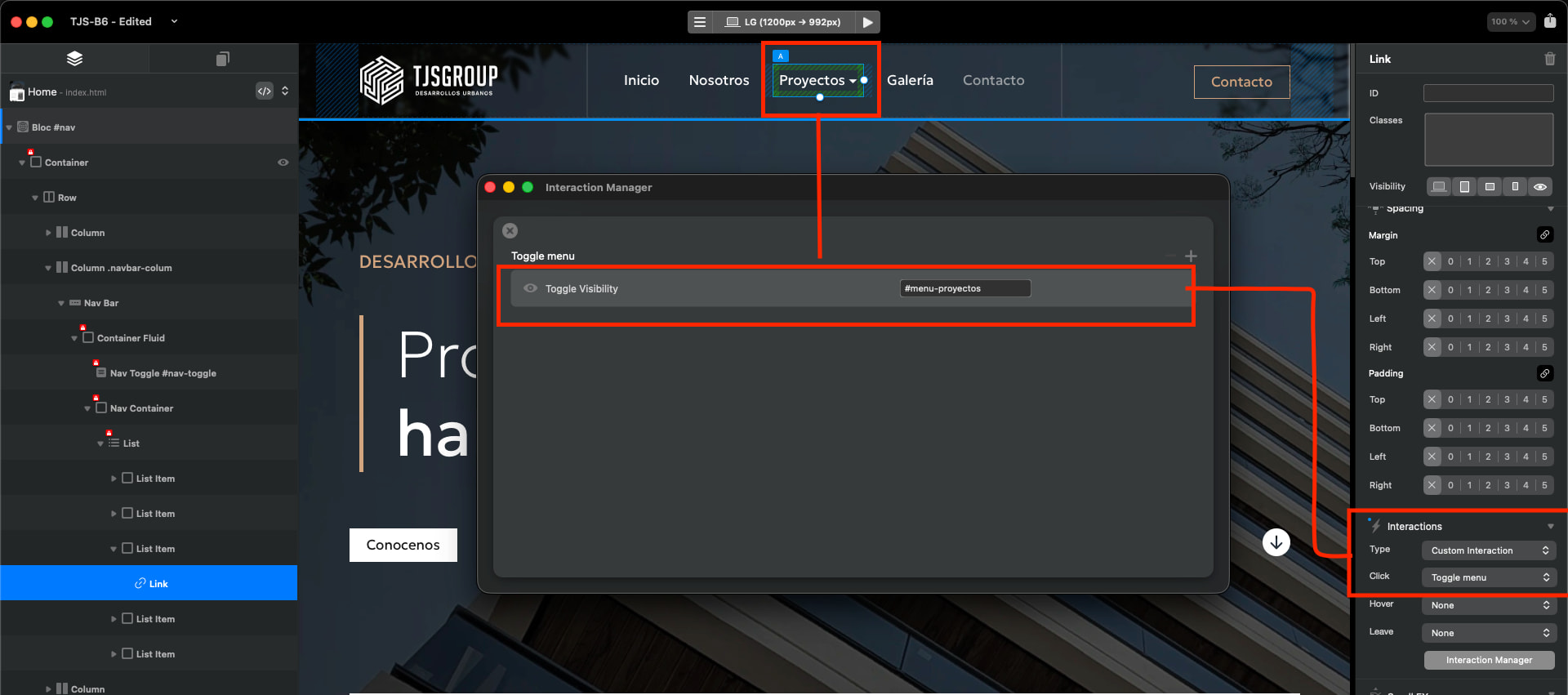
Toggle visibility and Burger Menu

In my years of using blocs I never found a solution to this issue. When you toggle visibility of a bloc in the standard nav it works fine, but when you jump to special navigation links It doesn’t work anymore and you have a dead link.

I tired achieving this with B6 interactions (toggling visibility or adding and removing classes) but with no luck.

@Norm Can we find a defenitive solution?

Grabación de pantalla

1 Like

How have you created the second menu? Just to try and replicate whats happening.

This does work if you change from a side menu on mobile and change it to a dropdown.

Yes I know, but a dropdown menu is not configurable and you have all the elements stacked in an inconvenient way.
I have to fake a burger menu and create a fake nav in order to achieve the a toggle link. Extra work for a bug that has been present since blocs 1
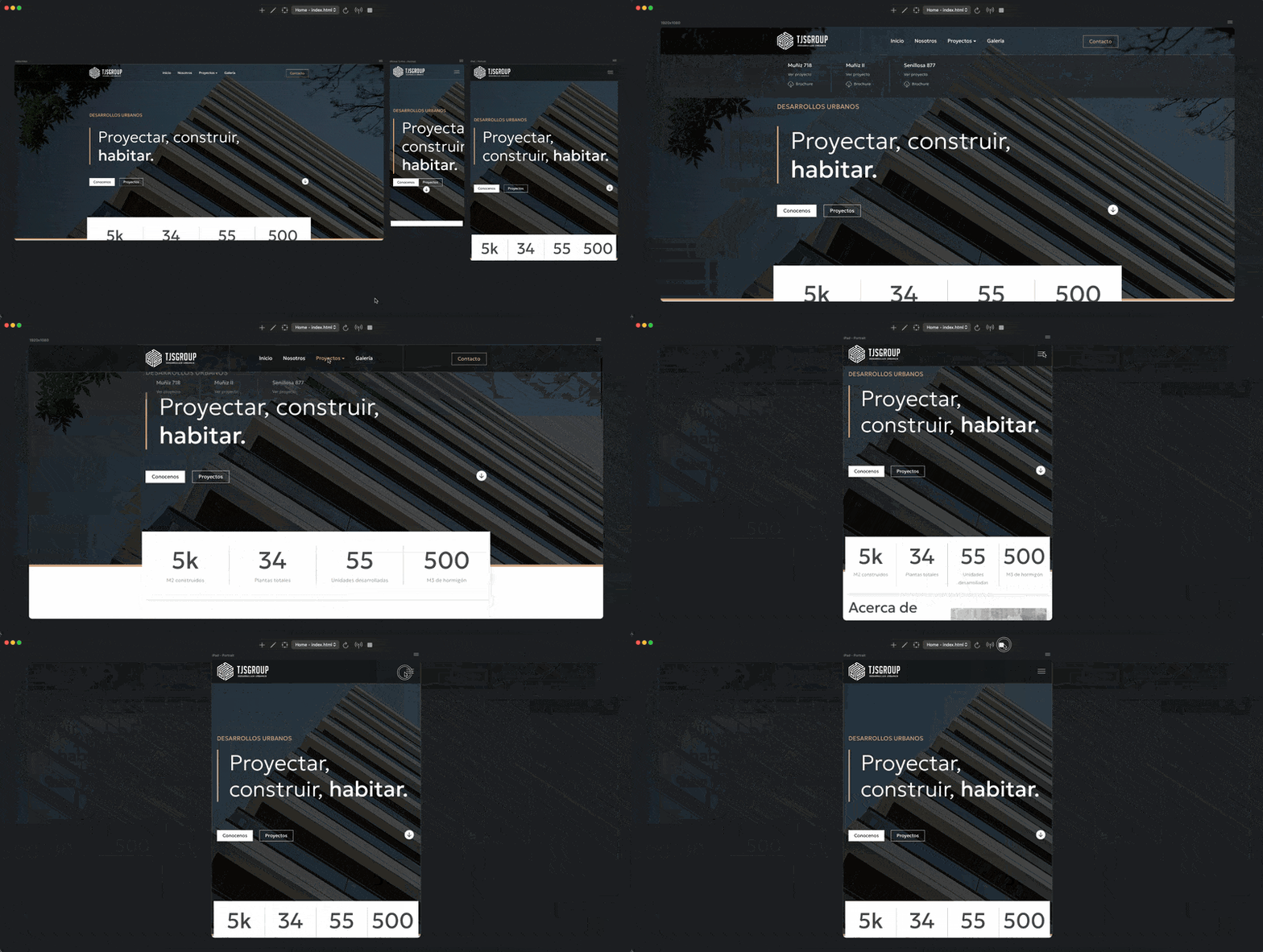
Hey @chicuelo custom interactions are not supported in the special navigation options yet.

I’ll take a look and see if I can get them added at some point.

2 Likes

Please Norm. It should work out of the box without buying extra brics o adding extra code :pray:

Yeah, I agree.

1 Like

@Norm any news on this issue? Are you looking to solve it? I have to deliver a site and this is slowing down me.

Hey sorry @chicuelo for the delay. I have a fix coming for this in beta build 3 next week :sunglasses:.

Custom Interactions will work with special navigation menu items.

5 Likes

That sounds great!

1 Like

I have run into this too…. special navigaion links in Blocs just dont work with toggle visibility, an there’s no reliable fix yet….!

1 Like

I get this working by using a simple interaction