So a new problem appeared for me…
Clicking the portfolio link drops down an menu which I made with toggle visibility. And it works great. But the links that appear now, how do I make them to navigate to another page? Since I need to choose toggle visibility on them the option to navigate is not possible.
So if you look at the video I made. Clicking portfolio toggle visibility and the following links appear: Street, B&W, Nature and Misc. When I click Street for example I want it to navigate to a new page where my street photos are.
Video: menu - YouTube
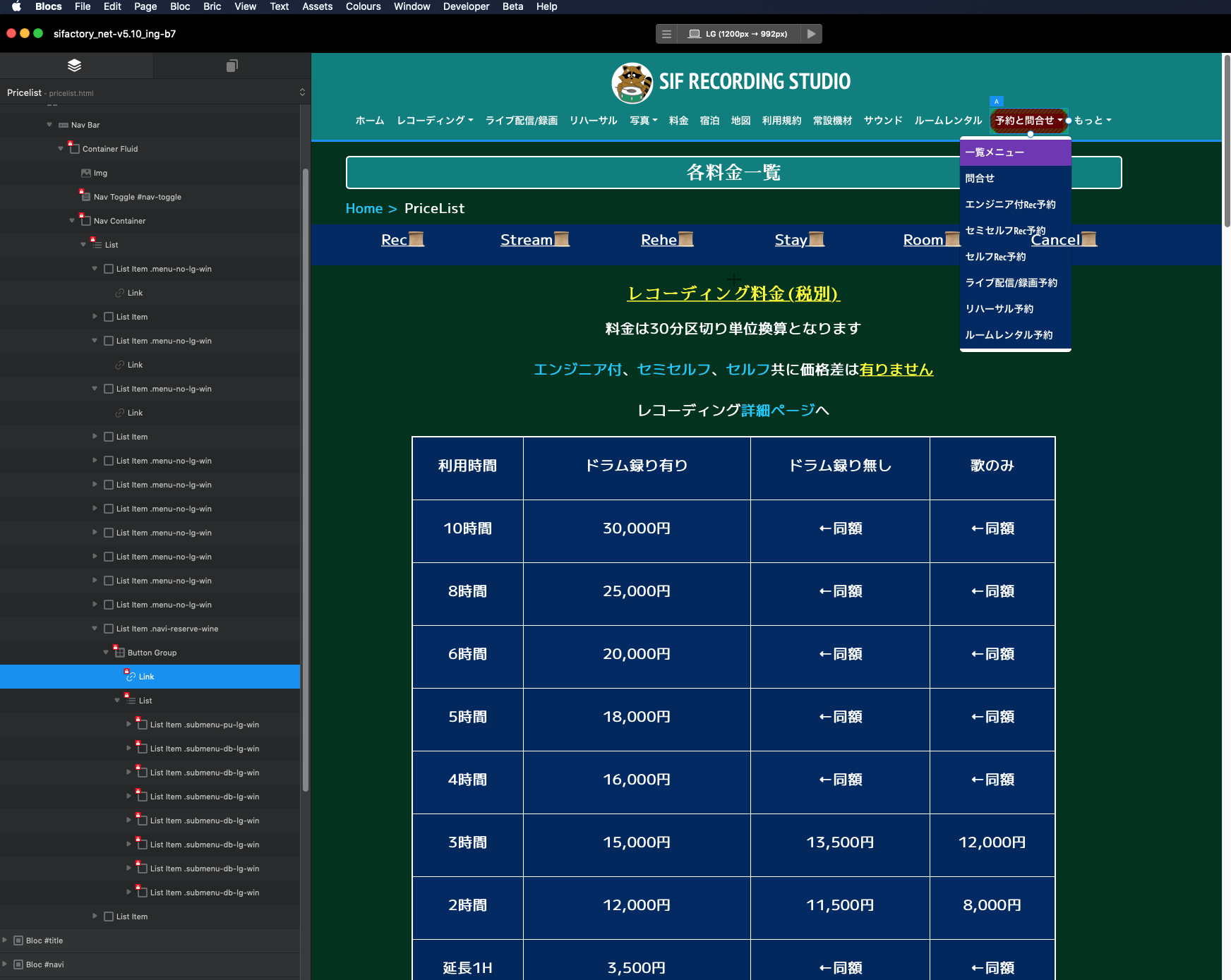
I presume that what you want to do is create a menu similar to the one on my page. Frankly, I think the interface is very confusing and difficult to understand. I myself am not familiar with it yet. However, I can create submenus. I don’t know if there is any other good way to do it. I am also confused about text colors, background colors, and other aspects for both mobile and PC. I would appreciate it if you could provide some references. Personally, I feel that it is the worst interface.
Sorry, I don’t speak English, so I can’t give you a good answer.
Hmm. Yes I know, but I also need to hide them using toggle visibility.
I don’t think you read my first post.
If you look at the interactions. Using navigate to page and toggle visibility are both there. And it’s only possible to choose one right?
Look at my video again. Clicking “portfolio” uses toggle visibility to make “street, b&w, nature and misc” appear. I need to choose toggle visibility on them for it to work, but since I already choosen that I can’t make a navigate to page (text link).
Ummm it’s not clear.
Are you saying the menu item that toggles the visibility also needs to be a link.
Or the menu items that appear need to be links. Because they should work as normal links.