It is not possible to drag and drop a mp4 video from the asset manager onto the bloc to set it as a video background.
It’s working when you drag it from the finder directly to the canvas.
But it’s all good under MacOS 15.7.1
Tested with Blocs 6.2.3 and 6.3.0 Beta3
EDIT:
I accidentally clicked (not hold the left mouse button and drag) on the file in the asset manager and Bang - there it was.
No you can select files (with a click) and they will apply to the Bloc background, works with images and videos.
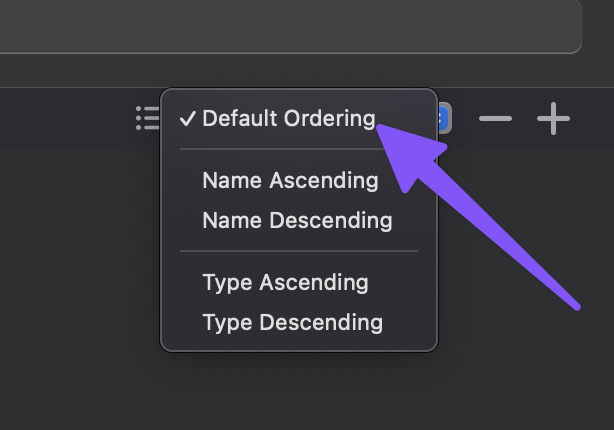
The reason Drag and Drop is not working is a bug, it’s related to the filtering options in the Asset Manager. Asset re-ordering (drag) is only enabled under the Default Ordering option, which is correct as you don’t want custom reordering for the other filtering modes. The problem is it prevents dragging assets out of the manager onto the design canvas, I’ll fix that up so it’s supported on all filtering modes.