I am continually have to correct the videos on one of my website pages. #AIinEducation
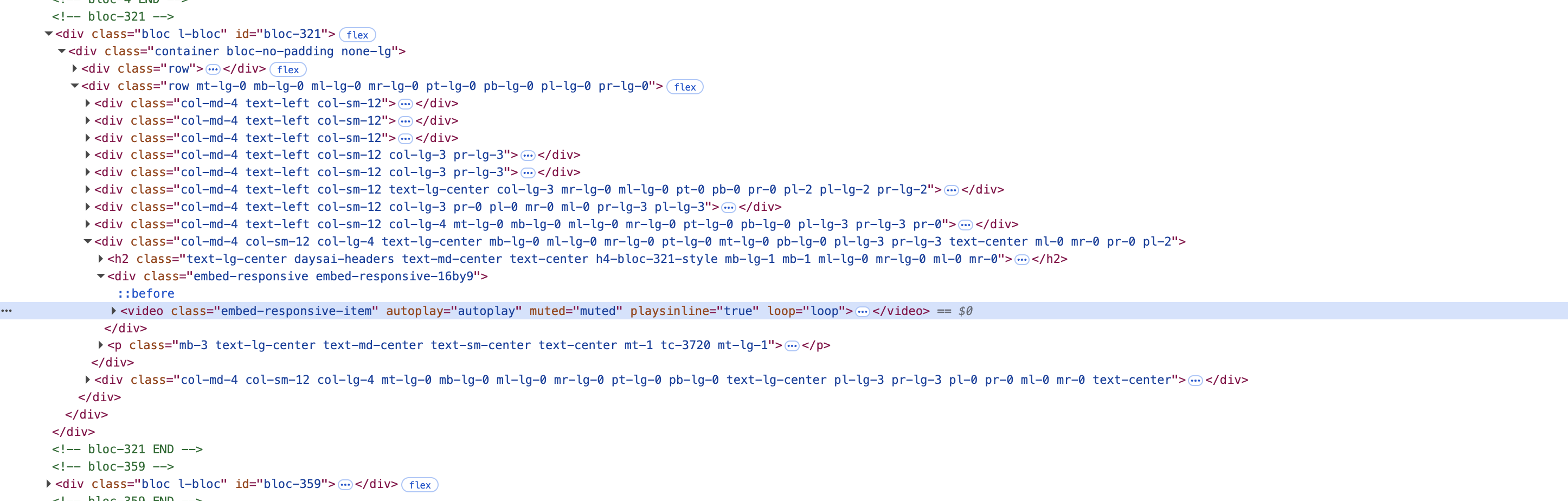
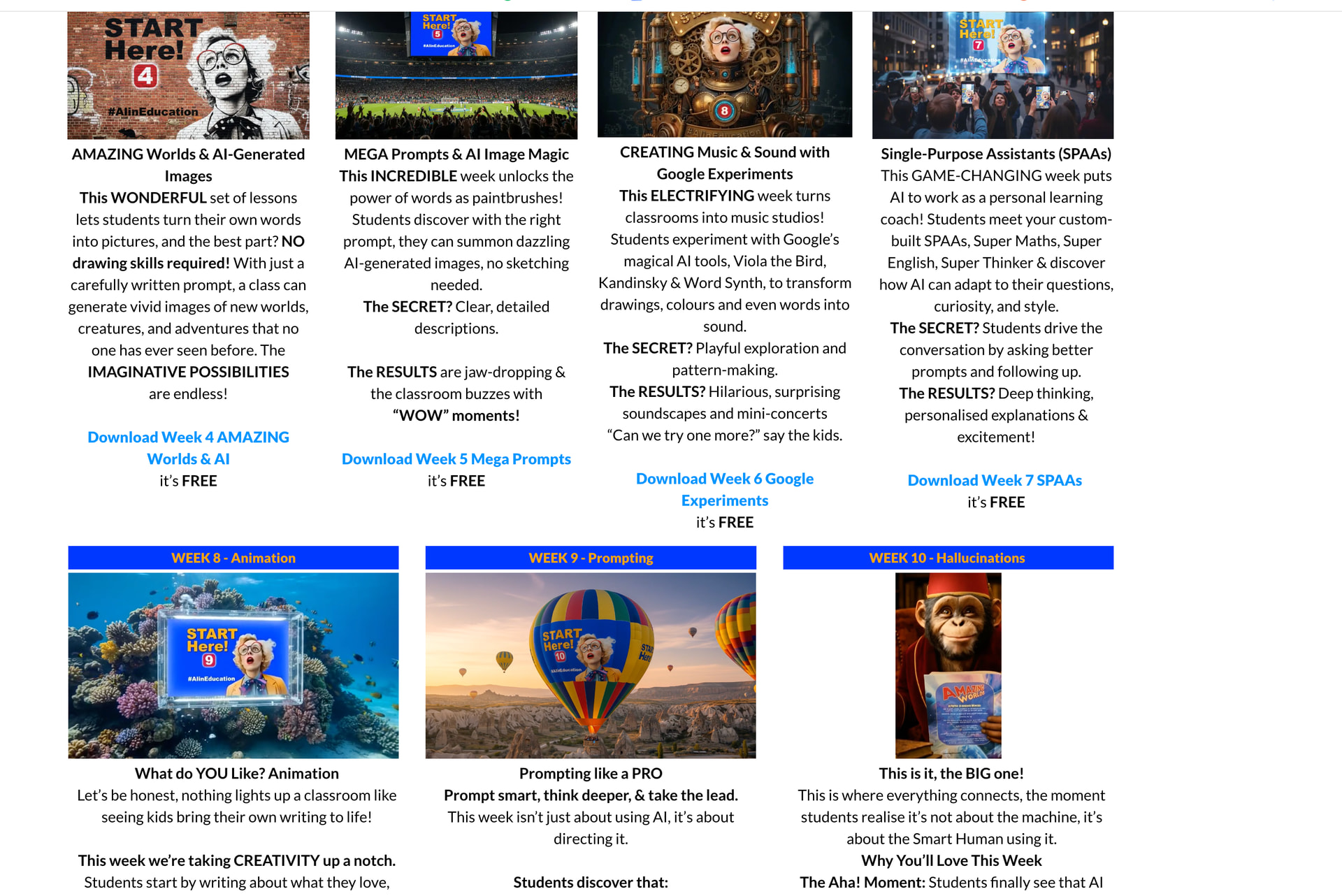
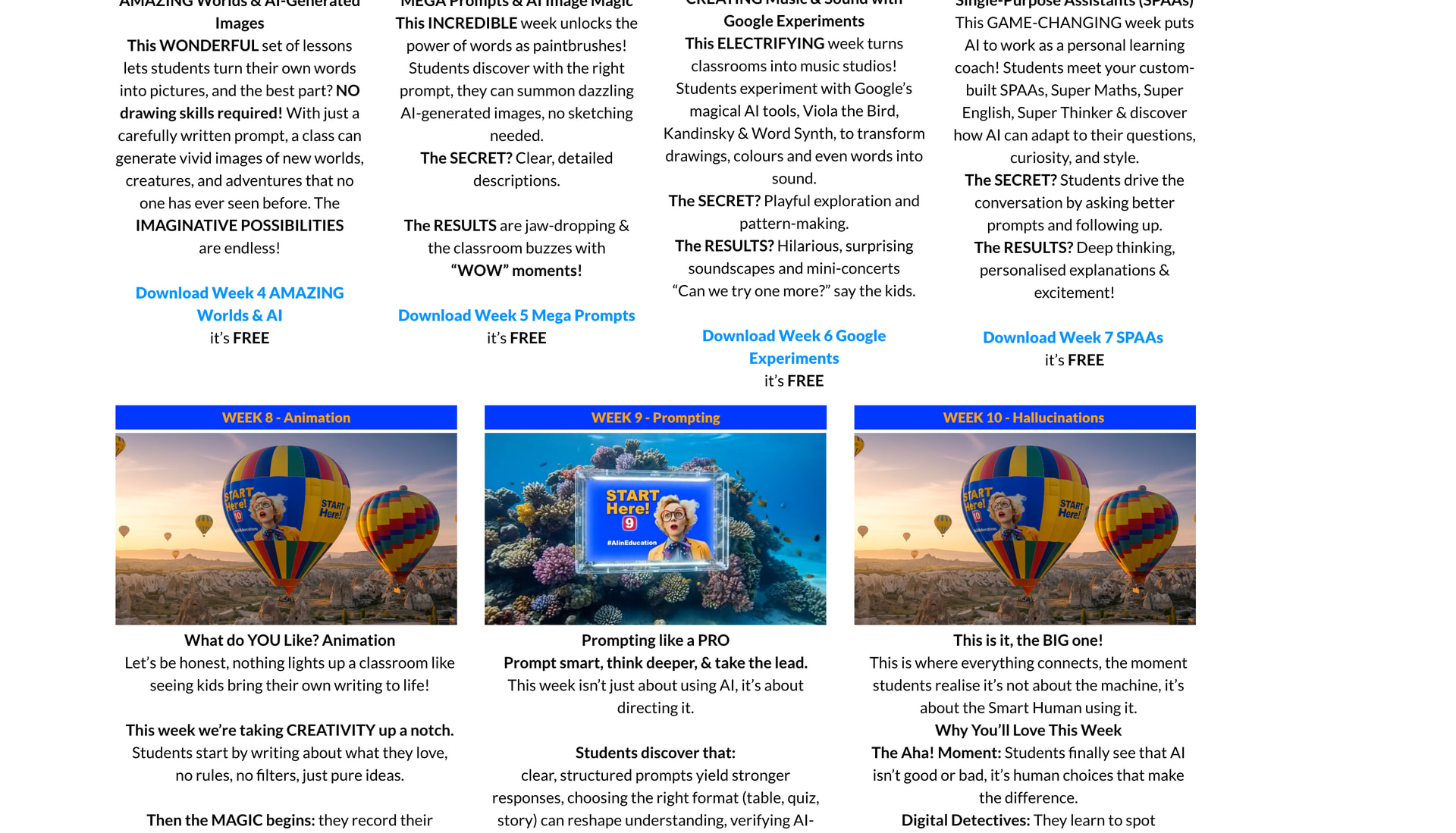
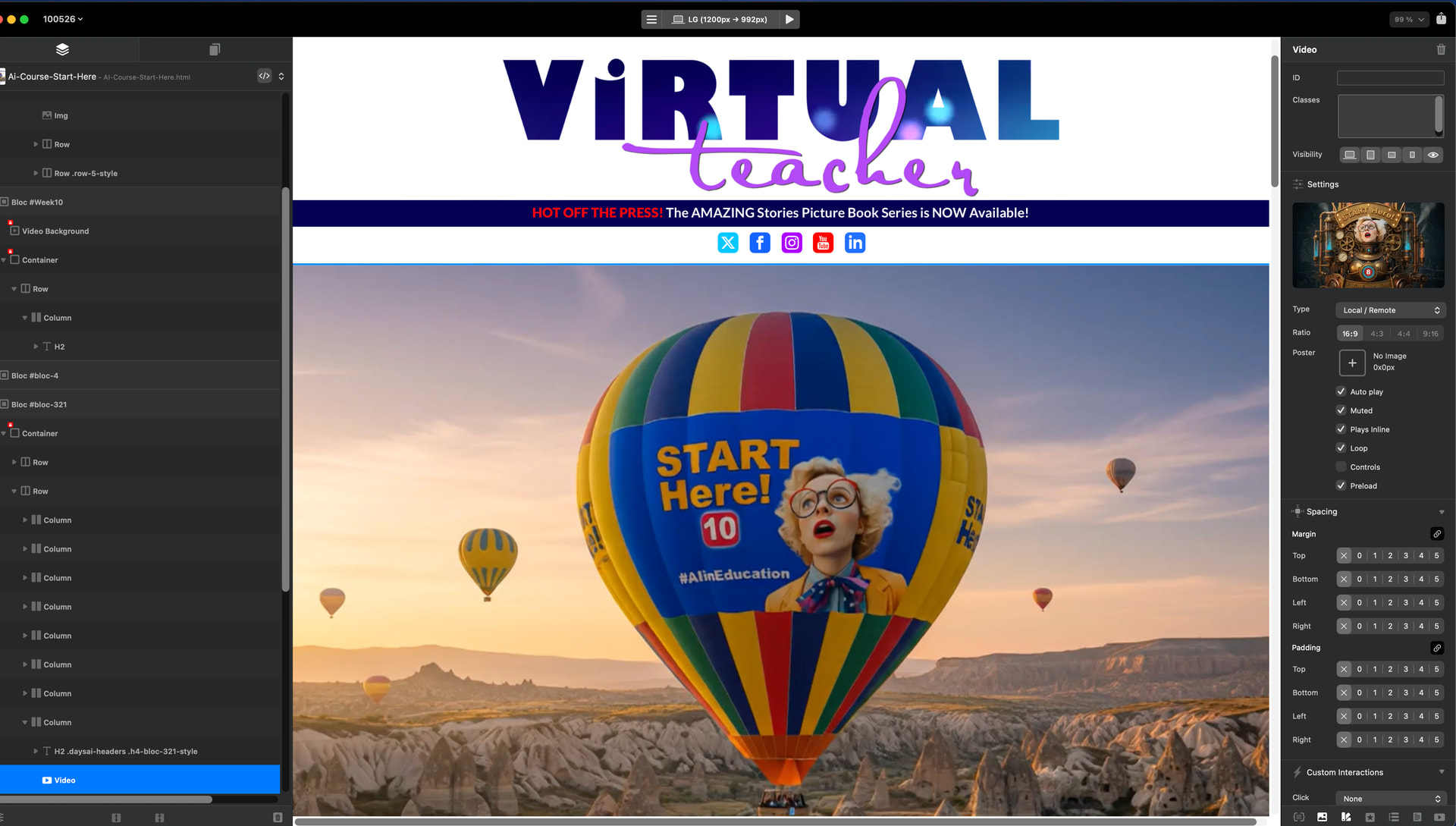
The header videos and other videos on the page change without me changing anything. When I look at the code it doesn’t appear that the videos are referenced by name in the code. I have to redo the page regularly - it looks OK then changes agin for no reason with the wrong videos at the head and anywhere I have used videos on the page. They are swapped out for other videos on the site at random. I have a feeling that they are not referenced correctly in the code. Any help would be appreciated. ciao Cathy

How are you naming your video files in Blocs?
Are you using a linked or embedded asset workflow?
Hi Norm, Videos are all embedded. they are only short and are smallish. It seems to be Ok now. However it appears that that the file name for the videos was not embedding in the code. So they swapped around. All videos are in the vid folder. Perhaps the latest upgrade fixed the problem. Naming protocol is pretty standard Wk8-AIineducation.mp4 I replaced them all and renamed them. As you can see by the above the wrong video was showing in the settings window and then when I previewed in the browser a different video appear. Remade everything - I think it was some sort of buggy thing with the embedded videos. Thanks for the reply. ciao Cathy
I think the embedding feature could be more robust. Not sure what I mean by that but it seems embedding the videos caused issue.