Over the last few days I have been playing around with Volt CMSs blog functionality.
Even if it is in its early stages still, it is already very good! Nice work @Jannis!
Some things I have not been able to figure out myself. Maybe those in the know can give me a shove in the right direction.
I have uploaded the current results of my tinkering to a test website: https://test.ranzengardist.de.
You will have to enter some credentials though as all my test websites are protected,
ID: test
Password: tester
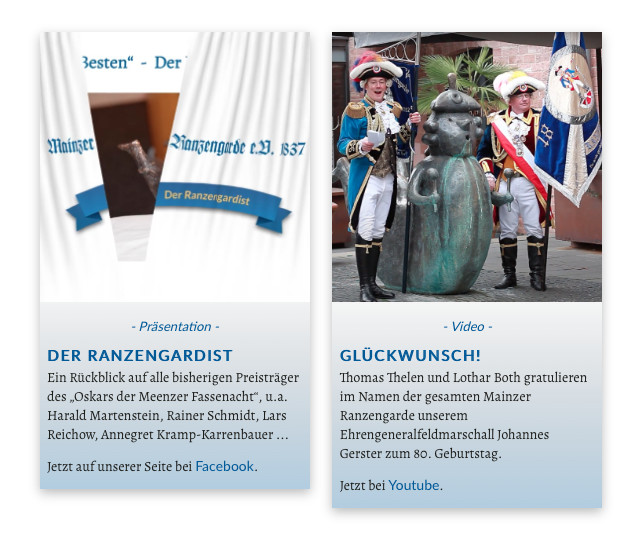
How can I can I make the columns always have the same height? The same height bric does not work here. I could give the blog item body a specific height but then I would limit the amount of text which could be entered here.
The category (Präsentation, Video) consists of a link, which automatically filters blog entries to the category which is being clicked. Is there a way to remove the link?
The Title consists of a link to the Detail View. Can I remove the link if
a. I do not want the Detail View of the entry to be displayed?
b. I want to change the font colour (the colour is linked to the class a for links and no matter what value I assign in classes volt-blog-item-title or volt-blog-item-title-list it willfully insists on taking the value forthe font colour value from class a).
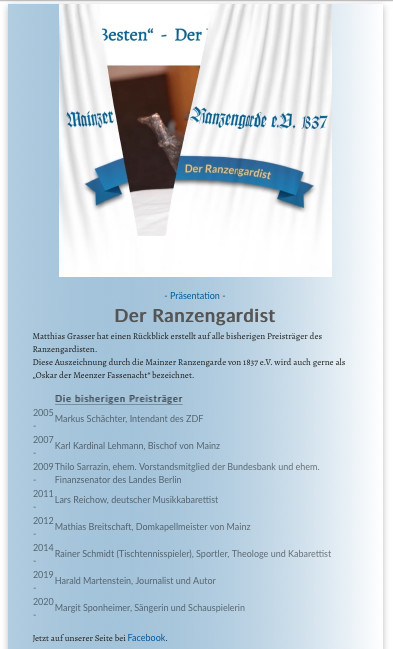
For the list I used the insert table function of the Volt blog editor.
One of the lines in the second column is rather long and is wrapped in two lines. So far so good, but all the lines in the first column are wrapped as well. Any idea how I can prevent this?
Thank you @Jannis for your quick response!
Based on your tips I tinkered a little more and I am slowly getting the results I was looking for.
Concerning the length of the columns I might have found another solution.
.volt-blog-item-list {
min-height: 100%;
}
The longer of the two columns extends the height of the row to a maximum value which is then used by the smaller column.
One more question, when in edit mode, clicking on the the link for the previous or the next blog entry (Vorherige Meldung/Nächste Meldung) makes the website jump to the top of the page. I do not not know whether this behaviour is intended. However I would it to stay at the same position, like it does when not in edit mode.
In edit mode, all JavaScript functions of Volt CMS are disabled in order to keep the editor tools working. The jump to the top of the post is also done with JavaScript.
If I might add a question myself… I set the headers of the details to be h1, I am trying to change the color of the h1 in the detail view to something else. The h1 color set in the project settings overwrites the h1 in the detail view. I tried volt-blog-item-title h1 and even volt-blog-item-title-detail h1 to make it more specific, but don’t have success with that.
I am using Volt for some time now and I find it excellent! I have also started experimenting with the blog functon and I’ve hit a baffling little issue:
On the blog project page in Blocs, I have used the Volt components as they are - no customisation at all.
When I access the page with Firefox on a PC, there is a gap at the top of the page that disapears if I use the scroll wheel on the mouse
When I access the same page with Firefox on a Mac, the gap is still there and it does not disapear if I try to scroll up
I just had a look and I cannot figure out where there should be a gap.
In Firefox (86.0.1), Safari and Chrome it looks pretty much the same (apart from the usual very minor different positioning of the elements).
Hm, I only see that (the added 690px) on the greek legal blog entry in the detail view. And once I scroll down and back up, it’s gone. It doesn’t even have a class to add the padding. It just says style attribute, which is odd.
 And I was sure I tried that before…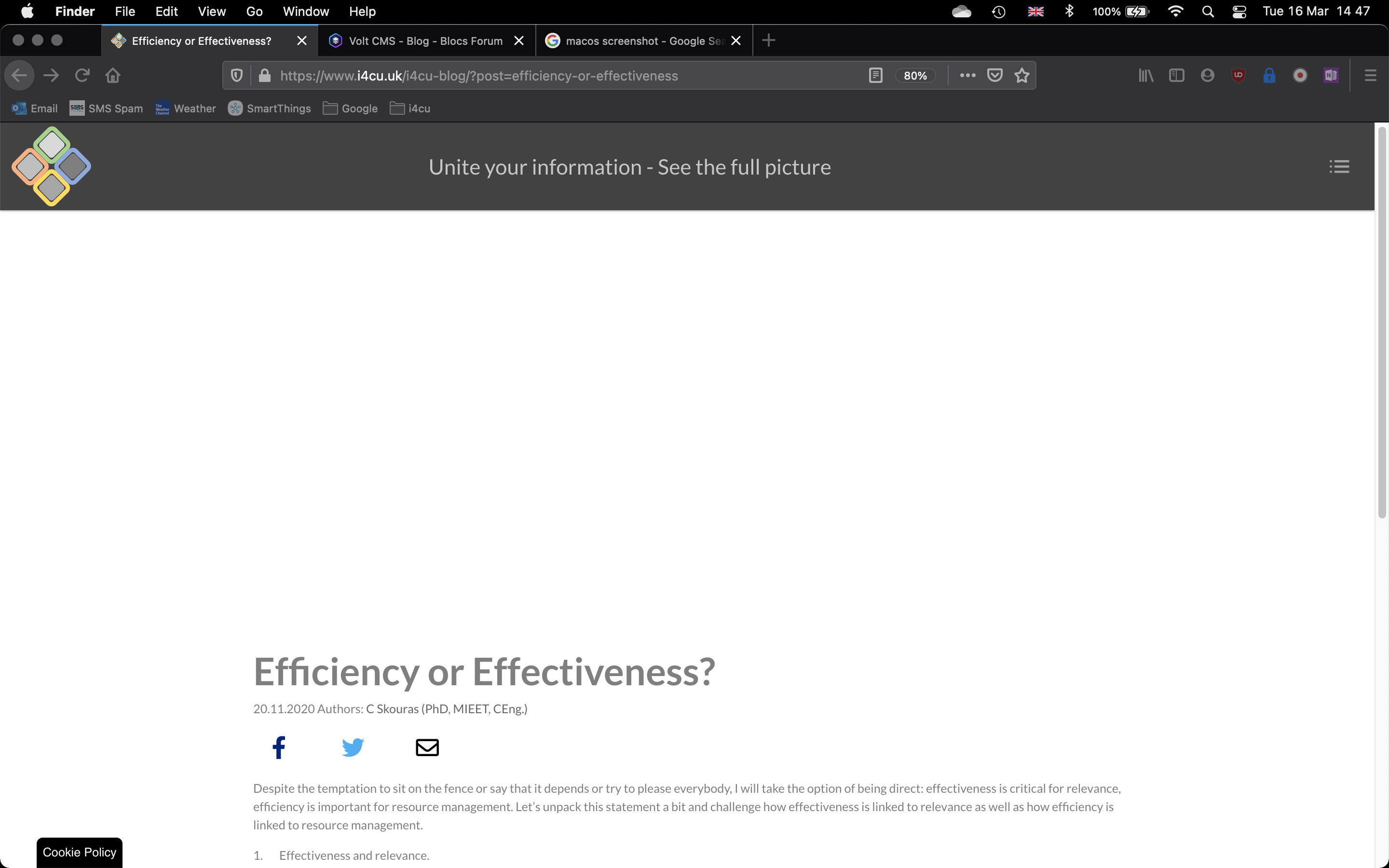
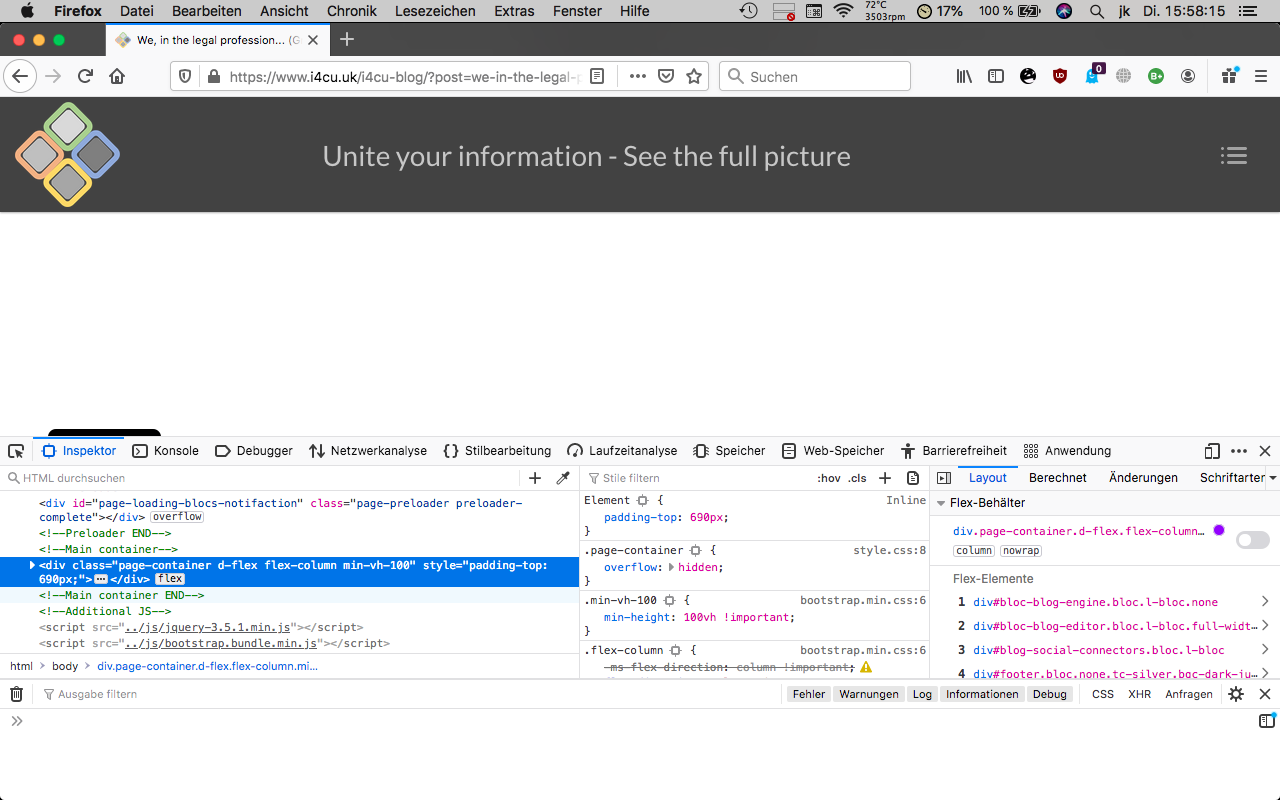
 That’s the one!!! How do I get rid of it? I have checked everything in the Blocs project page and there is no padding added anywhere…

 But how on earth it got there??? I might have to delete the lot and redo the page so the gremlin will go for good…