@PatrickSalo I agree that has always been weirdly inconsistent. At one time there was no spellchecker, then it appeared but it is very random in the way it works.
After uploading, I use an app called Scrutiny to check for typos. This has an added advantage that it also reads alt text, page descriptions and any structured data etc, so not just limited to visible page text. Ideally Blocs could manage all of this reliably through the OS checker for spelling and grammar.
I would love to see Brics of a couple of these scripts made though that could probably be an opportunity for the developers instead.
Other than that, perhaps a revamp of the Icon Font Manager with the ability to import more icon font libraries.
Folders in the page navigator to organize a lot of pages in a given project.
Added after initial publication: You could probably work with something like a “dummy page” that contains the default elements, which would allow us to style the default “blocks” in such a theme. That would keep pretty much the entire workflow in Blocs Plus.
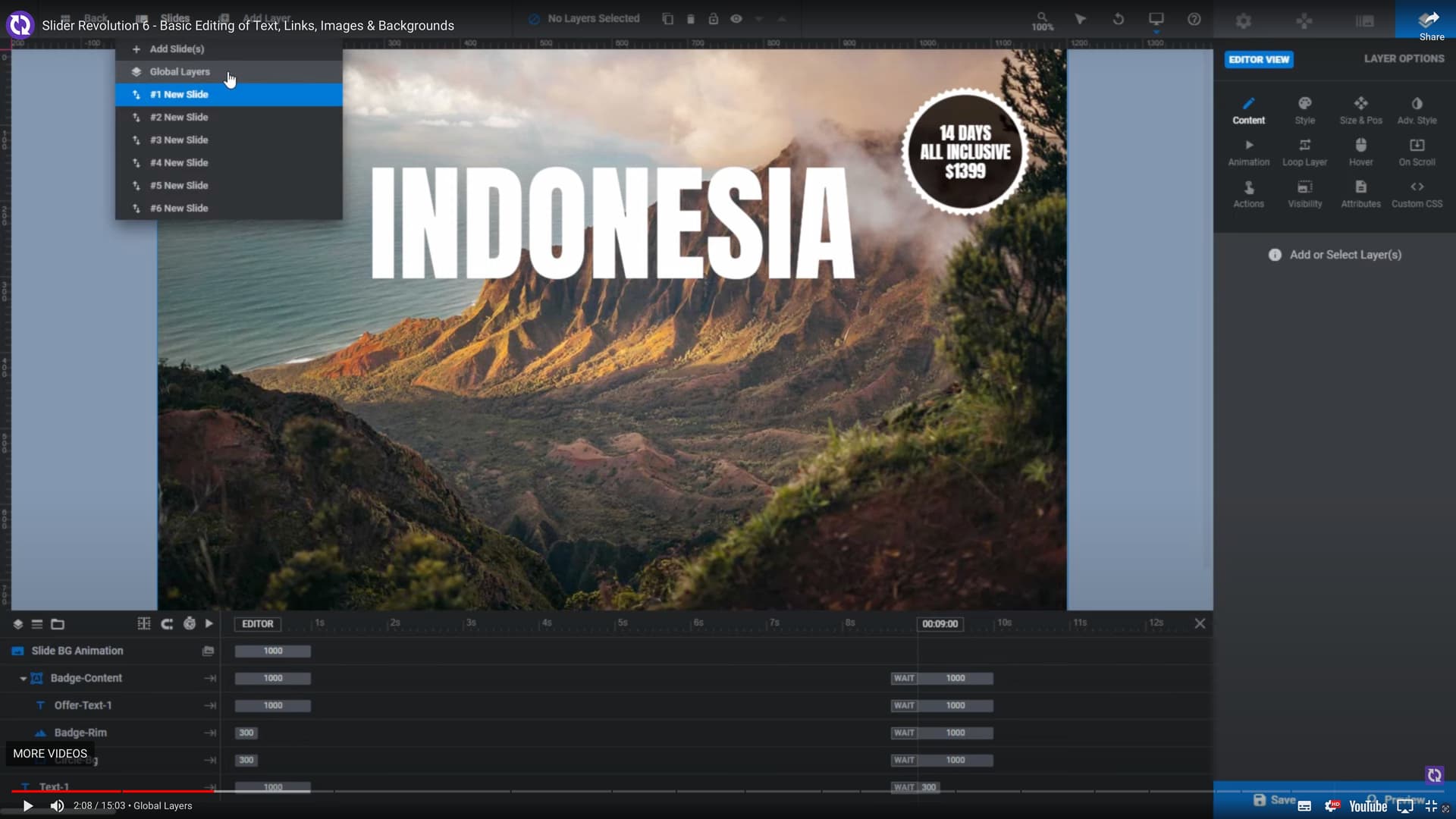
Something like this requires an entire editing system, as you will see in their videos. You have layers, timelines drag drop objects, etc. It’s very cool though.
Earlier in this thread I posted a feature when creating WP templates with Blocs Plus, after re-reading it and some a recent discovery of a plugin for Bricks Builder for WP called GutenBricks, I can clarify and better explain the feature which would be far more powerful than shortcodes, and great it would be to have this feature in Blocs.
Turn a Bloc into Gutenberg Blocks Instantly
Save your bloc template as a “GutenBricks Block.”, and it will be available as a block in Gutenberg editor.
Your Blocs are Editable on Canvas.
Let your users edit content freely on your Blocs created out of your Blocs WP Template
Use Custom Blocs in Your Posts/Custom Posts
For example, create a contact form and add it in the middle of your blog article for more audience or add interesting visual elements using Blocs App superior tools. Or create a CTA Bloc that can be re-used as a Gutenberg Block.
Use ACF to Render Blocks Dynamically. No coding is required.
Use ACPT and/or ACF fields to allow users to control the Blocs. Simply create ACF/ACPT fields and assign them to a bloc template!
Add special WP export type that will actually be Gutenberg Blocks.
For example a new page in Blocs, then in the create WP page type, instead of single, archive etc., this would be a type call Gutenberg Block. Now the bloc or blocs in that “page” (not a real WP page) would now be a new Gutenberg bloc available in the WP editor for adding it and edited in a WP page or post.
How cool would it be to be able to use the Minimalist Library from @Eldar, or the blocs that @Norm already includes with Blocs Plus, or your own custom blocs right in a WP page or post.
Check out this video on the GutenBricks site for more details and ideas of how this could work when creating templates with Blocs App:
PS: I’m not promoting this software at all !! I am promoting the idea of bringing something like that to Blocs Plus!!


 or
or  till it’s finished!!!