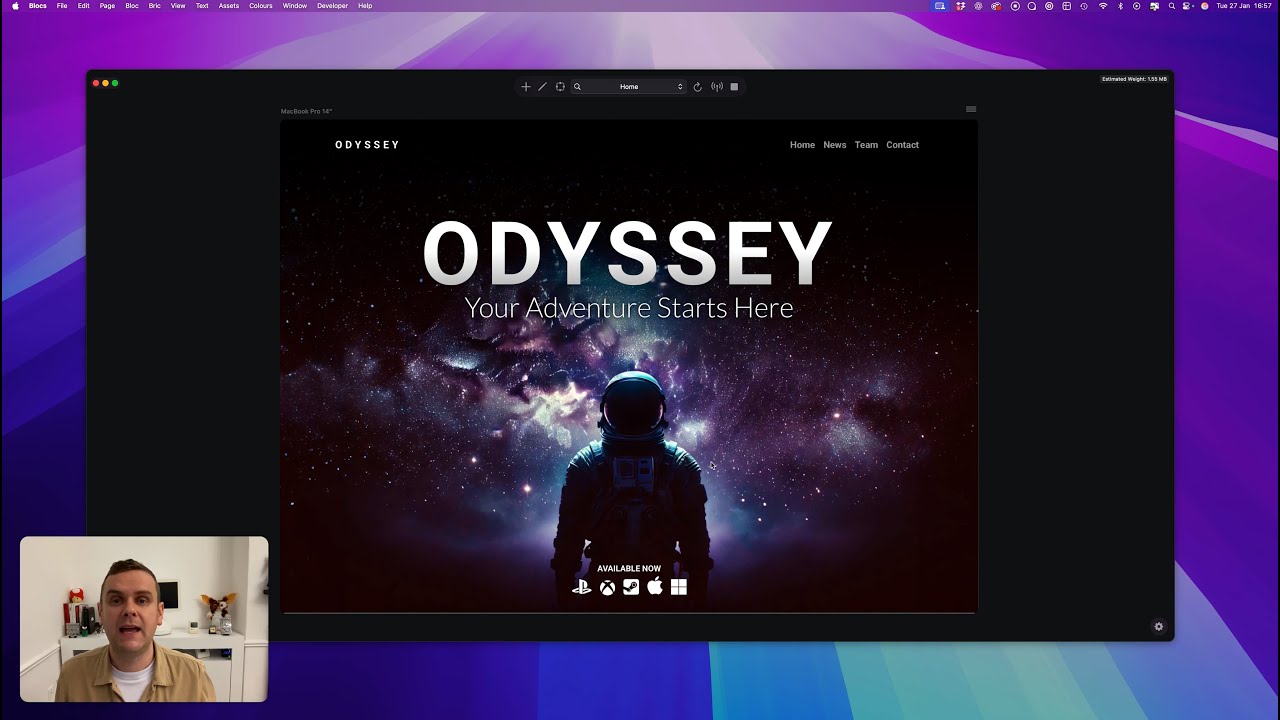
Blocs for Mac 6.4 Beta Build 5

Hola Blocs Community! :slightly_smiling_face:

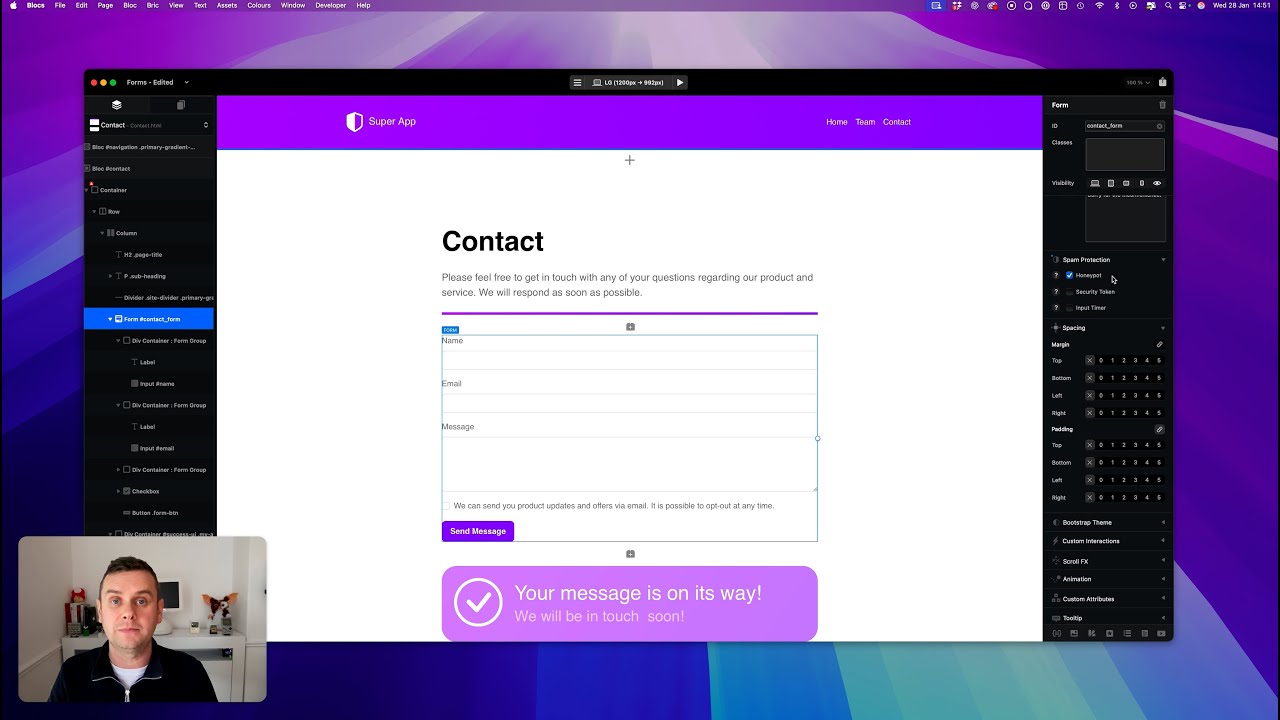
Here is beta build five of Blocs for Mac 6.4, as usual lots of bug fixes and some requested new features for forms:

• You can now upload ZIP, Audio and Video files as form attachments.
• You can now customise max file attachment sizes (May require hosting configuration as well).

Release is getting closer now :smiling_face_with_sunglasses:.

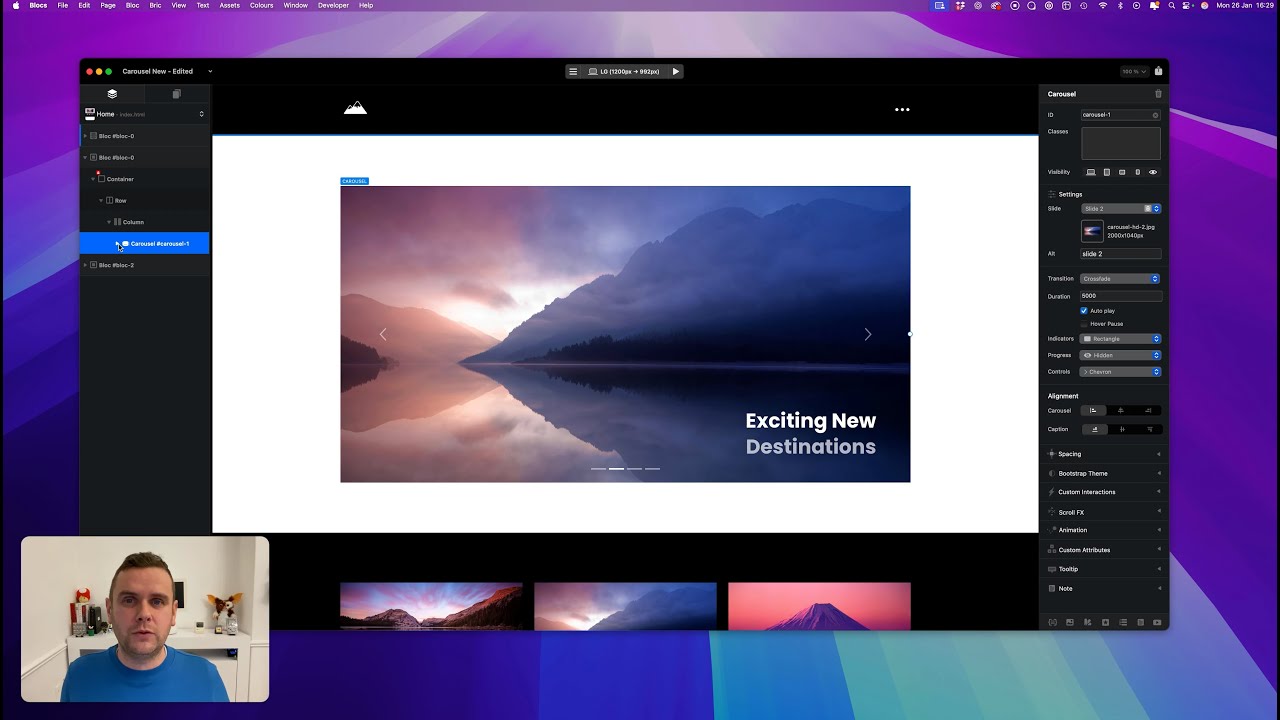
Carousels :framed_picture:

Forms :envelope:

File Attachments
These are the current hard limits for using file attachments with forms.
• Requires SMTP form server.
• Supported File Formats: PDF, JPG, PNG, GIF, WEBP, HEIC, HEIF, MP3, WAV, M4A, MP4, MOV, WEBM, ZIP.

Icons :heart: Text Links

Paste and Replace :racing_car:

Preview Mode :eye:

Custom Interactions :high_voltage:
This build introduces some useful improvements to custom interaction rules. Almost all of them now support targeting elements using a class (as well as an ID) with the exception of the select tab rule.

Unlike IDs, classes are not reset when you copy or duplicate elements within Blocs, which makes it easier to re-use custom interactions and the things you build with them across multiple pages in a website. A step closer to making Custom Interactions easier to work with between projects.

I’ll refresh my glass music player to take advantage of this very soon.

I’ve also added support to control carousels with custom Interactions, which is pretty cool!

Text Carousels :carousel_horse:
You can now delete the main image in carousel slides, which means you can have text only carousels. I’ve added two new Brics to help get these into your websites quicker (still a bit of work needed on these in Bootstrap 4).

Happy testing Mis amigos :clinking_beer_mugs:


Download Blocs for Mac 6.4.0 Beta Build 5

12 Likes

I just took a quick look at the new Beta, and once again it looks fantastic!

Forms in particular really caught my attention, and it’s looking very good. The ability to upload multiple files is absolutely brilliant — that’s a huge improvement.

I also really like the new options available after a form is successfully submitted. Having different actions to choose from is excellent.

One thing I would personally find very useful as well is having similar options for when a form submission is not successful — especially the ability to redirect to a dedicated page with instructions on how users can successfully get in touch.

Great work again! :clap:

8 Likes

Hello @Norm ,

Will you be able to fix the serious Wordpress bug that I reported here:

I just tested with v6.4 beta 5, and it is still there. I have some projects stalled because of this issue. It would be really great if you could fix it in the next coming beta or v6.4.0.

Thanks in advance,

Ricardo

Can you share the blocs project file please. Sorry for the delay.

1 Like

Hi @norm,
I thought that I already had shared them in that post, please let me know if you need something else additional

I’ll DM you a project though, look at the single-product-category page, and the archive page.

The name of the project is: mc-store-engine-for-norm.bloc

1 Like

Not sure if this is a bug or not, but here goes - it was also happening in Beta 3.

If a page is saved as .php, background ‘Hero’ images don’t preview, and I get an error message across the bottom of the screen, probably something to do with trying to set Volt CMS up, hence the php suffix.

The full page ‘log in’ bloc should have a background image. Change the page to .html and all previews fine (apart from the obvious Volt bits).

Cheers all.

Hi Norm!

Will carousels created in earlier Blocs 6 versions continue to function with the new carousel?

Can we PLEASE get variable font support!!!

2 Likes

No problems noticed so far

2 Likes

@Norm I’ve been working heavily in Beta 5 for the last few days and it’s awesome, but alas very crash happy. I’m regularly seeing it crash quite a bit, maybe 6-10 times across say 12 hours. Here’s a couple instances that induced a crash on my end:

Scenario 1

  1. Added a div
  2. Accidentally added a H1 to the div
  3. Deleted the H1
  4. Added an image (what I wanted)
  5. Crash

Scenario 2

  1. Working in Asset Manager
  2. Selected an image
  3. Pressed the right sidebar button in the titlebar
  4. Crash

What’s weird about all of this is that Blocs will crash, I’ll reopen, do the exact same thing and everything works. So I suspect it’s not a single action per se that’s the cause but maybe some kind of bad state that Blocs gets into. BTW on Tahoe 26.3 over here.

On a much more positive note, I haven’t had a chance to post this yet, but you adding Zips amongst other file types to the file uploader, didn’t go unnoticed and is very much appreciated. :smiley:

P.S. On a related note, I thought in prior versions of Blocs selecting an image in the right hand pane while the Asset Manager was opened, would select that image in the Asset Manager. If I’m remembering correctly, then this is no longer working at least under Beta 5.

2 Likes

Found another bug, when in the icon manager, I can’t find 4-square-filled even though I suspect it’s part of the bootstrap icons and from what I can tell all the other numbers are there.

1 Like

@Norm Forgot to report that the fix for having a Bloc’s project window open off display is indeed fixed and I haven’t seen this again.

1 Like

Is Blocs 6.4 paid upgrade or will this be free update for 6.0 users?

@mp_7 Blocs 6.4 is a free update to Blocs 6 users.

5 Likes

Thank your the info Helen.

2 Likes