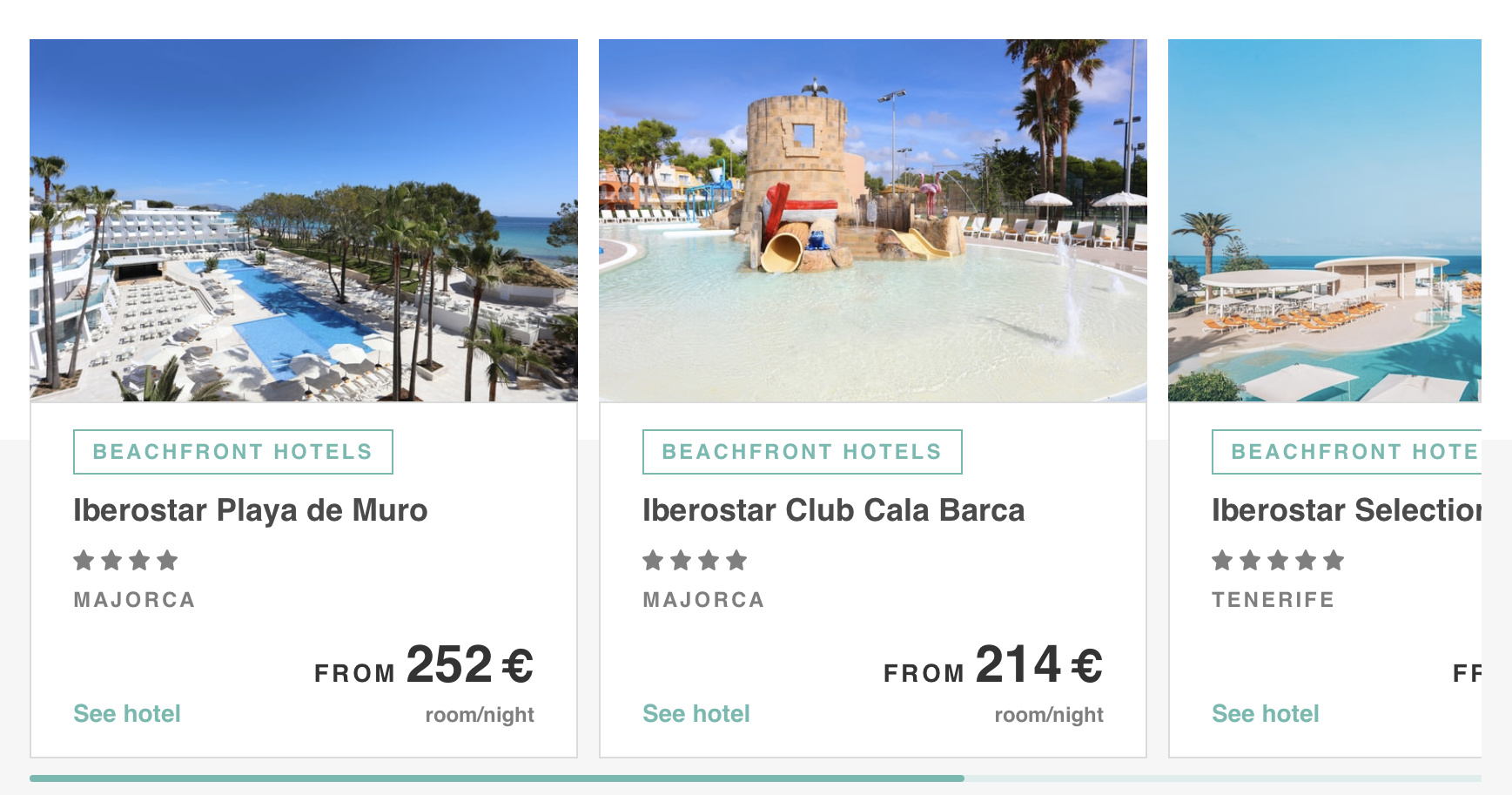
@Norm an item slider would be great on blocs 4.
2 Likes
100% - sliders are such an easy thing to do and is standard everywhere, I would be surprised if a multi-use slider is not in Blocs v4.
If I was norm and Blocs 3 is stable - why not bring out a Blocs Pro pack with all the features that we are asking for…id pay £50 for an updated pro pack of new blocs and brics.
1 Like
That would be fantastic
Yeah and the think is you can do this on bootstrap! So I don’t know why isn’t possible on blocs natively
2 Likes
Not really a feature but maybe just a ‘quality of life’ request. Having the ability to move blocs up/down from the layer tree would be great rather than pressing the keyboard shortcut several times over.
I may have mis-understood, but you can already drag blocs in the layer tree. As well as other elements.
hmm… that’s weird. I can drag everything except the entire blocs on my layer tree.
@TMRJIJ. - not to highjack this thread but…
3 Likes
A couple of basic ones. Just starting to play with Blocs, so I may be missing something obvious on any of the below…
- Not every site is a single page. Allowing drag and drop of page ordering, or directory creation in the left hand page would be extremely helpful.
- Image captions for the various permutations - single image, galleries, sliders.
- Notifications and updates from in-product for updated to blocs, brics, 3rd pty add-ons, …
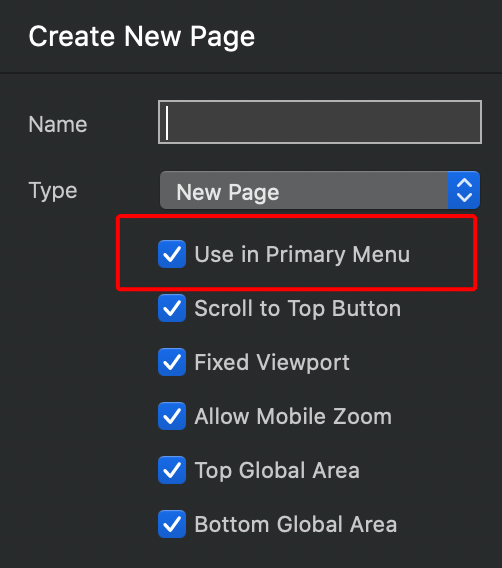
- Simple option to exclude new page from being added to top level menu in page context (e.g. not add many pages, then go into Menu Manager to remove them).
1 Like
Yep, @rtp, a few of those on my wish list, especially the reordering of pages (or being able to have sub folders). Once you get past 4 or 5 pages, it’s a hassle finding the page you need next.
Even having the option of reducing the thumbnails would be good, therefore seeing more pages at once.
1 Like
2 Likes
Thanks for the video. I guess my mouse position was just wrong the whole time 
- Global Blocs/Brics
- Ability to conditionally show/hide fields in Form
- More modal trigger options
1 Like
Ahh, I see why I wasn’t seeing it. I’m using duplicate from other pages mostly, where you don’t get the dialog and there isn’t a ‘page properties’ equivalent on the right hand side containing the settings for create new page - or am I missing that as well? (possible..)
1 Like
You can also turn it off in page settings after page creation.
Yes, but you also have settings in the right hand inspector column using the same settings icon. Selecting a page on the left nav should populate settings on the right, versus a drill-in and modal IMO. Right clicking on a page in left nav also doesn’t bring up settings - it’s sort of a UX weirdness, IMO. Select a page on left, and show settings on the right like you do for elements.

The settings on the right relate to page content. The settings icon on the page displays page-specific settings which just makes for common sense. The page settings icon is in the page thumbnail, content setting are in their common place on the right of the interface. The same page settings can be accessed by clicking on the settings icon on the right of the page next to the page name. I don’t see what is wrong or illogical with this arrangement. How many variants of page settings do we need?
1 Like
Actually, the settings on the right seem to only be for element content - I am saying the same pattern should apply when selecting a page.
Asked differently - how many different ways to get to settings for different things do we need, versus a consistent ‘click on thing’ and it’s relevant settings are on the right? shrug From a UX point of view, it’s not as consistent as it could be.
Right now, to get to PAGE settings, I believe you have to drill into the page settings icon on the left. To get to element settings, you just click on it and it’s put into the SETTINGS pane on the right. Not consistent to me.  (the right click behavior is entirely secondary to this…)
Did I miss some path where page settings (such as those in the modal in the middle of screenshot) show up in the settings pane on the right? (possible, only on day 2)
PS - don’t take any of this as trying to be argumentative. I’m from a stubborn state, was in the military and tend to be blunt, while also having to wrangle the greased cats of multiple product teams as part of my day job. They’d be hearing the exact same thing on consistency and not just from me. Can always ignore the comment as I’m quite sure not all ‘wishes’ will be granted… 
1 Like
The inspector (on the right) only shows settings for elements on the page.
There is also a keyboard shortcut to access page settings.