Very very long ago (like 20 years ago again :)) it was possible to somehow make images load random when visiting a website, why not to get more variation for the visitors and now I wonder if this is possible also in Blocs now about 20 years later. What I mean is this: I visit a website, which may not have been updated in some time, but the visitor think it has been updated as the graphical style (lets say some images or something else, a text part or so) has been changed** since the last time I was here. This feels thrilling and refreshing, doesn’t it?
** we can choose whatever (image or text etc) to be a random thing.
Yes, as you mentioned, it might have involved JavaScript. One reason I bring this up is because, now—roughly 20 years later—I use BLOCS specifically to avoid coding. Coding was difficult back then, and it’s still not something I want to deal with today. That’s exactly why I turned to BLOCS: to build modern websites without writing any code or using external plugins. So my question is—shouldn’t these kinds of features already be built into a software like BLOCS? Why not make it possible to load not only random images and text blocks, but also random entire web pages or dynamic content, for more variation and flexibility? Why limit it? If BLOCS is about creative freedom without coding, why not let the whole thing spin free?
Ok, as I’m not a programmer or a developer myself I can’t reply on that. What I say is just a few reflections/wishes from a user of the Blocs software.
We know that.
We’re not demanding certain functions.
We’re making suggestions or asking if something is possible without coding.
If it’s possible, Norm should consider to emplement such functions.
Just to make or remain Blocs the leading app in web design.
Its not really limited - I am not sure many people have asked for what you have asked for so its kind of freshly requested - as you said its a very old thing to have and a feature maybe others will find useful, but I am sure @Norm will look into it and if its something worth building into Blocs then it will be looked at.
If its an urgent thing why not support @Jannis with his Iconic Gallery.
This is exactly why we built the Interaction Manager. We want to enable Blocs users to create all manner of functionality without using code. With each update to Blocs 6 you can do more.
It’s still early days for the Interaction Manager and Custom Interactions but we have already demonstrated various ways to add functionality to websites without code or add-ons. The best part is the logic you build is fully customisable.
I’ll see if I can cook up a little Custom Interaction experiment to randomise images at some point.
But in the meantime, I’d also recommend Iconic Gallery, you will get random image support and more today, with that.
This sounds positive and promising! Probably so promising that the “Find & Replace” may soon be a multi-page functioning thing I Blocs 6.x. Here and now, in v. 5.2.9, I can not even type “CMD+F” (and just close the Find & Replace popup without using the function) as this very likely will kill the opened project and make it filled with random characters on multiple pages (scary moment) and maybe also the “refresh asset” function (in asset manager) will work as well without the need to restart the application/project. The future is bright
Hi Himmelstrutz, I know you don’t want to code, understandable, I’ve just created (well still in the process of) playing cards that appear randomly on page as though they are being dealt.
It is code, but it is really easy to modify, if it’s useful give it a try. A stripped down version to show what’s going on below.
I’ve used blocs instead of images, but you can use this code widget snippet with any object. It is randomising the elements using the assigned IDs to the elements.
I’ve put explanations in the code widget. Basically just give whatever you want to radomise a unique ID in this case each bloc I’ve named bloc-1, bloc-2. bloc-3 and bloc-4.
In the code wodget just change the existing IDs I’ve put in with whatever IDs you have given to Blocs, DIVs, images or anything else. You can add more to the list in the code widget.
Have a look and see. If you preview remember to refresh each time.
I’m using this for my playing cards, there are four cards being dealt with a largish number of cards to choose from so is making it quite a big list. This sample is stripped down to bear bones to make it easy to understand.
This is great. This is why I’m loving Blocs, with IDs and Classes being it’s method, you can either remain code free or get stuck in and delve deeper.
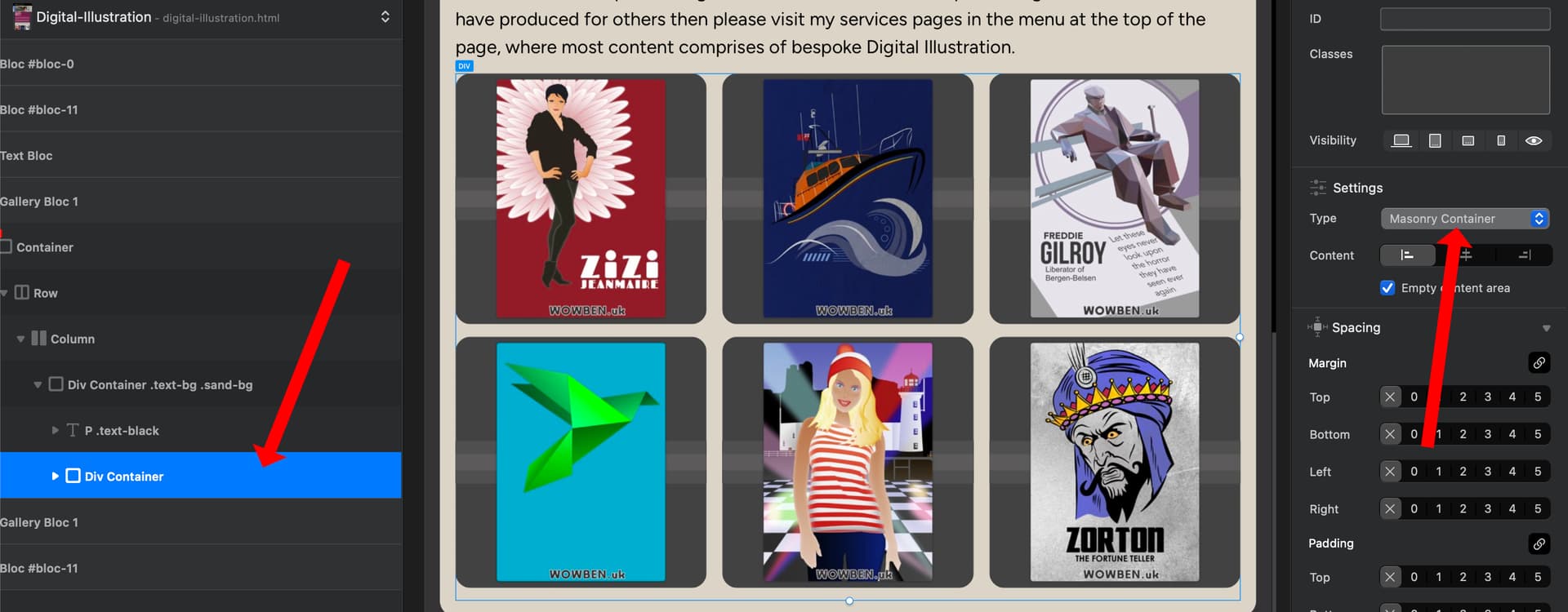
For the masonary gallery, I haven’t tried this with random images, but this should work by letting Blocs do the hard work of the masonary gallery and simplify your process further.
Just use a Blocs Div and set its type to masonary container. Put your images in and then you have a masonary gallery.
Give each image a unique ID. Then just use the original code in my previous post.
I’ll have an experiment later in the week and get back to you. This is similar to the pack of cards I’m working on, except I’m using a standard container not masonary for that.
The images I have in the masonary Div below are all square in the screenshot, so not really seeing the masonary effect with irregular ratios. I’ve got that masonary just so that the layout will expand and contract to fit the screen size and I can just keep adding images and not have to change column sizes.
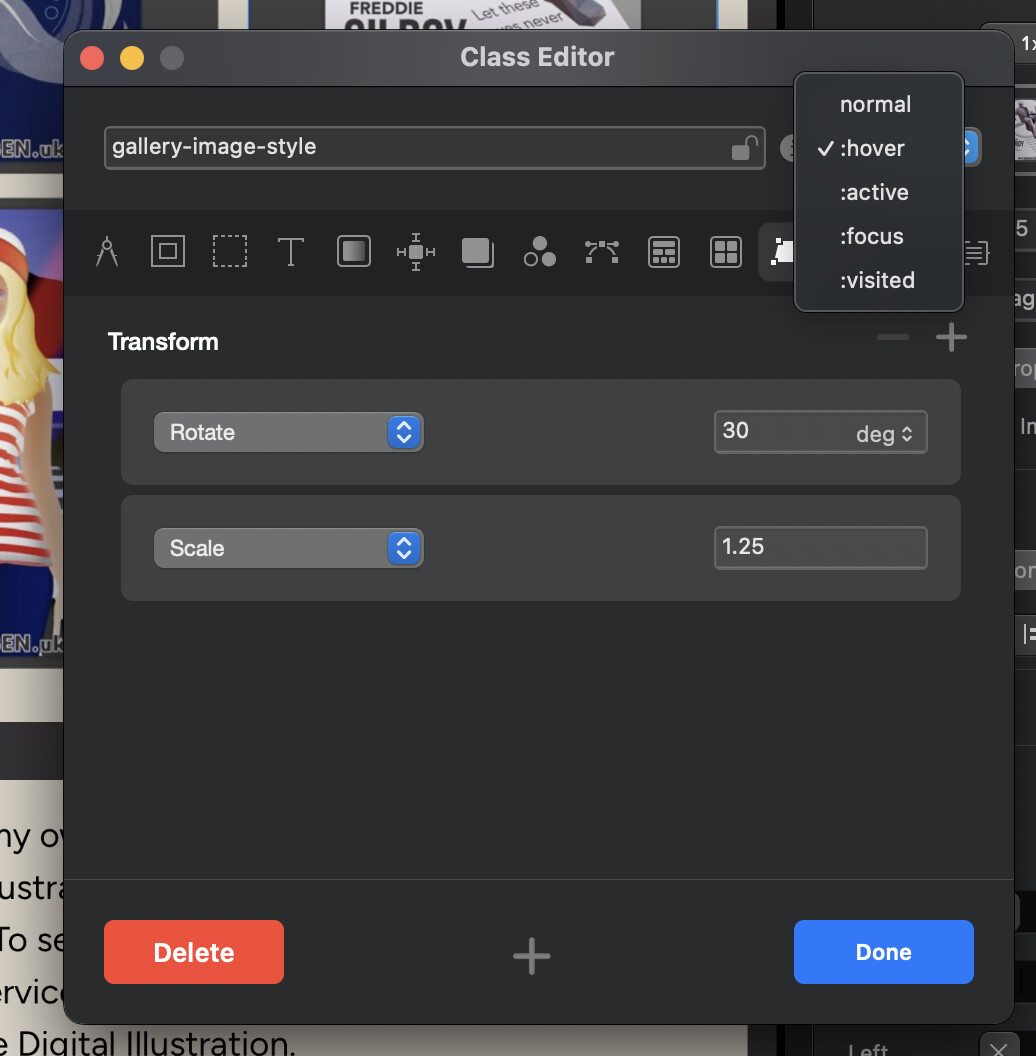
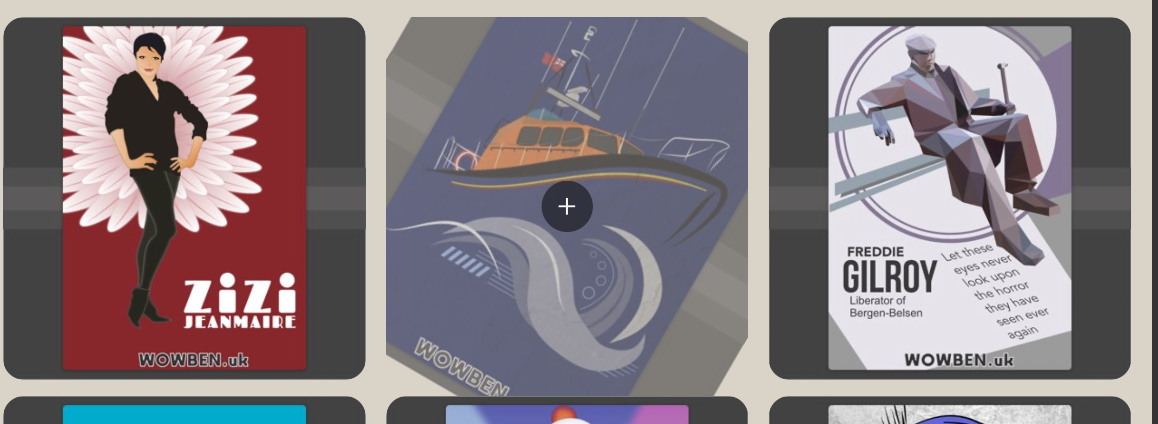
For the hover zoom, you could have the same class assigned to each image and then when hovered using scale etc. (in the screenshot the scale has overflow hidden so is clipped within its image container, if I didn’t have that we would see its full size).