Hi all, I’m slowly shifting my personal website over to Blocs from a different system. One element I have is an infographic image map. I’ve seen discussion on here with folk asking to do it. I experimented as I wanted an accurate and responsive browser responsive image map solution so all it all resizes in the browser and great news is it is dead easy and available straight out of Blocs with standard functions and no fancy coding or extras needed. Here is a rough and ready example I’ve knocked up to experiment with, as still working on my infographic.
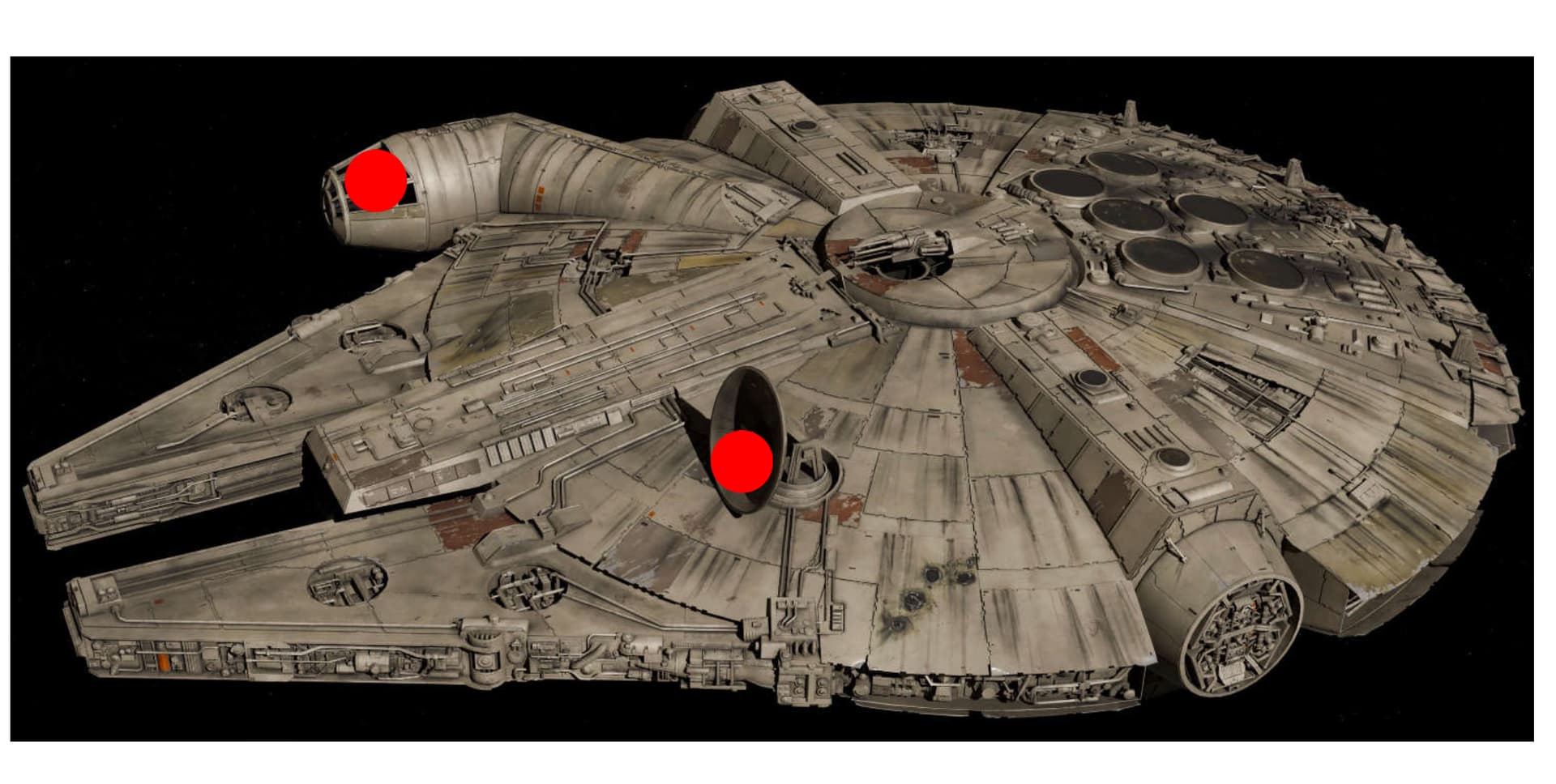
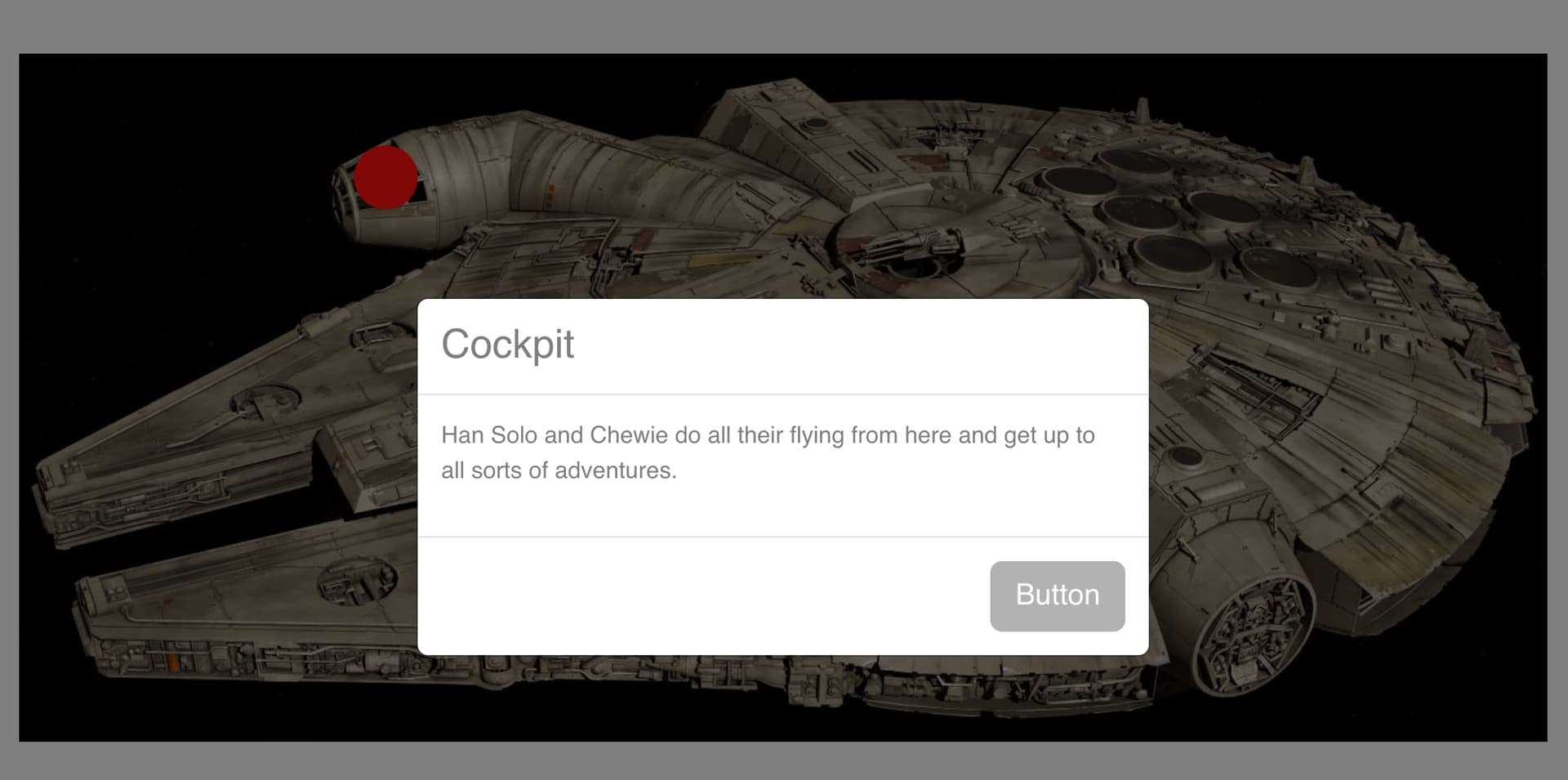
The idea is a responsive image, responsive sizing of the markers, the markers pulse to invite people to click, it opens a modal. This can be bashed about to do other things if needed.
It’s all about Relative positioning of a DIV with an image in and then Absolute positioning of the SVG markers. Then instead of using pixel values it is about using percentages.
Here are the steps:
Place your image inside a DIV and set its position to Relative with a class, the DIV that is, not the image.
Add an Icon and to Absolute position using a class.
In this class position each hotspot using Edge in the class set to percentages.
Repeat for more hotspots.
Assign each icon an animation if you want such as pulse loop infinite.
Create a modal for content
Assign an Interaction to open a Modal
Have a look at the demo file, you will see what I mean. When you do it a couple of times it’s dead easy.
Also position your hotspot you just change the top and left value of it’s position by experimenting with percentage values.
It will all be responsive. If you want your actual icons resize responsively also then change their size from a pixel value to a percentage value.
Resize your browser window to see it all scale responsively.
Image hotspots, all part of Blocs out of the tin.
Hope this helps those that want image hotspots.
Tah
Ben
Image Map.bloc (197.4 KB)