Am I missing a trick in the app here? So there is the “Additional CSS” code window. But that is only applied in preview / publish.If I want additional css rules / classes available visually in edit mode???
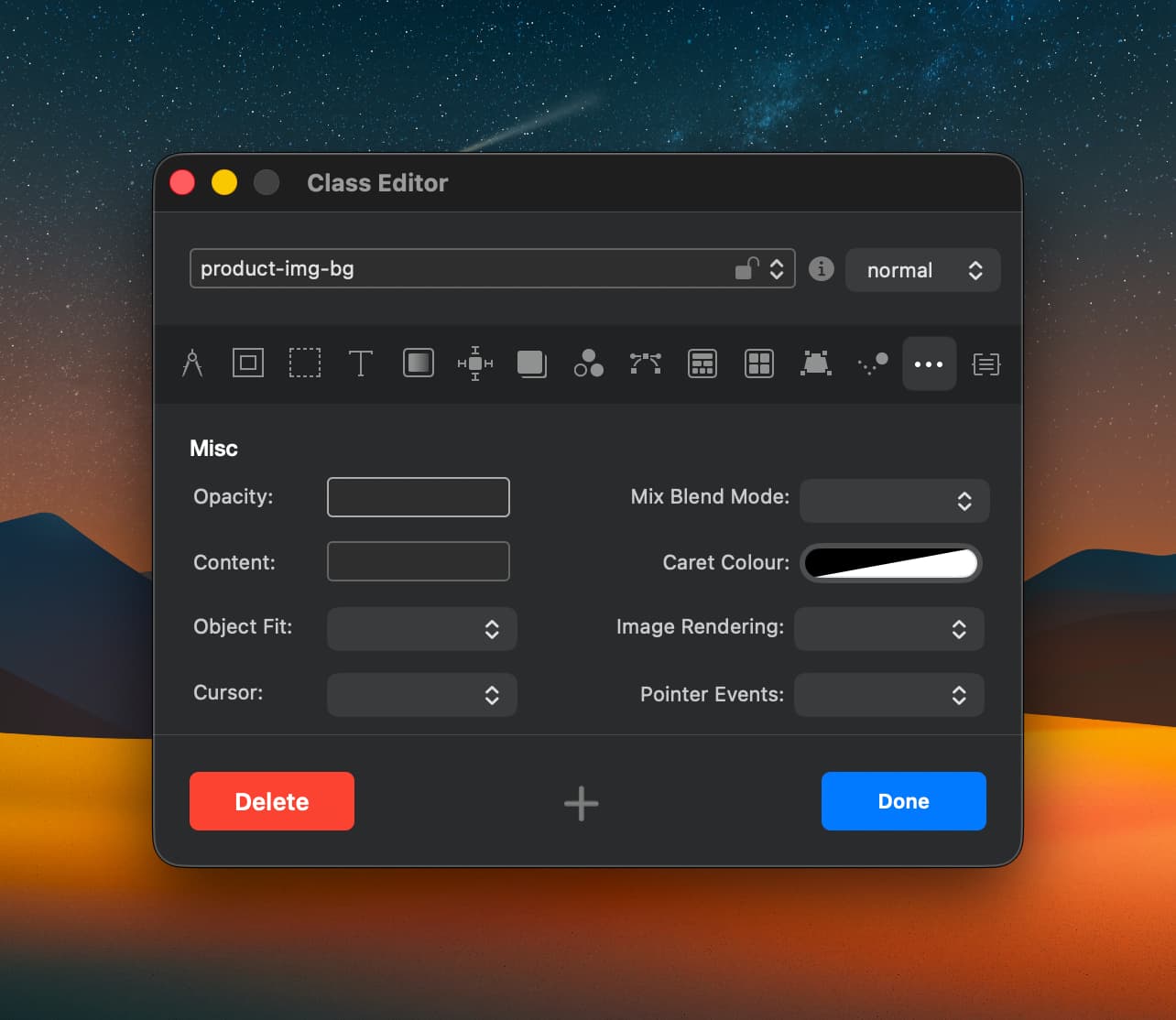
@Norm Would it work architecturally to have a input field in the class inspector somewhere, maybe in here or a dedicated tab to add custom css rules for the class?
I put this same idea forward in Blocs 4 (I think it was)… we got the additional CSS input instead, but it’s not visually useful on the design canvas. Custom CSS, with breakpoint support in the Class Editor would have been a fantastic Plus feature for pro users.
Yeah, I have ran into the WYSIWYG problem a few times already. Last one was visualising the default bootstrap system font stack in edit mode. There are a bunch of filters I’d like to use.
You will find as features get rolled out they are often missing key aspects or workflow issues and stay like that for years. It seems like since the mainstream assistance of AI, Blocs development is happening faster and with less bugs? But practical use and workflow is still important.
As others have mentioned here in your post, the code focused approach to CSS input for classes is not available in Blocs and yes it has been requested on numerous occasions.
The particular feature being discussed here has been in and out of our road map over the years. Because Blocs is geared more towards visual design not code, it’s unfortunate that it’s taken a back seat and not made it into the app yet.
However…
We have big plans for the Class Editor in 2026, I’ve been working on ways of simplifying this part of Blocs, whilst expanding its capabilities, which can be tricky.
I think the next iteration of the Class Editor will be easier for none coders to understand and flexible enough for users who like to get a little more into the weeds.
So to summarise, no functionality will be lost, only expanded, it’ll be more flexible and easier to use.
OK, but just one request: please don’t release a Blocs that can only be used with the latest OS. Make it usable for those who are still working with older OS versions (for example, I’m not moving from 14.6.1 for now). Not all of us want (or can afford) to buy a new Mac every 2–3 years…
We have invested in a proper testing setup here at the Blocs HQ with a room full of Macs running older versions of MacOS so we can test properly on devices.
We usual drop a few years in MacOS versions with ever major release of Blocs, but we are aiming to reduce that number now we have dedicated testing facilities for older versions of MacOS.

 But practical use and workflow is still important.


